



BIZOP MOD - DOWNLOAD
BizOp Mod adds the ability to run and operate a functional corporate business. Hire and fire employees, make sales, create and ship products.
Requirements
Get To Work Expansion Pack
XML Injector - Download Here
How This Works
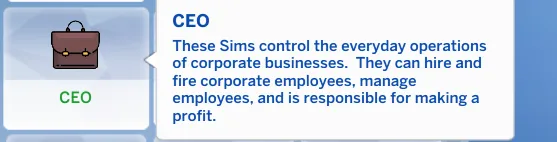
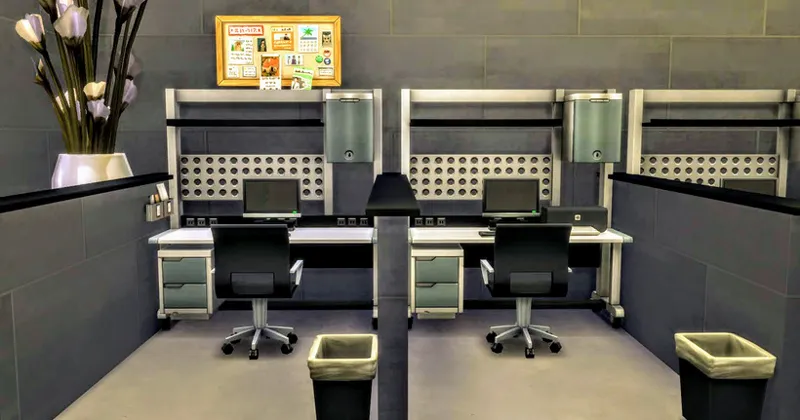
In CAS give your Sim the CEO trait located in the Lifestyle category. Be sure to setup your corporate office and set the venue type to Generic.
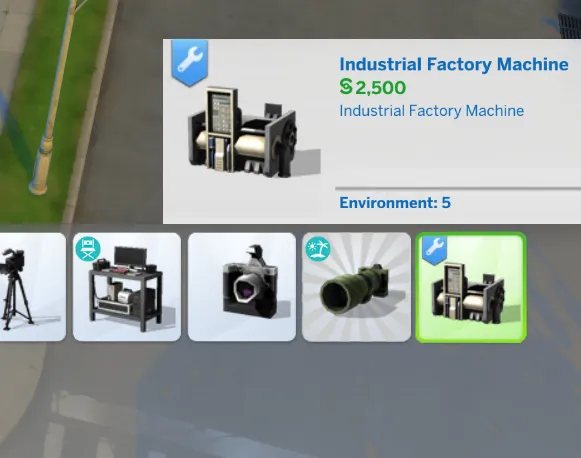
Your office will need a certain amount of equipment and raw materials. Find the Industrial Factory Machine in Build/Buy Misc Electronics Category. Price $2500 Search "Industrial Factory Machine".
Optional Functional File Cabinet is available for $75 found in Build/Buy Misc Surfaces. Search "File Cabinet"
Desks for employees and computers.
How To Hire And Fire Employees
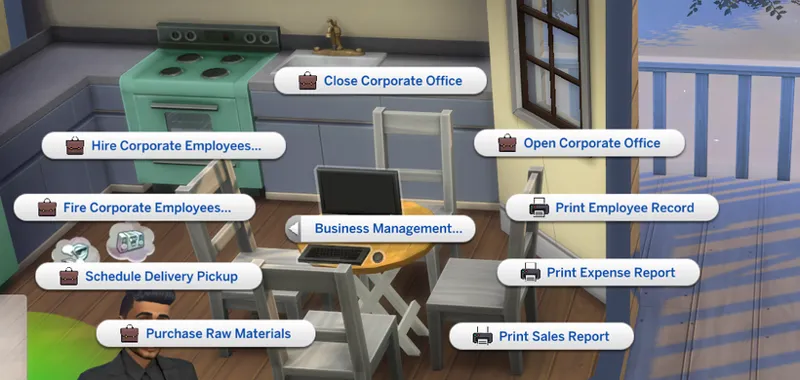
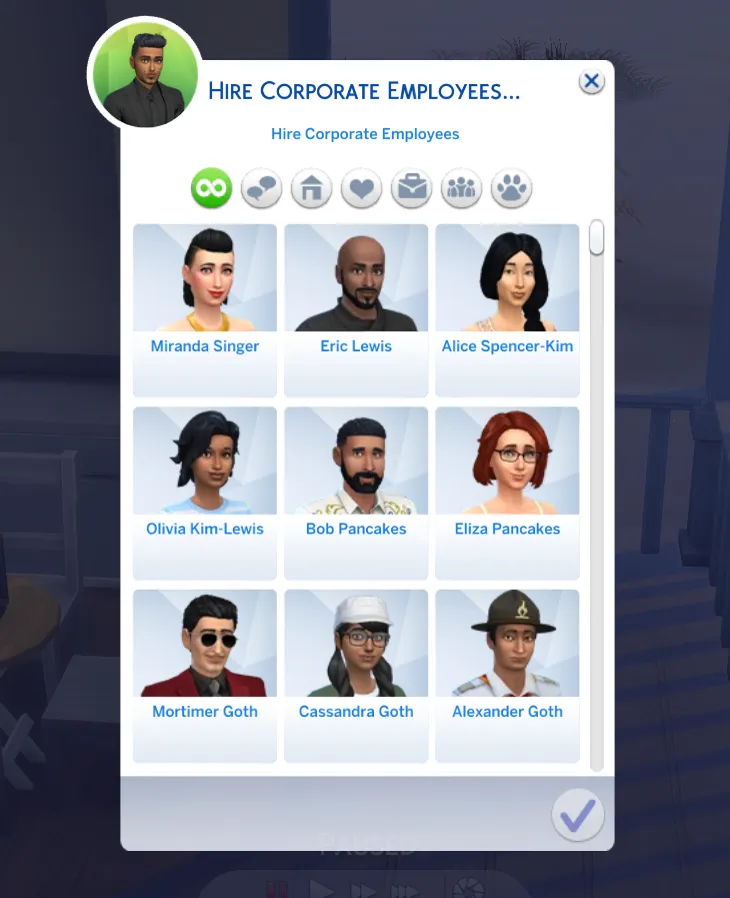
From a basegame computer use the Business Management menu and Hire or Fire interactions. When hiring employees you can select up to 12. These are the employees that will spawn at the corporate office when you Open the office.
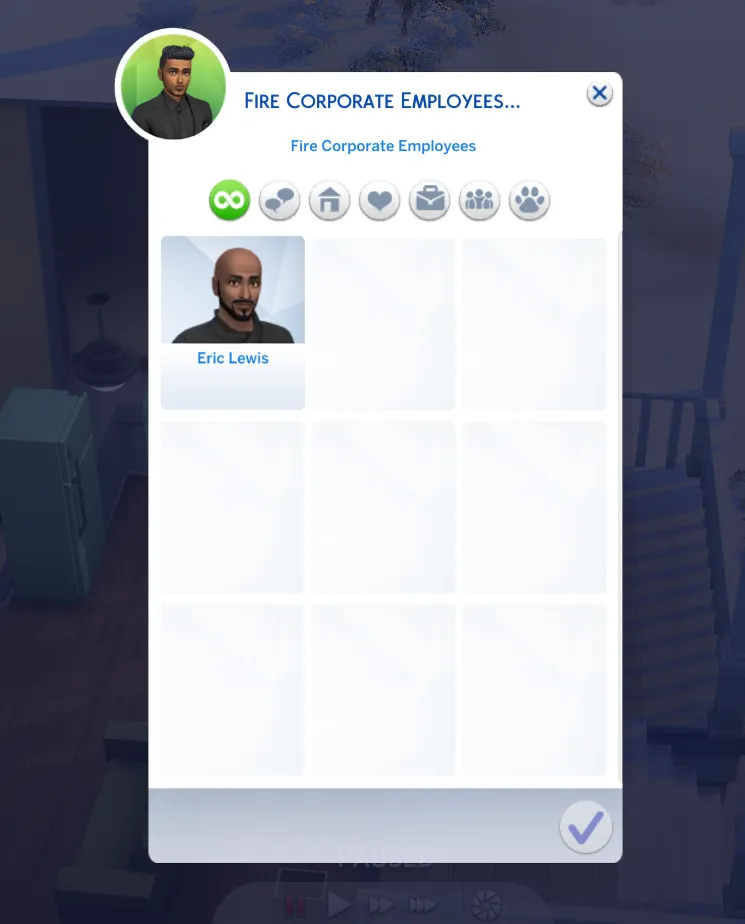
The Fire employees interaction will be blank if you did not hire anyone. The employees you did hire will show up here. When you fire them they will no longer show up when you Open your office.
When you're ready to do business use the Business Management Menu to Open for business.
Purchase Raw Materials
Raw materials will cost $400 for a qty of 4. These are used to create product shipments. These are electronic parts you can find in your inventory.
How To Make Sales
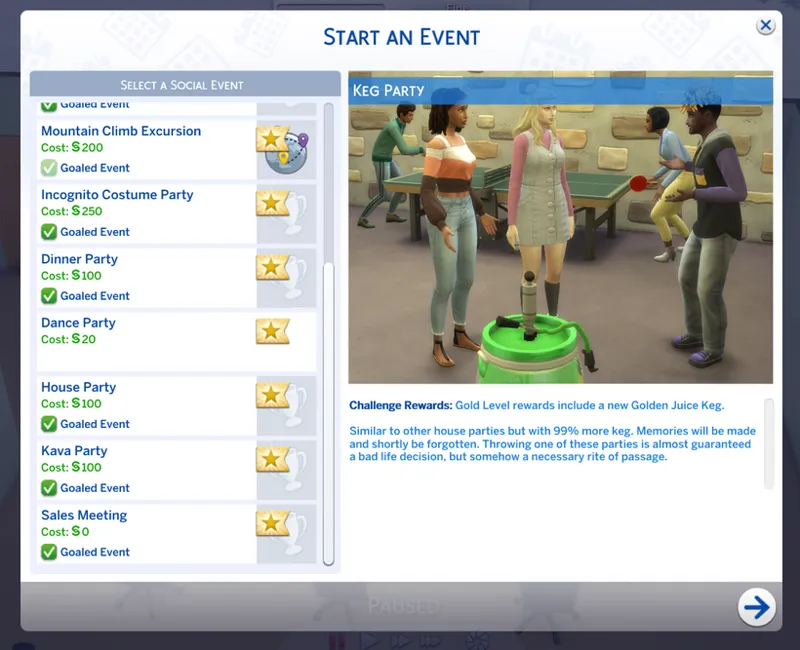
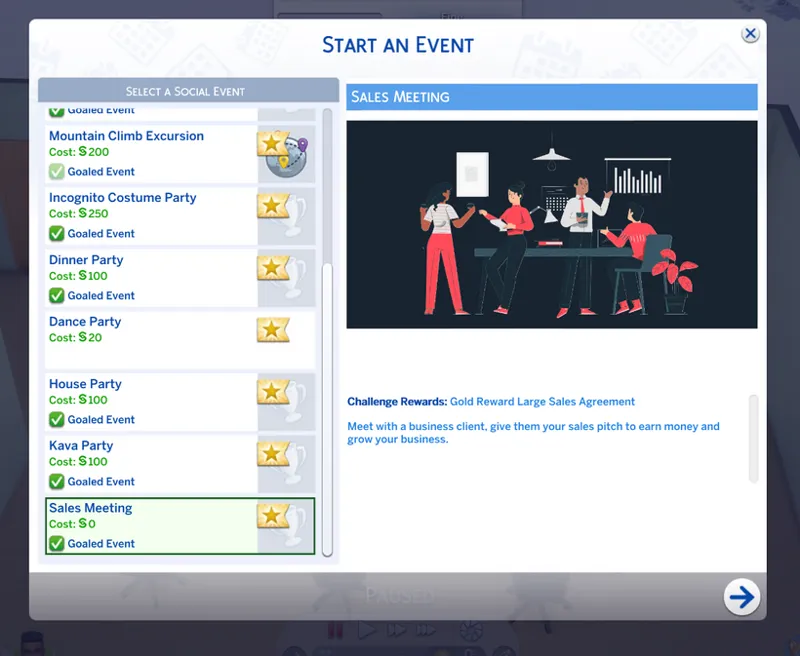
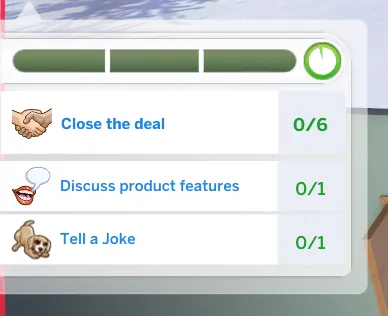
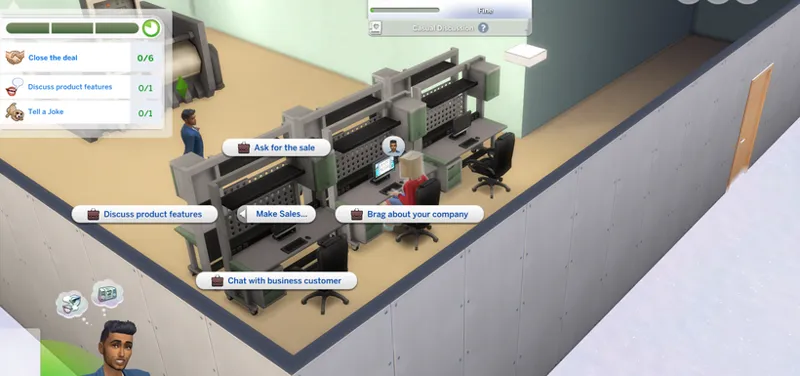
Use your phone to plan a social event, select Sales Meeting. You can find needed interaction from the Socail "Make Sales" menu. You'll need to goal the event to close the deal. Bronze reward is a small sales contract. Silver reward is a medium sales contract. Gold is a large sales contract. These contracts will arrive in your Sim's household inventory like other event rewards. You'll need to travel to your residential lot to get them and then place the contract in your Sim's inventory. They're required to complete the order.
How To Create Product Shipments
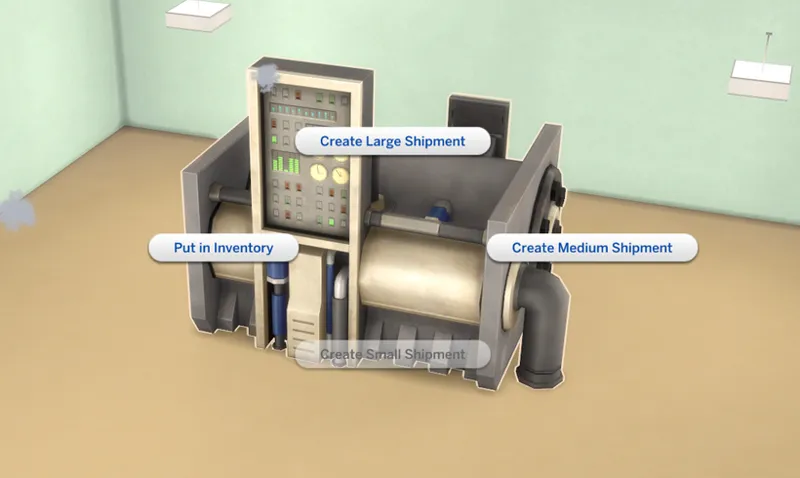
Once you have a sales contract from a business customer in your Sim's inventory and at least one raw material, you'll need to create their order and ship it to them. Use the Industrial Factory Machine to create the proper product shipment.
The interactions on the Industrial Factory Machine are instant. Check your inventory for the shipment.
How To Deliver Orders
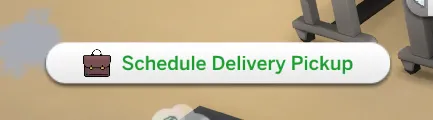
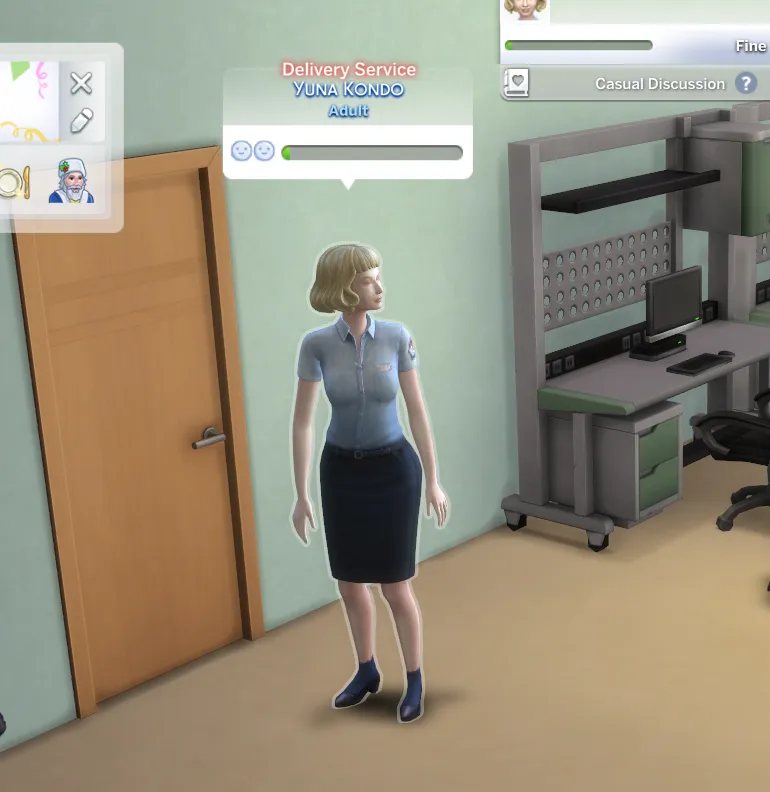
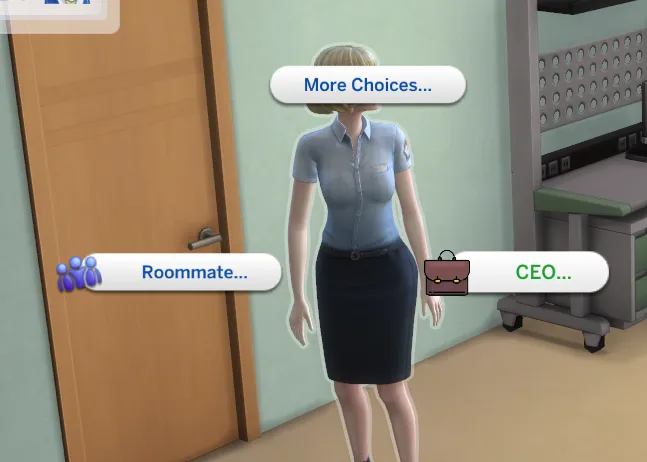
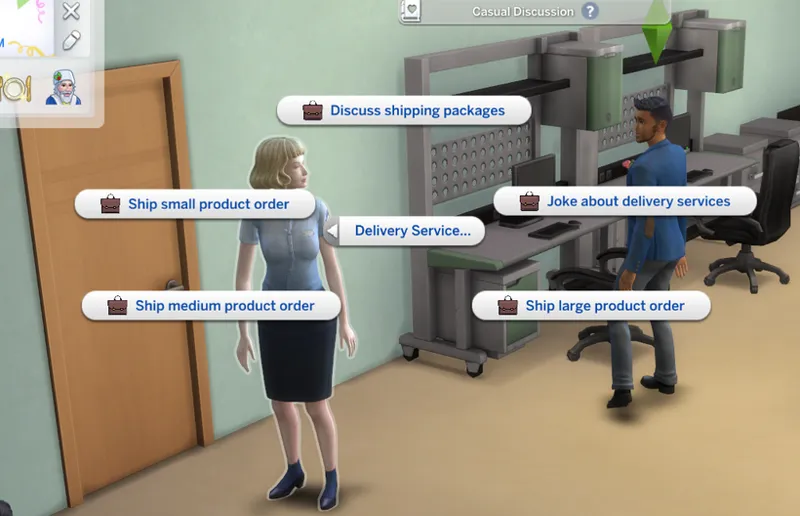
From the computer and "Business Management" menu, select "Delivery Service". A delivery service will arrive to pickup your shipment. Click on the delivery driver, select the order size you're shipping. The item will be removed from your inventory and shipped by the delivery service. You'll also get the payment when you ship the item. $2000 for small sized shipment, $3000 for medium sized shipment, $5000 for large sized shipments.
Functional File Cabinet And Reports
From the computer you can print needed documents and files. Then place those files in the file cabinet if wanted. The file cabinet has it's own inventory. The give name isn't working at the moment.
How To Install
-Unzip file. Keep all files in the folder. Place the folder in your Sims 4 Mods Folder.
-Sims 4 game options, mods and script mods need to be enabled.
-Requires the latest version of Sims 4
Terms Of Use
-Do not claim this mod as your own
-Do not re-upload to any site
-Translations cannot include the mod. Only stringtables.
Any issues please report them below. Do not remove any files from the mod.
Next update will focus on Employee interactions.
Find all Mod Downloads on my website: https://wickedpixxel.com/category/downloads/
Comments (18)
Hiya! When I create a corp office, I set it to "Generic" however, when I go to "Purchase A Retail" It doesn't allow me to buy the lot. No other option for purchasing a lot unless it is a Vet
okay.... Thank You
The only thing I get when I click on the management is hire or fire. Nothing else will come up and the employees don’t show up.
A new version of this mod is releasing in a few days. This version is no longer supported. Please hold on for the new version.
I can’t find the industrial factory nor the file cabinet. Any solutions?
Hi, I just subscribed yesterday since I use a lot of your mods, I’m interested in this one and I was wondering a few things: is it possible to have co-CEO like partners who run the business together? And is it possible in future update to do other things like shipping stuff? I have a storyline idea of two sims having a digital software and web design business, so employees would work on computers doing websites and softwares which CEOs sells later to clients or the other way around, clients who asked digital stuff, then they are delivered. Is this doable?
I like the idea especially shipping out orders. You can with the version but it can be expanded. Co-CEO maybe try giving two sims the ceo trait and both have the ability to run the business.
I got it working I didn’t have that specific injector installed
I do. Idk what’s going on but thanks
Yes
Make sure you have the xml injector included. Posted at the top of this post as required. Hope this helps.
any reason why i cany see hire or fire?
The other interactions are showing up?
Hi wicked, I was wondering do we have to create a office in generic lot or can we have meeting in preferred room at home lot , say 64x64 lot?
I believe it should work on the home lot.
The business menu isn’t coming up for me I’ve made a generic lot and added desks, computers and the machine. I’ve tried my home computer and the one on the lot but it’s still not coming up. Help pls!
OMFG!!! THANK YOU PIXXEL XOXO!!
Hope you enjoy the mod. Thank you too :)