
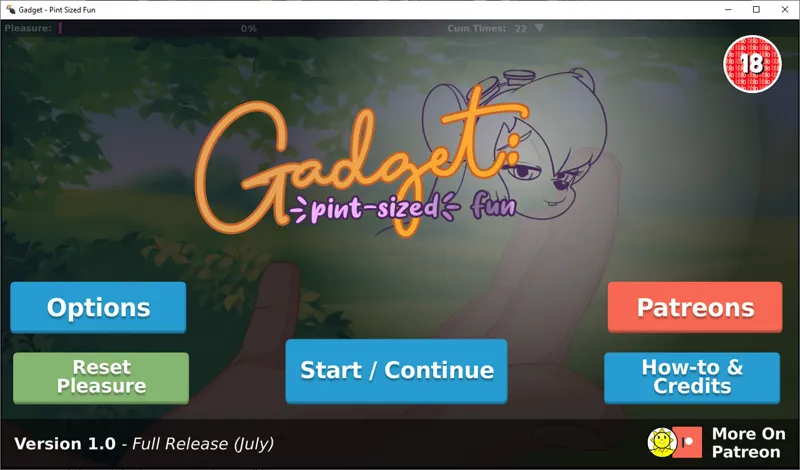

Gadget: Pint-Sized Fun [1.0] Release
---
TO DOWNLOAD:
Welcome emails that include your access key & archive download keys are now sent automatically every 30-60 minutes. If you didn't get an email, you can get your access key with this form (But you may still need to wait at least 60 minutes for it to work if you didn't get your email).
Sometimes payments can end up as pending, and the process will take a bit longer.
Once you have your key, all the latest versions of my games for download are found here. Just enter your unique key and you will get all the links.
If you are having trouble with getting or using your key, please reach out to me via Patreon messages, Discord DM or Twitter message, and I will help as soon as possible!
---
EDIT: Updated the windows version to fix the black screen issue for some AMD Graphics cards
Hello everyone, I hope you’re having a great day!
Please only use the 'DIRECT' version only if the 'GPU' version does not work for you.
Super excited to bring you the 1.0 release of Gadget. This means I believe the game has all the features I intended it to have when I started this project. 1.0 brings the following updates:
Coom inside without penetrat1on on the big d1ck toy
Feet licking while idle
The Futa d1ck will coom when gadget cooms (turn on in experimental modes)
Subtitles
Stats (Top bar dropdown)
Some settings are saved now, like last current used background & subtitle option
UI Design Update
Fixed a bug where gadget would say some things more than others in idle
First MacOS Release
FAQ:
There may be some bugs in this version as I changed how each scene is loaded. Please let me know if you spot a bug, and i’ll fix it in the next update.
The game is running slow, voice goes of out of sync:
If you are on Android, you can also set the quality to ‘low’ in the same settings page. If you are still experiencing slowdown on windows, please try to keep the play window relatively small (Don’t maximize it to your screen). I’ve tried to optimize the game as much as possible.
Menu items or other things are invisible on android:
Please try the ‘direct’ version for android, though this may perform slower on most devices.
I think I found a bug!
Please let me know about any bugs, I’d love to fix them in the next update.
-------------------
Please download and enjoy! I’m always really excited to hear feedback and criticism.
A big thank you to everyone supporting me, especially since the beginning of the Gadget game journey, to make this happen. I love you all <3
Comments (28)
cant get the futa option?
Open the save/load screen, click on the pencil icon and you will be presented with some options, futa is in there :)
Top link gets downloaded as a zip.. is there a way to manual install??
Hm, can you try it in another browser like Firefox? The link is an APK so your phone must be changing it. It's https://beachsidebunnies.vip/wp-content/uploads/videos/2021-07-coco/Gadget-1.0-ANDROID-GPU.apk
Can we get normal APK? Not sure how or why I can't install the zips. Maybe a bug? It's like this for this game and gadget game
The two topmost links are normal APKs. Let me know if you can't get them
Is the futa thing not available on android? Everything's working fine but I can't find any futa d1ck or anything like that
The futa option is in the experimental options. Go to save / load, and click on the experimental button. It's in there. I hope this helps :)
No matter which link I use, my phone will not open any of the files.
What phone model and Android version are you on?
Hm. I don't know but every link I try downloads properly, but when it goes to install is just says it didn't install.
Nevermind. It took some tinkering but I got it to work.
Apks open as an archive instead of installing on android
Hi klaus, you may have set your ZIP manager to open APKs by default. You should be able to reset its settings if you find the app in the phone app manager. If this still doesn't work, you may need to download a 3rd party apk installer through the app store. Please try both of these and let me know if you have any more issues
Really nice work :), you put a lot of effort and details in, even in older projects. super cool
how do you access experimental modes?
Hey there, this is probably my fault as I get this asked a bit. Open the save/load menu, the pencil icon on the right is the experimental toolbox screen. Sorry about that! I should probably make a button on the main accessory pop out in the future.
Love your work as always. I have some suggestions for potential future additions/tweaks that might be nice for potential future updates. Letting us use tongue as a option in more scenes would be nice. And if it wouldn't be too much work, either splitting up or allowing more than one option of some of the clothing. Earrings/glasses/makeup/necklaces as well as panties/stockings would all be nice to be able to have on at the same time.
I'll have to think about how this can be done, but I'd like that to be a possibility. Perhaps a screen that actually has little icons for each accessory piece and you scroll / tick off the ones you want off and on. It would be a bit of work, but I think something necessary for me to code for this and future games.
Have a problem - android version don't open - and with what problem, I don't know. Version 0.9 work normal.
Hi there, a few things to please try: Uninstall the old version completely. Try downloading from the links in the comments instead. Try the direct version. Or please try downloading the *apk .zip version, and use a zip extractor app to get the APK on your phone to install. Please let me know if you still have an issue and I can try to help <3
How do you turn on Experimental Modes? Or am I just stupid?
Hey there, this is probably my fault as I get this asked a bit. Open the save/load menu, the pencil icon on the right is the experimental toolbox screen. Sorry about that! I should probably make a button on the main accessory pop out in the future.
https://beachsidebunnies.vip/wp-content/uploads/videos/2021-07-coco/Gadget-1.0-MACOS.zip
https://beachsidebunnies.vip/wp-content/uploads/videos/2021-07-coco/Gadget-1.0-WINDOWS.zip
https://beachsidebunnies.vip/wp-content/uploads/videos/2021-07-coco/Gadget-1.0-ANDROID-GPU.apk.zip
https://beachsidebunnies.vip/wp-content/uploads/videos/2021-07-coco/Gadget-1.0-ANDROID-DIRECT.apk
https://beachsidebunnies.vip/wp-content/uploads/videos/2021-07-coco/Gadget-1.0-ANDROID-GPU.apk