
Our Life 2: Save Screen Features
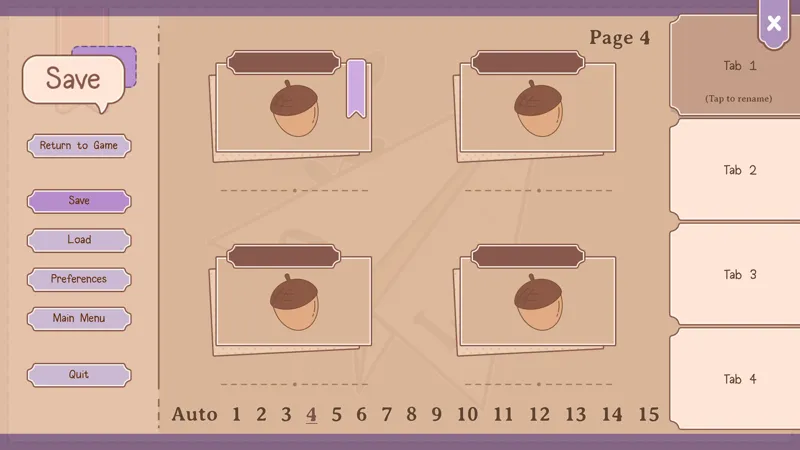
The save screen in Our Life: Now & Forever is rather nifty. We've tried to come up with ways to make it easier to recognize which save is which and give ways to better organize multiple playthroughs.
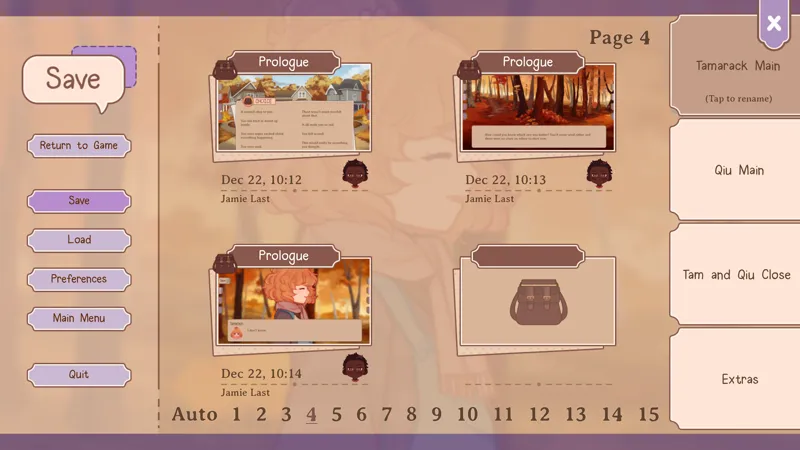
Save files include details like the MC's name and appearance, what time of day the save was taken, and at which part of the game it's from. There's also a little sticker icon in the upper left corners of save. You get to pick what that sticker is and can change it at any time during the game. That means if you want to use the exact same character, but split what you're doing with that character you can still know what's different by switching out the sticker.
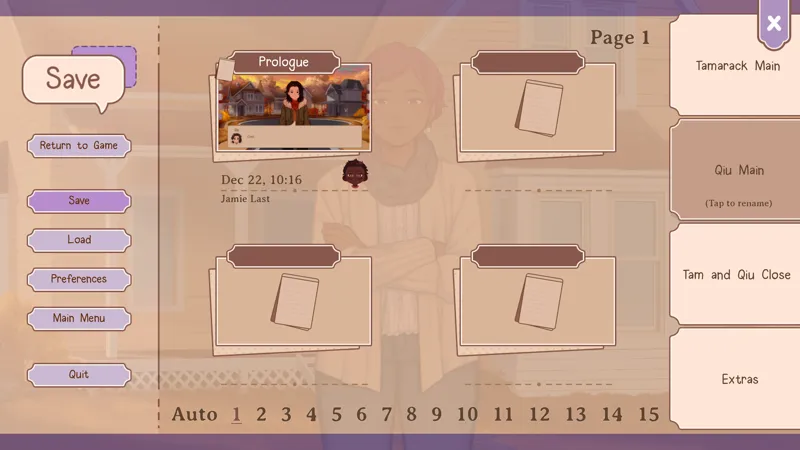
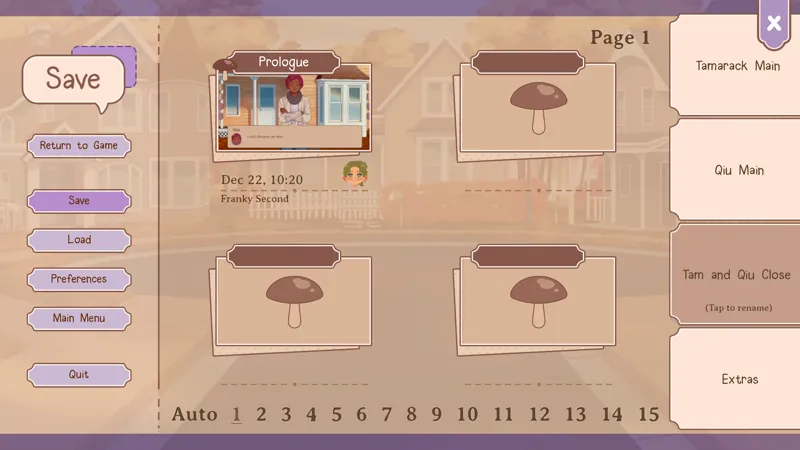
And/Or you can also separate files into different tabs. There's four tabs to use with 15 pages in each tab. You can even rename the tabs to recall exactly what those batch of saves were for.
Combining all the tabs together, there's 240 normal save slots to use, and four automatic saves! Hopefully this makes replaying the game an easier process.
Comments (15)
I think something that would be cool to add is the year (obviously not necessary) but I was looking at my past Our Life: B&A saves and it was difficult to tell if that was a safe from what year. Not the biggest thing in the world, but I always enjoy tracking that stuff. Would be cool to see here. This does not detract from how intelligent this new save system looks! I am ecstatic to start playing the demo and see this wonderful game in action.
I love this so much! Makes organization so much easier!
That's amaaazing
I love this aesthetic so much!
This is amazing!
That little MC face is going to be so helpful. As someone who always used the default name for all my many MCs in OL trying to figure out what character I had been playing as in each save file was not an easy task, this is going to help organizing things so much.
I've only ever had 5 saves in the first game so having 240 saves available is mindboggling... but that's cool for those who wanna use that space. I still love the cozy UI.
Those acorns are cute- how can I save them withouth saving my game? :(
Okay, this is awesome.
So cute
Oh this is going to be so helpful with my terrible habit of saving before every other choice
I have to admit there have been some UI/UX decisions that have puzzled me about OL2 so far (mostly the tiny faces next to the names of characters in their text boxes when they're literally on-screen, which just looks cramped), but this is an absolutely necessity considering how much of the game is based around replayability. Hard mode in OL1 is trying to figure out which save is for what MC or 'story' you've set up!
For some perspective from someone who likes the tiny face icons on the text boxes, it makes it easier to immediately know who's talking when there are several characters on screen at once. Also, consider the possibility of situations where a character is talking but not yet visible (for example, maybe they're in the process of running up to you, or you're talking on the phone with them).
Very nice ! Thank you so much for your hard work. 🥺
Oh this is real sweet. I often lose track of saves in ol1 so i ended up replaying from the beginning (while akipping text) which took forever. Maybe like this i wont lose track of what save is what uwu