

ScripthookV update and game crash FIX
ScripthookV received his update for actual game patch, now its time to apply it to game, here i had to do some extra steps to solve game crash when loading story mode:
Download and install new ScripthookV
Use OpenIV to extract and save your dlclist.xml file from mods\update\update.rpf\common\data (you also may need to do this with other custom files you have inside this update.rpf)
Close OpenIV and copy the new "update\update.rpf" file to your "mods\update" folder and replace old one
Using OpenIV navigate to "mods\update\update.rpf\common\data" and click in "Edit mode"
Insert back that dlclist.xml file you saved in second step
Download the updated gameconfig file, choose one of the options inside the zip, i prefer the Stock traffic one.
Insert the gameconfig.xml you choose to use
Right click the gameconfig.xml file in OpenIV and click in Edit
Press Ctrl+F to open the search and type clothstore, edit the value from 60 to 600
Click in the Save button
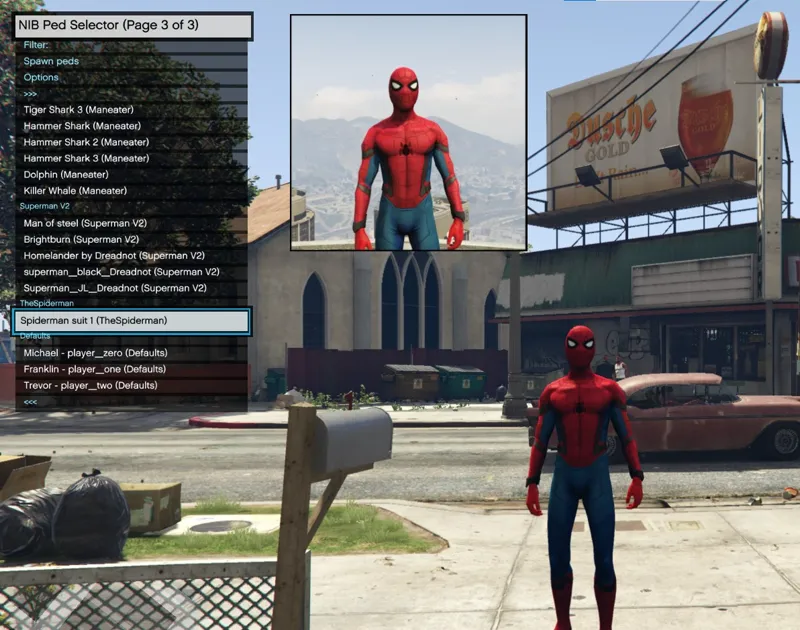
Done, now the game should work fine with the added peds and other stuff.
Case game still crashing, rename mods folder to modssssss to test if the issue is inside mods folder.
We may need to remove some added peds, each game update the max of added peds gets reduced even more due to new things added in the updates.
Comments (38)
It doesn't work for me either. Where the long text should be, the "loading music" plays but the screen is all black
still says error
which error exactly?
I have steam, and I didn't start the game, I already changed the scripthook V, also updated, the dlclist and the configure 1.028
did you solved? didn't saw this comment until now
Did everything suggested and the game loads now but no mods are available. Menyoo and ctrl 4 don’t work. What am I doing wrong?
probably you need to install scripthookv and asi loader, check if the files are in main game folder, run game launcher as administrator
bro your mods ar so good i love your mods
why do the people get put into a actual box when I web them down?
install the mod again choosing mods folder
Works great! Thank you so much Julio 🙏
Can I get a LEGO Batman pls it’s my dream
this is up to ped model creators ;)
We need lots of melee combats, please add many melee combats bro!
i bought the patreon and in game it still saying buy it how do i fix
for support send message...
most people need to just redo their gameconfig file
I did something stupid that didn't relate to the update, so I wouldn't worry. Always read the authors instructions.
Do I need to do this or will the backup version run and perform the same? The backup seems to running fine but I have been having this issue with installing DarthKnight's latest ini files. The flash one and the ironman ini files won't show on your mod screen but the peds are loaded in just fine on the addonpeds menu. Do you think it's an issue with the update or just something on his end
its not related, the suits will appear in menu if you have a valid .ini file in the mod suits folder, you can copy a existing one and edit model and display name
I kinda need some help, I know it's a problem in my mods folder, and I know what initially caused it. I download "World Of Variety" and like and idiot I didn't back up my files. Tried to delete it and the game hasn't been able to load the mods without crashing. scripts and everything else work fine.
Fixed it, I deleted the update.rpf from my mods folder, uploaded an outdated one then updated it from the one in my update file and it retained all my peds and items.
umm I have a question. I know this isn't the right place but this is the latest post. my question is that I am a 10 dollar member but I can't login on my pc but is logged in on my MacBook is there anyway to use your mods?
for support you should send message or email.
can you make a video im a bit confused
Can you make a video for us to see?
dont think it's needed, very basic steps
Hey Julio, I followed your instructions and everything seemed to work for a while but then the game started crashing while loading story mode. I renamed the mods folder and it still crashed. I also verified game files through steam and all files were verified, any idea on what to do next?
i would remove asi loader (dinput8.dll) to see if the issue is one of the scripts
HELP !
я все сделал как написано но игра вылетает
tried renaming mods folder to test? you probably forget one thing, make sure you are copying and editing correct files
THANK YOU!!! You're absolutely right. All I had to do was uninstall my add-on peds folder. (I had almost 4GB of peds on there lol). Thankfully, I have several different folders of peds. Star Wars peds, Superhero peds, celebrity peds, video game peds etc. That way you can keep the file size low by simply swapping out the add-on peds folders.
How do I uninstall my peds folder..? cuz my peds aren't loading in game wit the suits I have in the script mods. I also have a CW ped pack thingy nd iss not working
yep i just deleted some peds now im going to see if it works
if you renamed mods folder and game still crash, the issue isn't in mods folder... try verifying game files integrity
did everything you said its still crashing
renamed mods folder to test?