



1.2.0.1 - New Devices, Controllers and Input Features
Since the release of 1.0.0.0, we've continued expanding Handheld Companion's hardware support while improving controller handling, input customization, performance and the overall user experience. This release also brings a number of improvements to virtual controller handling, keyboard input, device management and overall performance.
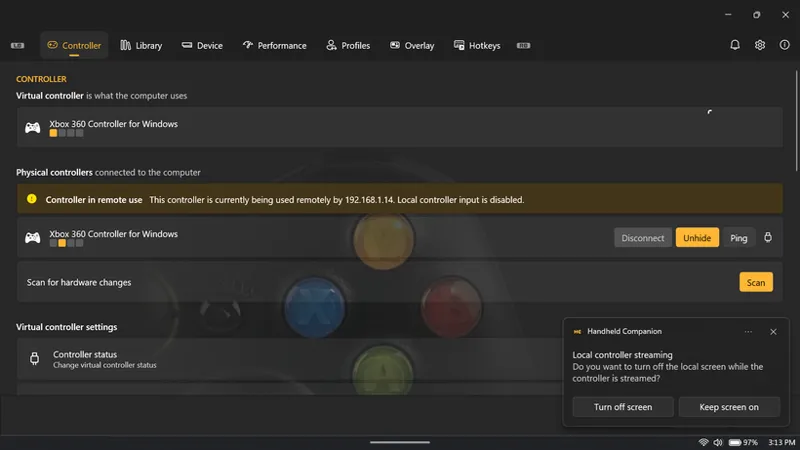
We've also added support for the 2026 Steam Controller and remote/network controllers, allowing Handheld Companion to connect to controllers running on another device over the network and use their input and motion data as if they were locally connected. Remote controllers can be discovered and managed through their network connection, with controller information, button glyphs, state and motion data synchronized with Handheld Companion.
Finally, with this release, the Handheld Companion Early Access Patreon tier is moving from €3/month to €4.50/month for new and renewing supporters. This change will help us keep up with the growing number of supported handhelds, increasing hardware diversity, and the rising cost devices for testing and support. See our Early Access tier survey for more details and community feedback.
Highlights
Expanded device and support
Handheld Companion now supports:
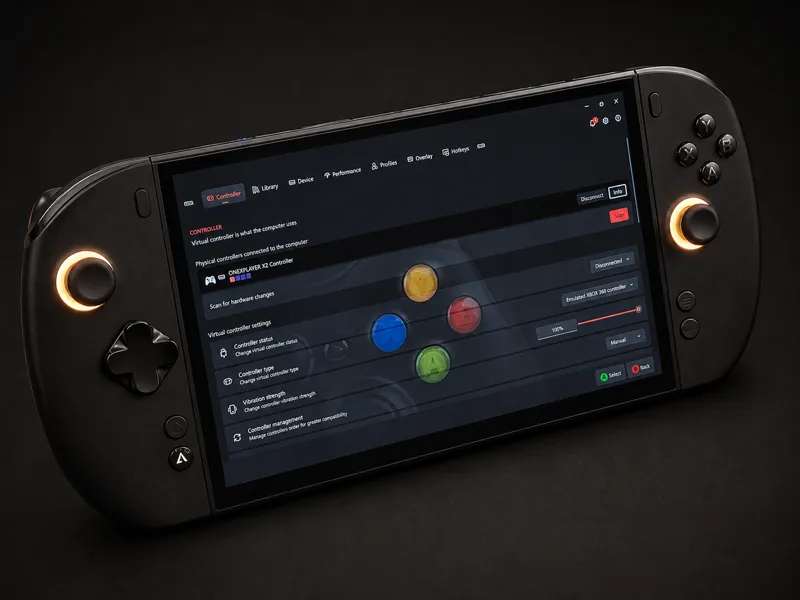
OneXPlayer X2
OneXPlayer X2 Mini Pro
Valve Fremont
Legion Go and Legion Go 2 DirectInput mode
Steam Deck OLED firmware 0x1100
2026 Steam Controller, including its controller functionality and integration with Handheld Companion
Remote and network controllers
Handheld Companion can now use controllers connected through the network, enabling controller input and motion data to be streamed from a remote device.
While still in its early stage, remote controller support includes:
Automatic controller discovery over the network
Streaming of button, axis and controller state data
Streaming of motion-sensor data such as accelerometer and gyroscope input
Synchronization of controller metadata and button glyphs
Connection and disconnection management
Handling of remote controller sessions
This makes it possible to use a handheld as a controller or use a controller that is physically connected to another device as an input source for any Handheld Companion instances, without requiring a direct USB or Bluetooth connection to the handheld.
Improved performance
Virtual controller handling has been optimized to reduce CPU overhead and improve controller lifecycle management. The virtual controller CPU usage reduction is entirely based on the work of corando98/VIIPER and is included here with their contribution.
Additional performance improvements include GPU telemetry and overlay metric changes, improved CPU power-management handling, and other background optimizations.
What Changed
Device Support
Added OneXPlayer X2 and X2 Mini Pro support, including X2-specific EC handling and turbo-button takeover.
Added Valve Fremont (Steam Machine) support.
Added DirectInput mode for Legion Go and Legion Go 2.
Added Steam Deck OLED firmware 0x1100 support.
Added Intel prebuilt shader download controls, including per-application support where available.
Added an MSI Claw Win+G workaround to allow proper use and mapping of OEM keys.
Improved HID device handling and centralized HID cleanup.
Controller Support
Added Steam Controller 2026 support.
Added remote/network controller support with discovery, state and motion data, metadata, glyphs and connection management.
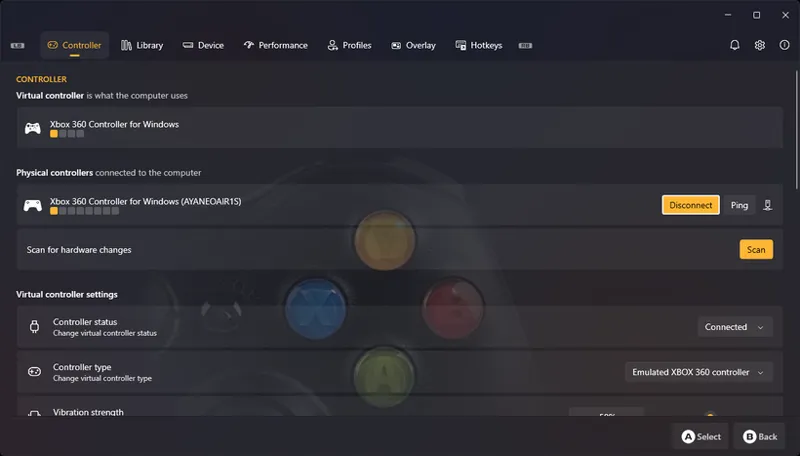
Improved virtual controller device management and cleanup.
Reduced virtual controller CPU usage.
Improved controller state handling.
Input and Layouts
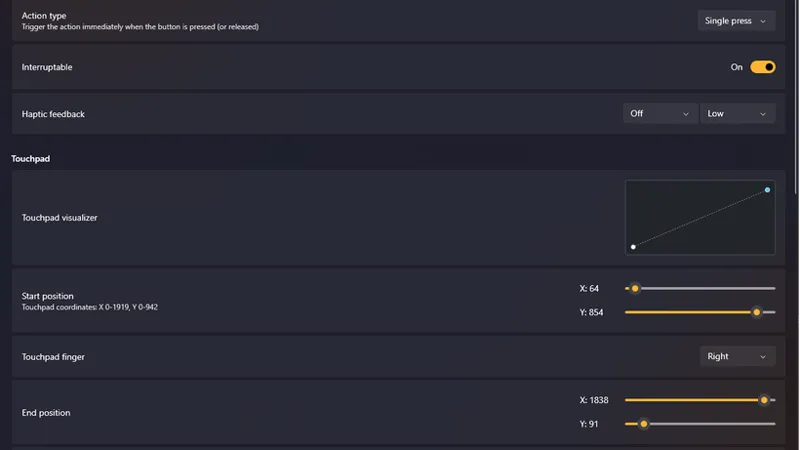
Added configurable trackpad haptic feedback, touch, click and scrolling.
Added TouchpadActions for touchpad gestures, touch and click actions.
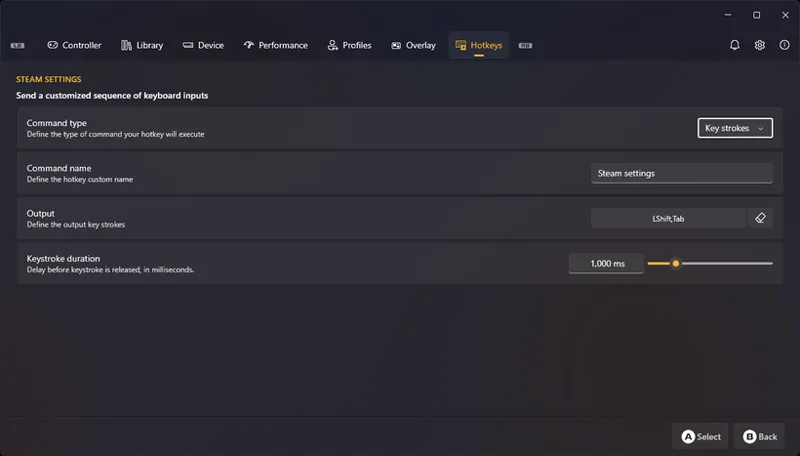
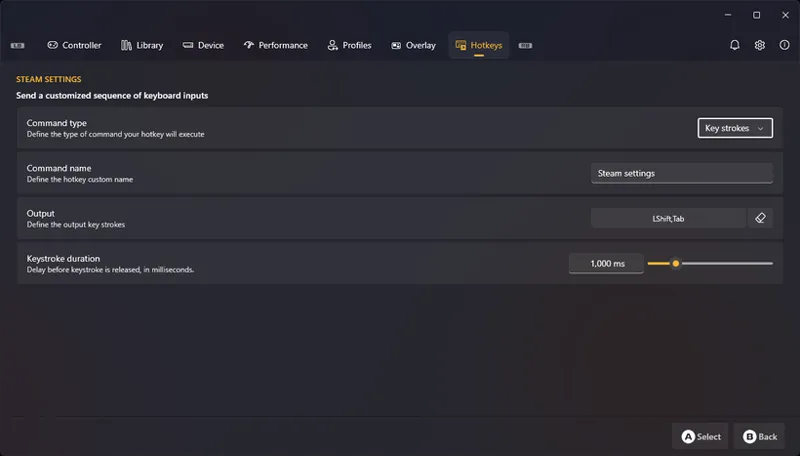
Added configurable keystroke duration for keyboard hotkeys.
Improved keyboard chord handling and interception.
Fixed modifier key handling in key sequences involving Ctrl, Alt, Win, AltGr and Shift.
Fixed Special-button passthrough while the controller is muted.
Performance
Migrated GPU telemetry and overlay metrics to LibreHardwareMonitor.
Corrected default CPU policies for heterogeneous and homogeneous CPUs.
Disabled core parking by default on homogeneous CPUs.
Updated Intel KX processor support used for CPU power-management controls.
Added an enable/disable option for the frame limiter.
Restored power-profile EPP management.
UI
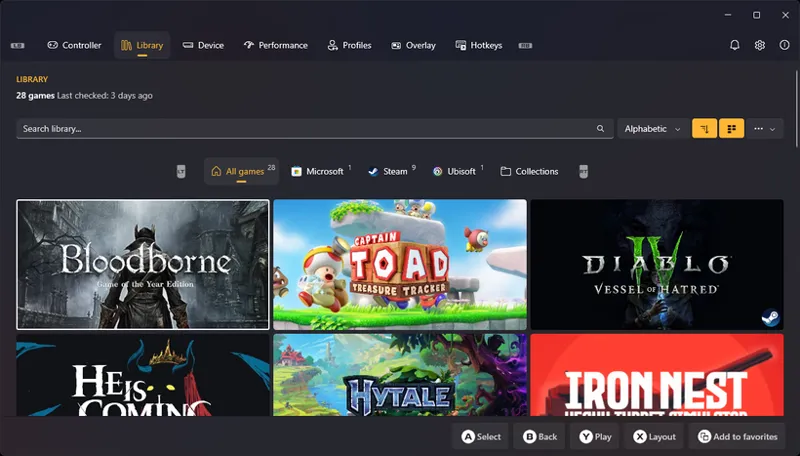
Improved Library navigation and visual presentation.
Added library check timestamps and game counts.
Added localized relative-time display.
Improved profile page layout, spacing and dialog scrolling.
Added accent styling to settings cards.
Hid unsupported device settings.
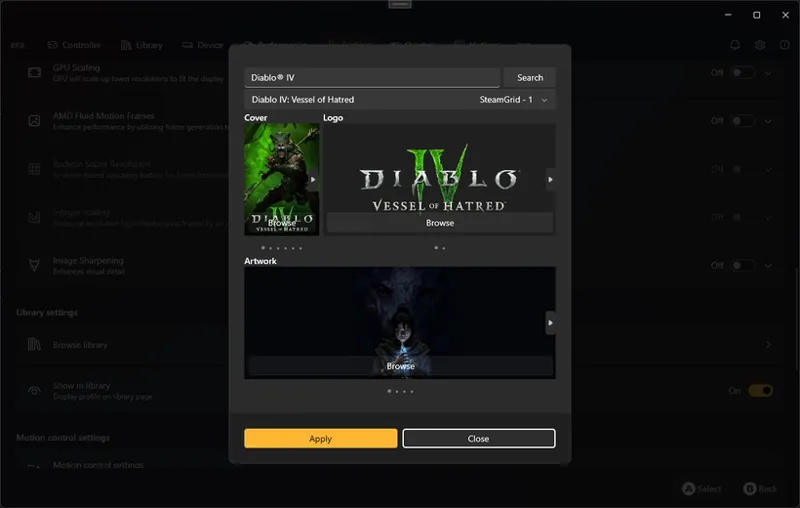
Added manual artwork overrides for library entries.
Added navigation from toast notifications to the relevant page.
Improved overlay customization.
Miscellaneous
Improved fan control across supported devices.
Avoided uninstalling ViGEm during setup.
Updated the installer to Inno Setup 7.1.0.
Fixes
Fixed crashes caused by GPU telemetry query failures.
Fixed Steam controller mode setting type handling.
Corrected motion-sensor mappings for GPD and OneXPlayer devices.
Fixed controller target transition races.
Prevented duplicate device insertion events.
Fixed a regression when trying to set Legion Go controller to XInput slot 1.
Comments (1)
Just pushed a hotfix build 1.2.0.1 that fixes a regression when trying to set Legion Go controller to XInput slot 1.