



1.0.0.0 - Five Years in the Making
The journey began in 2021 with AyaGyroAiming, a small project created to enable gyroscope aiming on AYANEO handhelds. At the time, AYANEO was among the first handheld manufacturers to expose its built-in IMU to Windows, making motion controls possible but leaving users without a practical way to use them in games.
What started as a solution focused on gyro aiming quickly evolved beyond its original scope. AyaGyroAiming became Controller Helper, a WinForms application, and eventually Handheld Companion: a broader, device-agnostic platform bringing controller emulation, motion controls, performance profiles, power management, automation and support for an ever-growing range of handheld PCs.
Five years later, it feels appropriate that this 1.0.0.0 milestone continues to build on those same foundations, with expanded IMU support bringing compatibility to devices using legacy Windows Sensor APIs and opening the door to even more handheld implementations.
Highlights
Expanded IMU compatibility
Handheld Companion now supports both modern and legacy Windows sensor APIs, automatically selecting the appropriate interface for each device.
This brings full IMU support to handhelds using the legacy Windows Sensor API, including:
MSI Claw 7 AI+
MSI Claw 8 AI+
MSI Claw 8 EX AI+
The sensor system is also now more flexible when handling non-standard hardware implementations. Device-specific sensor mappings can be defined through JSON configuration files, making it easier to support unusual sensor layouts without adding device-specific logic throughout the application.
Improved IMU calibration
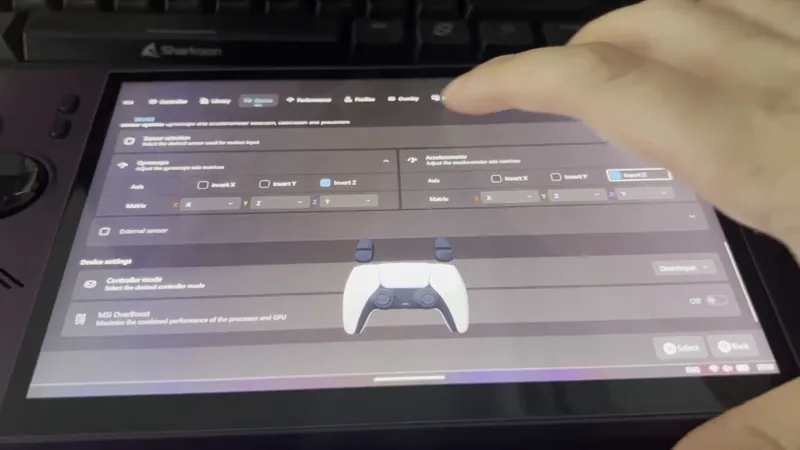
IMU calibration now supports persistent Manual and Automatic modes, both available through the Device page:
Manual calibration: users can place their device on a stable surface and perform a calibration pass to measure and store the gyro offset.
Automatic calibration: Handheld Companion continuously adapts the gyro offset while the device is detected as stationary, helping compensate for drift without requiring manual intervention.
What Changed
IMU
Added support for legacy Windows gyroscope and accelerometer implementations, with automatic fallback when modern Windows sensors are unavailable. Thanks to @Kisen discovery.
Added device-specific sensor field mappings through JSON configuration files to support non-standard IMU implementations.
Added persistent Manual and Automatic calibration modes, with runtime switching and updated Device page controls.
Device Support
Added support for MSI Claw A1M firmware 0x414.
Corrected IMU mappings for the MSI Claw A2VM and MSI Claw CG3EM.
Fixes
Fixed virtual controllers failing to restore their previous HID mode after system resume, which could leave them stuck in No Controller mode.
Thank you again to everyone who has supported Handheld Companion over the past five years.
Comments (2)
I've got a question related to steam machine and controller support. I am aware Handheld Companion is, of course, for Handhelds. However I find it amazing for playing anywhere. Question is: Is the Steam Controller supported? I basically have handheld companion on my Steam Machine and the program is unnable to recognize the controller. Looking at HidHide, it does not show as a gaming device on normal mode, however on Bluetooth Mode it does show as a non gaming device called "Vendor-defined HID-compliant device" (google translation from Spanish). I understand HandHeld has some sort of support because when instaling 1.0 my machine got recognized as Fremont, which is the project name(? for the Steam Machine. I don't mind add the controller support myself to gamecontrollerdb.txt, I would only need instructions on how to do so
Hey, good question. I use HC on basically all my devices now, so to your first point, HC should work just fine on the Steam Machine but maybe the custom architecture won't let you manage TDP. You'd have to tell me here. On the Steam Controller, HC rely on SDL for most controller support so I'd have to check where they stand here. If you don't mind, a chat on Discord to help figure all this out would be highly appreciated 👍