
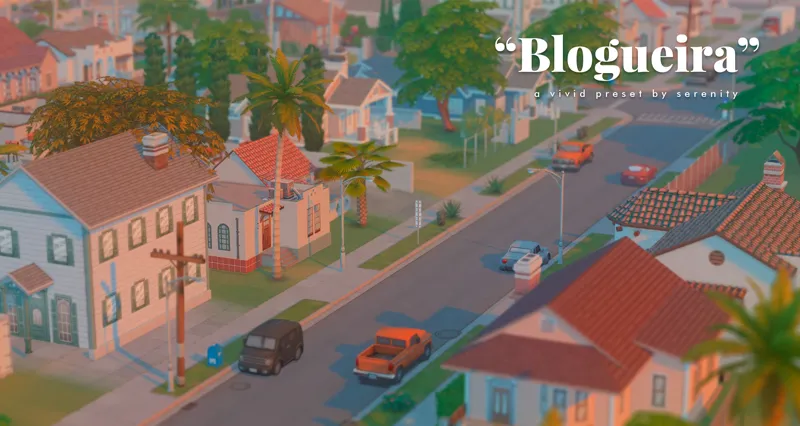
"Blogueira", a reshade preset.
I made this preset a while ago and I can say it´s been total perfection for my gameplays and photos as well. I hope you guys enjoyed as much as I did, cause I basically can´t see my game without it.
Description:
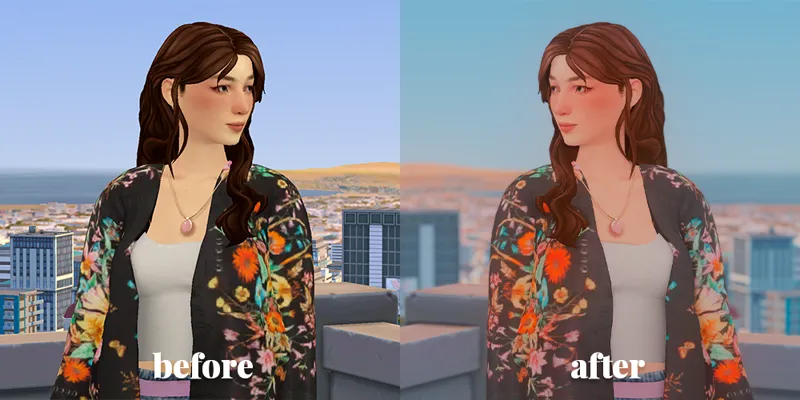
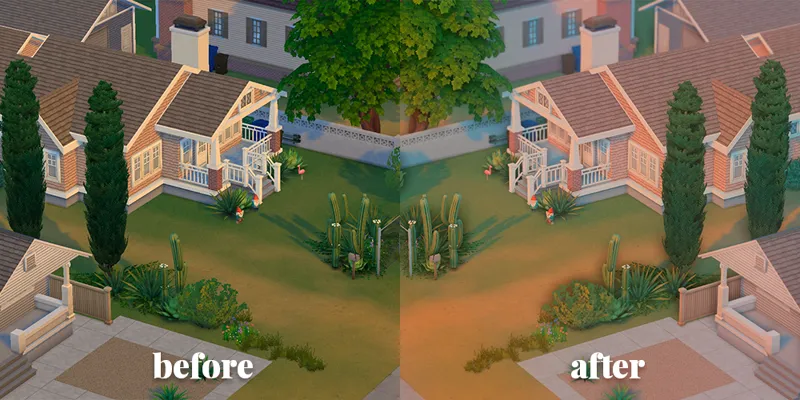
Blogueira is a vivid and colorful preset that adds a cinematic look to your game.
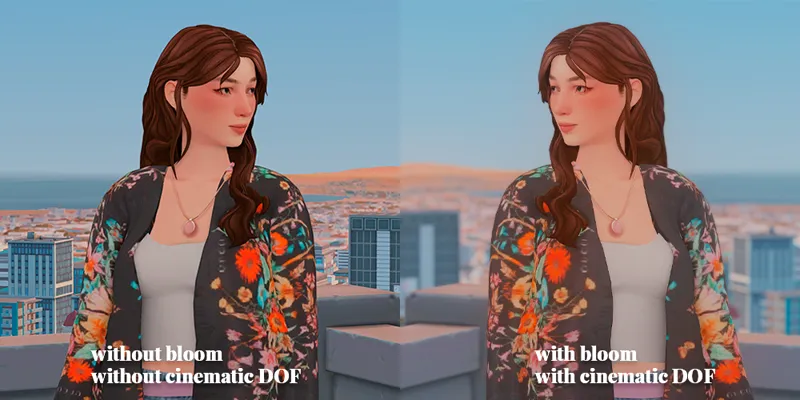
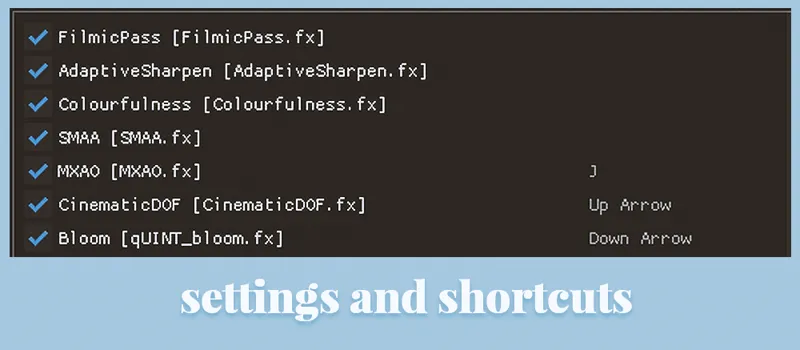
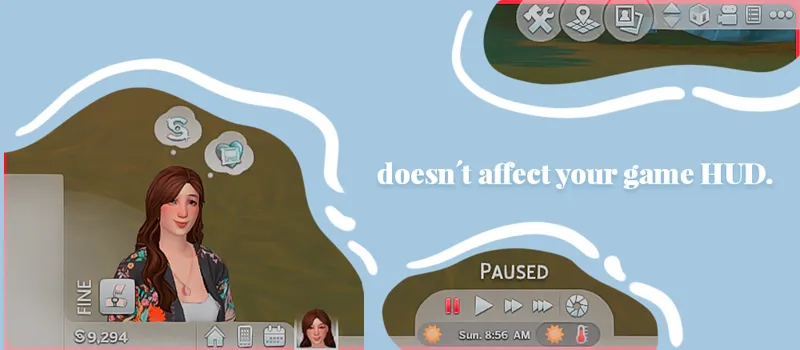
⭐Doesn´t affect your game hud, so it´s perfect for gameplays. *NOTE: for gameplays, you must deactivate bloom/cinematic dof/mxao (optional).
⭐The bloom/cinematic dof/mxao settings are ideal for photoshoot purposes.
⭐ You can deactivate “edge smooth” on your game config because the preset already smooth edges.
❗You can change the shortcuts by pressing the right button above the chosen setting. After that select the option that allows you to set a shortcut and press the key you want to.
How to install:
Download the newest version of reshade here
Open the installer and select your game.
❗ Make sure to install all settings. This is important cause in the future you might have some problems with settings missing in some presets.
Open your game and see if everything and press "Home" or "Shift+F2" to see if reshade is installed. If not follow this steps:
❗Go to your game bin C:\Program Files (x86)\Origin Games\The Sims 4\Game\Bin and change the file name: dxgi.dll to d3d9.dll
⭐ To install presets you just have to drag .ini files to your game bin folder.
Comments (3)
this is beautiful :) can you make a gshade preset?
Thank you! Can you download this on macs?
I actually don´t know much about reshade´s compatibility with MAC, but I saw that there are some threads about it on google 🤔