


Kit Converter All v1.0 — turn any PES kit into an FM26 kit (with 3D preview)
Kit Converter All is out! 🎉
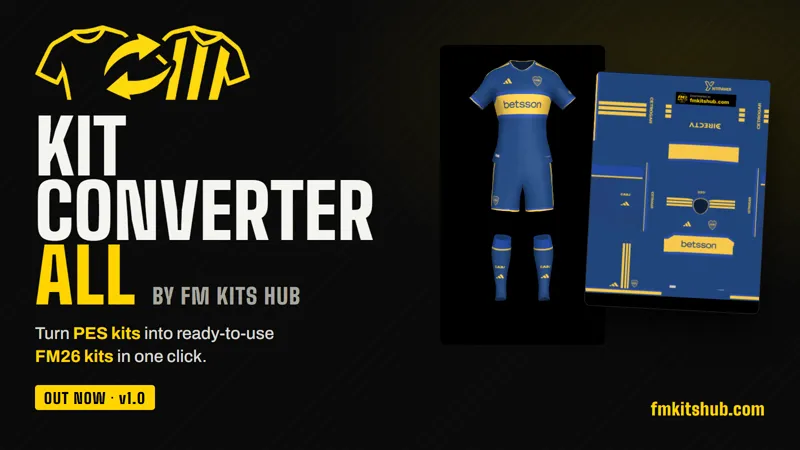
There are thousands of great kits made for PES 2021 by the community. Until now, getting them into FM26 meant fiddling with templates in Photoshop one kit at a time. Kit Converter All does it for you.
What it does
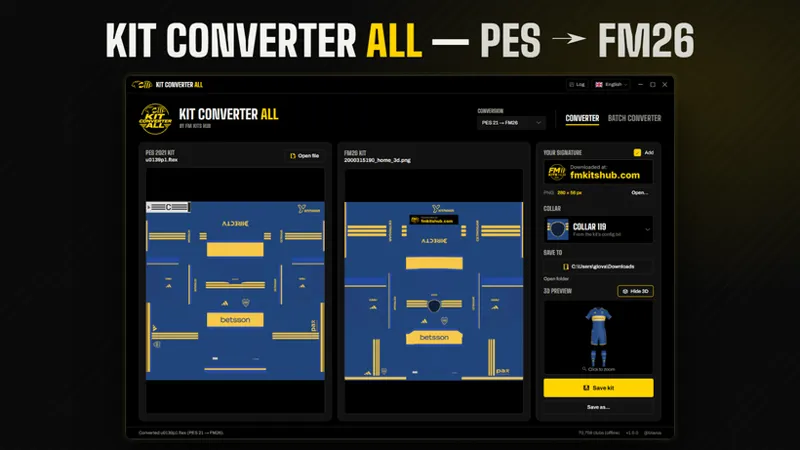
Open a PES kit (.ftex from the kit folder, or a texture saved as .png) and the app re-maps it to the FM26 3D kit template automatically: shirt, shorts and socks in the right place.
Features
- One-click conversion: drop a kit and the FM26 version appears side by side with the original.
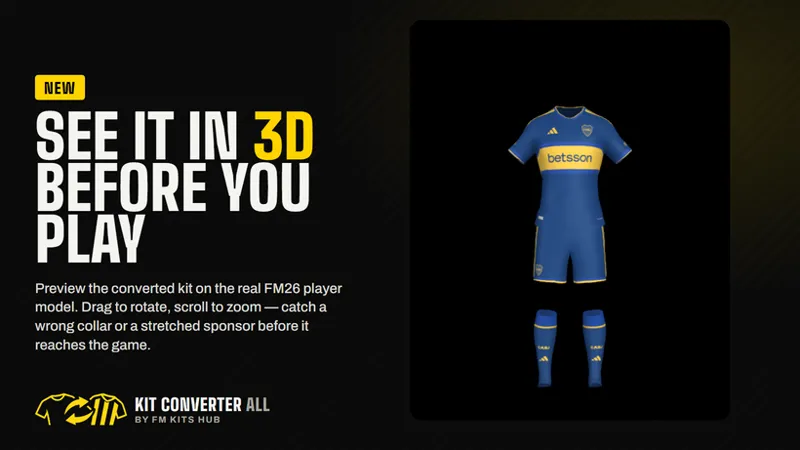
- 3D preview: see the converted kit on the actual FM26 player model before you load the game. Drag to rotate, scroll to zoom, double-click to reset.
- Batch converter: drop a country, league or club folder (or even your whole kits folder) and convert everything at once. In our test the full Argentine Liga Profesional (32 clubs, 160 kits) went through in one go.
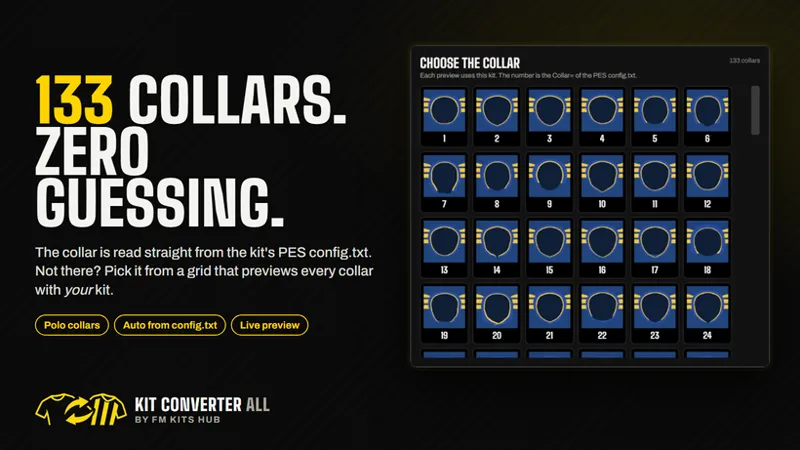
- 133 collars, detected automatically: the collar is read from the kit's PES `config.txt` (polo collars included). If a kit has no config, you choose from a grid that previews every collar using your kit.
- Built-in updates: when a new version comes out, the app updates itself in a few seconds.
- 6 languages: English, Português, Español, Français, Italiano, Türkçe.
How to use
1. Open Kit Converter All and drop a PES kit (Converter tab) or a folder of kits (Batch Converter tab).
2. Check the FM club and the collar. Most of the time they're already right.
3. Click *View 3D* to see the result.
4. Click *Save kit or Convert kits*, then reload your skin in FM26.
Found a kit that converted wrong? Send me the kit folder and a screenshot. Every report makes the next version better. 💛
Thanks for supporting FM Kits Hub!