

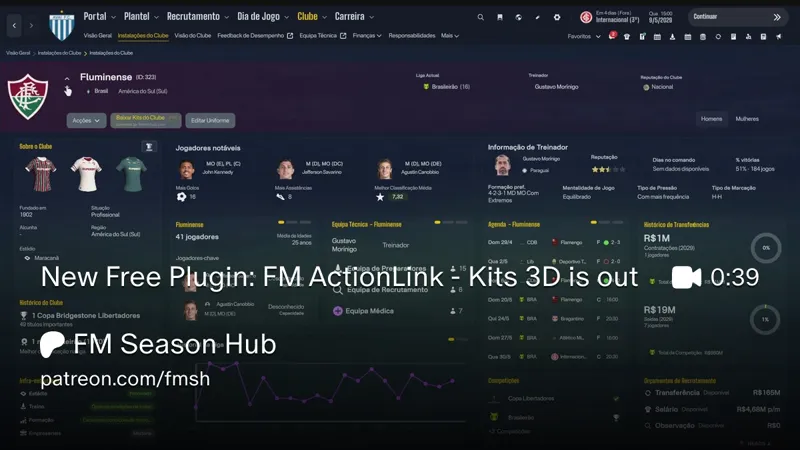


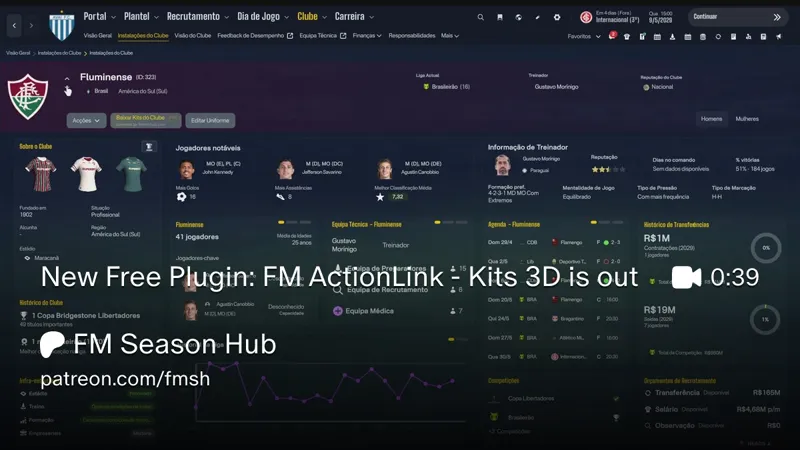
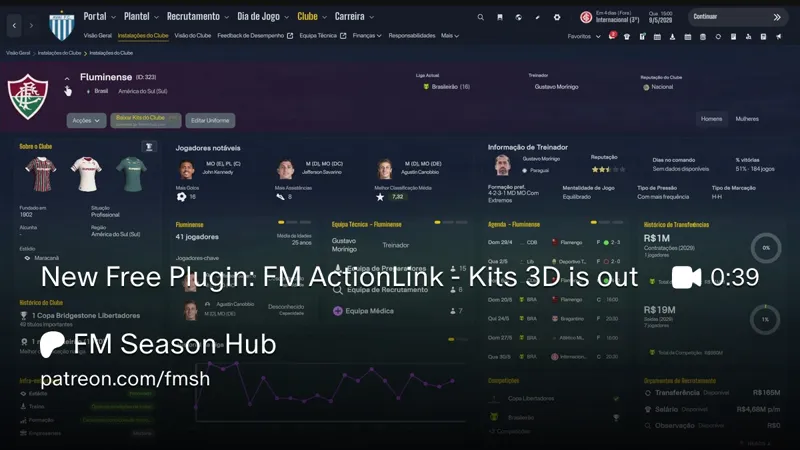
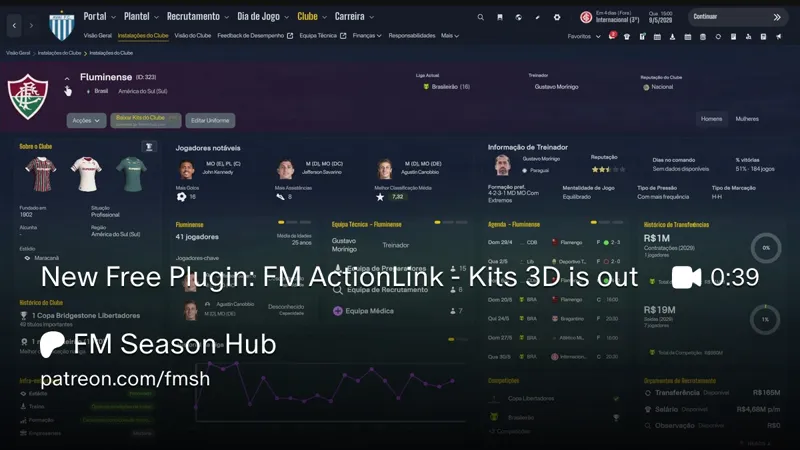
New Free Plugin: FM ActionLink - Kits 3D is out
Changelog v1.1.2 (10th October)
FM ActionLink - Kits 3D 1.1.2
- MrTini23 skin support: set skin = mrtini in BepInEx\config\FMActionLink.Kits3D.cfg. The "About the Club" card keeps its buttons, and the "Kits" card on the club Overview also gets 3D shirts (no buttons there).
- Auto-update: the plugin updates itself when the game starts and shows a line at the bottom of the card telling you to restart FM. To turn it off: BepInEx\config\FMActionLink.AutoUpdate.cfg, autoUpdate = off.
Changelog v1.1.2 (7th October)
FM ActionLink Kits 3D update - Second kit style + ASF support
Shows Football Manager 26 kits in 3D, inside the game. Home, away and third on the club screen. Button opens the full player: shirt, shorts, socks and boots. Uses FM’s own player model. No extra program.
What’s new
Second kit style. Switch it whenever you want.
ASF support. On ASF Volt Broadcast the kits are bigger and sit in the space the skin has for them.
Vanilla and CTRL26 still work as before.
For a clean install, delete the old plugin first.
Hey everyone.
This one started as “why are the kits on the club screen still flat?”
So here it is: FM ActionLink — Kits 3D.
It shows Football Manager 26 kits in 3D, inside the game. No extra program. It uses FM’s own player model.
What you see
On the club screen, in the About the Club card, the three 2D shirts (home, away, third) become 3D shirts. They sway a little ( or spin all the way, if you change the setting ).
There’s a button on the card title. It opens the full player in 3D: shirt, shorts, socks and boots, with tabs for outfield and goalkeeper.
If the kit is one of the game’s official kits, a gold Official badge shows up.
Texts follow the game language (all 18 FM26 languages).
Where the kits come from
Your 3D kits folder (`Sports Interactive\Football Manager 26\graphics\kits`), using the same `config.xml` as the game. Folder layout doesn’t matter.
If that club has nothing there, the official kits that ship with FM.
No 3D kit in either place? The 2D shirt stays as it is.
Player face (optional)
If you use HeadHunter by @FM Heads (real heads in the `heads` folder), the full player takes the face, hair, eyes and skin tone of someone at the club:
first-team captain, if you have his head
if not, the first player in the squad list you have a head for
if nobody matches, the grey player stays
No heads ship with this. It only uses what you already installed.
Plus: automatic download with @FM Kits Hub
Second piece of this drop: you can download kits from inside Football Manager.
This is a HUGE step forward for the entire FM community!
No browser. No zip. No dragging folders!!
FM Kits Hub In-Game Plugin v1.0
Open a club → download that club’s kits
Open a league → download every club in the league, one click
Open a country → download the country pack
Pick 3D, 2D or both. Kits show up in the game straight away — no restart. The plugin updates itself after the first install.
Everything comes from the FM Kits Hub repo, the same collection as fmkitshub.com.
If you already use Kits 3D, this is the bit that fills the folder. Then the shirts on the club screen actually have something to show.
Install
Needs BepInEx 6 for IL2CPP (build be.755 or newer). If you already run other FM26 plugins, you have it.
Copy `FMActionLink.Kits` and/or `FM Kits Hub In-Game Plugin v1.0` into `BepInEx\plugins` (Steam, Epic or Xbox/Game Pass). Start the game. About 5 seconds after the menu, it’s ready. Open any club screen.
It does *not* need the base FM ActionLink plugin.
Settings
`FMActionLink.Kits.look.cfg` is created on first launch. Open it in Notepad, change the number after `=`, save. If the game is open, it applies in about a second.
You can turn the 3D shirts in the card on/off, pick sway vs full spin, and tweak light, brightness and shine. Decimals use a dot (`0.9`, not `0,9`). If the file breaks, delete it and restart — defaults come back.
Current limits
- women’s teams not tested yet
- clicking a shirt does not open the full player yet — use the button on the title
If something doesn’t appear, check `BepInEx\LogOutput.log` for lines starting with `[Kits]`.
Free.
If you try it, tell me the skin and what broke , that’s how this stuff actually gets better!
Comments (12)
The rotating kits stop working as soon as youve played a game
Hi, I just released a fix for this. Please download version 1.0.2.
Works great on CTRL skin, not so much on my skins (TSO and Dark Passenger)
Hi, I'll try to provide support for your skins.
É possivel instalar no MacOS?
Yes the kits works. But the heads don`t
GK 3d kits and heads not appearing.
The game ships no official 3D goalkeeper kits, so the GK tabs only show for clubs with a 3D GK kit in your graphics folder, and only inside the full 3D view (the button). Faces also show only in the full view, and need the HeadHunter plugin with its heads installed. If you have both and they still don't show, please send me your BepInEx\LogOutput.log right after opening that club's 3D view (before restarting the game).
A parte q vc fala `FMActionLink.Kits.look.cfg` é criado na primeira inicialização. Abra-o no Bloco de Notas, altere o número após `=`, salve. Se o jogo estiver aberto, ele será aplicado em cerca de um segundo. É pra trocar por qual numero?
Cada linha é um ajuste. Você troca só o número depois do "=", e cada ajuste tem o seu significado. Por exemplo, para as camisas girarem 360°, troque cardSpin = 0 por cardSpin = 1. Para deixar só o botão 3D e as camisas 2D do jogo, troque cardKits3D = 1 por cardKits3D = 0. A lista completa, com o que cada número faz, está no LEIA-ME.txt, na seção "Como alterar os ajustes". Use ponto nos decimais (0.8, não 0,8).
works with Mr. Tini Skin?
Eu uso uma versão antiga da dele e funcionou, nessa nova acredito que não vá ter problemas