
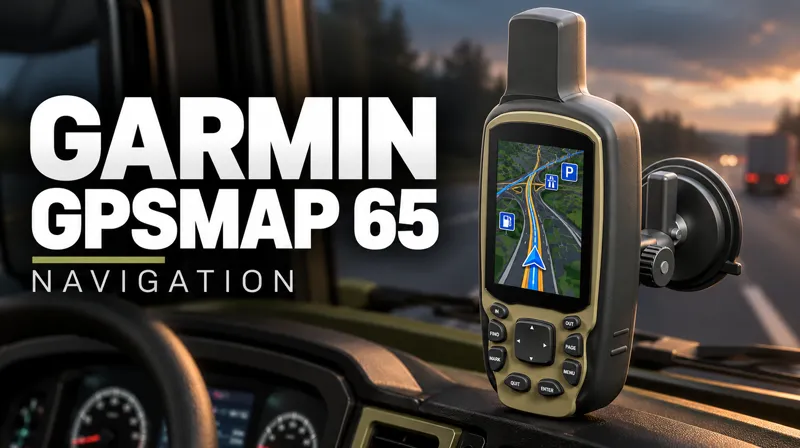
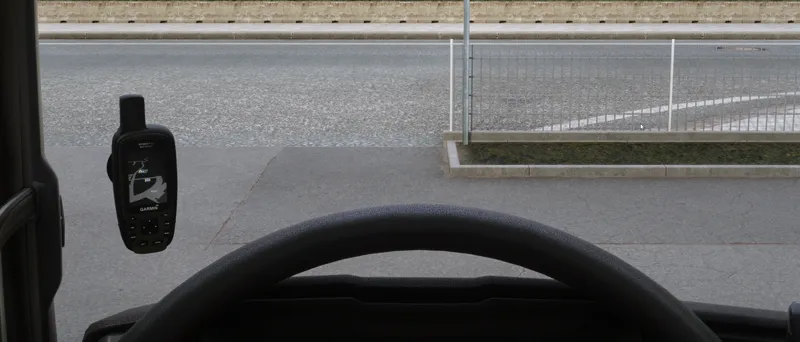
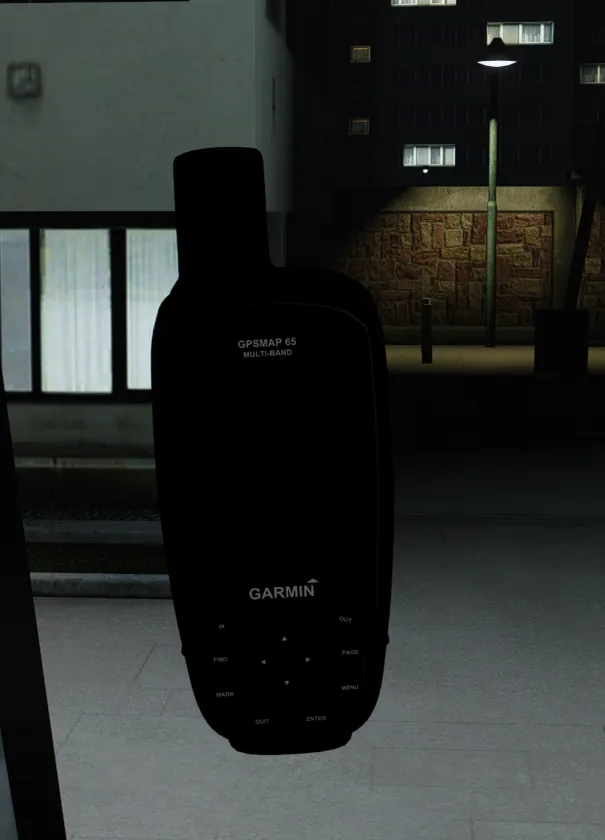
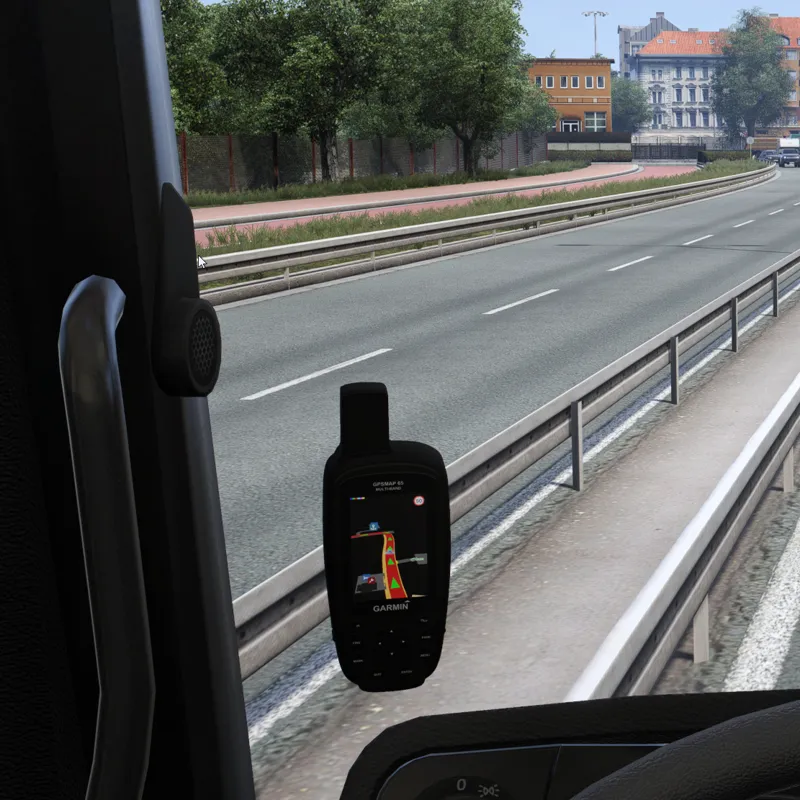
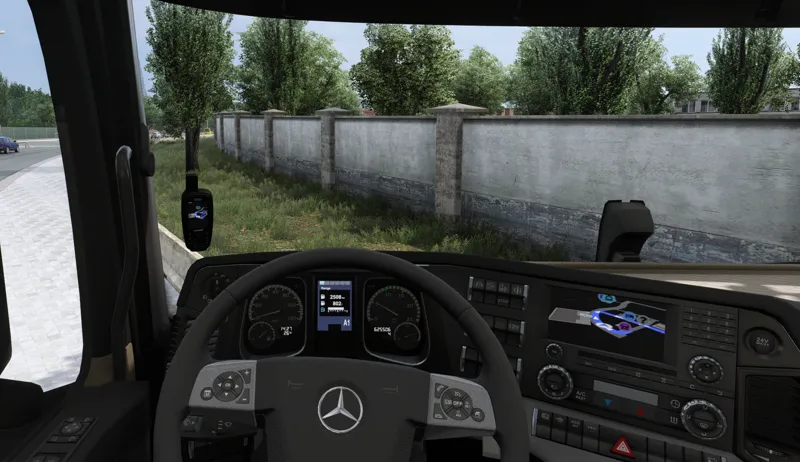
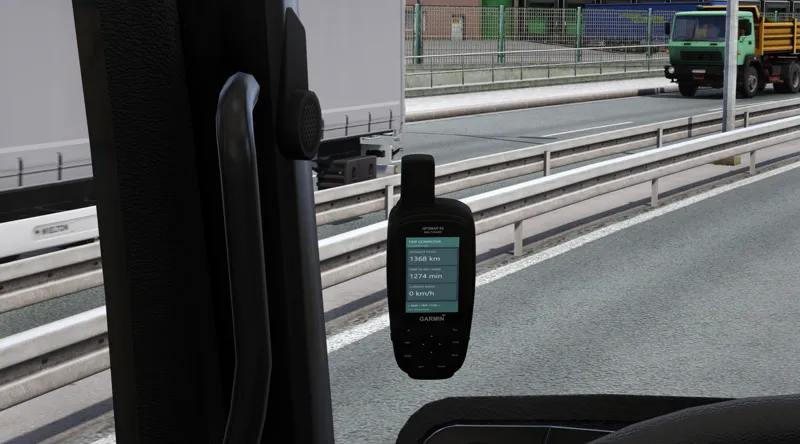
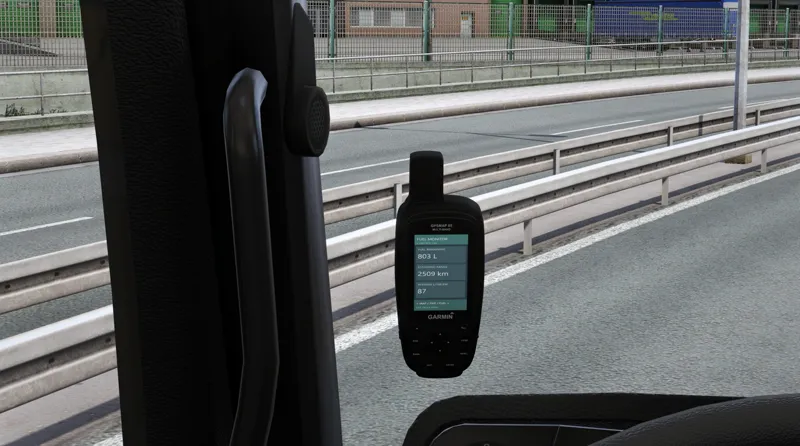
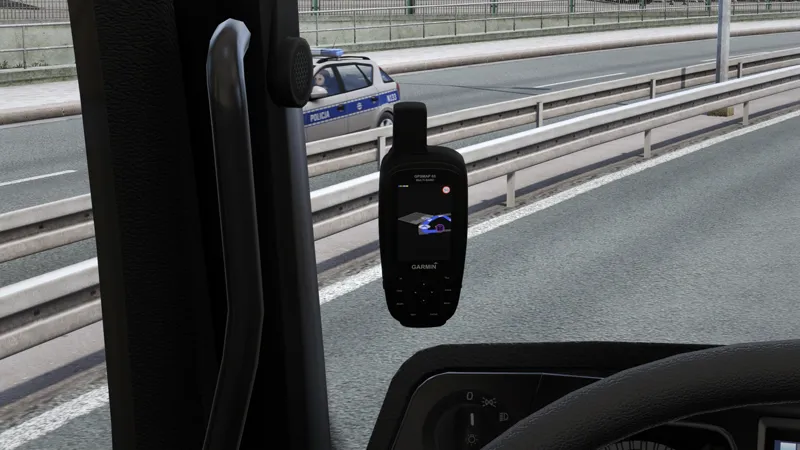
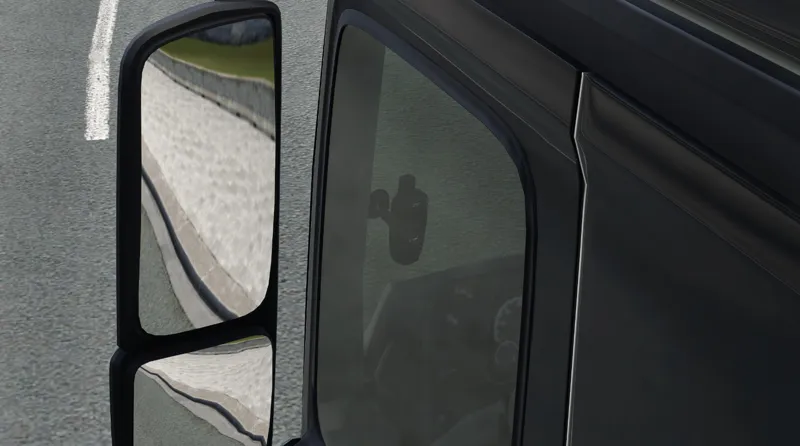
GARMIN GPSMAP 65 — DOWNLOAD 🛰️🔥
The GARMIN GPSMAP 65 is now available in Early Access for:
TSC SUPPORTER
TSC PRO SUPPORTER
This release includes:
SPF Framework integration
3 display modes
Fuel Monitor
Route Monitor
Quick Job compatibility
Menu sounds
Zoom function
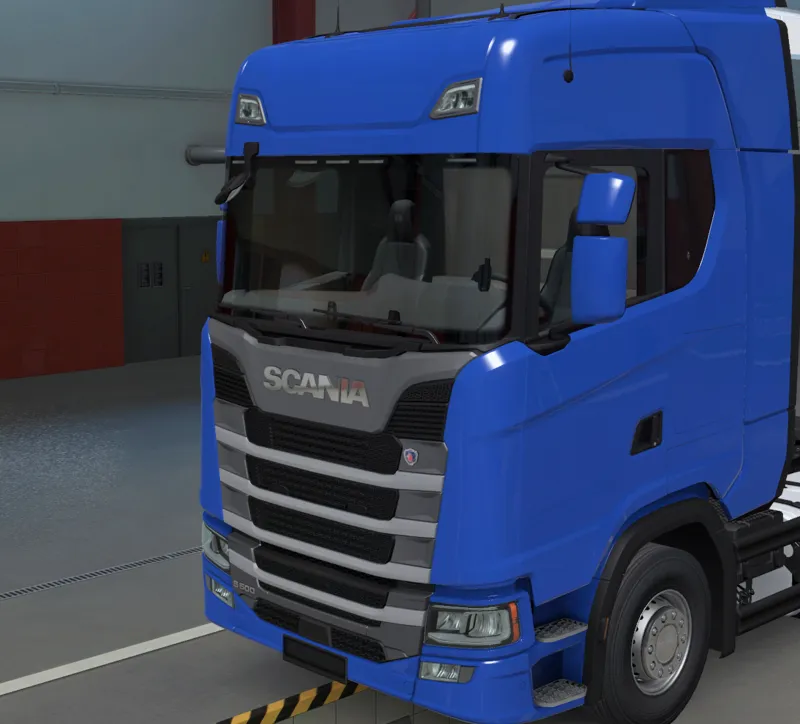
Support for all standard SCS trucks and 64 modded trucks
More truck compatibility and updates will be added over time.
A huge thank you to everyone supporting TruckSim Customs and OverDriveSim. Your support helps me keep developing bigger and more advanced ETS2 projects like this.
I really appreciate everyone who has joined the community, tested my mods, shared feedback and supported the project on Patreon.
as always if something is wrong or crashing please report here or on discord im solo dev and cant test everything with every possible way ;)
DOWNLOAD BELOW
Comments (8)
It works perfectly – thank you for explaining
No problem happy playing!
It’s all working now, but how do I reduce the zoom level? It’s far too close. I’m using the mouse to control it and it zooms in so close that it goes out of view.
Down and up arrows🙂
I installed the SPF framework in the ‘plugins’ folder, along with GarminExperimental.dll, then placed the Garmin_GPSMAP65_EA.scs mod file in the ‘mods’ folder, with GPSMAP65_QuickJobs_SCS_EA.scs on top of that, and GPSMAP65_SPF_Screen_EA.scs on top of that. I launch the game and open it via DEL SPF; it opens, but that’s all – pressing F8 does nothing and it runs in default GPS mode. What am I doing wrong?
Did you installed whole GarminExperimental folder to spfPlugins? Or just .dll file
can not acess trip and fuel monitor so far rest cool
Did u download spf framework? U open it on DEL or INS key and need to enable my plugin after that clck F8 camera should zoom and you should be able to change screen by arrows on your keyboard