
Tutorial: Using foley as percussion
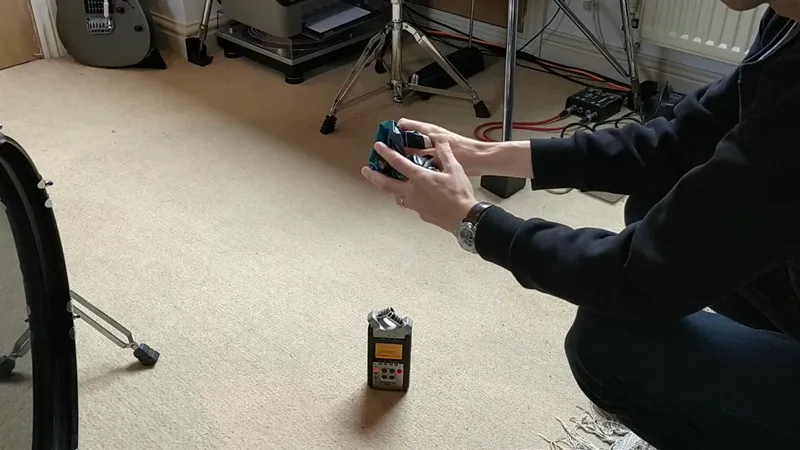
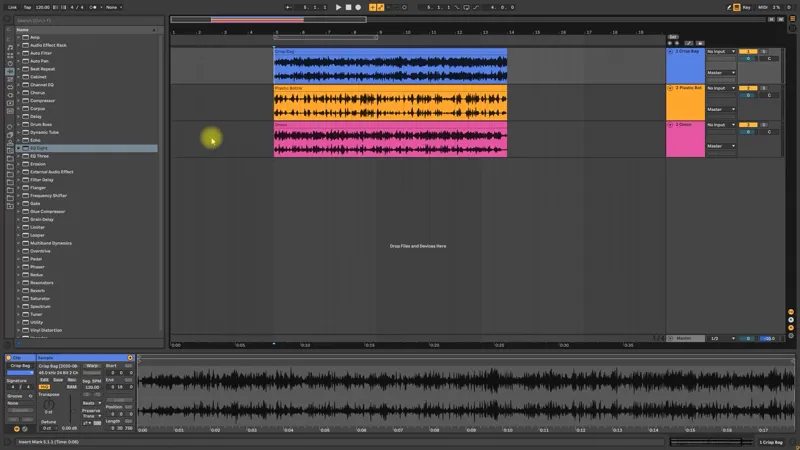
Here are some different techniques for turning everyday sounds into percussion.
We've attached the sounds used in the tutorial below.
Hope it's useful!
Comments (19)
Very inspiring! Mechanical onion. :P
I just subscribed and i couldnt be more stoked. thanks so much guys, this is absolute gold <3
This was tremendously inspiring, I just got an octatrack rejecting ableton and now questioning everything. Just so happened to be sampling some crunching noises before becoming a Patron and now great reason to use ableton again
Now this tutorial was near impossible to recreate on other DAWs. There was some great general advice tho and I was able to recreate some of those textures using synthesis inside of certain synths. Love how you guys have 3 different percussive layers tho and not just a repeated pattern duplicated on each sound. It makes us really see the use of each different layers and how we can use them to create different feels in the song. Bit hard to follow on other DAWs but great tutorial nonetheless, good job!
why? he showed how to do this without using Ableton's transient mode just by doing volume automations. you can sort of do this using slicex in FL studio and creating a short envelope for the slices it auto detects. its not the best but its similar. the grain delay with high spray is sort of equivalent of turning up the random knob on fruity granulizer (i think).
Onion-type beat
Have you tried putting Texture in the chain as well? Picking a foley sound or something that is complimentary seems interesting
Fantastic....Going to incorporate immediately. Have a project that is crying for this.
having spent so much of my life trying to understand sound and implement it into music, it blows my mind how people like yourselves become such masters at every element so young. I mean there are only 24hrs in a day... whats the secret?
Thank you very much for this tutorial! :)
Is there a way to download the video for offline viewing? I'm mostly at work and I could use that time to watch these vids and practice.
This is incredible guys, thank you so much for making such an in-depth video on this subject, as foley has been something I've personally been interested in for a long time now!
All the content is very exciting thank you! I also loved how you used all the previous sounds, that'd be great if you kept on doing this :) maybe a mixdown tutorial with those sounds? Cheers boys!
Thank you! Would love to hear your thoughts maybe on speakers/headphones/hardware that you use as well as room acoustics for a home setup.
Thank you, this was really informative. I would absolutely love a track breakdown for Virtual Light that shows how the build up to the second drop was done. The sound design there blows my mind.
amazing tutorial! this gives so many ideas to mess with, and i love how it incorporates a lot of stuff from previous videos
Mindblowing stuff lads! Thank you for sharing all these creative techniques! You have brought foley in my life <3
Thanks guys this was really cool! I usually do this the lazy way, by using polyverse gatekeeper mwahahaha. Kilohearts trance gate is also cool for this, having different ones and automating between them.
Thank you :)