
Tutorial: Creative Feedback Loops
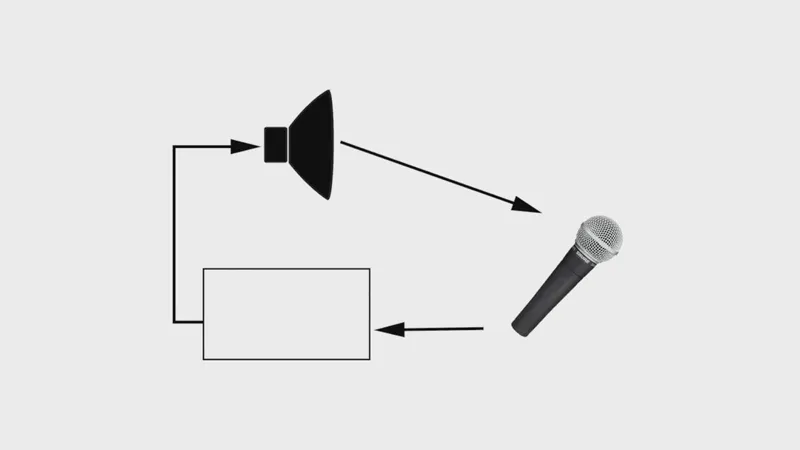
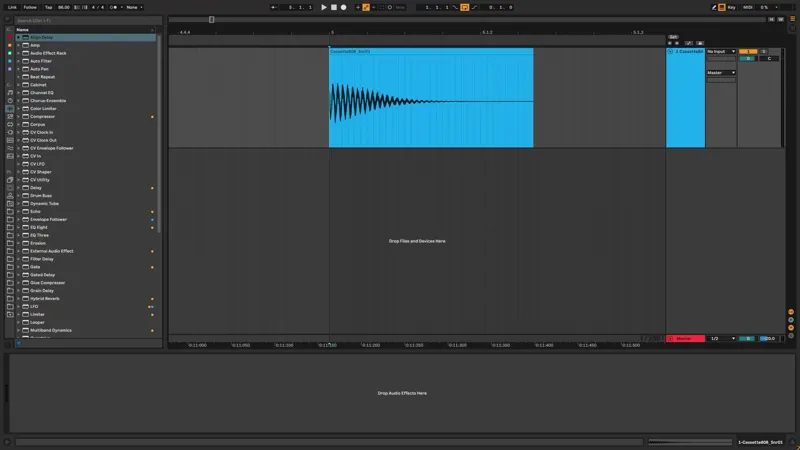
In this video we use Return Tracks to create musical feedback!
Comments (5)
Where can I download device randomizer?
It's included in the free 'Max for Live Essentials' bundle
This was so cool. Thank you for all the creative ideas!
Didn't get very far before hitting a dumb blocker - sorry for the inept question: When i begin this process and select 'insert return track' on the master channel (session view) all that happens is a small '-inf' button is added below the volume all of my midi and audio channels. A net new channel is not created called return, just the 'inf' box. If I toggle to arrangement view, I then can see the return channels but I want to operate with this return channel in session view. Any idea if i have something turned off?
There's a little toggle button on the right panel with 'R', I guess your return tracks are hidden in the session view, so just click that in the session view or hit ctrl+alt+R