

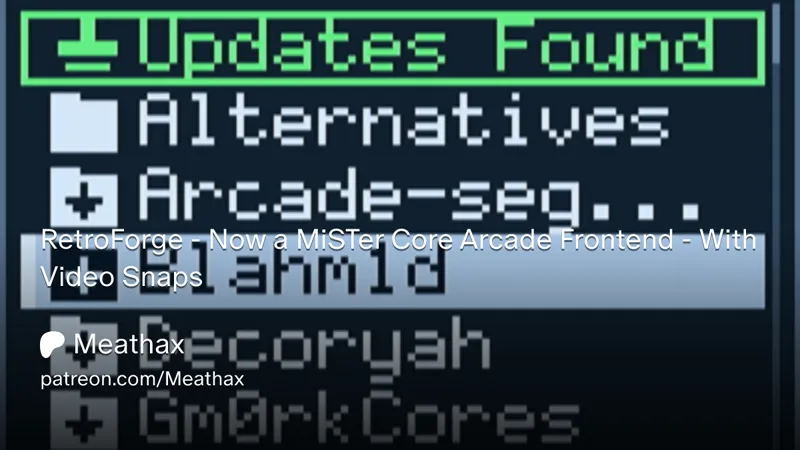
RetroForge - Now a MiSTer Core Arcade Frontend - With Video Snaps
*download the downloader.ini file again, i had to replace it with a fixed version
Download cores from devs who are not in Update_All directly from the frontend!
Click a devs folder - download there cores instantly! Then browse and launch them with video snaps!
Update your arcade cores directly from mister devel! With a nice indicator that you have updates available
RetroArch is optional, if you don't have the MAME 2003 Plus roms then the RetroArch and betas tabs wont be shown
It downloads every core from the devs downloader.ini file and places them in the correct directory, and you get notified with an indicator on there folder whenever they push new updates!
Current dev folders
Bazset
Blahm1d
Decoryah
Gm0rk
Jlrh
Kuzearcade
Meathax
Ppriest
RodimusFVC
Rossops
Shmupfan
TomSVR-Mister
Install Guide
Download downloader_retroforge.ini
Extract it to your mister sd card root folder - same place as mister.ini and downloader.ini
Run Update_All
Go to Scripts and run Install_RetroForge.sh - It adds 2 lines to mister.ini, required
Load RetroForge from the Other folder
Optional RetroArch install
MRA files will be in Arcade/Meatcores/RetroArch
RetroArch / RetroForge frontend will be in Other folder
I don't provide roms - you will need to click here to search for it yourself
“MAME 2003 Plus MiSTer FPGA”
Extract the rom set onto your misters sd card root folder so the roms end up in games/mame2003plus/romshere.zip
For example: games/mame2003plus/aliens.zip
Load RetroForge from the Other folder
👾Join the Slop Goblins on Discord
🥩List of every game in Meatcores
🪙Golden cores & known issues
Comments (24)
Can we get xelanotPu added?l
hes in there now
used to work and today when i launch it i have some kind of stretch screen with the installation log of retroforge where it says press any key
Thanks Meat. Could you make a utility to identify missing zips? I hate finding out when I try to launch something. It's embarrassing to fail in front of my kids.
Next update will fix this.. issue, all zips will be in there positions
Whenever I enter a dev menu, I get "cannot create /media/fat/games" and when I try to check downloader updates I get "cannot reach downloaders - check network". I have reset to defaults... I am guessing this boots in a way that disabled SMB mounting of the GAMES folder, which is how my MiSTer is set up.
ill check that out
In RetroForge, starting with this version, using a Bluetooth-connected controller results in constant downward input, making it impossible to navigate lists. Could you please look into this?
taking a look now
All issues related to video slow downs and slow scrolling fixed with this UPD 100% And so much more content!!! Fantastic!!
awesome !
juicy thanks a lot 🔥
This is brilliant. Made my day!
Awesome meat !!!
Best update ever and now retroforge stopped lagging you re the best
After downloading the latest downloader_retroforge.ini and running update_all.sh, I can’t see Install_retroforge.sh in the Scripts folder, but I can see Install_retroarch.sh
I can see Install_Retroarch.sh in the Scripts folder, but not Install_retroforge.sh. After te last downloader_retroforge.ini
Download the downloader_retroforge.ini again, I replaced it with a fixed one
I added the downloader_retroforge.ini file to sd to root and ran update all, but I don’t see the dev folders there. What might I have missed?
Download the ini file again, I replaced it with a fixed one
Beautiful !!!
Nice one Meaty! 🥩
Brutal!
epic!!!