





Mega Update - Sega System 32
🕹️ SEGA SYSTEM 32 CORE: MEGA UPDATE
🎨 Per-line clip windows and flipped backdrop
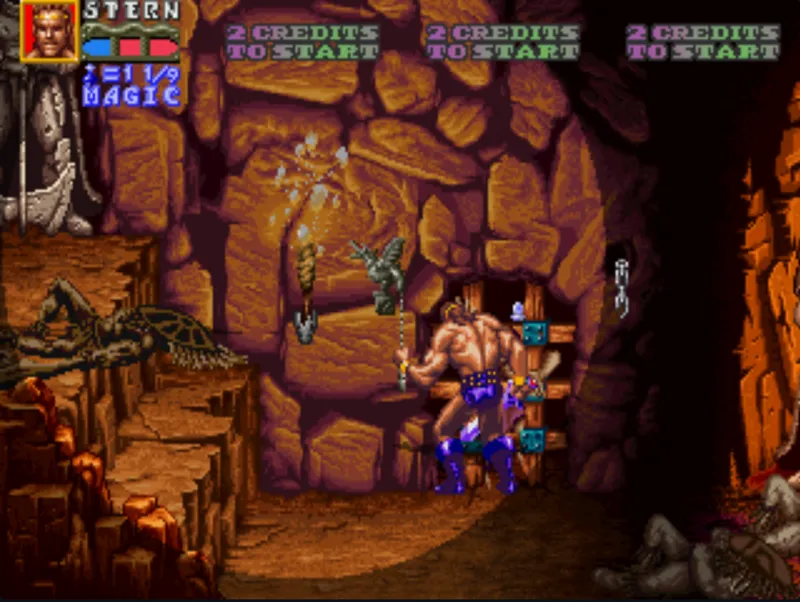
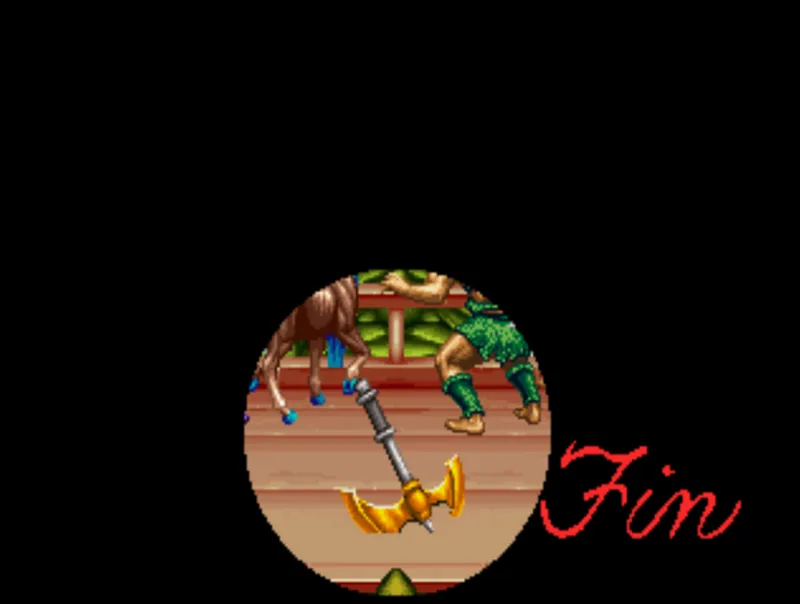
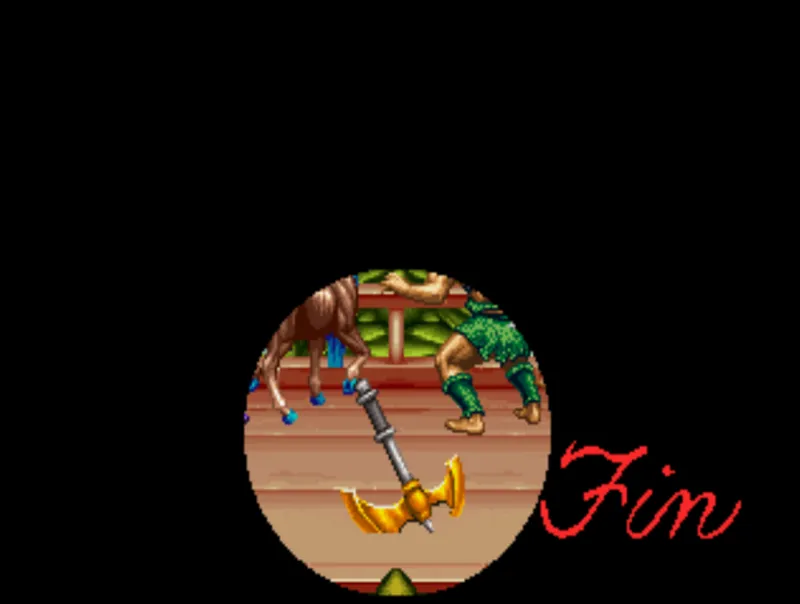
Added the per-line clip windows used by the Title Fight boxing ring, the Golden Axe: The Revenge of Death Adder torch/ending scene, SegaSonic and Jurassic Park. Also, the backdrop color table now flips correctly when a game flips the screen. This makes all the following effects render correctly.
Source: MAME change #16038.
🧠 Faster, smaller V60 CPU
The V60’s 32 registers used to be a big bank of flip-flops. They now live in the FPGA’s small memory blocks, with a per-byte “last writer” tracker so reads always get the newest value.
Result: It frees up space for the new features. Logic use went from 90% down to 86%.
⏱️ Reworked clock plan
What: Main clock is now 50 MHz and it is also the video clock. The SDRAM runs at 100 MHz. The 320-pixel mode now uses the board’s real 6.25 MHz pixel clock exactly (8 clocks per pixel).
Result: The timing relationships now follow the real board, with fewer derived clocks.
📺 New menu layout and CRT options
What: The OSD is now two pages, Video Settings and Game Settings, laid out like the Heavy Unit core. Video Settings has Aspect Ratio, Scaling, CRT Adjust, H-Size, H-Position and V-Shift.
Also new: Framework gamma support, so your .gam files from MiSTer now apply.
Heads up: The CRT options only appear on direct video or analog output. They are hidden when the HDMI scaler is active.
🎯 CRT Adjust keeps a stable picture
What: CRT Adjust output now goes through the same fixed pixel grid as the normal picture.
Result: Before this, turning CRT Adjust on re-introduced the column tearing. Pixel spacing is now constant in every mode, including 320-pixel with a width change.
🧹 Scandoubler Fx option removed
What: The Scandoubler Fx menu item is gone. The core has no scandoubler, so it was doing nothing useful. It was actually dimming every other line on VGA and Direct Video.
Tip: On a 31 kHz monitor, set vga_scaler=1 in MiSTer.ini.
🔫 Invert Gun Stick Y
What: New lightgun option that flips the analog stick’s vertical axis for both players.
Safe: Mouse, D-pad and X-axis aiming are unchanged.
🗜️ Smaller CRT Adjust logic
What: Replaced about 770 flip-flops in the CRT Adjust sync delay with a timestamp-based delay.
Proof: Output is bit-identical to the old version across 13 million test samples.
🔧 Ported from my OutRunners core
V60 MOVD fix
A 64-bit move instruction was reading a register’s contents as a memory address. In OutRunners this made the game boot into test mode. Auto-increment also stepped by 4 bytes instead of 8. Both are fixed.
Safer NVRAM saves
Saving settings could come out shifted by one word. Fixed with a small shadow memory.
Smoother sprites
Zoomed-in sprites are drawn faster, and the next sprite row is built while the previous one is still being written out.
Goal: less sprite flicker and slowdown in busy scenes.
Better steering with a D-pad
D-pad steering now works in every driving game. It only takes over when the analog stick is centred, so you keep smooth proportional steering.
How to install
Get downloader_meatcores.ini below and place it in your mister SD card root folder, right next to downloader.ini
Run Update_All then load the games from Arcade/Meatcores
To update Meatcores and get any new games just run Update_All again
If you have downloader_meatcores.ini already just run Update_All then load the games from Arcade/Meatcores
Comments (7)
can you link the files here and not just the downloader.ini
https://github.com/meathax/meatcores/tree/main/_Arcade
Hi @Meathax, First of all, thank you so much for all your hard work on the System 32 core! I wanted to report a video issue I noticed after updating to the latest version while playing on a CRT setup. The image display seems misaligned—it looks stretched/shifted beyond the normal visible area (overscan issues)—and I'm seeing green artifacts as well as dark horizontal lines across all the games I've tested so far. Prior to this update, the display was fine, so it seems something changed in the video timing or horizontal/vertical sync output. Would it be possible to consider adding a CRT Adjust menu (or display positioning/scaling parameters) in a future update? Having those controls inside the core settings would help calibrate the frame geometry and fix these alignment and artifact issues on analog displays. Additionally, in the video menu, the only available options are Aspect Ratio and Scaling (Normal / V-Int / HV-Int). There are no options to adjust display offsets or geometry. Thanks again for your dedication to this core!
I had to enable direct_video=1 in my mister.ini and that solved it
Noice! Next in line is finishing System 24? 🥲
Ive added in Scramble Spirits and Hot Rod, just tweaking and controls etc to do for release
MEATCRACK!!