⬇️ DOWNLOAD LINK & INSTALLATION GUIDE AT THE BOTTOM
This Tracker update post focuses only on what changed in v1.01. New here, or need a refresher? Start with the original post to see how everything works:
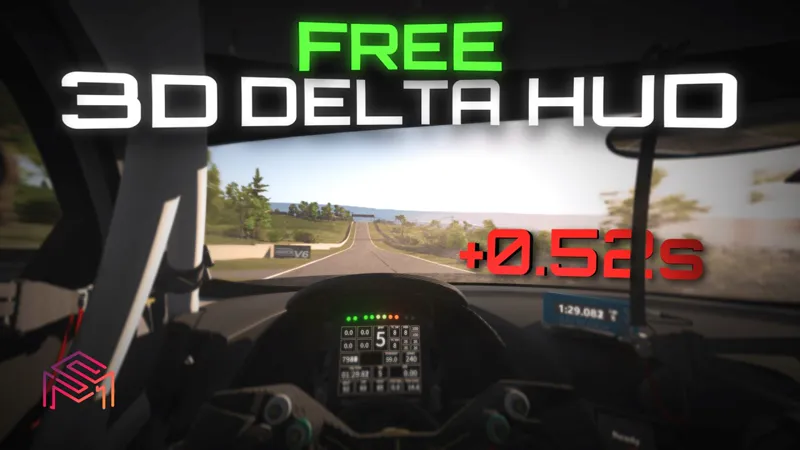
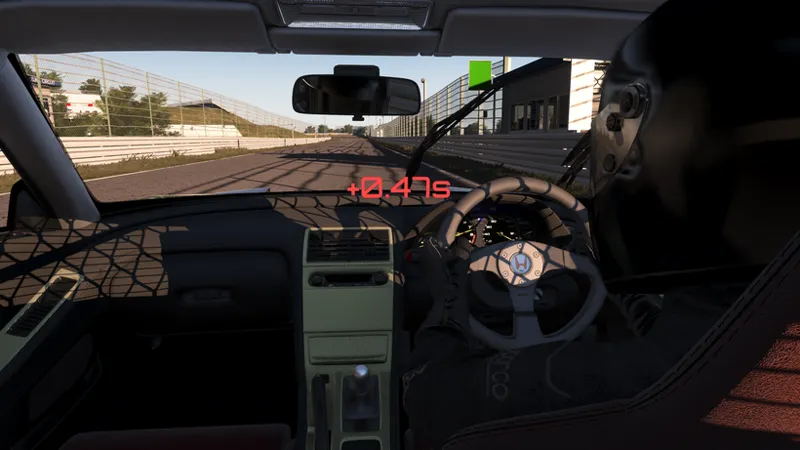
1. Delta in the cockpit: now works in every camera
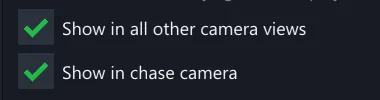
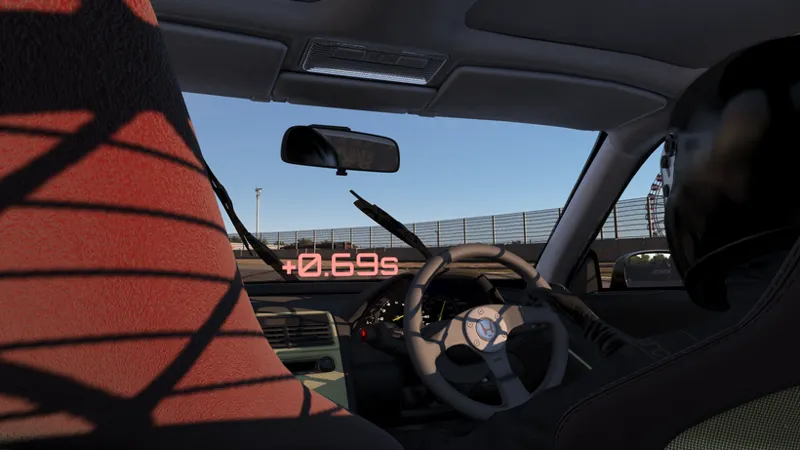
The in-car delta panel used to only appear in onboard views. Now you choose exactly where it shows - chase cam and all external views (cockpit and dash always show it).
2. Filming mode
New Filming mode draws the panel as a real object in the world so it stays locked to the car from any angle (we used it to make shots with Drone Camera). However, there is one unfixable issue - tracker will be less saturated at daytime, and darker at night (because it's a real object)
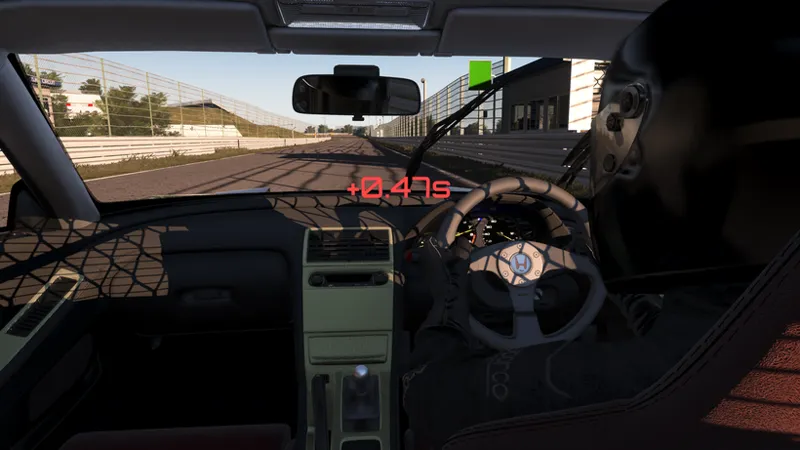
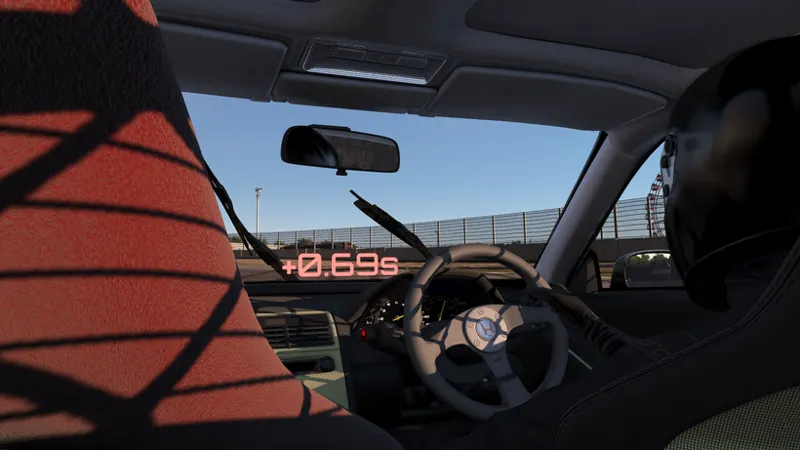
3. Right-hand-drive mirror
New option that flips the cockpit panel to the correct side on right-hand-drive cars, so it's never stuck on the wrong side of the cabin. (basically just flips the tracker on X axis)
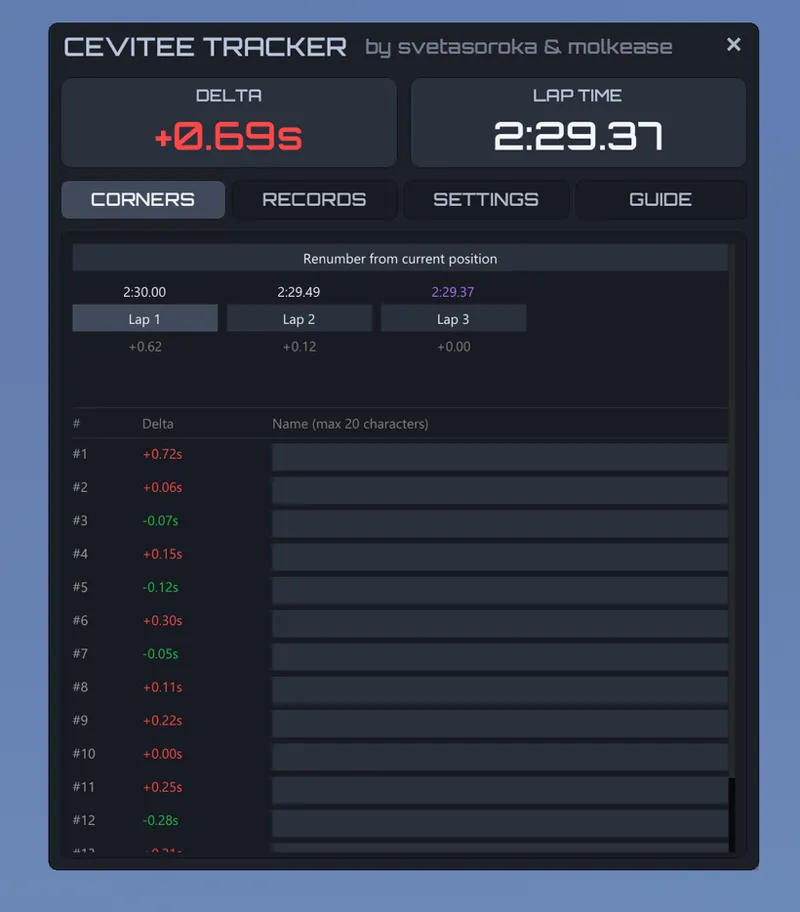
4. Lap history in the Corners tab
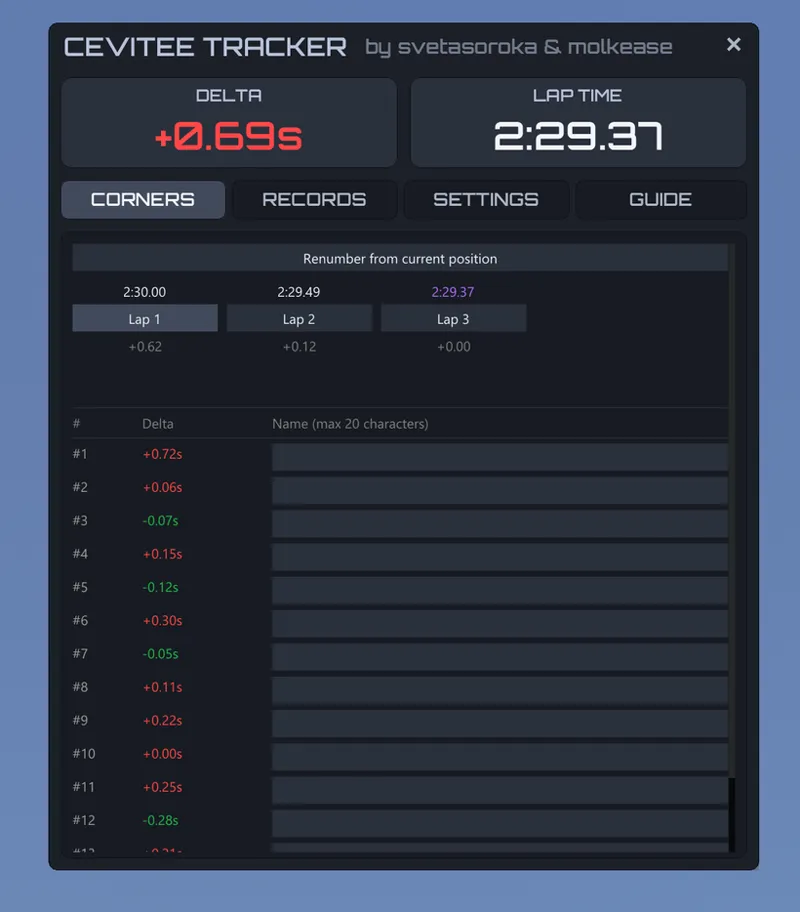
Corners tab now keeps your recent laps. Switch between them and see the per-corner deltas of each lap, plus the gap to your best.
5. Other features and bug fixes
Off-track laps now turn the lap time red and stay out of your best times.
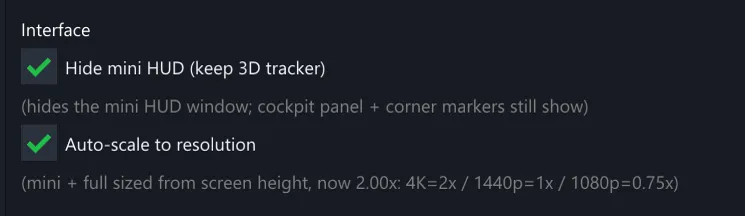
The HUD scale can no longer push the window off-screen, and it now auto-scales to your resolution (1080p / 1440p / 4K) - right size on any monitor.
"Previous lap" comparison now works after you go back into a replay.
New Hide mini HUD option - keep just the 3D cockpit tracker on screen.
First-launch tour and the in-app guide cleaned up.
Thank you for the continued support - every Patreon subscription funds the next CEVITEE update and everything else we're building
for Assetto Corsa.
INSTALLATION
Download the ZIP-file below and open it;
Copy the "apps" folder into your Assetto Corsa root folder and let it merge (overwrite when asked)