



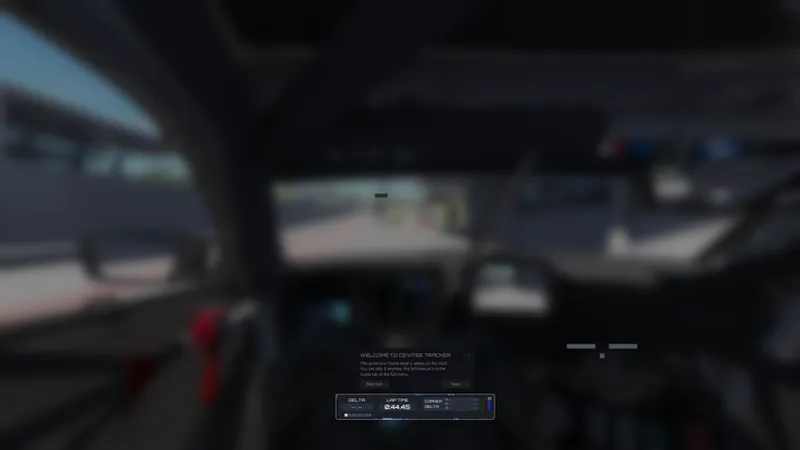
CEVITEE Tracker v1.00
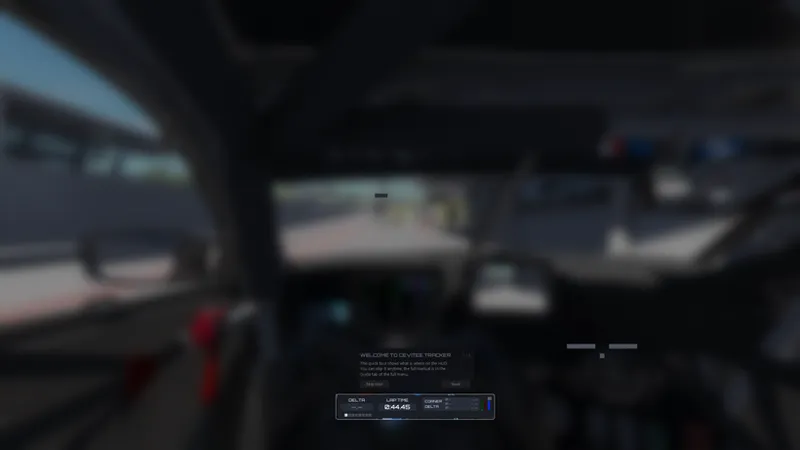
You always want to beat your last lap, but a single end-of-lap delta never tells you where the time actually went. CEVITEE Tracker fixes that. It's a real-time delta tracker for Assetto Corsa that splits your lap corner by corner and shows you, live, exactly where you're gaining and losing. This data will also be stored in full UI.
🎁 It's completely free, with no subscription and nothing locked behind a tier. Join our Discord for updates and to tell us what to build next.
⬇️ DOWNLOAD LINK AT THE BOTTOM
Per-corner delta
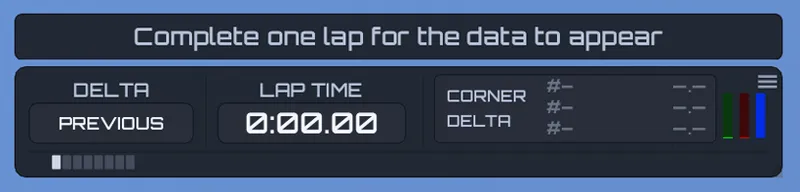
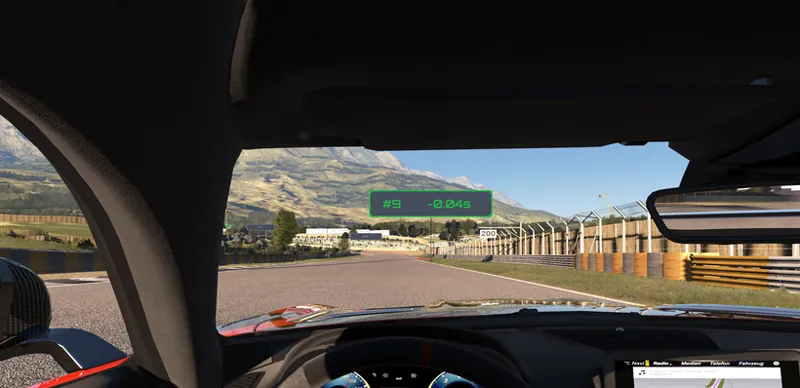
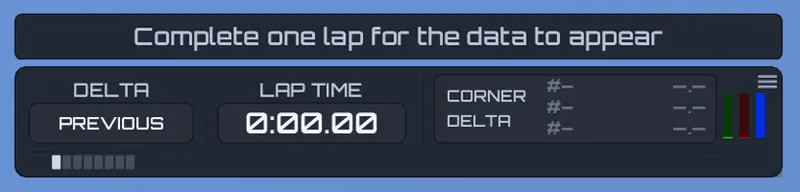
Your lap is divided into one segment per corner, with no gaps. Each corner shows a live delta against your reference, green when you're up and red when you're down, and the number locks in as you pass so you know which corners to work on next.
Pick what you're racing against
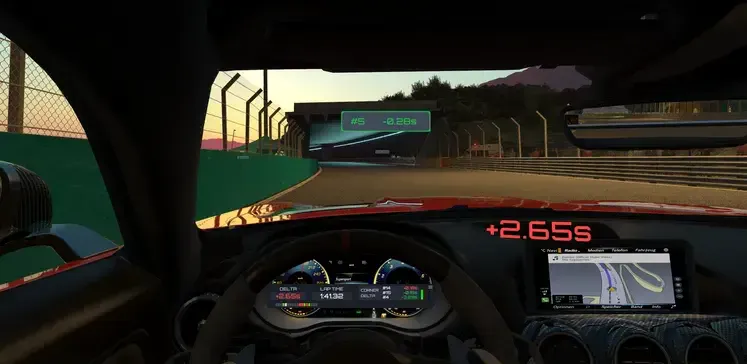
Click the DELTA cell to switch your reference: your cleanest valid PB, your fastest lap including cuts, your previous lap, or your best in the session. LAP TIME switches the same way and on its own, so your two readouts can track different things at the same time.
See it where you're already looking
You don't have to pick a single display:
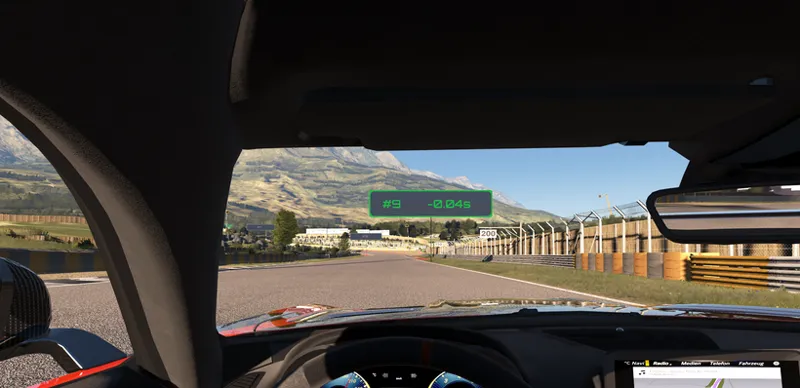
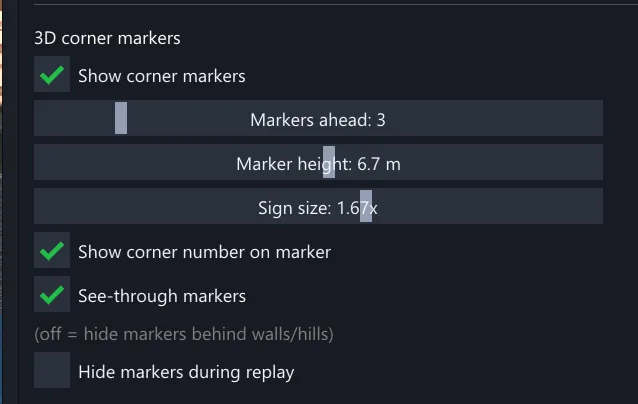
On-track boards float at each corner with the corner number and live delta, with optional wall occlusion and control over height, scale, and how many show ahead.
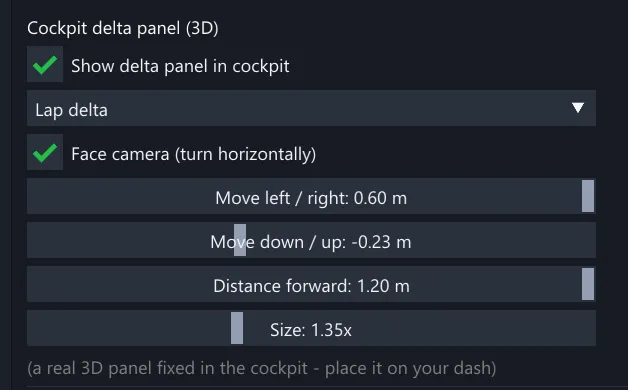
An in-cockpit readout sits on your dash in 3D space and stays put as you look around. It runs in onboard views only, so it never gets in the way of chase or replay cameras.
Records and your optimal lap
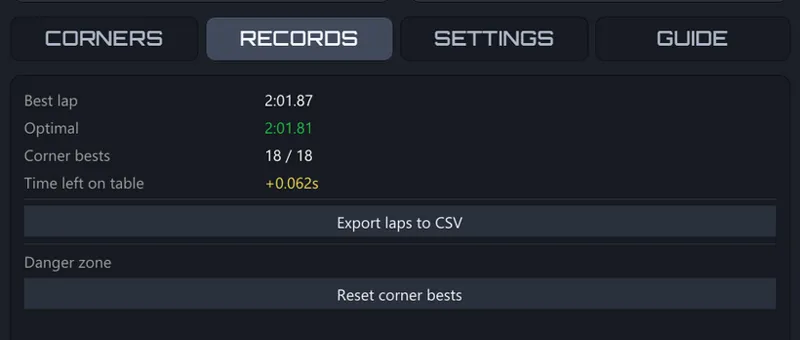
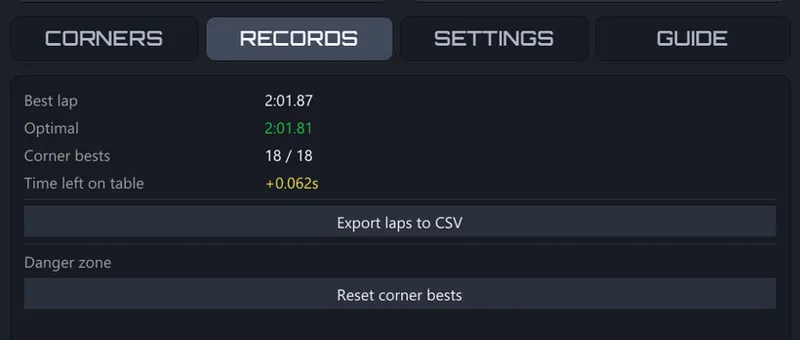
Every corner keeps its own personal best, tied to its position on track, so records hold no matter where you start. Stitch those bests together and you get your optimal lap: the time you'd run if you put every one of your best corners into a single lap. That's the number to chase.
Everything else
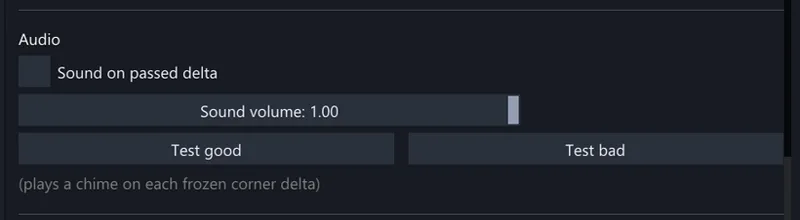
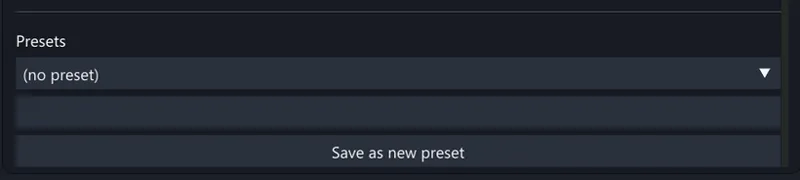
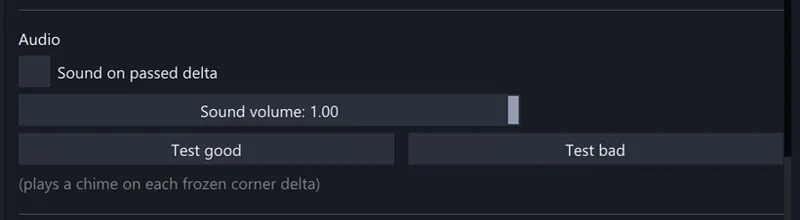
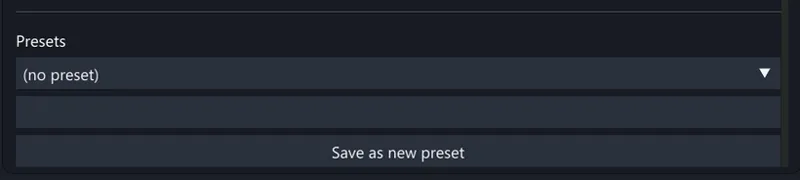
Audio cues so you can keep your eyes up, custom corner names, saved setting presets, a first-launch tour, and clear new-best, invalid-lap, and off-track warnings. Every tab explains itself inside the app.
INSTALLATION
Download the ZIP-file below
Open "CEVITEE Tracker folder"
Copy and paste "apps" folder in Assetto Corsa root folder
Load in game and it will load automatically. You can always close it in right sidebar.
This is just the first version of this app, so if you find any bugs, please let us know in the #tracker-feedback channel on Discord.