



Project-Realish 1.6A
PROJECT REALISH 1.6.A — Euro Truck Simulator 2 & American Truck Simulator
Everything we have built since 1.7.4 — and every item on this list works today.
⚠️ RESHADE — PLEASE READ ⚠️
• ReShade is NOT part of Project Realish, and the setup does NOT install it.
• Want ReShade? Install it yourself, into its own folder: create a folder named "reshade" inside the game's bin\win_x64, and put ReShade's dxgi.dll (or ReShade64.dll), ReShade.ini and the reshade-shaders folder in it. Project Realish loads it from there automatically.
• NEVER install ReShade directly into bin\win_x64 — the dxgi.dll there belongs to Project Realish, and ReShade would overwrite it.
• The setup never touches bin\win_x64\reshade\ — your ReShade and your presets stay exactly as they are, through every install and update.
INSTALLATION
• One setup for both games: it finds Euro Truck Simulator 2 and American Truck Simulator automatically and installs into both at the same time.
• Everything the mod needs — upscaling, Frame Gen and the AMD files included — is installed by the setup itself. Both games share the same files, and the setup carries just one copy.
• Your settings survive updates. All settings live in a single file in the game folder (ProjectRealish.ini). Neither the mod nor the setup writes any log file.
• If the game starts on DirectX 12, OpenGL or Vulkan, the setup and the mod switch it back to DirectX 11.
• The setup checks your NVIDIA driver and warns you, with a download button, if it is too old.
• NVIDIA Surround / triple-monitor crash fixed.
UPSCALING & FRAME GEN
• Super Resolution upscaling on every RTX card (Quality by default), and upscaling on AMD cards.
• Frame Gen: multi-frame generation from 2X to 6X (3X by default) on NVIDIA, AMD and Intel cards.
• Generated frames now show up in the Steam FPS counter and in OBS / Discord recordings.
• No more double images of traffic vehicles and wheels in generated frames.
• RTX 20, 30, 40 and 50 series each run with their own settings (NVIDIA driver 615 or newer).
LIGHT & SKY
• Daylight is computed from the sky: the sun, the sky and the clouds as they are at that moment.
• Under overcast skies the sun gives a soft, directional light through the clouds; the visible sky is livelier.
• Distant fog and haze removed — mountains and far objects are crisp. Volumetric fog can be switched on in the panel.
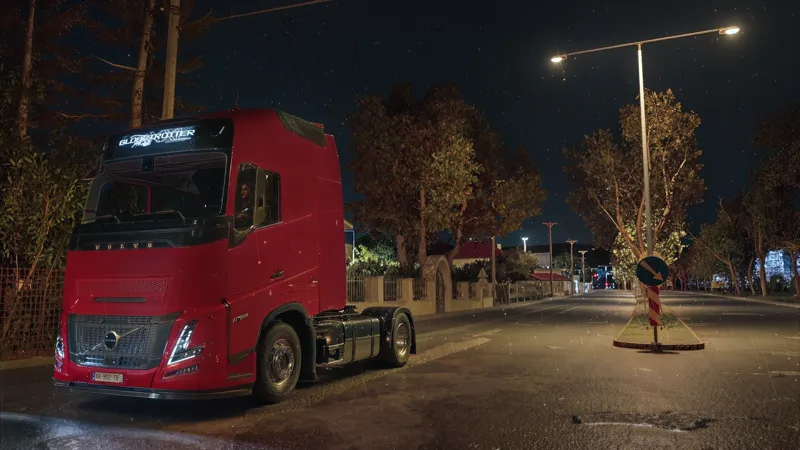
• Night stays night: the eye (exposure) no longer opens too far in the dark.
• Street lamps cast real light and shadows at night.
• The brightness "pumping" every few seconds is gone.
• No more outlines around objects against the sky.
SHADOWS & DEPTH (AO)
• Flicker-free ambient occlusion on grass, trees and ground.
• Strong ambient occlusion on vehicles: wheels, fenders, tanks and under the trailer — chrome keeps its shine.
MATERIALS
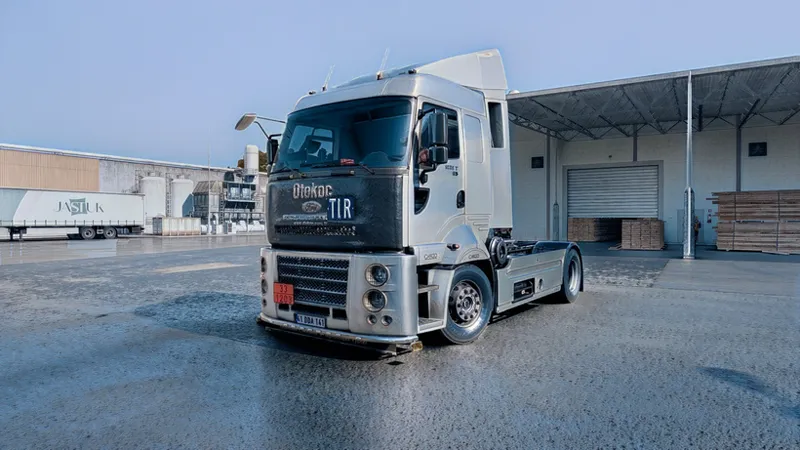
• Vehicle paint keeps the game's own reflections; distant trucks show their true colors.
• Galvanized parts no longer shine like chrome: satin when dry, glossy in the rain.
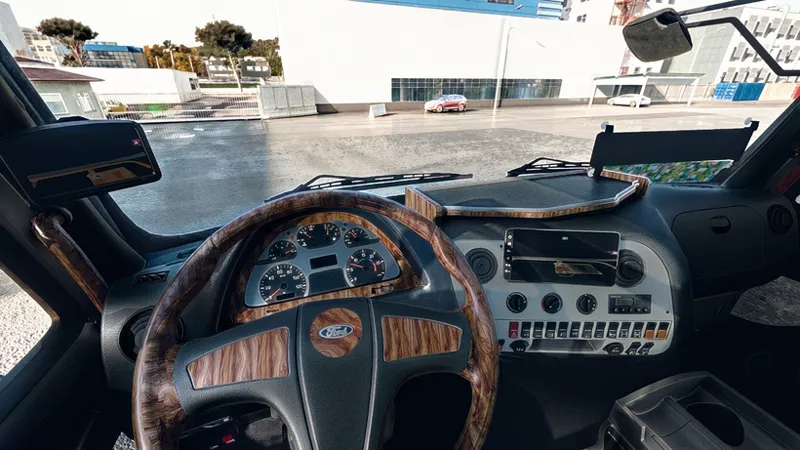
• ETS2 cab: polished wood, and buttons and gauges in the right materials.
CAB
• Ray-traced cab lighting; the game's own cab materials are kept.
• Two eyes in the cab view: the world through the glass and the cab interior are exposed separately.
• The outside world and the sky are clearly brighter than the cab, and the world through the glass looks the same as from the outside camera.
• Mirrors use the outside exposure. The white outline flicker around the cab edges and the strange silhouettes are gone.
• Panel: Interior Lighting (night cab lighting) and Auto Exposure (eye adaptation in enclosed places).
RAIN & WET ROADS
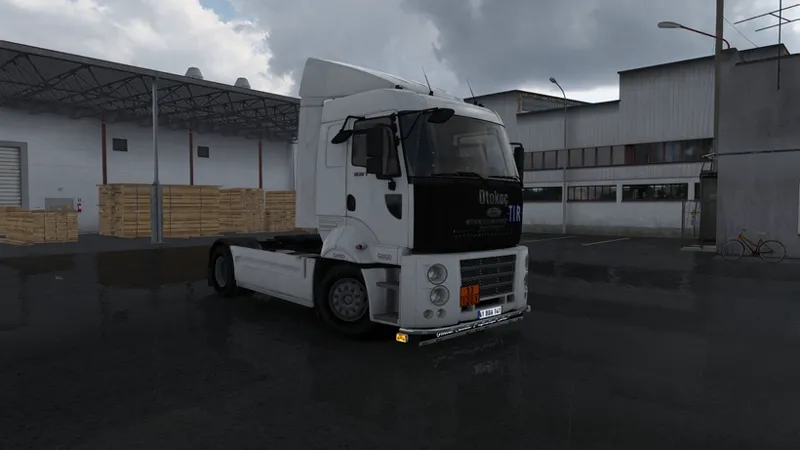
• Layered wet asphalt (ETS2): damp surface, thin water film and puddles each on their own, with rain rings and glints.
• Black specks on the road seen through the windshield when rain starts — fixed.
• New Rain Range slider (Lighting tab): choose how far the wet-road detail reaches, from 100% to 400%.
• Colors don't flicker in bad weather, and vegetation no longer turns pale in the rain.
CAMERA & SHARPNESS
• Motion blur comes from speed only (turning the camera doesn't blur), with a 1–5 strength setting and wheel blur.
• New detail sharpening: distant trucks, trees and street lamps are crisper. The panel's Sharpening is still there on its own.
• Sun and lamp lens flares balanced; the white discs on vehicle lamps are gone.
• Ground flicker and sliding when looking down, on fast turns and after teleporting — fixed.
PANEL
• New rows in the Lighting tab: Rain Range, Volumetric Fog, and RR (optional ray tracing). Motion Blur strength 1–5.
• Tonemap tab: color temperature, exposure, contrast, saturation, vibrance; shadows, highlights, blacks and whites.
• Everyone gets the same approved look — no more "dark on one PC, bright on another".
AMERICAN TRUCK SIMULATOR
• The mod runs in ATS too, and the setup finds and installs it automatically. Layered wet asphalt is ETS2-only for now.