



Pierce ✮ [Sim download]
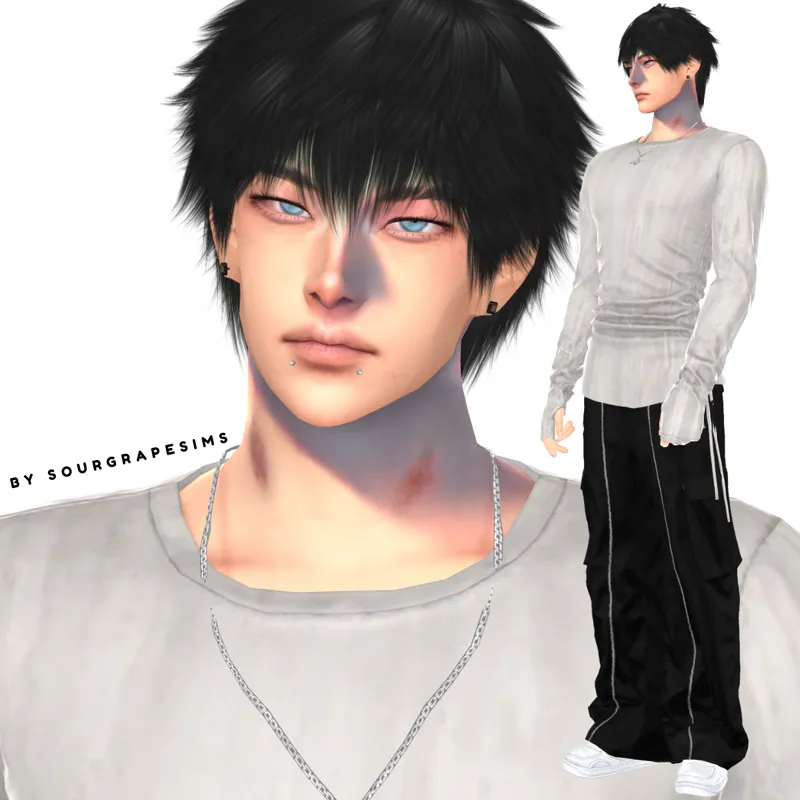
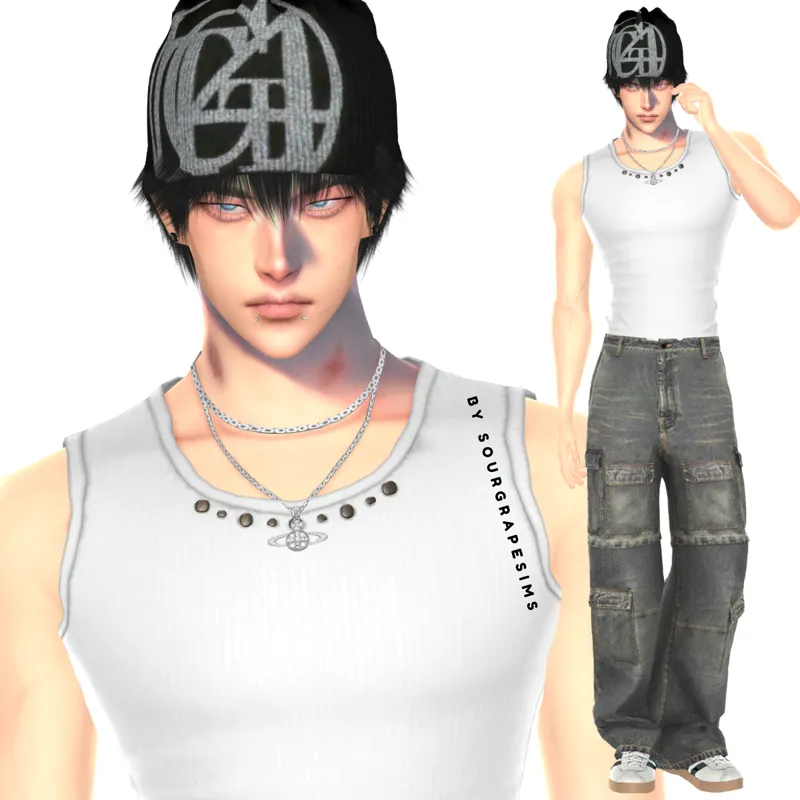
Hi there! This is my first sim I decided to share here and I hope you like him as much as I do :p
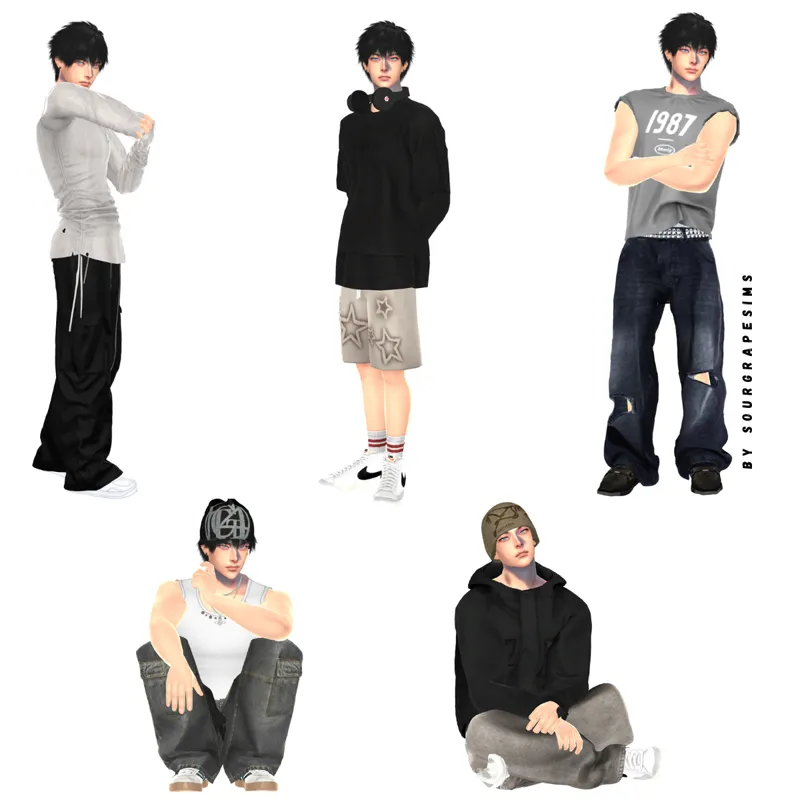
He has 1 outfit for each category (Everyday, Formal, Athletic, Sleep, Swimwear, Party, and Summer and Winter if you own Seasons expansion pack).
How to download this sim:(370.1MB)
Download and unzip the zip file that is attached to this post.
Place the tray files in the "Tray" folder.
Place the package files in the "Mods" folder.
Once you open the game, the sim will appear in your gallery.
As cc is included, please make sure you have enabled custom content in your game and check 'enable custom content' in your gallery for them to appear in your library!
T.O.U:
Do not reupload the sim to the sims gallery
Do not claim it as yours
Do not reupload it to other platforms without giving credits
Please note:
The gif was captured in-game CAS with simplyanjuta golden lighting mod and MizoreYukii stand still mod. The sim might look different without these mods in CAS, and they are optional for you to download.
I do not edit my sims with any photo editing software or apps, my sim might look slightly different depending on whether you have any lighting mods or graphic enhancers installed in TS4.
Do not place the entire tray/ cc folder in your tray/mods folder as it might not work!
Please tag me if you use my sim, as I'd love to see them!
Feel free to comment/shoot me a dm if you have any questions/issues
All credits go to cc creators and moders ♡
CAS poses by anika and helgatisha ♡
Comments (13)
hi! I followed everything on the guide but when I tried to find him in my library, I couldn't find him? I restarted my game and I'm still kinda new so I was hoping you knew what was wrong?? I love ur sims tho so I'm hoping this works so I can use more xx
hi! here is a detailed guide for you to follow: https://www.patreon.com/sourgrapesims/posts/detailed-guide-158031021?utm_medium=clipboard_copy&utm_source=copyLink&utm_campaign=postshare_creator&utm_content=join_link, please let me know if you still have any issues
does anyone know the hair?
count your blessings hair by obsidian sims
i dont wanna be annoying but can u perchance make some tutorial video because i domt understand the files or can someone explain 😭
wait im reading ur guide
hey! i just wanted to let you know that when i downloaded the zip file, in the folder "__MACOSX" the cc mods are all corrupted. im not sure why, when i put them in my mods folder i couldnt open the sims 4 and after i deleted them all it opened like normal. the cc in the "Pierce (sourgrapesims)" file all works fine. beautiful sim btw! i just discovered your account and i love all your sims!
i’ll update him a bit thanks for letting me know are you using Windows/PC?
i just found ur page and all ur sims are sooooo goood!!!!!!!!!!!!!
hey so i opened the tray folder and it isnt a tray file its a ds_store file i cant seem to get it in my game could u maybe help
I have just reuploaded the zip, please try again and let me know if you have any issues
i just downloaded the file and im wondering what the two folders are for that hold the same thing (the tray and ccs) ? it breaks my file explorer everytime i try to delete one
I'm so sorry it is causing this issue >< The tray is different to the cc, cc is meant for custom content while tray is the household sim. Copy and paste the tray files into Electronic Arts>The Sims 4 > Tray (please do not put the entire folder into your tray folder!), for the ccs, you can copy and place the folders/cc files into Electronic Arts> The Sims 4 > Mods. Please try again and let me know if there is any issues, and feel free to dm me :) I will double check with the file in my game and update the zip file if the issue hasn't been resolved !