

A sneak peek of some things in the works :)
I've been super busy lately and just wanted to share a little something :)
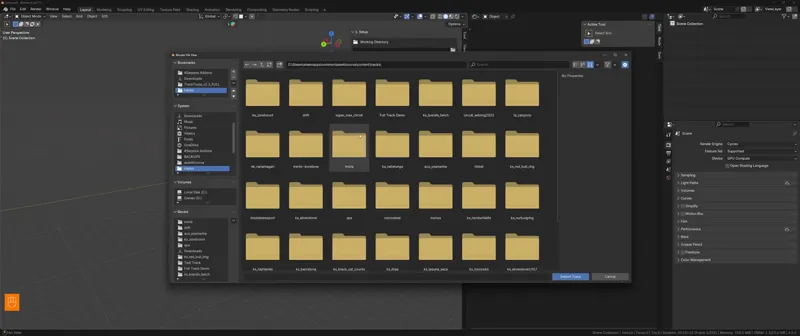
I have a pretty decently working track import feature
Allowing you to import already made tracks with the tool, imports all the settings, objects, shaders etc.
This was developed as part of the shader research where I'm also expanding the shader list...more on this in a few days...
In the video you can see me one click import the imola track :)
Before this get's to a release stage I'll have another patch out that has many bug fixes along side some improvements like:
- Improvements to the AI lines system (Gizmos will now accurately show the track width, with a slider to adjust it) - This will be worked on again in the near future to actually use the track left and right edge instead of offset from the middle
- The Emissive Materials panel has been fixed and the UI has been cleaned up and redesigned to be easier to use
- Added support for parented objects - in the previous version you could not export objects with Child objects
Comments (3)
Thank you for your dedication.
Hi. I have just joined. So from what I understand, I can import the tracks I have made for RF2 into blender? I that possible? I am wanting to convert my RF2 tracks to AC, but having trouble getting decent information etc like you said in your video.
Been trying to setup emissive materials with no luck. Am I just not seeing the panel thats mentioned in the post here? I don't see any emissive properties anywhere in the exporter except for in the kstree shader. Can anyone help? All I want to see is a glow for my spotlights, maybe there is a better way?