How to Find & Delete Broken CC in The Sims 4 (3 EASY Methods + Unmerge CC!)
♡ Hi Besties ♡
I uploaded a step-by-step video showing 3 different ways to locate and remove broken custom content from your Sims 4 game. Every method is simple to follow, though the process does take some time. It’s 100% worth it for a healthier game.
In this video, I cover:
♡ Sims 4 Tray Importer (my go-to method)
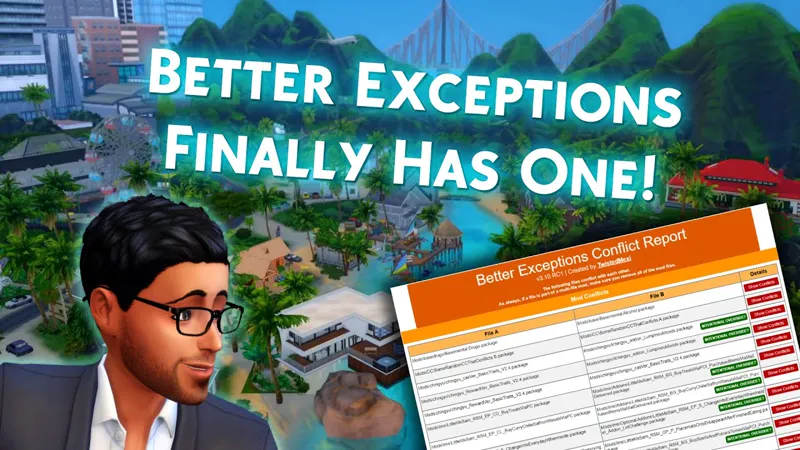
♡ Better Exceptions by TwistedMexi
♡ Sims 4 Mod Manager by GameTimeDev
✨ I also included a walkthrough on how to unmerge merged .package files using Sims 4 Studio, so you don’t have to delete CC blindly when something breaks.
This video is perfect if:
♡ Your game is glitchy or slow
♡ CAS items are disappearing or breaking
♡ You want a safer way to clean your Mods folder
As always, make sure to back up your Mods folder before deleting anything.
Hope this helps you get your game back to running smooth and pretty. 💖
Thank you so much for stopping by my Patreon! If you enjoy my Sims 4 content and want to show a little love, consider joining my Just a lil love Membership (Tip Jar) — it’s a simple way to support what I do and help me keep creating cozy, chaotic, and aesthetic gameplay videos. Don’t forget to follow me on all my socials to stay updated on new mods, videos, and behind-the-scenes content! 💕
How to Find & Delete Broken CC in The Sims 4 (3 EASY Methods + Unmerge CC!) (YouTube)