
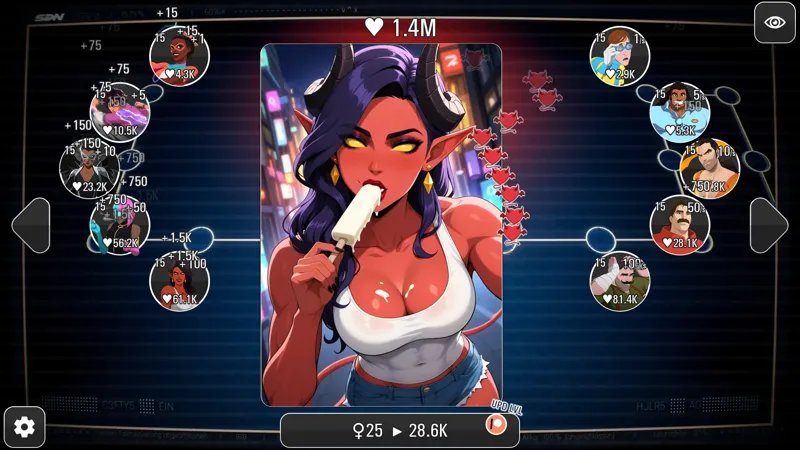
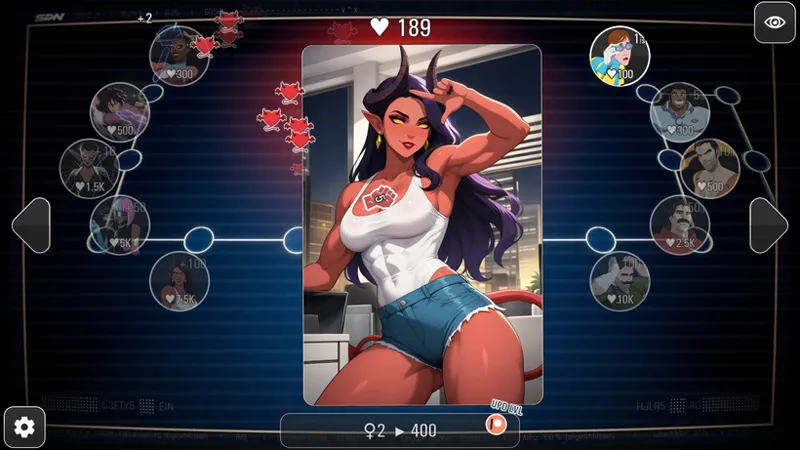
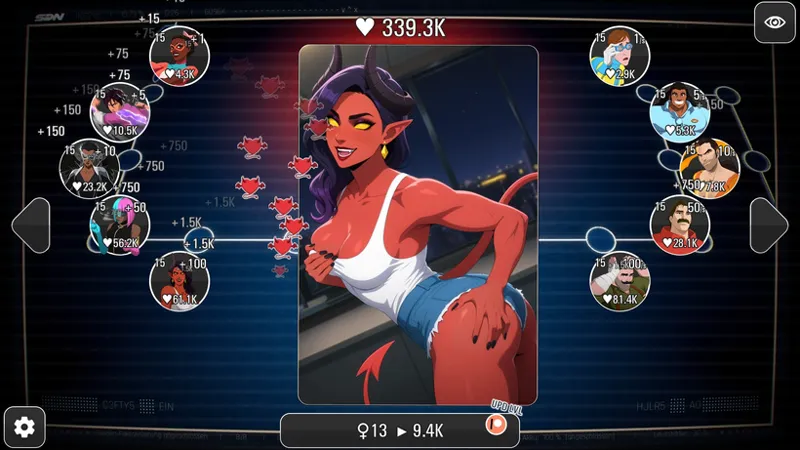

Malevola Clicker! RELEASE!
🌟 Hey friends!
The Tap-Tap Legends team is back with a brand-new clicker — this time starring the seductive demoness Malevola from Dispatch! 🔥😈
Meet Malevola Clicker — a completely free-to-play clicker where you can unlock all content simply by playing and supporting the project.
🌸 What’s waiting for you in Malevola Clicker?
💛 15 levels — available without a Patreon account.
✨ 30 levels — unlock with a free Patreon subscription.
💎 $3 tier — gain access to 100 levels.
🔥 $5 tier — unlock 170 levels in total!
⚡ $10 tier — same 170 levels + x2 easy mode.
🌹 $20 tier — x3 easy mode + fully unlocked gallery for collectors.
💎 Additional Features
🎁 Treasure chests — drop after every boss.
🔧 Autoclickers, boosters, and upgrades — power up Malevola and increase your DPS.
💋 Exclusive spicy scenes — unlock as you progress through levels.
👉 DOWNLOAD - Malevola Clicker (v.1.6): 💖
Download (Windows, Linux): MEGA | Google Drive
Download (MAC): MEGA | Google Drive
Download (Android): MEGA | Google Drive
✨ More of our projects here: ✨
https://www.patreon.com/collection/1665354
💖 Why support Tap-Tap Legends?
✨ Made by fans — for fans.
🔥 Your support keeps our clickers alive.
🌍 The community helps decide who becomes the next heroine!
We’re making this game completely free as a thank-you for your incredible support.
Your donations let us keep creating new clickers with the characters you love. ❤️
👉 Play now & support us here:
https://www.patreon.com/c/taptaplegends
❓❓❓ Help & Authorization Issues ❓❓❓
If you’re having issues with game authorization, please read this guide and follow each step carefully:
1. First, open Patreon in your default browser and log into your account.
A common mistake is being logged into Patreon via Google Chrome while the system’s default browser is different (for example, Safari or Edge).
Because of this, the game may not detect your login properly.
✅ Make sure you are logged into Patreon in your default browser.
2. After that, launch the game.
3. Complete all 3 authorization steps inside the game.
Click directly on each stage icon (Stage 1 → Stage 2 → Stage 3), not around them.
4. If the issue persists, fully close the game and launch it again.
On mobile devices, it’s important to fully close the app (remove it from recent apps), not just minimize it.
5. If the problem still isn’t resolved, repeat steps 1–3 using a VPN.
We have also noticed that on some mobile devices, Patreon authorization may not work properly. If the steps above did not help, unfortunately, in that case you may need to stop playing on your mobile device and enjoy our games on a PC or MacBook instead.
Best regards,
Tap-Tap Legends
Comments (6)
The Android link is inactive for Mega and downloading the Mac version on Google drive
Still can't authorize this game, despite following all directions. Step 3 seems to go through a web browser rather than directly to the patron app - which browsers did you test on?
It seems it only works for pcs the agreeing does not work for android users.
The authorization isn't working, it wont connect to the site. Its worked for all of the other clickers. This is the first time I've had problems
Same
I havt tried to login on my phone for this game and the one before and same issue cannot connect to site