
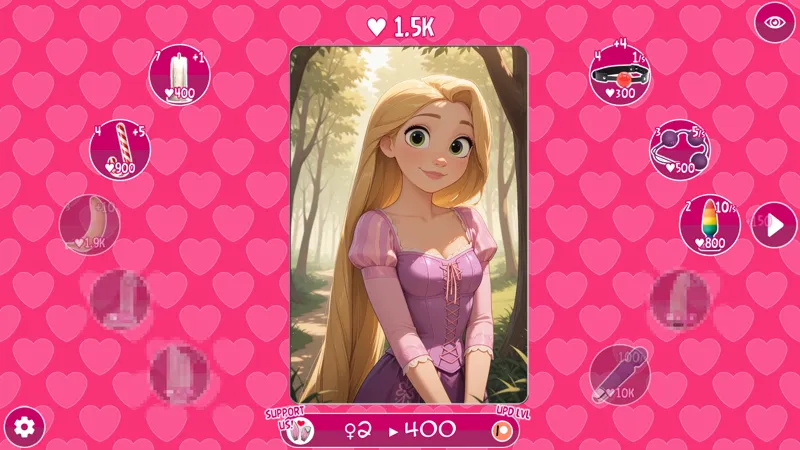
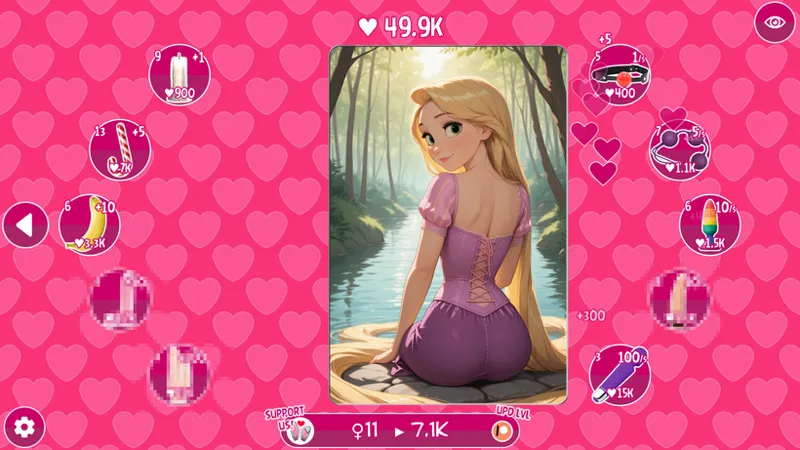
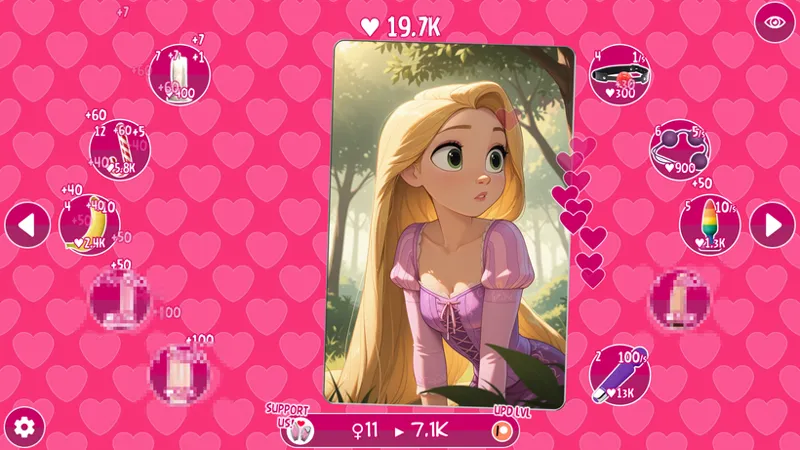
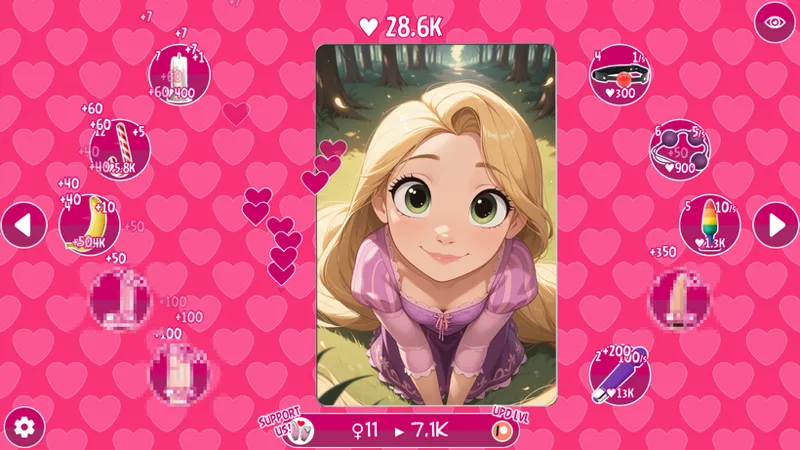

Rapunzel Clicker! RELEASE!
Hey friends!
The Tap-Tap Legends team is back with a brand-new clicker — and this time, the spotlight is on the enchanting Rapunzel! Inspired by the magical fairy tale beauty, we created Rapunzel Clicker — a free-to-play clicker game where every tap gets you closer to uncovering her charming secrets in a playful and seductive way.
What’s waiting for you in Rapunzel Clicker?
🎮 122 levels in the main game — full of progression and tons of Rapunzel artwork.
🌊 73 bonus tentacle-themed levels — spicy fetish content for dedicated fans.
⚙️ Autoclickers, boosters, and upgrades — speed things up and enhance your clicking power.
A total of 195 levels of fun and fantasy!
Support us on Patreon to unlock even more!
By becoming a patron, you’ll gain access to:
All 195 levels of the game.
Faster progression with boosters and autoclickers.
Cheat codes to unlock levels and streamline your experience.
👉 DOWNLOAD - Rapunzel Clicker (v.1.6): 💖
Download (Windows, Linux): MEGA | Google Drive
Download (MAC): MEGA | Google Drive
Download (Android): MEGA | Google Drive
✨ More of our projects here: ✨
https://www.patreon.com/collection/1665354
Why support Tap-Tap Legends?
💖 Made by fans — for fans
✨ The community helps shape future characters and content
🔥 Your support keeps these clicker projects alive
Jump into Rapunzel Clicker, start tapping, and see how far you can go to melt the ice!
👉 Our Patreon: https://www.patreon.com/c/taptaplegends/
❓❓❓ Help & Authorization Issues ❓❓❓
If you’re having issues with game authorization, please read this guide and follow each step carefully:
1. First, open Patreon in your default browser and log into your account.
A common mistake is being logged into Patreon via Google Chrome while the system’s default browser is different (for example, Safari or Edge).
Because of this, the game may not detect your login properly.
✅ Make sure you are logged into Patreon in your default browser.
2. After that, launch the game.
3. Complete all 3 authorization steps inside the game.
Click directly on each stage icon (Stage 1 → Stage 2 → Stage 3), not around them.
4. If the issue persists, fully close the game and launch it again.
On mobile devices, it’s important to fully close the app (remove it from recent apps), not just minimize it.
5. If the problem still isn’t resolved, repeat steps 1–3 using a VPN.
We have also noticed that on some mobile devices, Patreon authorization may not work properly. If the steps above did not help, unfortunately, in that case you may need to stop playing on your mobile device and enjoy our games on a PC or MacBook instead.
Best regards,
Tap-Tap Legends
Comments (9)
Unable to connect Patreon to the android version to get unlocks.
Authenticator not working for android
Is there bo savestates?
Authorisation isn't working for me unfortunately.
Downloaded it ;)
Android version added!
THAT WAS FAST!!! UMM ... THANKS! 🍻
Any chance the game will be available on android in the future? 👀
There's a chance, but we can't make any promises. We're working on it.