
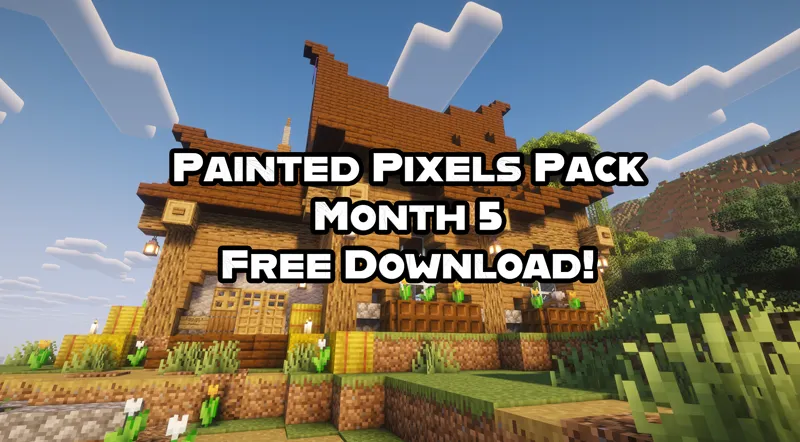
FREE Painted Pixels Pack DOWNLOAD! (Month 5) (Java 1.21.10 & .11)
Download the beta Painted Pixels Pack HERE for FREE!
Painted Pixels Pack - The December Update! Happy 2026 :D
How to install a resource pack/texture pack:
Note: this pack is available for JAVA only.
Download the pack below (no need to un-zip)
Open Minecraft
Select Options
Select Resource Packs
Select Open Pack Folder
Drag and drop the Painted Pixels Pack folder into the Resource Pack folder
Go back to Minecraft and select the "Painted Pixels" Pack from the list
Play Minecraft!!
Comments (11)
W
So I’m typing this on my iPad and I would like to get it on my Nintendo switch but I don’t know how to, could someone help me please?
how about doing the GUIs
I would apprecite it if you make armour trims (It would be kinda painfull for all the trims and colors)
Amazing work honestly. So fun to see you painting all of them on youtube.
Supberb!!!
Works in mobile?
I'm struggling to get it to show up in Minecraft, I followed the instructions, asked multiple friends and no one can figure it out.
Try this: Press Windows+R, type %AppData%, select the .minecraft folder and go to recoursepacks, drag and drop it into there. should work when you open the game
Does this include all the previous updates as well?
No sorry just .10 & .11