
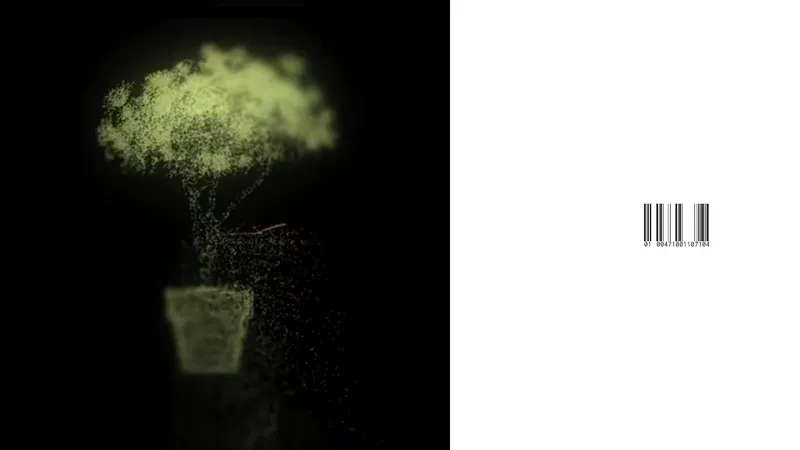
BioCloud Tree | TouchDesigner Tutorial | Free Project File (.toe)
TouchDesigner Build 2023.12370
Download the 3D file (.obj): https://shorturl.at/lftN0
Download the project file (.toe) ⬇
BioCloud Tree | TouchDesigner Tutorial | Free Project File (.toe) (YouTube)
Comments (6)
Hi Pablo, love this! Do you happen to know of a way this could be done with a POP file in rather than a SOP? I've tried on my end but can't get the object to render
Hey! Probably yes....but I have no idea how to do that. I’m using Build 2023.12370, so I haven’t tested POP operators yet.
Hola Pablo.When changing the .obj, how can I make it appear in the middle of the scene, please? I've tried several things but I can't get it to work. Thank you for your reply and for your wonderful work.
Hi! Well, this depends a little on each .obj, but basically you can press the 'H' key in the camera viewer or change the translate values.
Hey pablo, would this work with a 2d image? or would need to convert it into 3D?
Yes, it is possible to modify some initial operators by working directly with TOPs.