









Am I going to make my own Shadertoy?
I have made a stripped version of Portal Lab without portals that runs in the browser. I call it OptoLab, because it's general enough to be used by everyone. For now the most impressive things contain shaders and adaptations of other people's shaders.
LINK: https://optozorax.github.io/optolab_wasm/
I have already told you guys that I believe I have a very good architecture of components in my Portal Lab:
https://www.youtube.com/watch?v=5mTmEjiz9Mk
It's very composable, the program allows to easily create animations with interactive knobs, and also allows to create user-facing scenes for users to play with your scene.
And recently I completely redesigned the drawing system of my program, making it more general and abstract, and this allowed me to create Shader and Framebuffer (texture) components, which uses the GPU.
And this is very very powerful. I didn't mean to create my own Shadertoy, but with this component it becomes trivial (at least the shader part, not the social part). Let's see what it can do on examples.
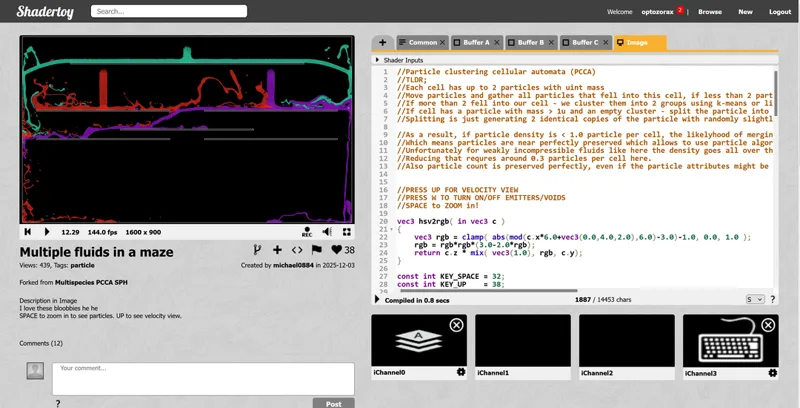
Fluid simulation by michael0884
For example there is this awesome fluid simulation shader on Shadertoy: (https://www.shadertoy.com/view/WcVyDD)
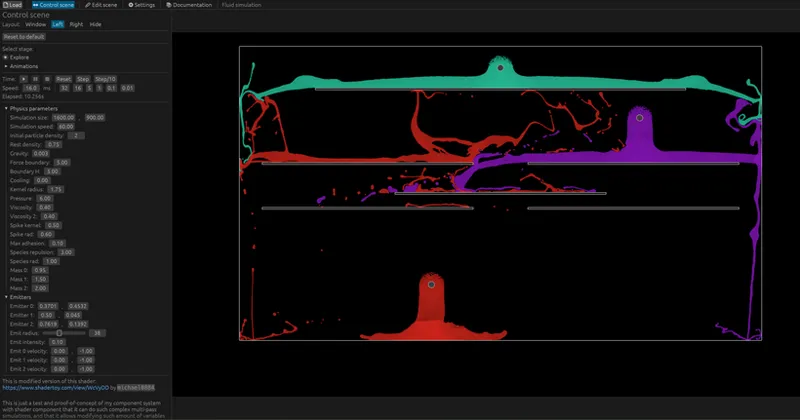
I adapted this shader to my component system, and now you have the ability to control physics parameters using sliders, camera position, emitter positions and so on: https://optozorax.github.io/optolab_wasm/?scene=fluid_simulation
And it's also trivial to make animations with motion blur and antialiasing:
The main part is the interactivity that you can then turn into animation by specifying a couple of knobs.
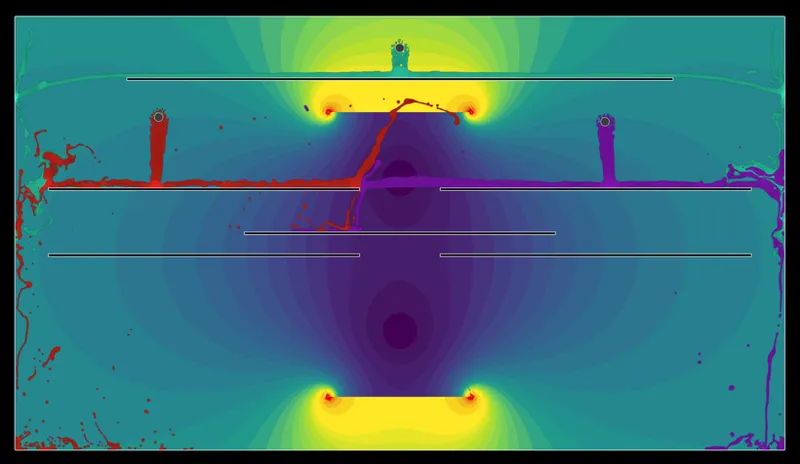
But I can also draw gravity from portals into a texture and then send that texture to the shader to modify the gravity of the fluid at every point. Currently this scene is disappointing, because I haven't spent time figuring out this fluid simulation to be able to teleport its particles with portals. But you can move portals in real time, just like you can do in all my other scenes, and the gravity will be redrawn, and the shader will see the updated version. And when you don't move portals, the gravity texture will not be updated (I talk about this more in the video, it's my system where everything is recalculated only when some dependency is changed. It's a very big optimization in my component system).
120-cell
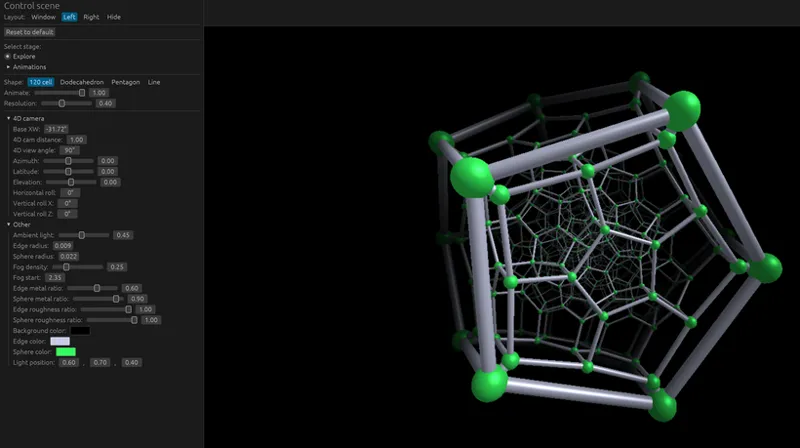
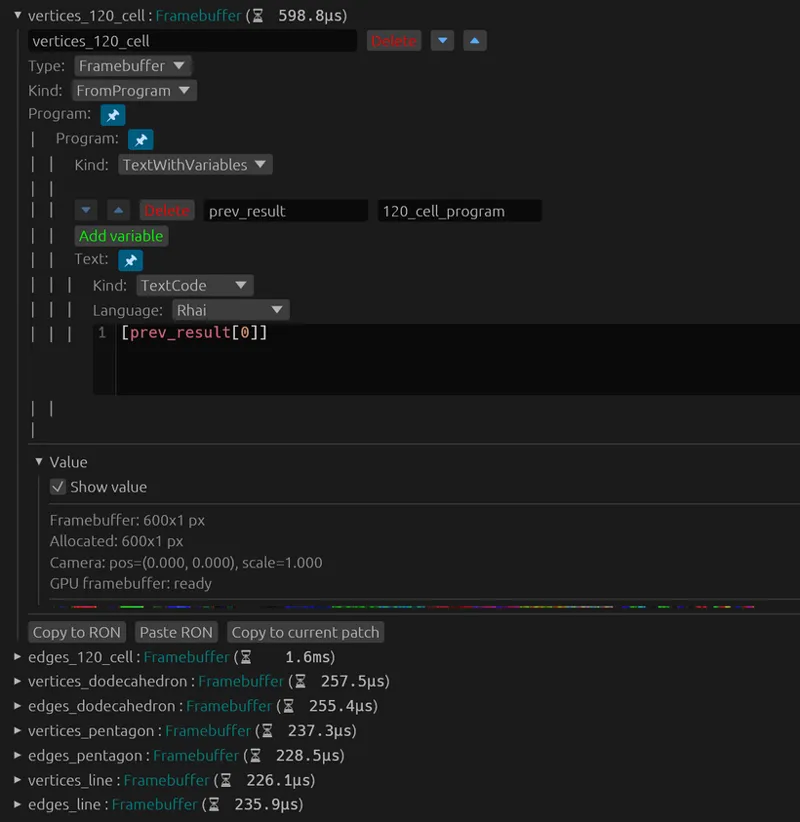
I have awesome animations of different polyhedra for my patrons. At first I vibecoded it as an HTML page with controls, and rendered using python script. But now I migrated this to OptoLab: https://optozorax.github.io/optolab_wasm/?scene=120_cell . And all the animations are also stored in this OptoLab scene. And I don't need some obscure HTML and Python files to recreate those animations anymore.
This is also drawn using shaders, but this 120-cell is not some very clever SDF, it's a pure raytracing of just a bunch of spheres and cylinders.
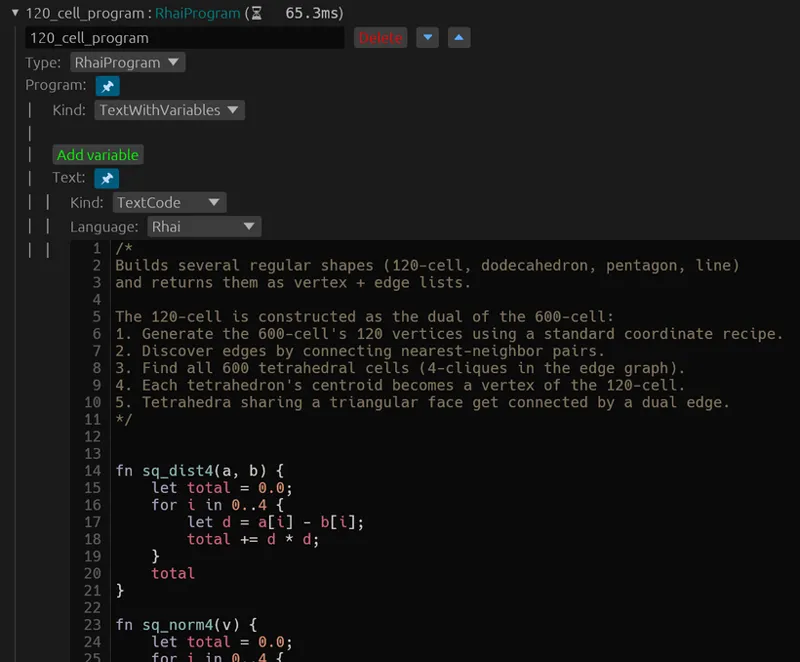
I calculate those vertices in the Rhai scripting language component: (around 362 lines of code)
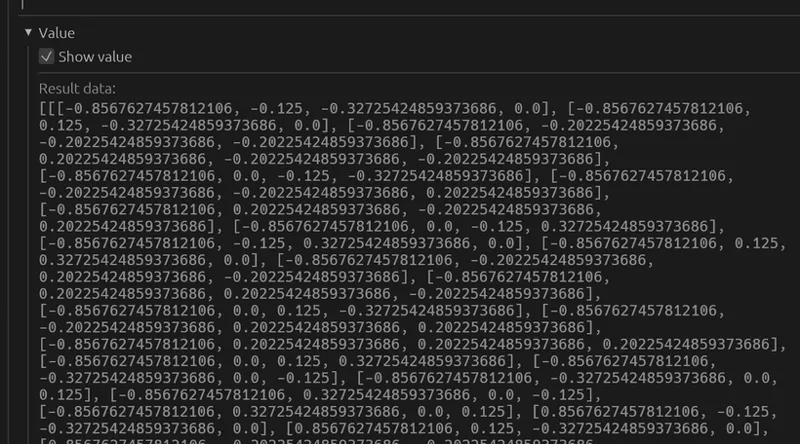
And the result looks like this:
And then I render all those vertices and edges into a texture! You can see that colorful texture in the value menu.
And then I pass this texture to a shader and it draws the 120-cell by iterating through every vertex and every edge. This is why it takes so long to render btw...
Complex value function drawing by Microfractal
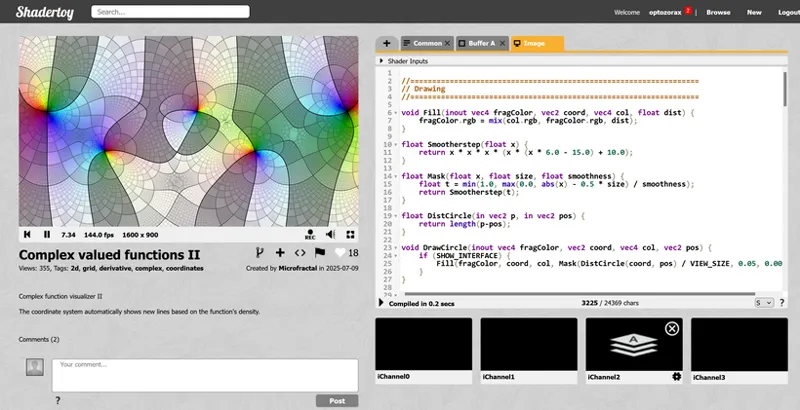
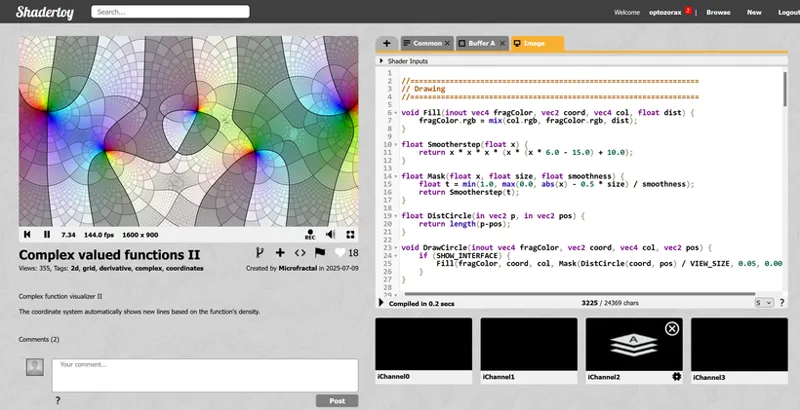
There is this awesome shader: https://www.shadertoy.com/view/tXc3Ws
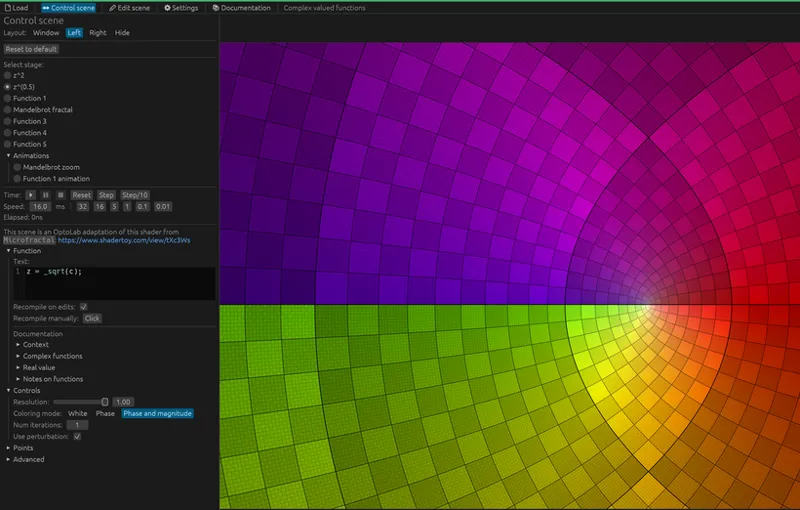
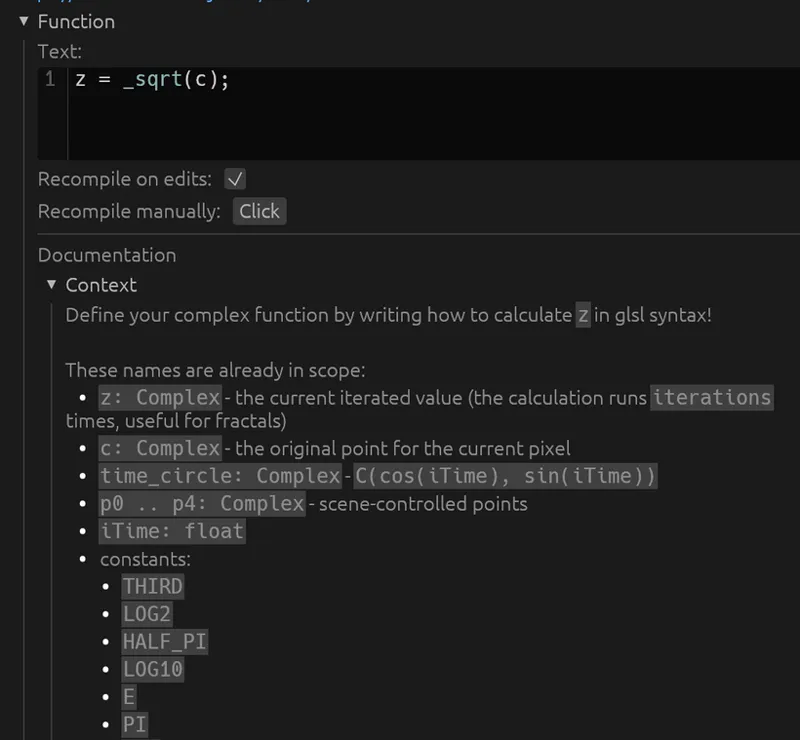
This is basically a very beautiful visualization of complex valued functions, but on Shadertoy it's only animation. If you want to draw your own function, you need to dig into the code. In OptoLab you don't have to, and you can expose a text field with syntax highlighting. For example, this is how the complex square root look like with this shader: https://optozorax.github.io/optolab_wasm/?scene=complex_functions
I made this field where you can write the code, even with documentation for this specific shader! (I didn't write the documentation myserf, it was an LLM who made it under my guidance and strict control)
And this scene has all possible interactive controls for this kind of shader that was behind #defines and conditional compilation in the Shadertoy.
Physics simulation
I also made a scene that simulates softbody just like my CPU code, but on GLSL shaders! https://optozorax.github.io/optolab_wasm/?scene=softbody_glsl (all the source code of this animation is in the "Edit scene")
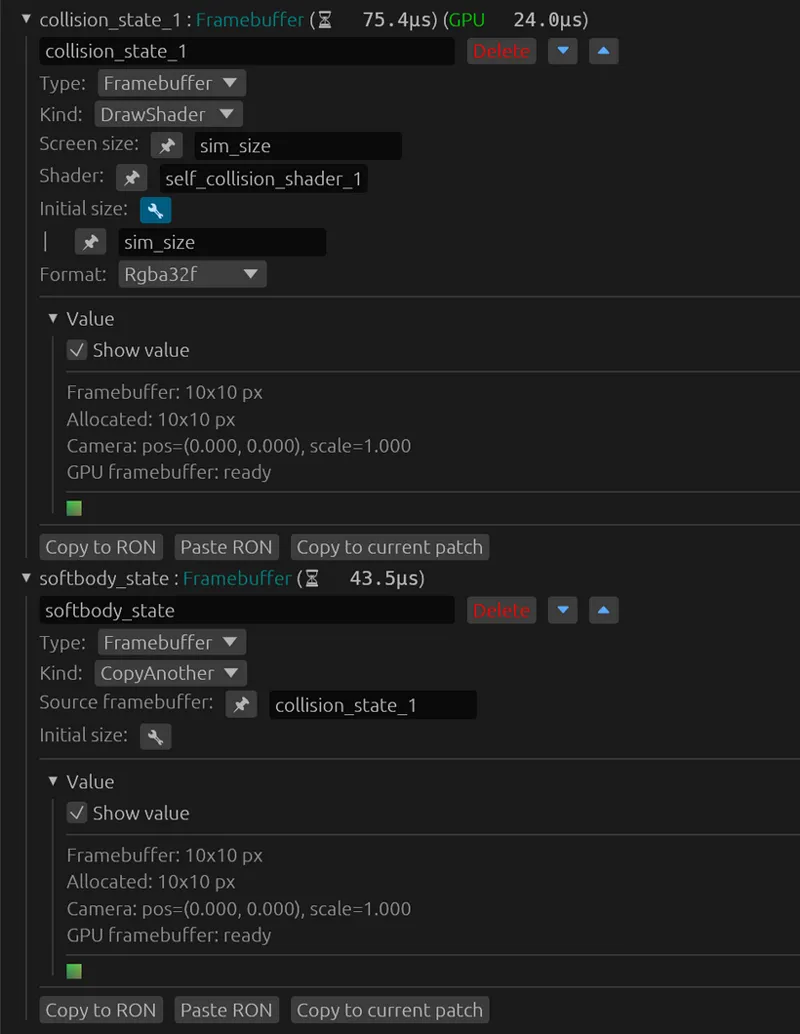
All this simulation happens in a 10x10 texture with custom shader:
And then this texture is passed to the drawing shader and drawn to the screen.
So, what now?
Right now I'm spending some time improving OptoLab (Portal Lab) for potential future users, I adapt some interesting shaders to my program while being faithful to the originals. But mostly this empowers me. I can create much better and much cooler animations and simulations because of that. This really opens another dimension of simulations that were not accessible to me before, but now it seems trivial. For example I have very cool coordinate transformation animations in my upcoming video, that would be impossible without the new Shader component. Or I have softbody physics simulation in curved space defined by an SDF and is calculated on the GPU.
What about Shadertoy - as I said, I didn't mean to create my own version of it. It was not my goal at all (unlike countless of Shadertoy clones). But with the direction of development of my program, this seems inevitable. Shadertoy is cool, but it lacks interactivity. And I want to create software to empower people to easily create interactive scenes of their shaders. Maybe some of them will even use my software to create animations for YouTube videos, just like I do, as a replacement for Manim, which doesn't have such interactive features and is very slow (because of Python). Maybe someone at universities will use it as an interactive physics simulation (just like I use it with FEM physics).
Oh, forgot to say this, but OptoLab and Portal Lab will be completely open-source under the MIT license in a couple of months. I don't want to create a closed-source program for the benefit of people and sell it for money.
And I also think about making a WGPU + WGSL version of this program that allows for much richer manipulation of data on the GPU. But that's another milestone for another time when I start researching 4D.
The program is still WIP and I introduce a lot of breaking changes every day, so if you want to create your own scene and want it to persist in OptoLab - DM me. And for now it's only a preview of what possible, since I really want to share with you what I have built.