



Pale Carnations [Mutt & Jeff]
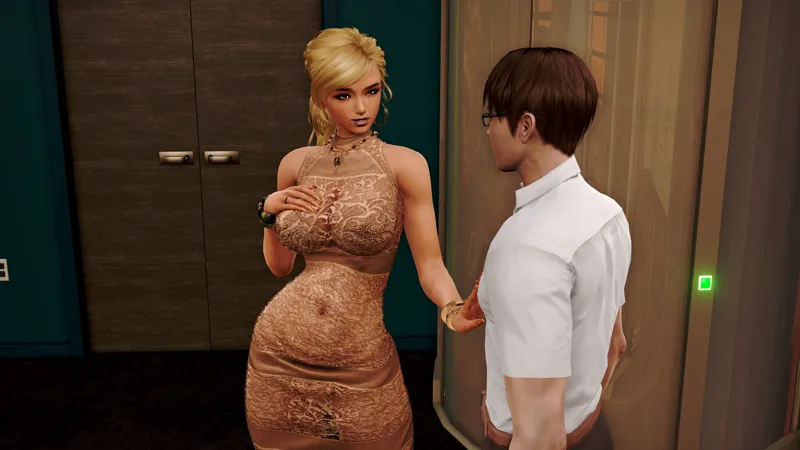
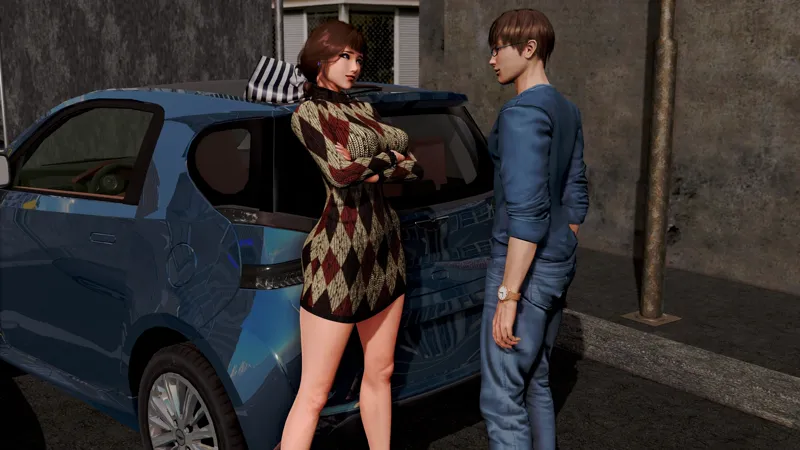
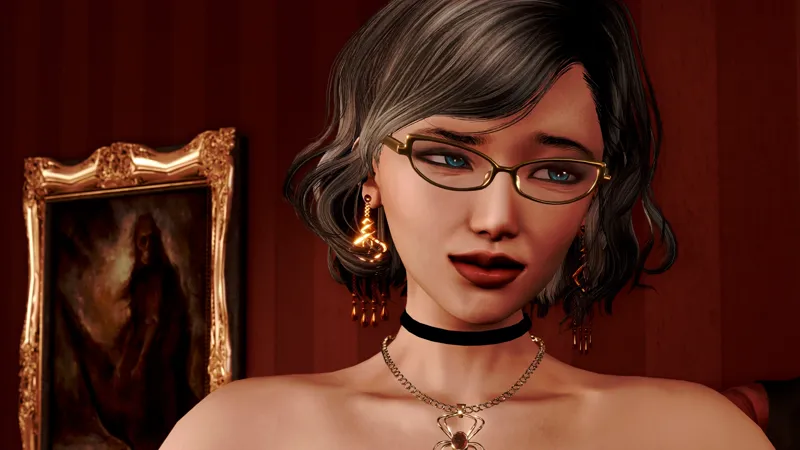
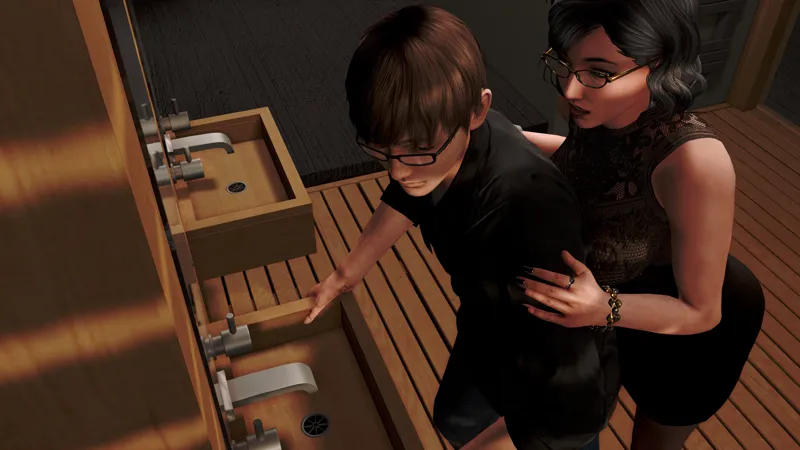
In Pale Carnations, step into the shoes of a tightly wound pre-med student pulled head first into a world of debauchery thanks to the influence of a waning childhood friend. As the newest employee at the Carnation Club, navigate your part in a series of cruel erotic games and sexual encounters. Will you give into your sadistic urges and be enticed by the club's wealth and hedonism? Or perhaps at the end of it all, a flower of romance will bud, pushing you to leave the brothel’s sordid business behind.
Features a variety of intersecting storylines that sees you guide the performance of three women desperately competing for the brothel’s grand prize, uncover backroom dealings steeped in intrigue, and maneuver the day-to-day social life of a man ill at ease with his basest impulses.
Download Links
Android
Windows/Linux
Mac
Instructions for Android version:
Due to the growing size of the project, additional steps will need to be taken to get Pale Carnations to work on your device. Instead of simply installing the apk, you will also need to move a second file containing the game's images, animations, music, and sound effects to a specified location. Tentatively speaking, I've been told old saves will still work. The steps that need to be taken are below:
1) There are two files needed for the install: download both palecarnations.v01-release.apk and the archive.rpa.
2) Install the APK and launch Pale Carnations. It will ask for storage permission. Allow it and wait for the ren'py loading screen to finish and then exit the app. Doing this creates a folder called [renpy_saves] in your internal storage, which you will need to move the archive.rpa to.
3) Copy the archive.rpa file in the zip and go to the documents folder in the internal storage of your device. Open the renpy_saves folder. Inside will be a folder labeled [palecarnations.v01].
4) Open the folder labeled [game] and paste the archive.rpa file into it. Now when you start the game, everything will play normally.