





May 8, 2019
Upgrading workstation | Build log
I just received the last part of my order and I thought would be fun let you see what I do during the assembly so I'll keep you updated with a sort of build log :)
PARTS
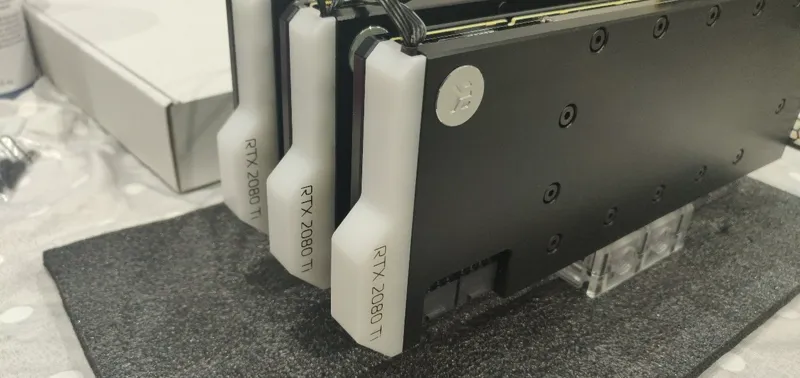
3x RTX 2080 Ti
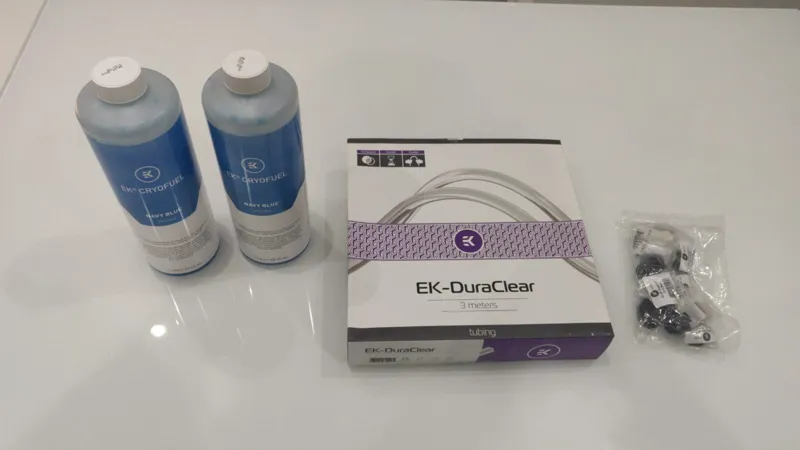
WBs, Backplates, Coolant etc.
-----
STEP 1
Drain the loop and unmount the old gpus.
STEP 2
Unmount the stock cooler from the 2080s.
STEP 3
Mount waterblocks, backplates and screw the bridge.
STEP 4
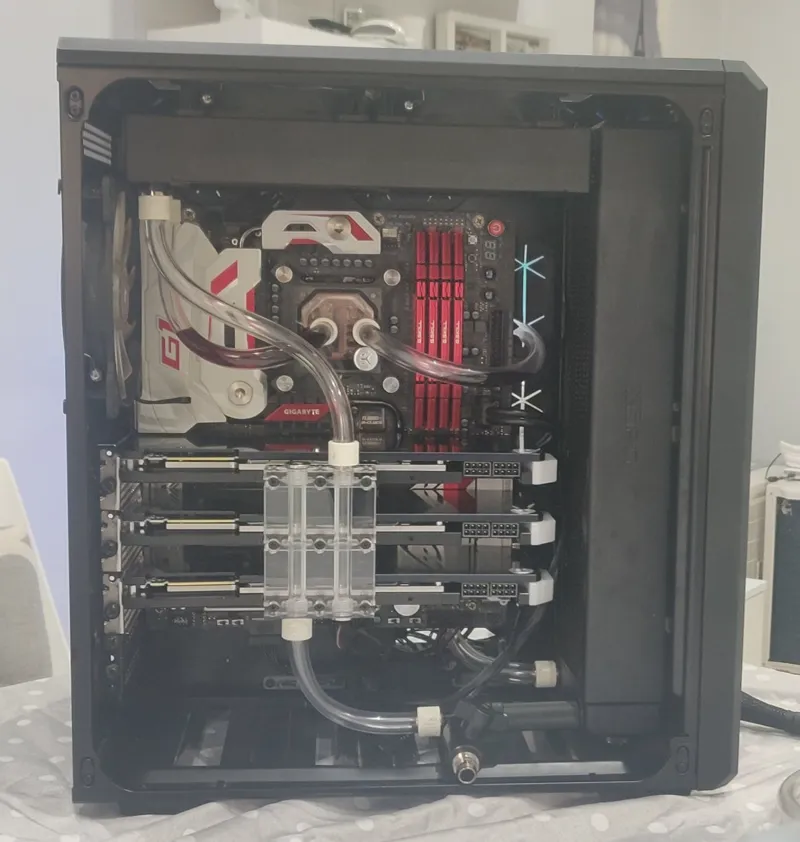
Mount the gpus block and replacing tubes.
STEP 5
Loop completely flushed and filled with new coolant.
Comments (7)
S
Spektra3DX · May 14, 2019
All went well :) As I expected, since now I'm using the beta version of Daz, I'm getting some trouble but the work can continue and the graphic quality I'm reaching is stunning!
P
Puppetmaster3dx · May 9, 2019
This is SO cool! Literally ;)
G
GentlemanPlayer · May 8, 2019
Three 2080Ti's? Geez, that's gonna be a beast.
D
DS3DX · May 8, 2019
ever had any luck with Mixed GPUs lad? I have a 1080TI here just sitting here after upgrading to a 2080ti would it speed up rendering at all?
S
Spektra3DX · May 14, 2019
Absolutely yes, you're limited only for the Vram but the speed is influenced by the CUDA cores so you'll have a great speed up.
A
Azgash · May 8, 2019
💪🏻
A
Azgash · May 8, 2019
😱