
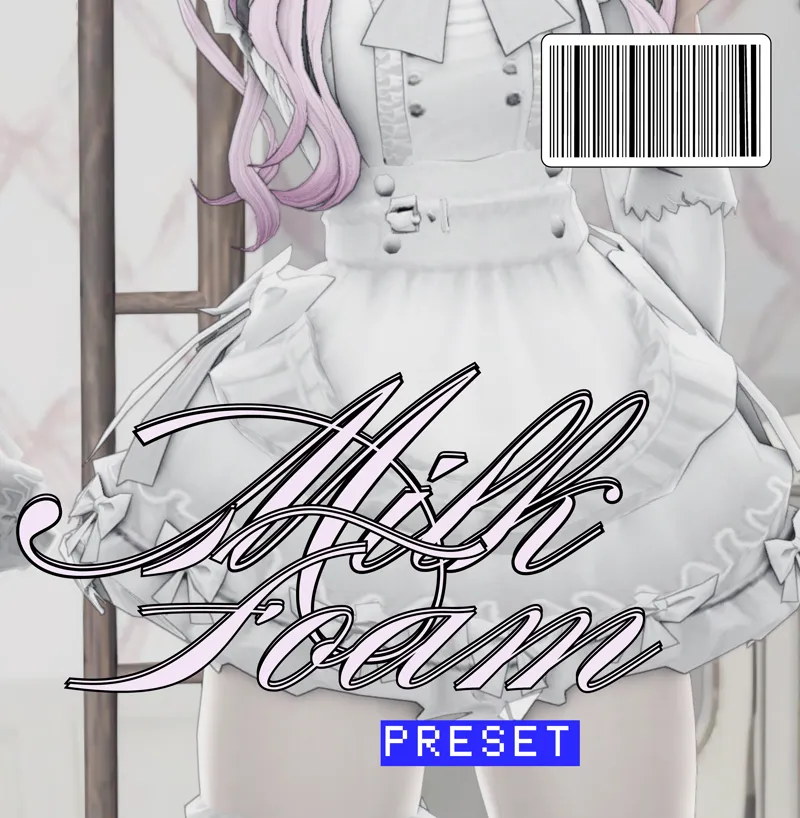
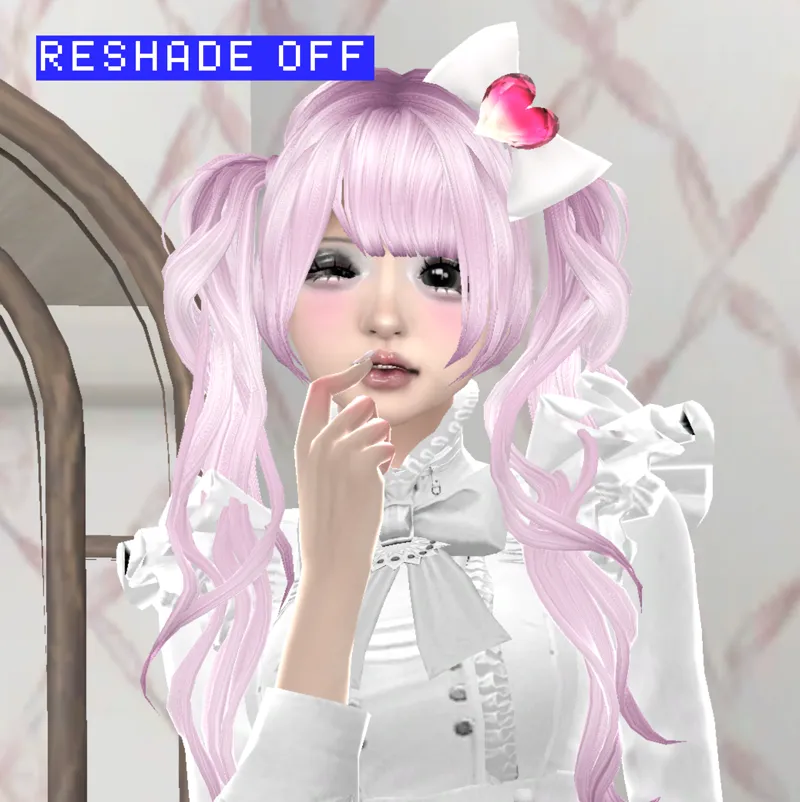


milk foam ☆ [reshade preset]
part 3 of my milk reshade preset series! not sure if i'll upload more of these, and it'll def not be anytime soon. this one has cinematic dof sprinkled in btw, so text might be hard to read with it turned on. hope you enjoy ^__^ (shaders attached)
🌐 put the shaders in your Bin -> reshade-shaders -> shaders folder [tutorial on reshade install can be found here]
🌐 turn edge smoothing off in the sims graphics settings for outline to work
🌐 tested and it works with the game's latest version! lmk if there are any hitches at all
T.O.U ☆
Comments (18)
hii! is there any chance that there's a download for the sim?<3
what is your sims eye cc?? i know this is a old post but they're so cutee!!^^
i have reshade downloaded, though I'm still confused what to put in my shaders folder. i added the file named shaders in my shaders folder but when i booted up my game, the preset wouldnt show up. I think I'm just doing something wrong but I'm not exactly sure what 😭
i think when you open the game file for the sims, there should be a bin file and in there should be a folder that says gshade presets and then you can add them to the custom folder there, at least that how i do it! i followed the misslollypopsims tutorial on youtube : )
this is so pretty ily
Good afternoon! Would you sell this Sims figure or another similar one?
sure, dm me on my tumblr (@cream-roll) to discuss
this doesn't show up in my presets :(
will it work with dx9 sims 4?
it should if you select dx9 while installing reshade or gshade itself
wish this worked on gshade -_-
it works with gshade
this literally changed my life!! thank u soooo much, your work is amazing 🥹
Adorable ;_; wcif the dress? It's perfect
i already used this preset today, i love it <3
I love this so much! Thank you <3
I'm kinda confused I put the cream foam inside the bin where do I put shaders???
have you watched the video on reshade installation and done the steps exactly the way said?