










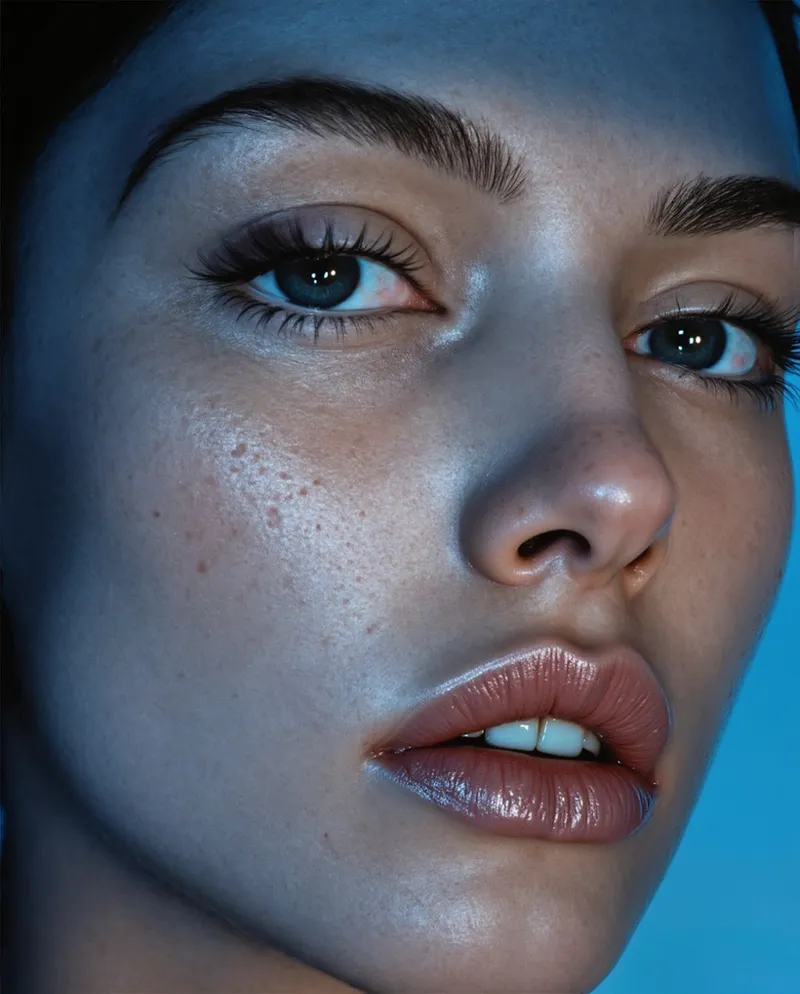


Silent Snow AI - Public Access and New Workflows
Good morning, afternoon, or evening everyone!
We're very excited to officially announce the open public access to Silent Snow AI! Click the link below to make your account and get your free credits! New users get 100 credits (up from 45) until January 1st!
We wanted to give a special thank you to all of our beta testers who helped push this platform over the finish line - providing key insights, bugs, and recommendations that truly helped get us to where we are today. Thank you!
That being said, the official website is launching with some new workflows and features not originally provided in the beta round or discussed here on Patreon:
New Workflows:
Multi-Angle
This is honestly the development I am most excited about outside of Real Skin! This is really huge for both Lora dataset creation and multi-angle product images.
This is the perfect workflow for generating Lora dataset images and is cheaper than our previous tutorial where we showed the process with Nano Banana. This Multi-Angle workflow uses Qwen Image Edit 2509 along with some post generation clean up work to finalize your image and provide a high quality result without the Qwen plastic skin and artifacts we typically see with other providers. See some results below!
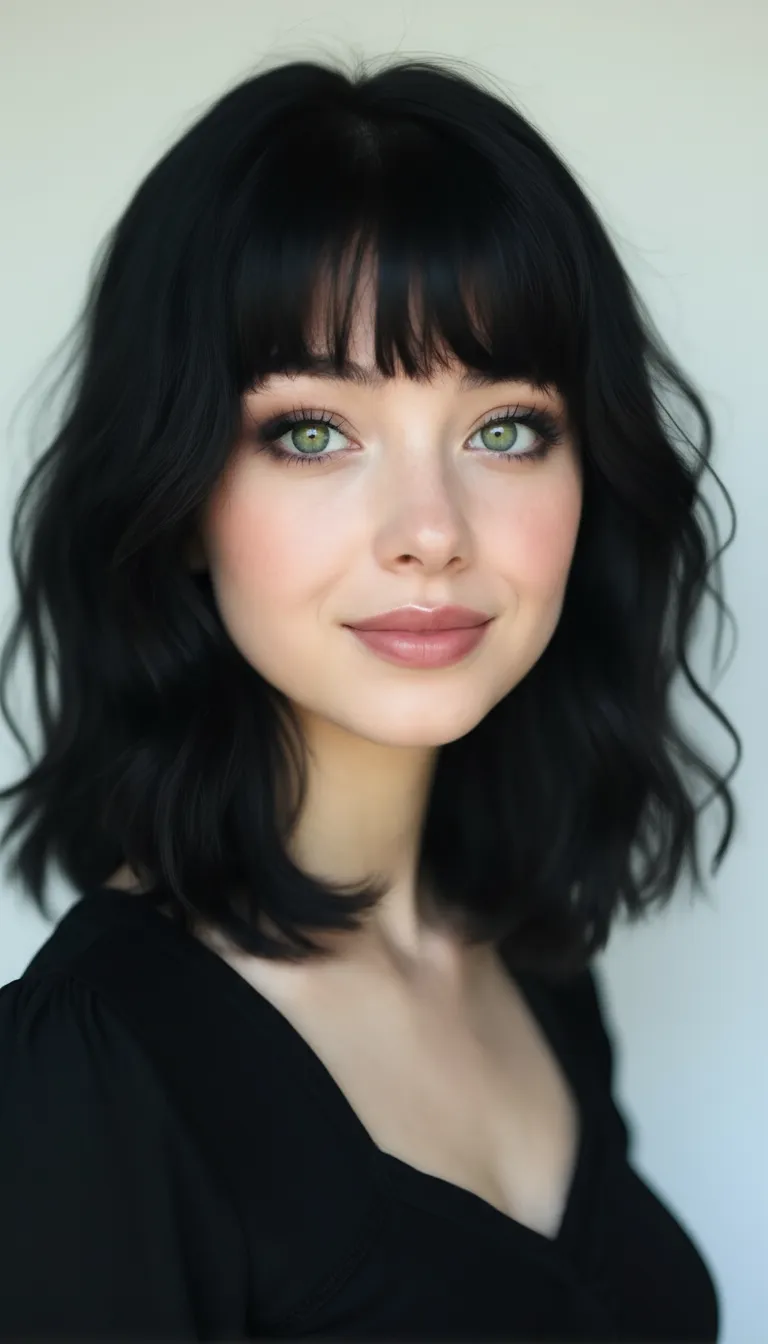
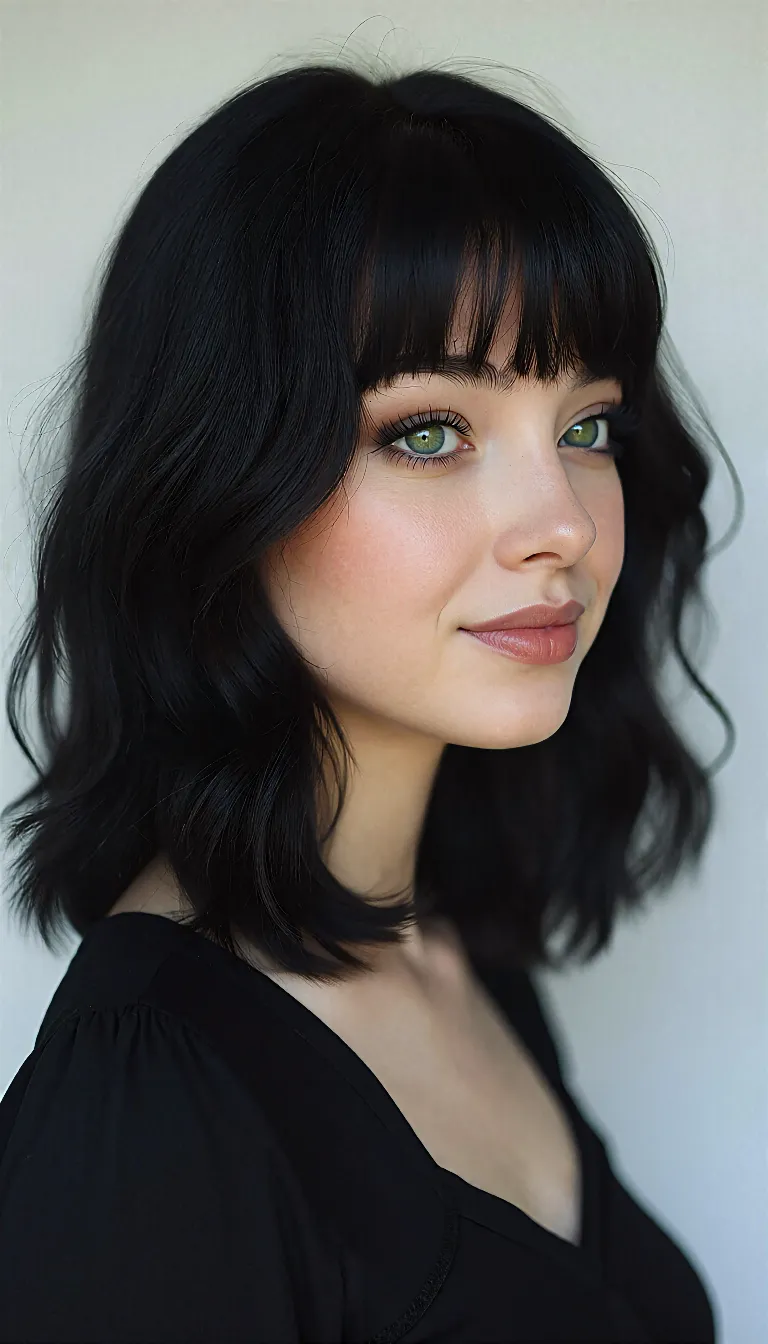
Multi-Angle supports several methods of batch processing. Let's say you upload the following images:
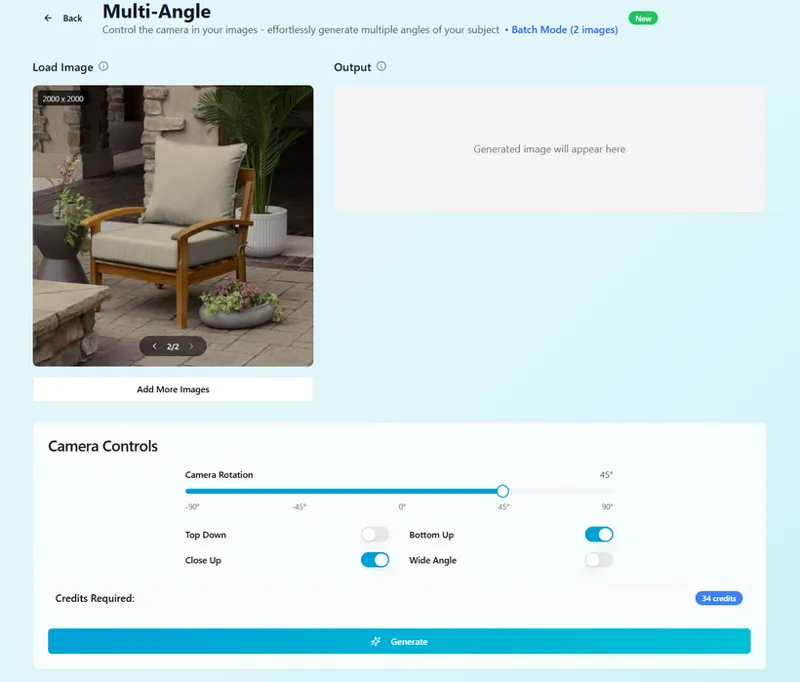
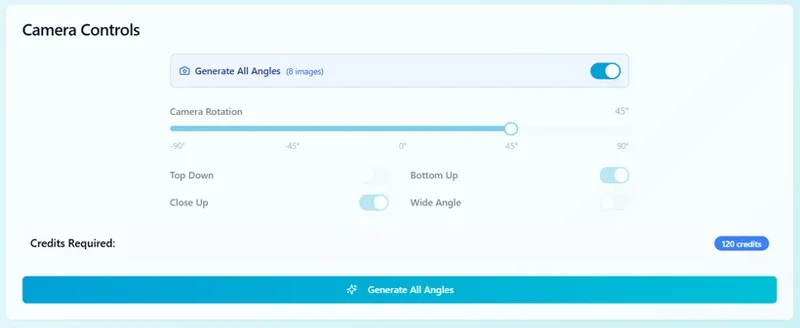
Once the images are loaded, we'll set our parameters to the following:
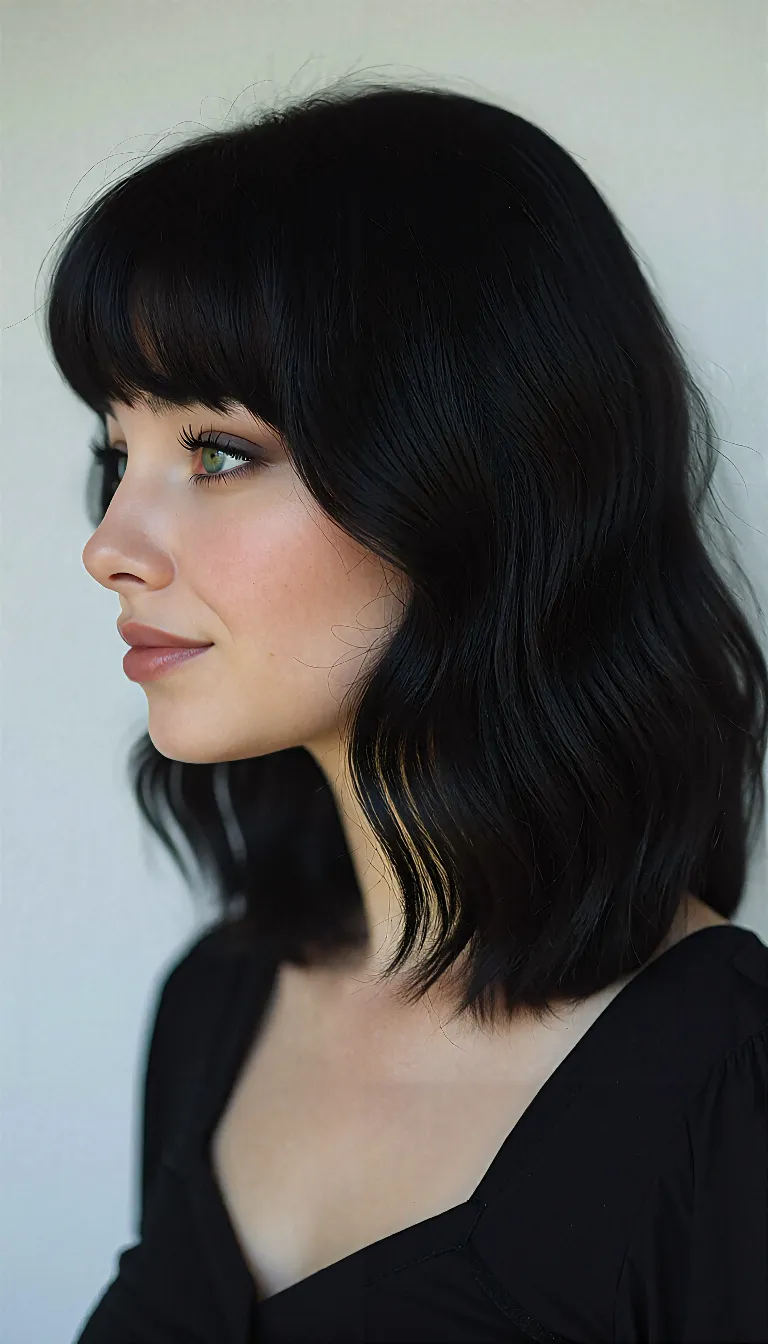
Just like batch processing with Real Skin V2 and V3, the Multi-Angle workflow will generate two images based off of your parameters, resulting in two outputs, one for each input image. From the batch job, we could expect to see results like this:
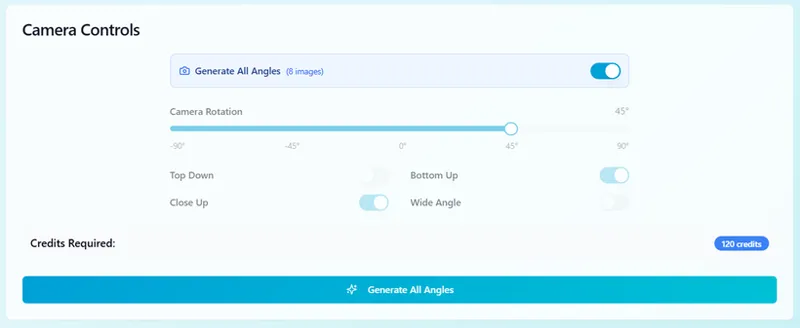
However, let's say you only uploaded only the first image (1 image total loaded). Loading one image into the Multi-Angle page will open up the "Generate All Angles" option. Toggling this option will generate 8 different angles of your subject, providing 8 total outputs. This is really great for Lora dataset development and something we've been using consistently! See the results below.
Whether your training custom characters or using AI for product photography, this is definitely one of our biggest developments for both - especially when paired with the power of batch processing.
Blending Studio
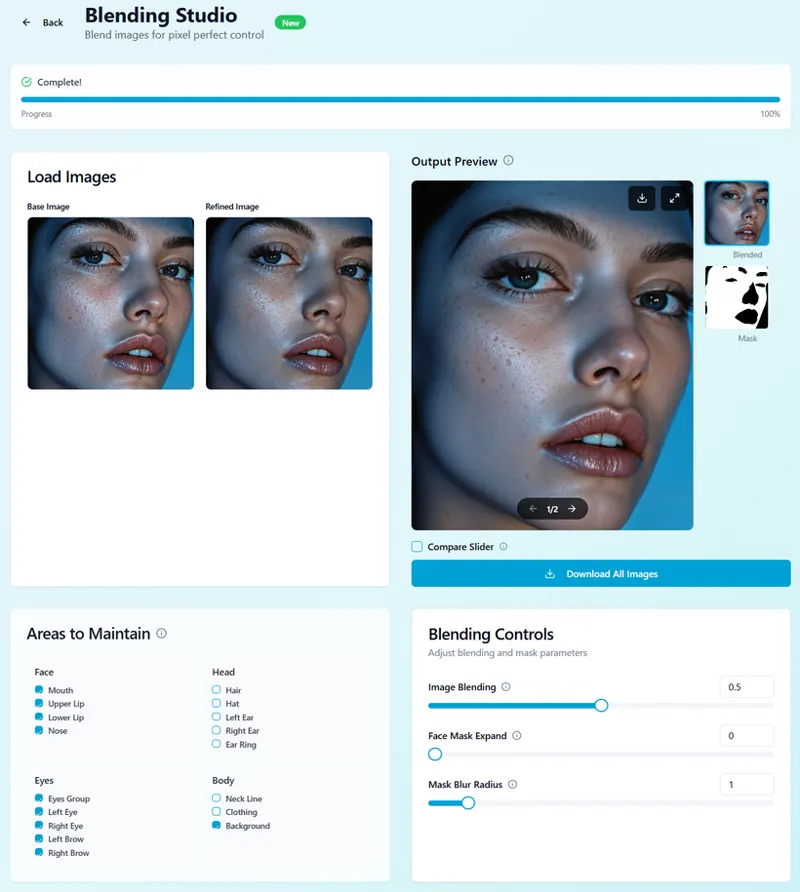
Blending studio is a simple addition to our utility belt that aims to give you maximum control over your skin details. This workflow is typically meant to be used with images that already have a solid skin base with elements that you want to keep.
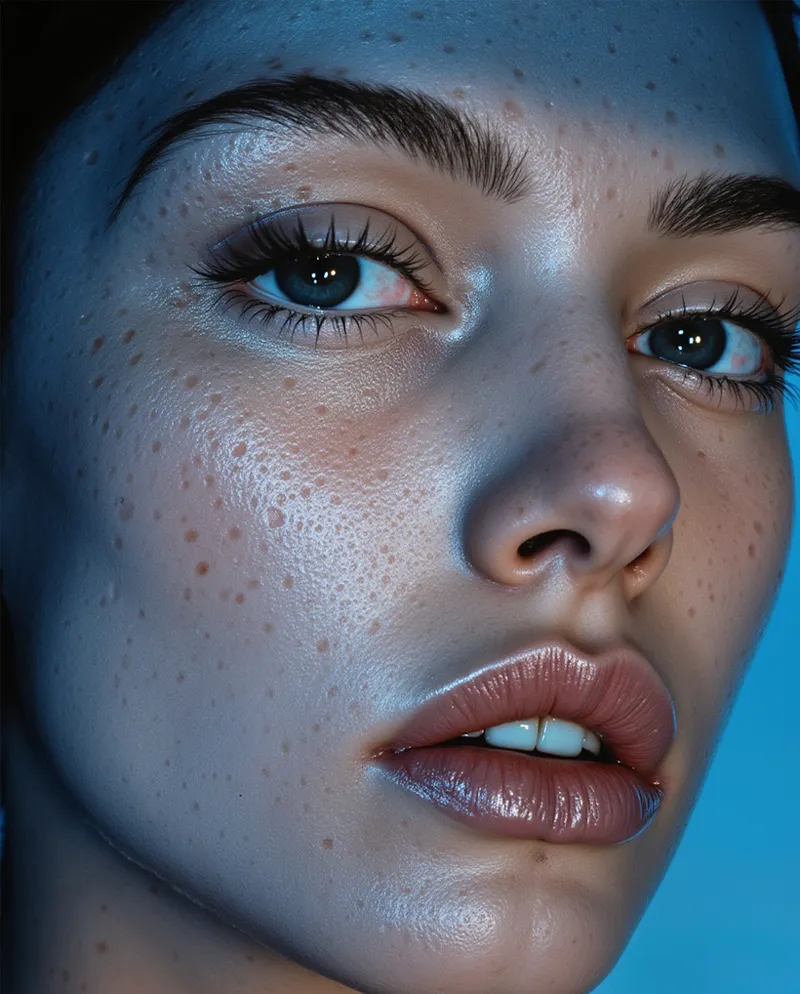
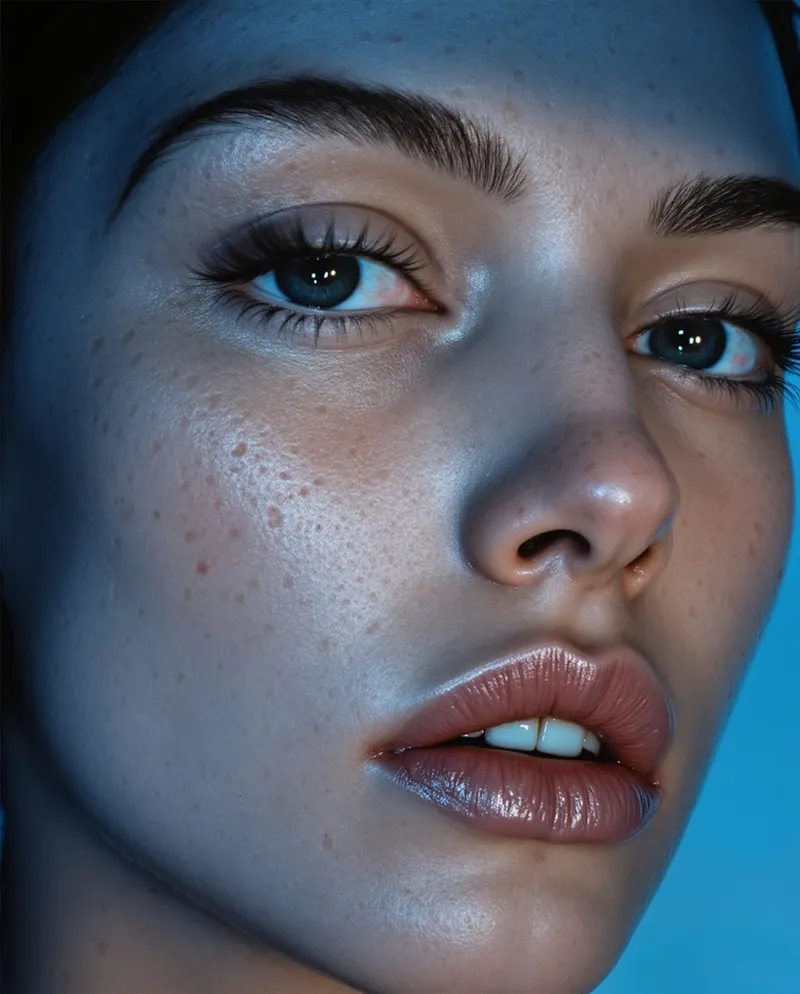
For example, let's say we load the following image into Real Skin V3:
Notice the distinct, rather unnatural pores of the subject. While I personally wouldn't want to keep those details, some people might, especially if it's relevant to the look of your character. Real Skin V2 will provide a result that looks like this:
As we can see, while a very subtle sense of those pores still remain, the skin has largely been cleaned and "smoothed" while still maintaining detail. This is where the blending studio comes in!
In the blending studio, we can load both images, the original input image and its output from Real Skin V2, then control how much we want to blend between the two. Close to 0 reveals more of the input image, closer to 1 reveals more of your refined image. You'll also see a mask is produced for you based on your Areas to Maintain selection to use either in Photoshop, Comfy, or wherever else you may need!
In this case, we did a blending strength of .5, resulting in the following image, a soft balance between the subjects original pores and it's skin refined counterpart.
Let's say we wanted a little bit less of those original pores, we could scale our blending strength up to .75, resulting in the following:
Video Generation
Silent Snow AI now supports a few popular video generation models in both image to video and text to video with more (like Kling O1/2.6 and Hunyuan 1.5) coming in future updates.
Supported Image to Video Models:
VEO 3.1
VEO 3
Supported Text to Video Models:
Kling 2.5 Turbo
Non-open source video generation, unfortunately, is quite pricey. In the long run, we aim to balance costs between image and video workflows to offer users access to closed source models for cheaper than their wholesale price in Comfy or otherwise, but this can only happen with traction and traffic! Put simply, when/if Silent Snow scales, we'll aim to provide top video generation models cheaper than anywhere else, even from the model providers themselves. As an example, if VEO 3 costs $4 per video wholesale, we'll aim to make it $3 or less for our users - though this is a long term goal.
The main purpose of integrating video into the platform is for future, larger scale workflow development like storyboarding or script to video which is planned for EOY 2026.
Upscaler V2 (Coming Soon)
A new upscaling workflow is coming to the upscaling page. Focused on maintaining existing detail, this upscaler is great for images that have great details to begin with (like Real Skin V3 outputs).
Infinite Consistent Character V2 (Coming Soon)
Not too much to report here example wise, more of a heads up that this is something we're working on. While the original no prompt Infinite Consistent Character workflow provides solid results, we want to expand the workflows capability and quality.
Image and Video Prompt to Mask with SAM3 (Coming Soon):
Imagine not having to rotoscope in After Effects or tussle with Layer Mask nodes in Comfy. With this workflow, you won't have to! Simply upload your image or video, prompt for what you want masked, and see the magic! Still in development slated for a future update.
Quality of Life Improvements:
AFK Batch Processing:
Batch processing jobs across supported workflows (Real Skin V2, V3, Infinite Consistent Characters, and Multi-Angle) now support navigation away from the job page, allowing you to monitor all generated images directly from your dashboard while submitting other jobs.
Workflow Folders
The dashboard now contains folders created for you by default to organize between generations across all of our workflows. Previously, you would have to do this manually, now you can quickly filter to outputs across different workflows without organizing your outputs into folders yourself.
File Naming Nomenclature
Files downloaded from any given workflow previous had random names with no coherence. All workflows will now export files with detailed file names, making it easier to quickly identify pairs of images and images generated from specific workflows.
Documentation
Finally done with documentation! For detailed information across all features of the website, feel free to check out the documentation page!
Drag and Drop Image Uploaded
A simple update, but a big one! Enjoy the ability to drag and drop either one or many input images into any of our workflows!
Dashboard Loading Speed
For accounts with tons of images, we've made updates to how our dashboard processes displaying your images making for an overall much quicker experience!
A Final Note from the Creator
Thank you once more to each and every single one of you. We started this journey back in June and, without your support, none of this would've been possible - quite literally, we've done the numbers.
I know it's been awhile since we've focused on the Patreon specifically, but I had to finish this, if not for myself, then for you all. While this may seem like just another AI platform (and in many ways, in it's current state, it objectively is) we really are aiming to provide the best value and best quality possible across all trending tools and models, focused on your user experience and value over profit margins.
While most websites simply plug in models and let users run wild at ridiculous margins, we don't want to do that. We carefully test every tool across big industry leaders like Enhancor, Higgsfield, Invideo, and more to see what's lacking, and what's working. You deserve the best for your dollar without a 100% margin, and that's what we will continue to focus on, whether directly with Silent Snow and/or here on Patreon.
Now that the website is officially launched at the quality I've been searching for, I'm back to focusing on Patreon and quality content :). Thank you all for your continued support, and we can't wait to see you there!
Comments (2)
Why i can't see where to cancel the subscriptions on you websites ? I want to stop the subception where is the option to cancel it ? This sites doesn't work as i was expected. Multi-angle generation failed
Hi! If you click on your profile on the top right then, "Account Settings", in the "Subscription Management" section, you should see a section to manage and cancel your subscription through Stripe. Please let us know if you're not seeing this feature, or if the management section is not working - we can manually cancel your subscription from our end. The reason some jobs fail is due to low traffic which is why we have the auto refund system enabled. The cost of resolving this issue is roughly $3k per week which, at present, we cannot afford. As traffic improves, this issue will resolve itself and jobs fail significantly less. We've noticed this trend as more accounts have been signing up and testing the platform. Failure rates have dropped 40% since the official launch announcement. When you say the site doesn't work as expected, could you provide some further details? Is it mostly because of job failures?