

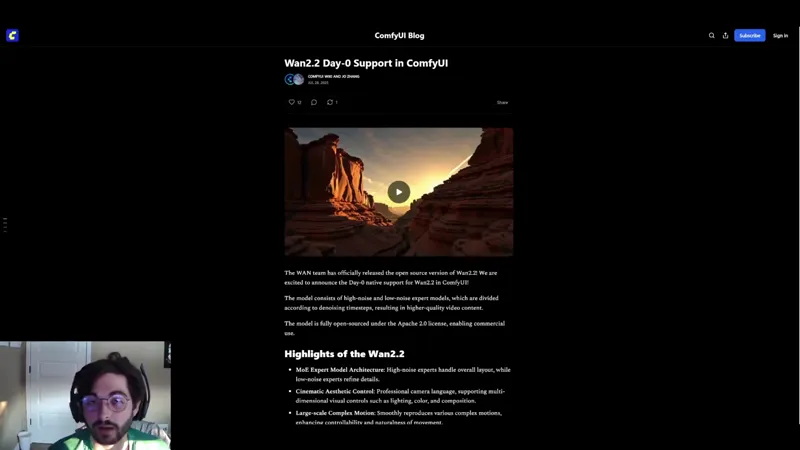
WAN 2.2 is Here! Models, workflows, and examples!
Wan 2.2 is absolutely INSANE! Of course, with some caveats.
The newest addition to the Wan family takes an interesting approach to video generations. In order to use the Wan 2.2 model, you'll need to download two different models, the "high noise" and "low noise" models. The good news is that these models are compatible with the existing Wan 2.1 VAE and umt5_xxl clip, so no new downloads there (unless you don't already have them).
In terms of the "Vanilla launch", Wan 2.2 released for both Text to Video and Image to Video formats in both 14b and 5b models, and the 14b requirements aren't too bad! On an RTX4090, you can get a generation in about 8 minutes... so they claim!
Thankfully, 14b and 5b aren't your only options, as bullerwins has already created quantized versions of both the high noise and low noise models!
In order to access the ComfyUI supported template workflows, follow these steps:
1.) Start up ComfyUI
2.) Click on "Manager" in the top right.
3.) Click "Update All".
4.) When prompted, restart the ComfyUI server (also in the Manager).
5.) After the restart has completed, refresh your page.
6.) In the top left, click "Workflows", then click "Browse Templates".
7.) On the right hand panel, click "Video".
The first three options will be WAN 2.2 14b Text and Image to video with WAN 2.2 5b being the third option. We've also attached the workflows if you can't access them for some reason!
Alternatively, I would highly recommend grabbing the workflow below from herememanAI's RunPod template. All credit goes to him and I would highly recommend giving his video a watch if you do not have 24gb of VRAM locally. We ran his RunPod template and it's fantastic!
In terms of generation speed, we tested the 14b model on an A100 with 48GB VRAM and certainly did not see 10 minute generation time as boasted, even with TeaCache and Sageattention enabled. We actually saw 10 minute generation times PER MODEL (20 min+ total since Wan 2.2 requires 2 KSampler passes). So while this model is open-source, at it's best, your still better off paying for Kling unfortunately.
Overall though, the results are well worth the wait time, especially if you are coming into RunPod prepared with images and/or prompts ready to hit the ground running!
As always, feel free to comment or message in our community chat with any questions!
Resources:
ComfyUI Day-0 Blog: https://blog.comfy.org/p/wan22-day-0-support-in-comfyui
Official Hugging Face Page: https://huggingface.co/Wan-AI/Wan2.2-I2V-A14B
Quantized Models: https://huggingface.co/bullerwins/Wan2.2-I2V-A14B-GGUF/tree/main
Wan 2.1 VAE: https://huggingface.co/Comfy-Org/Wan_2.1_ComfyUI_repackaged/blob/main/split_files/vae/wan_2.1_vae.safetensors
umt5_xxl clip: https://huggingface.co/city96/umt5-xxl-encoder-gguf/tree/main
Wan 2.2 Reddit Thread: https://www.reddit.com/r/LocalLLaMA/comments/1mbfa3y/wan_22_is_live_needs_only_8gb_of_vram/
HearmemanAI RunPod Wan 2.2 Template: https://www.youtube.com/watch?v=zLGkwETISZA