
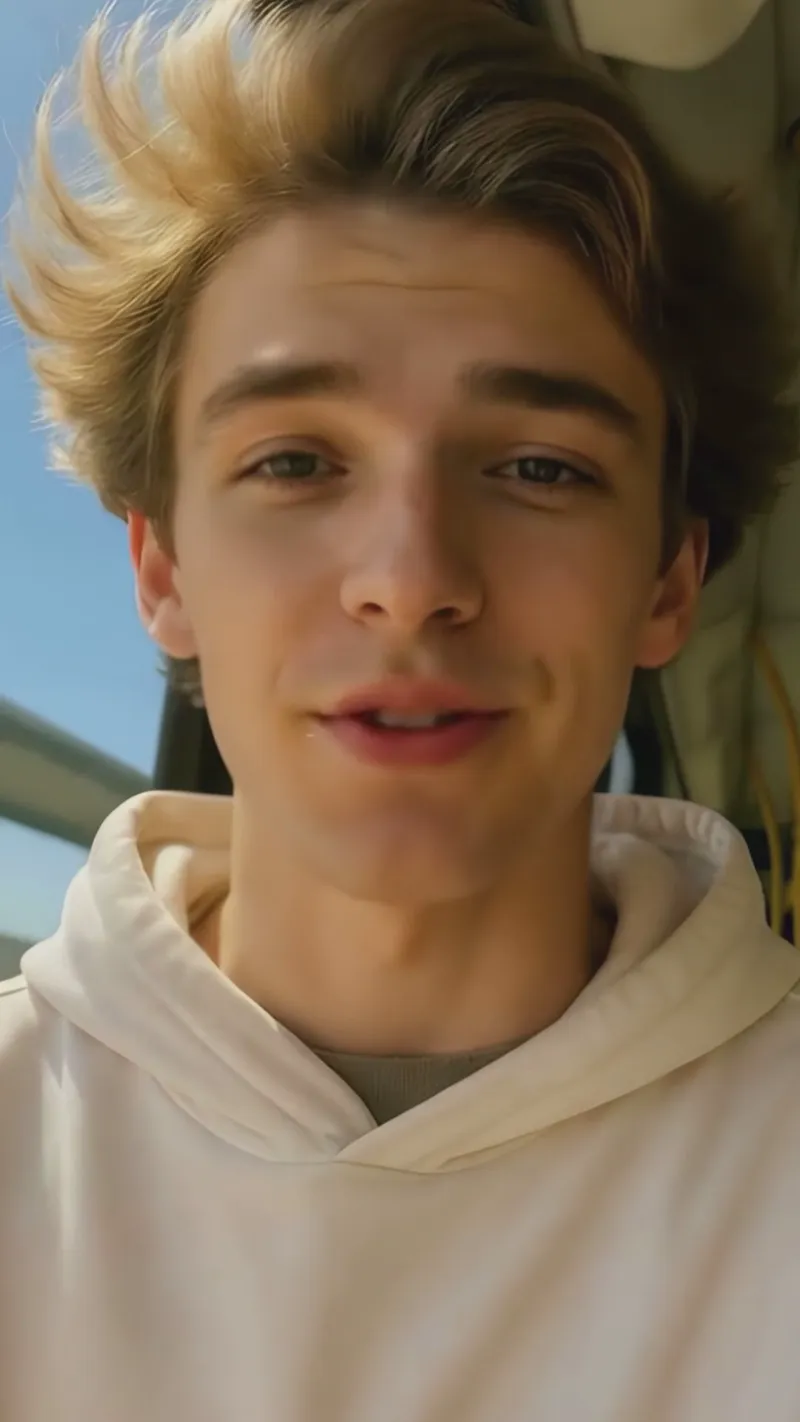

LatentSync Blurry Output Fix | ComfyUI Workflow
LatentSync is a powerful open-source lip sync model that can run on consumer grade hardware... BUT there's a catch. LatentSync's output's,
LatentSync is a powerful open-source lip sync model that can run on consumer grade hardware...
BUT there's a catch.
LatentSync's output's, while mostly accurate, tend to be blurry and visually composite, especially after further upscaling in Topaz or otherwise.
While the output is certainly good enough to trick any non-suspecting individual, if you're reading this you're looking for the very best - the top of the line.
The attached workflow aims to attack the blurry output problem, generating a new base video over the original with a low denoise strength, cutting out the lip movements, cleaning them, and adding it back to the model with a more professional touch, ensuring a more visually consistent result that doesn't change the original LatentSync output, but only enhances it slightly for a more believable end result.
This workflow is created with the LatentSync nodes already set up, automatically passing your result to the various categories to fix the mouth.
Assuming you have met the following requirements, you should be all set:
1.) ComfyUI updated to the latest version.
2.) LatentSync Nodes Package installed: https://github.com/ShmuelRonen/ComfyUI-LatentSyncWrapper
3.) > 8GB of VRam (~1 hour for 5s clip - exponential improvement with better resources).
**The LatentSync nodes package is a bit tricky to install as compared to traditional node packs. We referenced the following tutorial:
**If you do NOT have 8gb of VRam and are able to generate images using Stable Diffusion 1.5 models, you may be able to run this workflow**
**This workflow hasn't been tested on footage with more dynamic angles, but obviously the more clear the face and mouth, the better overall end result**
**If you're not totally familiar with ComfyUI, we highly suggest watching the following tutorial to better understand fine-tuning this workflow for a desired outcome:
Dev Notes
If you'd consider yourself "master/expert" level at ComfyUI, we would love to hear comments on any developments on refining the workflow for greater speed or accuracy! Various approaches were tried like SAM to isolate the mouth, various upscalers, various upscaling levels, etc.