
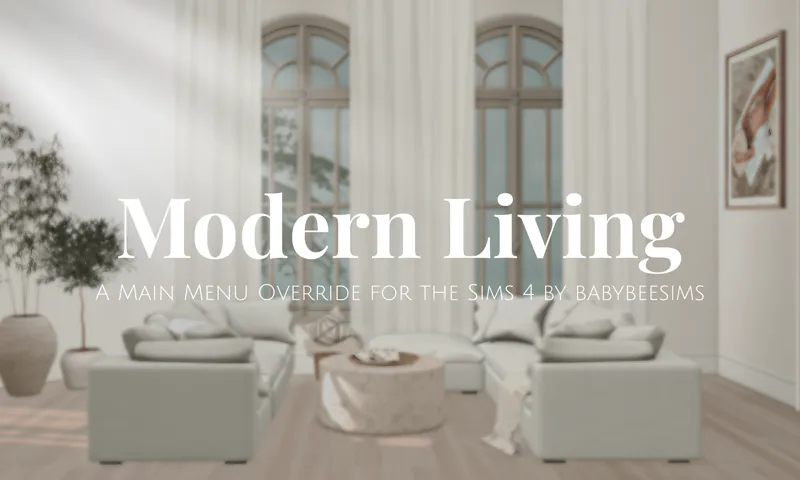
Modern Living | Sims 4 Main Menu Override
Hi! I've made a main menu override mod that I wanted to share.
Features:
Theme — New main menu background image
Modern Living Room — Calm, neutral aesthetic of a living room I designed for my Tartosa Treats build (coming soon)
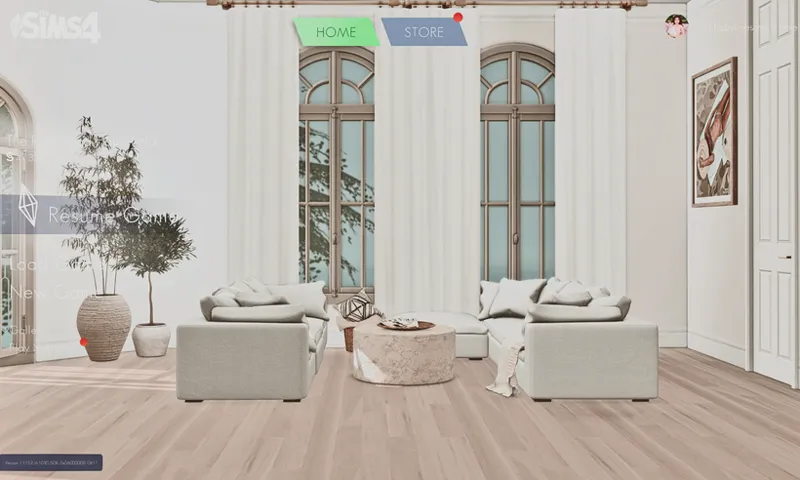
Logo — A new white Sims 4 logo to match the aesthetic
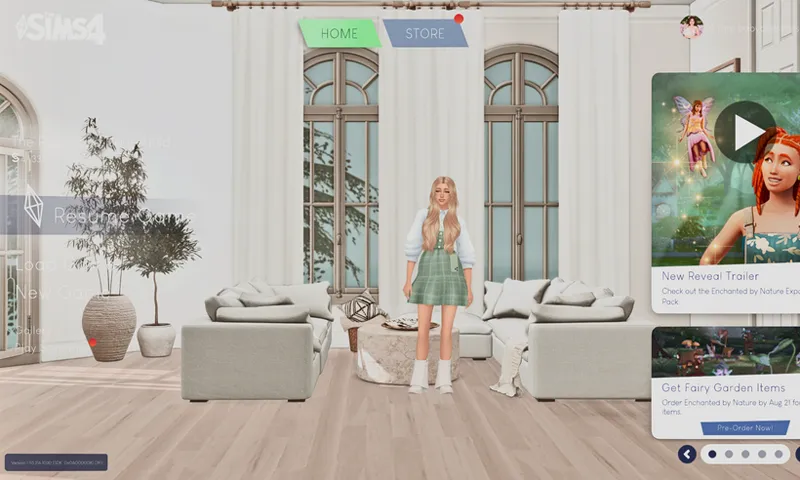
No Sims — On startup the sim household won't show for a clean background
No ads — On startup the new pack info and ads will be hidden
On Startup
After clicking on the Store button — if you click store and go back to the main menu, your household and ads/game info will show
How to install:
Only one Main Menu Override can be used at a time.
This mod is not compatible with any other main menu overrides.
Place the package file in your Sims 4 'Mods' folder.
Open the game, and the main menu should appear in your game.
Please let me know if you have any issues.
Issue Log & Recommendations
TOU:
Please do not reupload, redistribute or claim as your own.
Please tag me if you use any of my cc or mods, I'd love to see!
14th September 2026 - This mod has been updated
Comments (2)
my sim screen is just black?
Hi Lilee, this mod is currently outdated. The game has changed and main menu mods aren't working. I've updated the post.