
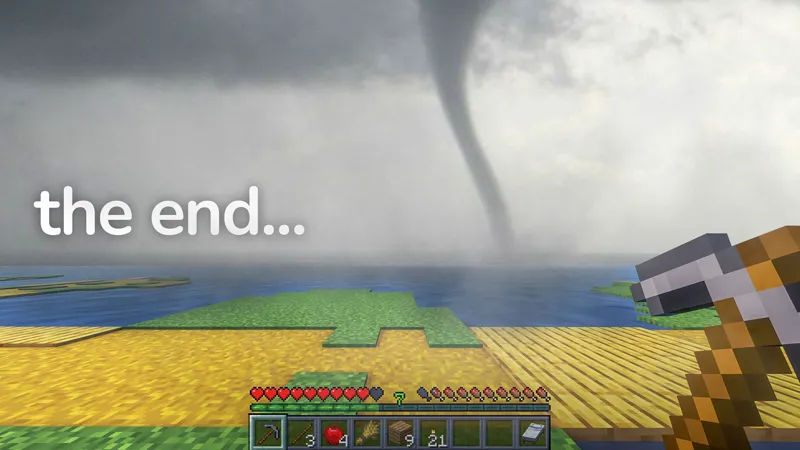
World, Mods, Shader, Texturepack from 100 Days in Natural Apocalypse
INSTRUCTIONS:
Download the folder from the Google Drive link: https://drive.google.com/drive/folders/1ND64h5_zkqwtxIRaJ4yb9XLutm4K9I0p?usp=sharing
You should see the following folders:
saves (contains the Minecraft world)
mods (contains all required mods)
shaderpacks (contains shaders)
resourcepacks (contains the texture pack)
Move the folders to your Minecraft directory:
Windows: C:\Users\YourUsername\AppData\Roaming\.minecraft\
macOS: ~/Library/Application Support/minecraft/
Launch Minecraft with the correct profile (Forge).
Select the world from the Singleplayer menu and enjoy!
Version: 1.20.1 Forge. I used neoforge-47.3.0
Seed: -2601660988977751303
World, Mods, Shaders and Texturepack: https://drive.google.com/drive/folders/1ND64h5_zkqwtxIRaJ4yb9XLutm4K9I0p?usp=sharing
❗To add the rising water levels you will for now have to use Worldedit❗
Please note that this is a very demanding process. This process replaces millions of blocks at a time. It is not recommended for low end hardware.
Type in the following in chat //pos1 1174,62,903. This will set the first position to be one of the corners of the city.
Then, type //pos2 -228,x,-70 where x represents the amount you want to raise the water level by. For example if you wanted to raise the water level by 10, you'd replace x with 72. This is because we have added 10 to the current water level value, which is 62.
Finally, in chat you'll want to enter the command //replace 0 water. It will take some time depending on your PC, but you should notice an increase in the water level.
When raising the water level again, you'll want to adjust the y value in both position commands to ensure that not you're covering blocks you've already filled. For pos1, set the y value to be the y value of pos2, which would be 72. For pos2, you'll want to set the y value to be this new y value plus however many blocks you want to raise the water level by. If we wanted to do 10 again, we'd do 82.
And that's it! Repeat this process every 10 days if you want the water level to increase regularly.
Comments (9)
MAKE THE WITHER STORM
Hola
I couldnt find the music at 27:42 on this video even after paying for the music folder, can anyone help?
When I entered the single player world, it was already started with lots of items, how do I reset this?
Is this also possible to play this through CurseForge or no?
I don't understand how to download this ?
To complicated
You also need the mod that gave you Weather station
wonderful, thank you