

RePlayOS News!
Two new features are coming in the next release:
Reworked UI Skins
Winner of the first Patreon feature poll
Replaced numeric skin slots with named skin folders and skin.json manifests.
Added automatic discovery of custom skins from the active SD card, USB drive, NVMe storage, or NFS share.
Added per-system overrides for menu.png, selector.png, and info.png.
Added component-level fallback to the selected base skin and the bundled RePlay skin.
Added automatic skin folder creation.
Added OTA cleanup for the obsolete numbered-image layout.
New Raspberry Pi 5 System
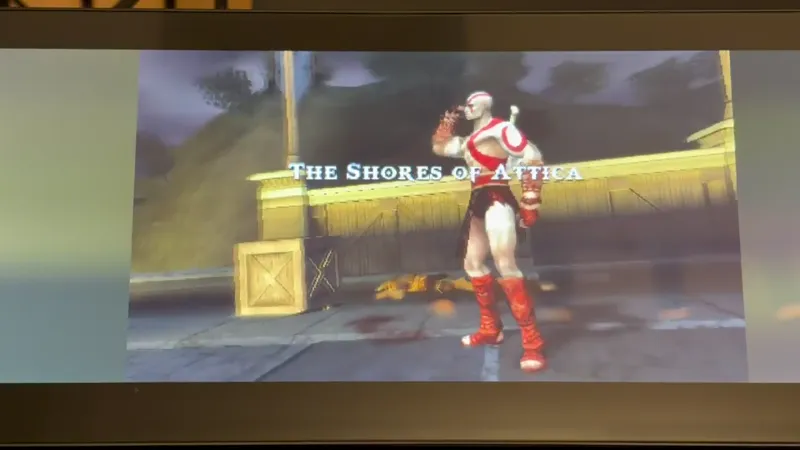
Sony PlayStation Portable support
More details will be shared with the release.
Happy gaming!
Comments (6)
What kind of bios file do I need to add for the psp? And where and what called? I only have one game but trying it gives me the "No Bios File" message after upating.
It's not in the wiki or documentation.
Hi everyone, I was wondering if I'm the only one experiencing this issue with TATE games on a CRT TV. Vertical games like Psychic 5, Gals Panic, and most vertical shooters appear stretched on my CRT TV. However, they display correctly on both an LCD and a CRT monitor. The only workaround I've found is enabling screen rotation, but that would require physically rotating the CRT TV. Am I missing a setting, or is this the expected behavior? Any advice would be greatly appreciated. Thanks in advance!
In my opinion, there are more important things; the PC-FX should be a priority over the PSP (which is 16:9). Also, at least a simple 2x filter should be added for LCDs, as the image looks very jagged—I only use it on a CRT, but on LCD screens, it’s not really viable compared to other systems.
Would it be crazy to suggest Portmaster support as a thing to add?
This would be awesome!!