

March 21, 2025
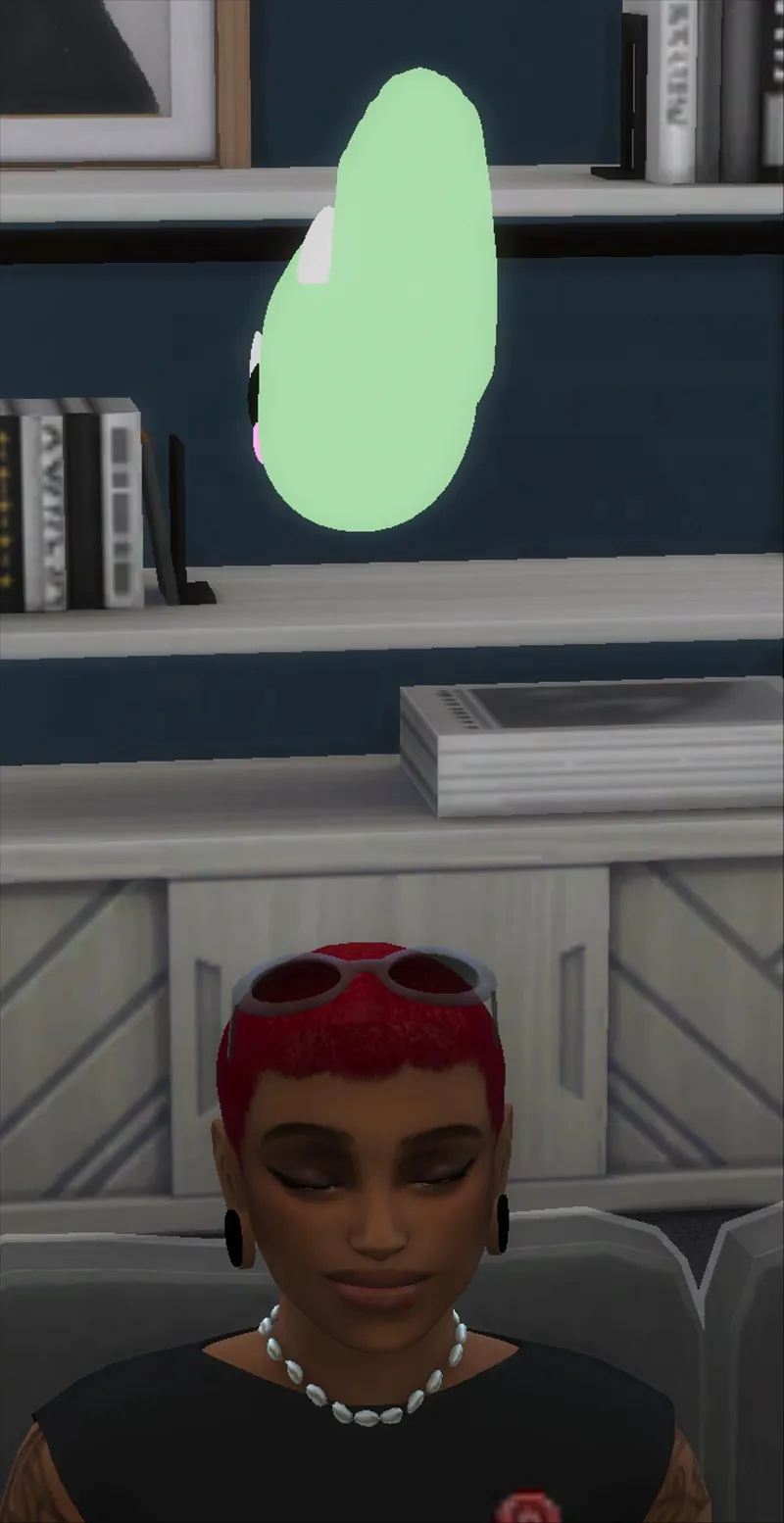
DINO plumbob-replacement
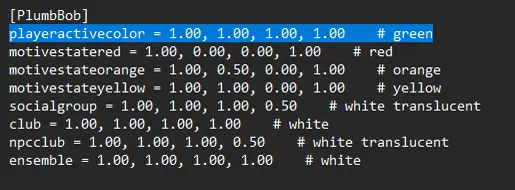
To ensure that the plumbob looks like this you must locate the "Default . ini " file and change the highlighted numbers to 1.00
directory for windows :C:\Program Files\EA Games\The Sims 4\Game\Bin\Default
directory for mac : /Applications/EA Games/The Sims 4.app/Contents/Resources/Default.ini
Comments (2)
C
Cl4wzia · February 6, 2026
I changed the required assets to 1.00 but my plumbob is still fully green? Is there something else I need to do?
T
Thousand_Simmer · February 6, 2026
make sure the default file actually saved and also it could be you have a different plumbob in your game use twistedmexi's better exception to run a conflict check and see if the file is conflicting with something else .