

Free AE Script: Proximity Text Warp by Sheikh Sohel
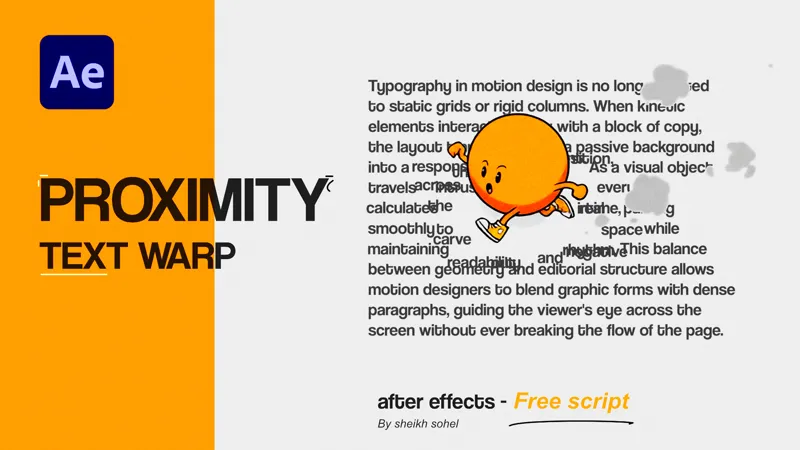
Make your text interactive with a single click. Proximity Text Warp is a free After Effects script that creates fluid, magnetic text repulsion effects without complex node setups or manual keyframing. Just select your text, choose a pointer layer, and click Generate to see the words seamlessly part out of the way.
Key Features
Dual Modes: Choose between Horizontal Gap for clean left/right splitting or 2D Radial Push for an expanding, magnetic forcefield effect.
Custom Pointers: Use the auto-generated circle, a clean invisible null, or assign any custom logo or icon from your composition to drive the animation.
Auto Word-Wrap: Automatically wraps your paragraph based on your chosen characters per line.
Fast & Optimized: Runs on a highly optimized native expression engine for smooth, real-time timeline scrubbing and fast renders.
How to Install: Drop the .jsxbin file into your After Effects Scripts/ScriptUI Panels folder. Restart AE, make sure "Allow Scripts to Write Files and Access Network" is enabled in your preferences, and open it from the Window menu at the top.
This tool is completely free to download and use in all your personal and commercial video projects. If this script saves you hours of manual keyframing, consider supporting this Patreon tier so I can keep building and sharing more workflow tools with the community!