
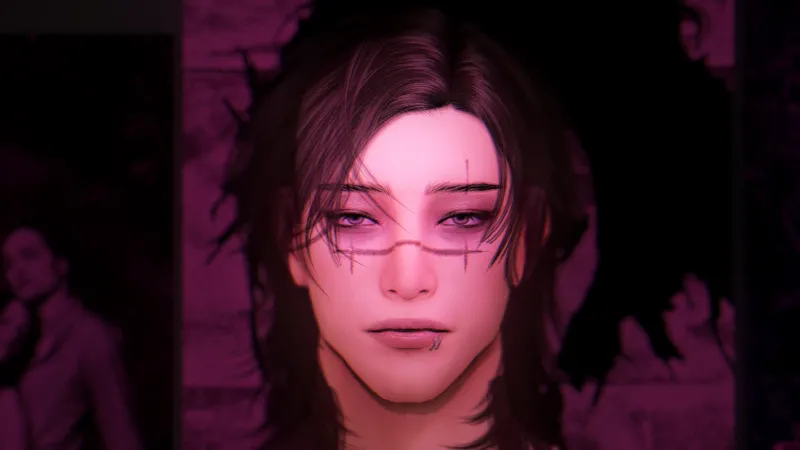
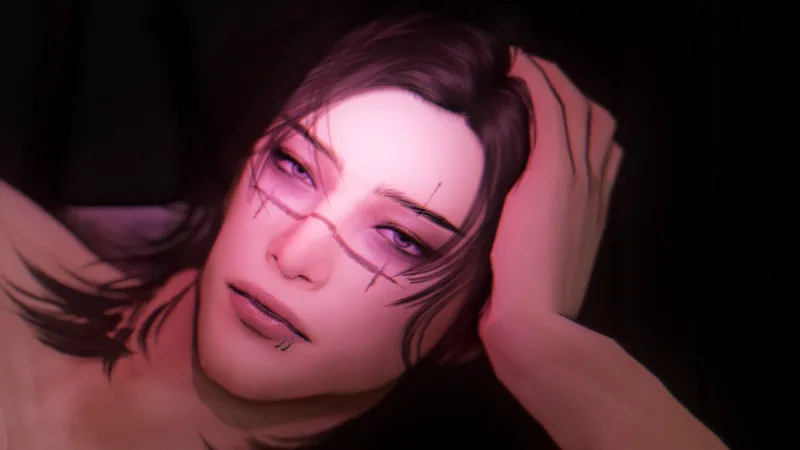
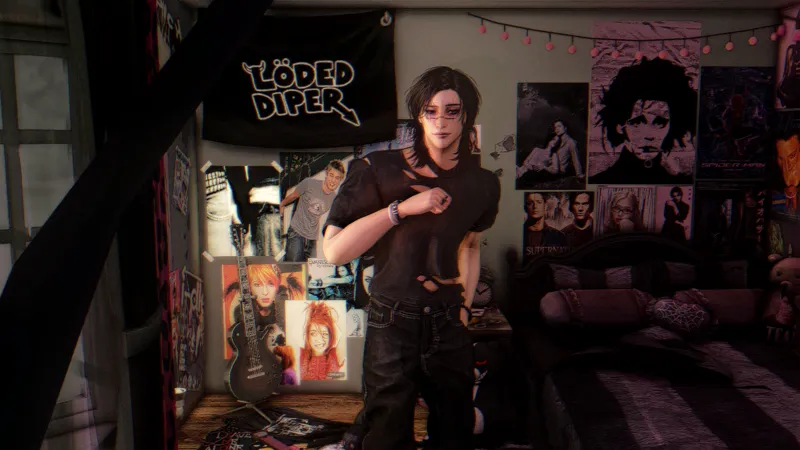


Choso | sim download
im a choso girl not gonna lie
I use the g-shade preset almond by glimersims to take my pics
How to Download & Install
Hey patrons! 💖 Here's a step-by-step guide to help you download and install the Sim and all the custom content.
What’s Included
Tray Files – These are the files that make the Sim appear in your game.
Mods Folder – This contains all the CC (custom content) used to style the Sim.
Installation Instructions
Download All Files
Click the download link(s) provided in this post.
Make sure to extract/unzip the files if they’re in a compressed format (.zip or .rar).
Install Tray Files
Open your Sims 4 folder:
Documents > Electronic Arts > The Sims 4 > TrayCopy all the files from the downloaded Tray folder into your game’s Tray folder.
Install CC (Mods)
Open your Sims 4 folder:
Documents > Electronic Arts > The Sims 4 > ModsCopy all the files from the downloaded Mods folder into your game’s Mods folder.
Make sure Mods and CC are enabled in your game settings:
Go to Game Options > Other > Enable Custom Content and Mods
Restart your game after enabling
Final Step: Find the Sim in Your Library
Open The Sims 4 and go to Create-a-Sim (CAS)
Click the Gallery icon and check "Include Custom Content"
Look for the Sim under the name desiiplays
>>> DL💖(google drive)
Comments (8)
hii! what gshade do you use?
hey i use almond by glimersims i just put the link at the top of this post<3
im so sorry but it shows corrupted
idk if i'm just stupid but i literally cannot find ts anywhere... i've checked if ive downloaded it correctly, ive checked my library and gallary, ive checked your profile and ive tried deleting everything and redownloading it, but its not workinguhhghh.. some1 help pls ;(
hi! i did all of the installation instructions correctly, but when i go to type in your id name i don't see choso, gojo, toji, geto, or higuruma.
me too :C
It says access denied </3
it should be public now sorry <3