


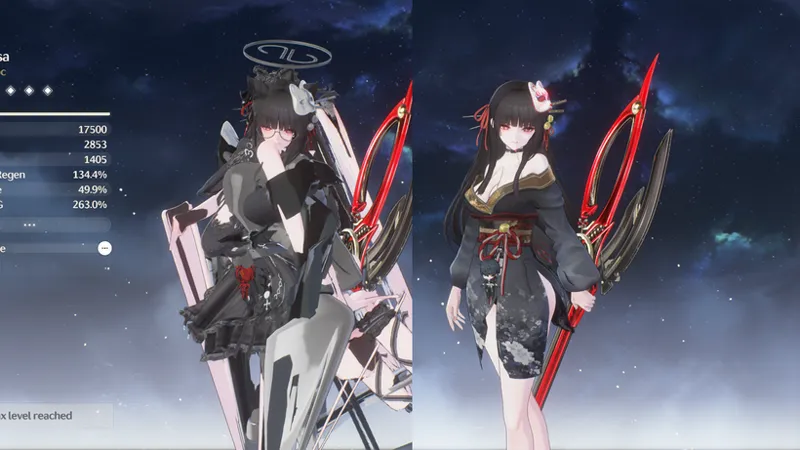


A Small Note on Wuwa and Endfield mods
Here’s a short instruction note for using mods.
How to use mod?
Mods only work on PC, and you need external exe called, XXMI to run mod. You can find any instruction on Youtube.
Am I get banned for using mod?
From my understanding, XXMI does not change the in game resource, or make some kind of hack rolls or anything. So I guess the game does not see XXMI as a theat.
For INSTALLATION
For Endfield, just search for any modding tutorial on youtube.
For Wuwa, you may sometimes need to modify the Engine.ini file, LOD bug or take extra steps (like edit device.ini or something) to get the mod working properly. I would recommend you check out his channel
Keep in mind, I only recommend following his guide to fix the LOD bug (the mod works normally when the camera is zoomed in, but the textures display incorrectly when you zoom out). Woju’s fixer.exe doesn’t always work as intended, so you should keep a backup copy of the mod in case the fixer makes things worse.
Common mistake using mods (Both Wuwa & Endfield)
Accidentally enable more than 1 mods for the same character
and you might get something like this.
-> So yeah, 1 character - 1 mod at a time.
Enable mod both on the main folder and the mod manager for the same character
-> Remember to drag the mod into the mod manager.
Multiple same mods.
This might disable keys toggles, and mod exploded like above
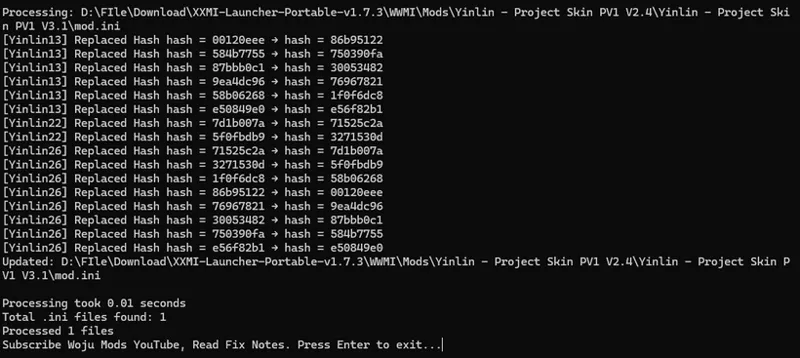
Hashes changed on every new version
There are 2 cases you might encounter:
Lost/ changed texture hashes
Fully Lost/ changed mesh hashes (basicly does not show up)
Partially Lost/ changed mesh hashes
-> check out Woju's Channel to find update script whenever new version comes
Endfield Current mod bug
As you all know, the Endfield mods are having two ways making mods (Cn script and RabbitFX script).
The main purpose of both scripts is to replace certain meshes using Shader A with Shader B. Most of us use them to ensure the skin has the correct shader.
The reason we currently have two separate ways of making mods like this is that, sadly, Endfield doesn’t have a merge export method yet. I’m really looking forward to having one.
These two scripts conflict with each other, causing the body meshes from both mods to disappear. And the only solution is to make sure all your mods use the same type of script; otherwise, you may encounter a lot of weird bugs. Missing meshes, wrong textures, black meshes, see-through meshes, etc.
We have a RabbitFX fixing script that forces CN scripts to run as if they were RabbitFX scripts. However, it doesn’t always work as intended, so I don’t recommend using it for now.
To check you mods using which kind of script, open the mod.ini or .ini files (the largest most of the time) with notepad. Press Ctrl F and search some line like this
if it has something like
vs == 202 || vs == 203
This should be Cn scriptif it has something like
[ResourceCB1]
[ResourceT0]
type = StructuredBuffer
stride = 16
array = 200000
This should be RabbitFX script
How to check mod conflict
I don’t know much about coding, so there may be situations where my mod causes issues that I’m not aware of.
The only solution I can think of is to move all the mods out of the mod folder, then add them back one by one to identify which mods are conflicting with each other.
So if you are having bug when using my mod, Pls, check which mod conflict to mine, describe the issue and some screenshots. (and provide the mod conflicted to my mod if possible) I will try my best to check and fix.
That's should be it. Sorry for my bad English :P
Best regards.