
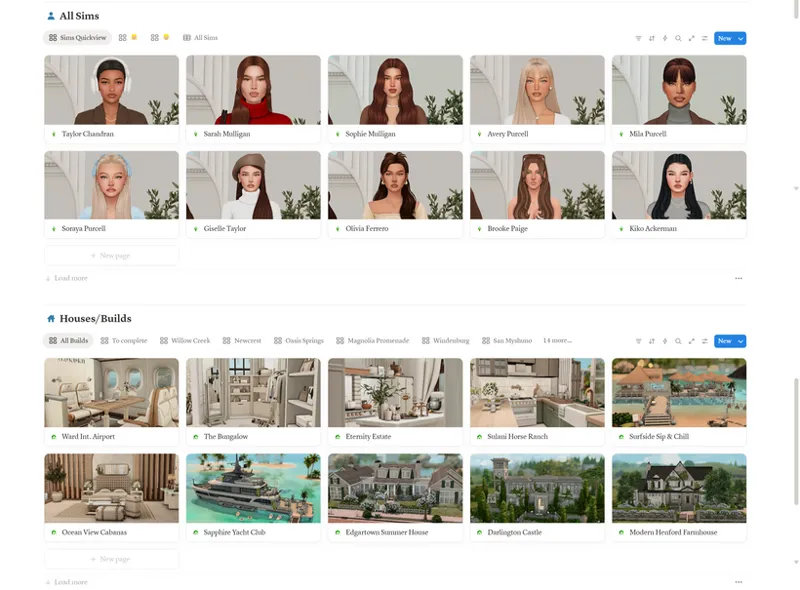
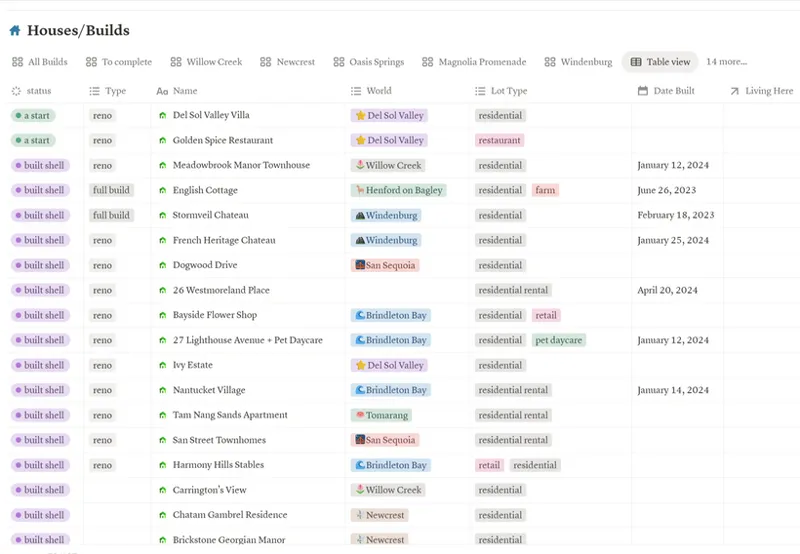



Sims Savefile Tracker - Notion Template 🤍
I have made a Notion Template for simmers that can help with organizing the households, builds and mods in your saves, which I've found especially useful if you use a lot of mods/CC and need to keep track of updates!
*You need Notion to save and edit the template, a very useful free-to-use app!
This template features:
-A Sims Tracker table to keep track of ages, genders, familial relations, aspirations and more
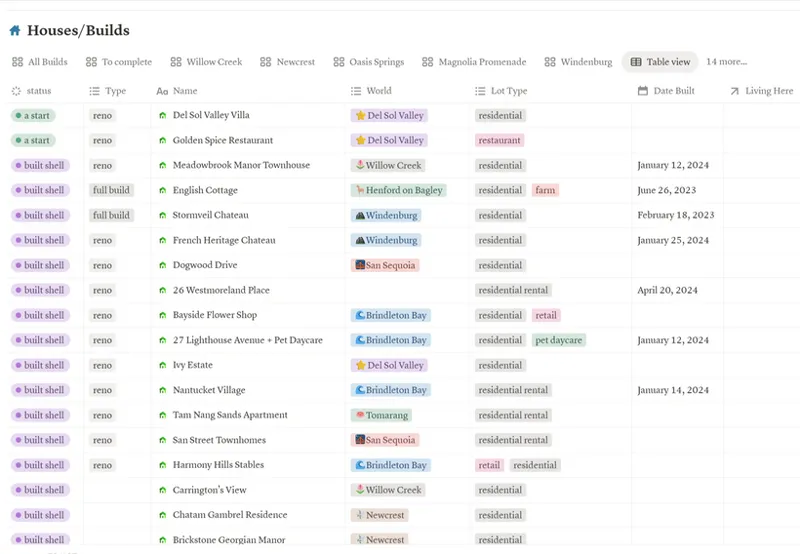
-A Build Tracker table to keep track of lot completion progress, worlds, lot types, etc.
-A Mod/CC tracker page to keep track of the update status, creator links and types of mods/CC you use in your game (especially useful for keeping track of your mods after big game updates!)
As well as pages for collecting your screenshots, references, inspo, game tasks, etc.
Preview of Template:
Notion and this template link are free to use
Add The Template to your Notion 🤍 here 🤍
Comments (4)
hi, first of all, thanks for giving us the chance to try this out. it looks wonderful. however, its not working for me; im having the same problem as the other person. i want to add it to my notion app but it ask me to log in, so i do. i get in, but the page isnt there. i go back to try again, and then your entire website just stops working-it says the site is no longer working... in any case, it tells me to try again later. i did try again later- several times... no working.
you are a god send
This is so nice im just having an issue adding it to my notion it keeps telling me to log in which ive done but then i go to your template and it asks it again. Is yours in the marketplace so we can get it from there?
It's not in the marketplace I don't think, just to make sure did you click on the duplicate button? It is in the top right corner of the page, you need to click on it to copy it to your Notion. I'm not sure why it would keep asking you to log in!