
Project files_EarnEdits style animation
►FULL Tutorial
¡Hola a todos!
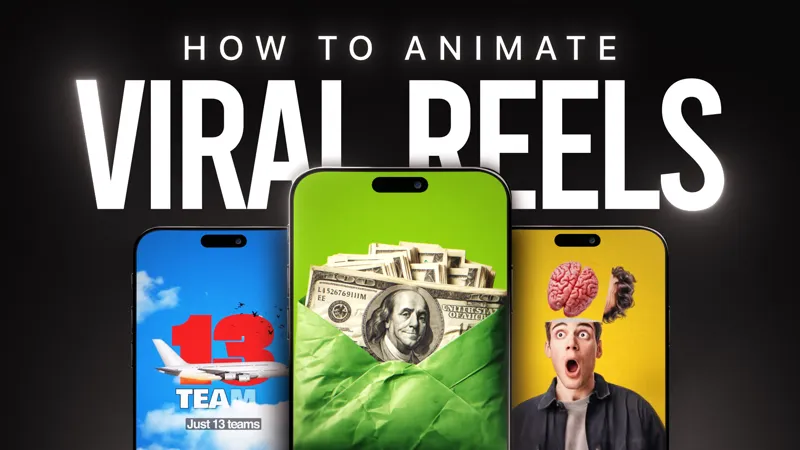
Por aquí os comparto el project file de esta animación, que vamos a recrear paso a paso en el nuevo tutorial de After Effects.
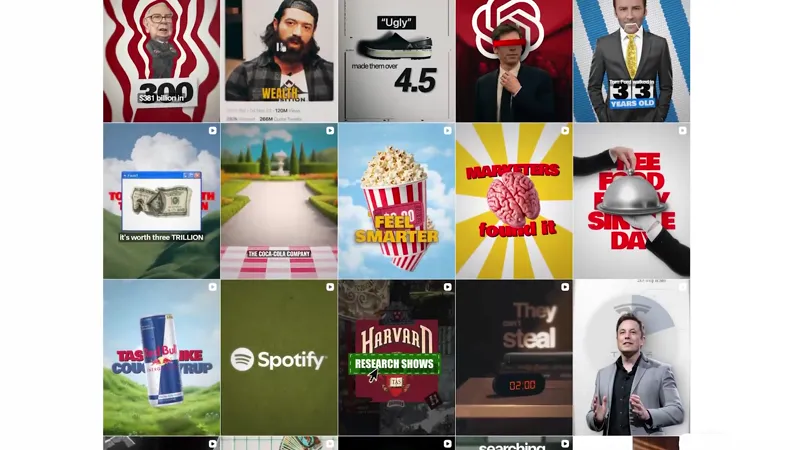
A lo largo del tutorial aprenderemos a crear motion graphics con una estética inspirada en el estilo de Earn.edits, trabajando desde la composición y el diseño de cada escena hasta la animación de transiciones, movimientos de cámara y todos los elementos que hacen que una pieza se vea dinámica y profesional.
También veremos cómo utilizar texturas grunge y analógicas, aportar mayor profundidad visual y aplicar diferentes técnicas de acabado para conseguir un resultado mucho más atractivo y con un aspecto profesional.
En esta animación he utilizado algunos efectos del plugin Boris FX para crear conseguir una mejor estética y un acabado más profesional, pero si no los tenéis instalados, también os explico como conseguir resultado similares con los efectos nativos de After Effects.
Aviso de uso educativo
Este proyecto se comparte con fines educativos para ayudarte a aprender y practicar técnicas de motion design en Adobe After Effects.
Siéntete libre de utilizar lo aprendido en tus propios trabajos y proyectos. Lo único que te pido es que no compartas estos archivos fuera de Patreon ni los publiques o vendas como si fueran tuyos.
¡Gracias por tu apoyo!🙏
Hello everyone!
Here's the project file for this animation, which we'll recreate step-by-step in the new After Effects tutorial.
Throughout the tutorial, we'll learn to create motion graphics with an aesthetic inspired by Earn.edits, working from the composition and design of each scene to the animation of transitions, camera movements, and all the elements that make a piece look dynamic and professional.
We'll also see how to use grunge and analog textures, add greater visual depth, and apply different finishing techniques to achieve a much more attractive and professional-looking result.
In this animation I used some effects from the Boris FX plugin to achieve a better aesthetic and a more professional finish, but if you don't have them installed, I also explain how to achieve similar results with After Effects' native effects.
Educational Use Notice:
This project is shared for educational purposes to help you learn and practice motion design techniques in Adobe After Effects. Feel free to use what you learn in your own work and projects. All I ask is that you don't share these files outside of Patreon, nor publish or sell them as if they were your own.
Thank you for your support! 🙏