
Part 2: How to Give Your Animations a Professional Look
►FULL Tutorial on YouTube
English tutorial 16:56
En esta parte del tutorial veremos cómo añadir los efectos finales y dar a la animación un acabado mucho más profesional. He decidido publicar esta parte en Patreon (de forma totalmente gratuita) porque el tutorial completo supera una hora de duración y YouTube no ofrece doblaje automático en vídeos de más de 60 minutos. De esta forma, el tutorial principal seguirá siendo accesible en varios idiomas sin renunciar a esta parte del proceso.
In this part of the tutorial, we'll see how to add the final effects and give the animation a much more professional finish. I've decided to publish this part on Patreon (completely free of charge) because the full tutorial is over an hour long, and YouTube doesn't offer automatic dubbing for videos longer than 60 minutes. This way, the main tutorial will remain accessible in multiple languages without leaving out this part of the process.
Comments (24)
Can you show me any free sample..!
Can I have the assets?
Hi Monjil! All the projects I create in the tutorials—along with other content—are available to all members of the Motion Graphics Zone.
Bro I am poorand I want to edit and practice with your videos please send the asset of Back to the Moon please bro I am big fan
Hello! I love and am passionate about sharing with all of you everything I know about motion graphics, but creating tutorials of this style requires a lot of work and effort. Therefore, the support I receive on Patreon from each member is essential for the channel to be sustainable and for me to remain focused on creating free content like this, in which I share professional animation and motion graphics techniques. As a thank you for that support, I share all project files and other additional resources with community members. Thanks for watching the tutorial and for supporting the channel in any way! 😊
where is assets? i can't find them
Hi Panda! The project files are available to all members of the Motion Graphics Zone—the $5 membership. If you want to join the community, now is a great time to do so, as the price will increase starting September 15th; however, existing members will lock in the current rate for as long as their membership remains active, while the new price will apply only to those who join after that date.
Hi Vane, part 2 available only in spanish ?
Hi Snehith! The English version starts at the 16:56 mark; it says so in the description 👍
Assets is free or not?
Hi Reihane! With the $2 membership, you get access to the assets, and with the Motion Graphics Zone—the $5 membership—you get access to all the project files and other perks I share here on Patreon with all community members.
How can I find the assets? Please help
Hi! All the project files I create for the tutorials are available to Motion Graphics Zone members here on Patreon, so anyone who wants to can also support the channel from here 😊
i also need the assets to practice please help me
Hi! All the project files I create for the tutorials are available to Motion Graphics Zone members here on Patreon, so anyone who wants to can also support the channel from here 😊
f
You didn’t teach us how to add and edit audio :/
Hi Vitor! This tutorial focused on the technical aspects of animation and texturing. Since it was a collaboration with EarnEdits, I used their original audio and didn't do any sound design myself—but you can check out other tutorials where I show how I handle sound design for some of my animations.
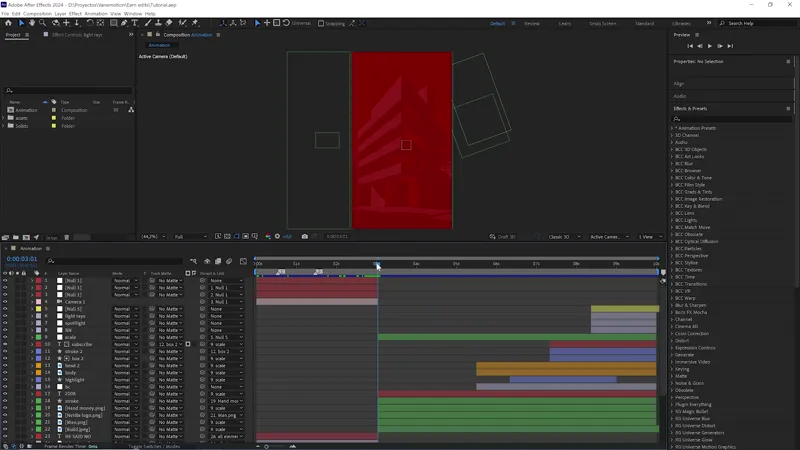
"bcc + center spot" what can i use to replace this effect ?
Hi Vitor! That plugin is used to blur certain parts of the image while keeping others sharp. In this case, we direct the viewer’s attention towards the character, since they remain completely sharp while everything around them is blurred. This effect can also be achieved using AE’s native tools: you create an adjustment layer, add the Gaussian Blur effect, and create a mask with feathered edges. I also explain this technique in the tutorial before using the BCC+ Center Spot plugin, in case someone doesn’t have it installed, and the result is very similar.
where is assets?
Hi Khylle! Up in the "Collections" tab, everything is well organized, including project files, assets, and some tutorials I've posted here on Patreon.
where is assets? i can't fine them
Hi Jafrin! I'm sending you the link. In any case, you'll see a tab at the top called "Collections"—everything is well-organized there. If you have any questions, I'm here to help.