

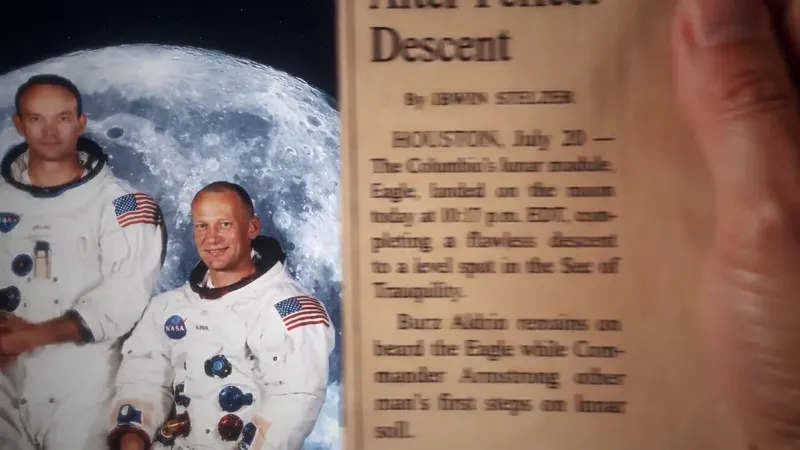
Project file_Back to the Moon
Por aquí os comparto el proyecto en el que he estado trabajando estos días, por si queréis analizarlo y ver como está animada cada escena, además, también tenéis todos los materiales para que podáis hacer la práctica del que creo será el tutorial más largo del canal, ya que voy a explicar como animar toda la secuencia desde cero.
Para esta animación he usado el plugin Deep Glow para generar algunos brillos, y Shadow Studio par algunas sombras, he querido usar los mínimos plugins y hacerlo todo con las herramientas nativas de After Effects.
Aviso de uso educativo
Este proyecto se comparte con fines educativos para ayudarte a aprender y practicar técnicas de motion design en Adobe After Effects.
Siéntete libre de utilizar lo aprendido en tus propios trabajos y proyectos. Lo único que te pido es que no compartas estos archivos fuera de Patreon ni los publiques o vendas como si fueran tuyos.
¡Gracias por tu apoyo!🙏
Here's the project I've been working on these past few days, in case you'd like to take a look and see how each scene is animated. You'll also find all the materials you need to practice what I think will be the longest tutorial on the channel, as I'm going to explain how to animate the entire sequence from scratch.
For this animation, I used the Deep Glow plugin to create some highlights and Shadow Studio for some shadows. I wanted to use as few plugins as possible and do everything with After Effects' native tools.
Educational Use Notice:
This project is shared for educational purposes to help you learn and practice motion design techniques in Adobe After Effects. Feel free to use what you learn in your own work and projects. All I ask is that you don't share these files outside of Patreon, nor publish or sell them as if they were your own.
Thank you for your support! 🙏
Comments (16)
I am facing problem with Track matte which was in 22 min 17 sec of your video. I would be very happy if you could give me the solution. I request you please watch Loom's video - https://www.loom.com/share/a1a87ffcecaf410f9cceae15db1bfc15
Hi Samir! Send the project file to my email so I can take a look and let you know what's going on, okay? vanemotion2000@gmail.com
Hello sir, for how long have you been using after effects?
Hi! It’s been about 12 years or so since I first used AE—always as a hobby; I was fascinated by the idea of being able to animate typography, images, and so on, and I haven't stopped practicing since.
In ur youtube video at 5:08 u moved the camera down and straight how because it was rotated
Hi Armaan! I'm not entirely sure which tutorial you're referring to. Are you talking about the one where I made the Back to the Moon animation? At 5:08 I haven't created the camera yet, so I don't quite understand your question. 🤔
Hola, ¿cómo generas el copy para que funcione? ¿Tienes alguna estructura?
Disculpa por tardar en contestar Alexandra, pero no se por qué, a veces no me llegan las notificaciones. Cuando dices copy ¿te refieres al guión? En el siguiente tutorial a este, te explico como hice cada parte del proceso de esta animación, también la parte del script y su estructura
Hi, can I use some of the assets that are available in the project files for my own videos?
Hi Michal! Are you referring to using the materials from the project files to follow the tutorial steps and create your own versions, or to use them in other independent projects? While I generate the vast majority of the assets myself with AI and some in Illustrator, some project files contain third-party files. In that case, they would be for educational or learning purposes, but as I said, the vast majority were generated with AI, and there wouldn't be any problem with you using them for other projects.
https://www.loom.com/share/aa2a4a0957314a07819e5075db96e4c1 i have a doubt and mentioned in this loom recording i tried replicating ur tutorial in macbook m5 pro
Ok, I see the problem. The track mattes do not appear because you have the "Advanced 3D" rendering engine activated, and many functions are disabled. Switch to "Classic 3D" and that's it!
So beautıful
Thank you, Marv!
Excellent but do we have tutorial on this
Yes Ganesh! I'm already preparing it, for now I've shared the project with you in case you want to see how each scene is animated👍