

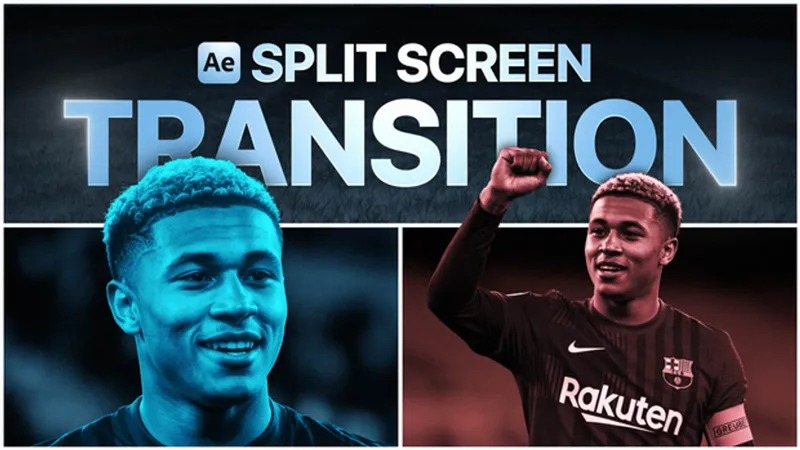
Project files_Screen split transition
Algunos miembros de Patreon me han preguntado que cómo se hacen estas animaciones que utiliza MagnatesMedia en este vídeo (a partir del minuto 21:59) en las que la pantalla se divide en varias secciones que muestran distintas escenas al mismo tiempo. Además, estas capas se disponen en 3D generando un efecto parallax que, combinado con la animación principal, da como resultado un efecto visual realmente impresionante.
Some Patreon members have asked me how MagnatesMedia creates the animations they use in this video (starting at 21:59), where the screen is divided into several sections showing different scenes simultaneously. These layers are arranged in 3D, generating a parallax effect that, combined with the main animation, results in a truly impressive visual effect.
Comments (2)
I am contacting you due to an issue I have been experiencing after downloading the assets for this tutorial. After downloading the files I am not seeing the same images that I see in the tutorial after importing the PSD files. FYI I am using a Mac. Can you assist?
Hello Edward! Of course, I'm happy to help. If you'd like, you can send a screenshot to the "Doubts" chat so I can see what's happening and we can resolve it.