

Assets_Professional cinematic look
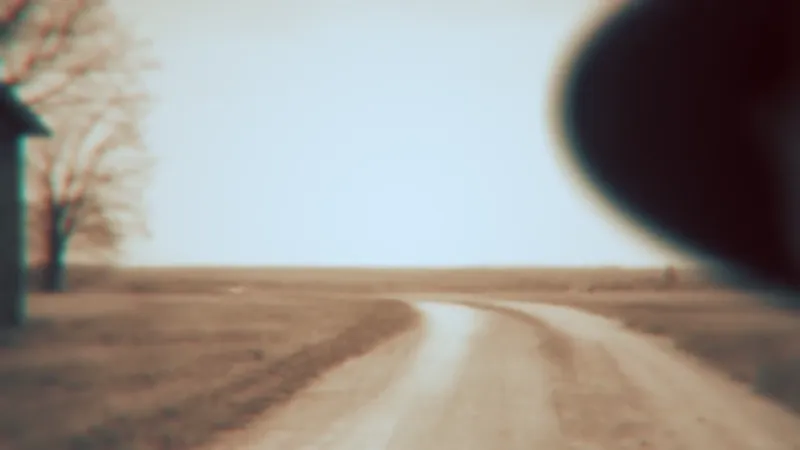
¡Hola buenas! En este tutorial de After Effects, aprenderemos a darle un aspecto cinematográfico a nuestras animaciones. Te mostraré paso a paso cómo lograr un estilo cinematográfico al estilo MagnatesMedia o documental, mediante técnicas de gradación de color, ajustes de iluminación, contraste, curvas y algunos efectos más, que le darán a tu proyecto un acabado super profesional.
Por aquí os comparto los assets por si los queréis descargar y practicar.
Para conseguir este resultado, he utilizado el plugin Looks, de Magic Bullet Looks.
Hello everyone! In this After Effects tutorial, we'll learn how to give our animations a cinematic look. I'll show you step-by-step how to achieve a cinematic style like MagnatesMedia or a documentary, using color grading techniques, lighting adjustments, contrast, curves, and a few other effects that will give your project a super professional finish.
I'm sharing the assets here in case you want to download them and practice.
To achieve this result, I used the Looks plugin from Magic Bullet Looks.
Comments (2)
Oh my!!! Thanks for this one man. I was wondering how to get these looks without the sapphire plugin.
Thanks Jerry! The Looks plugin is very powerful, you can achieve incredible results in terms of color grading and correction.