

January 21, 2022
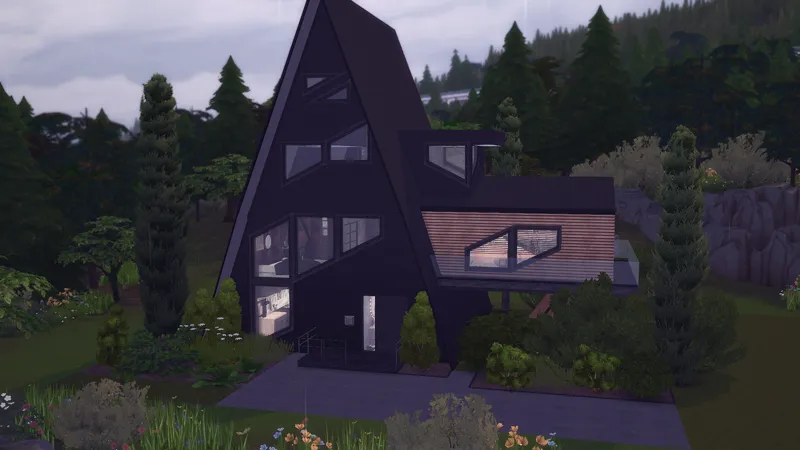
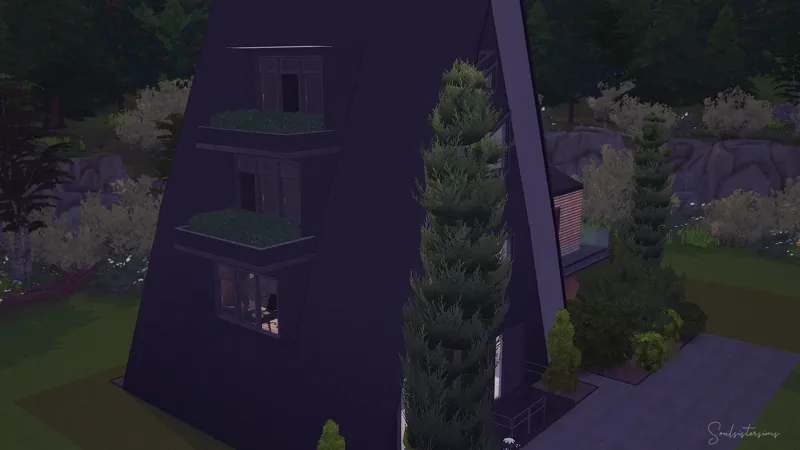
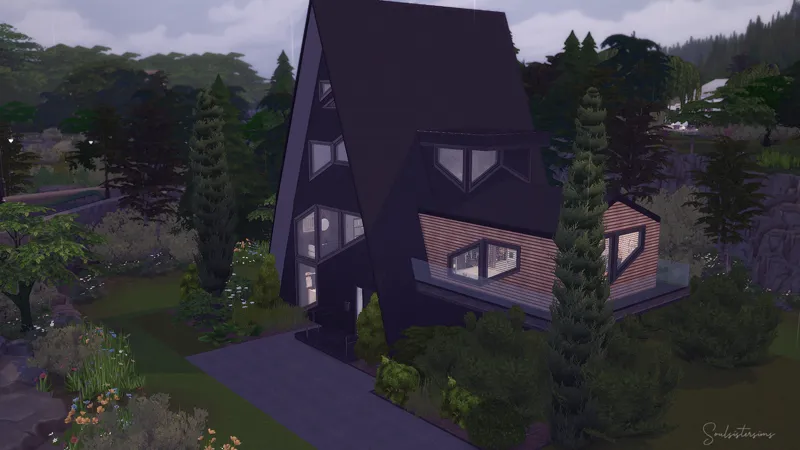
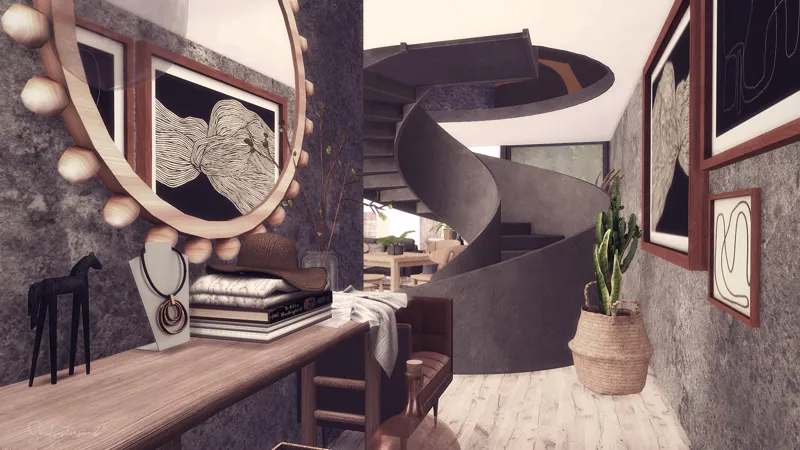
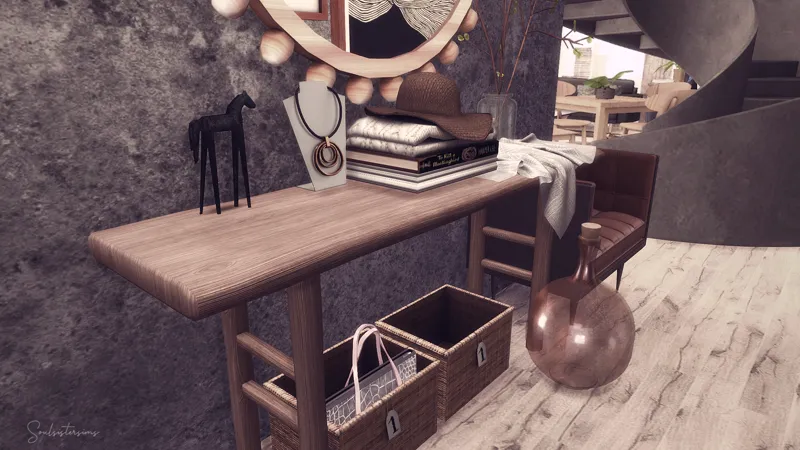
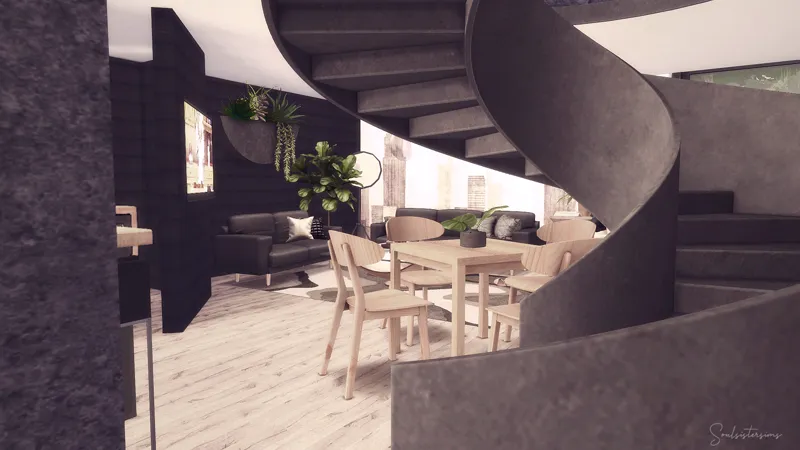
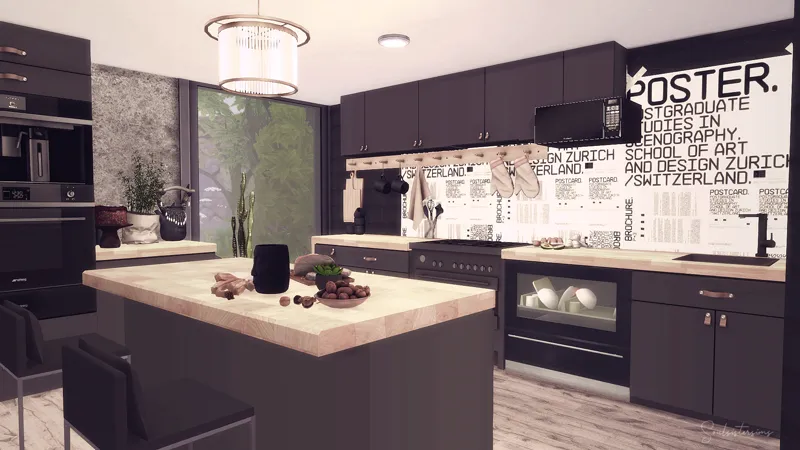
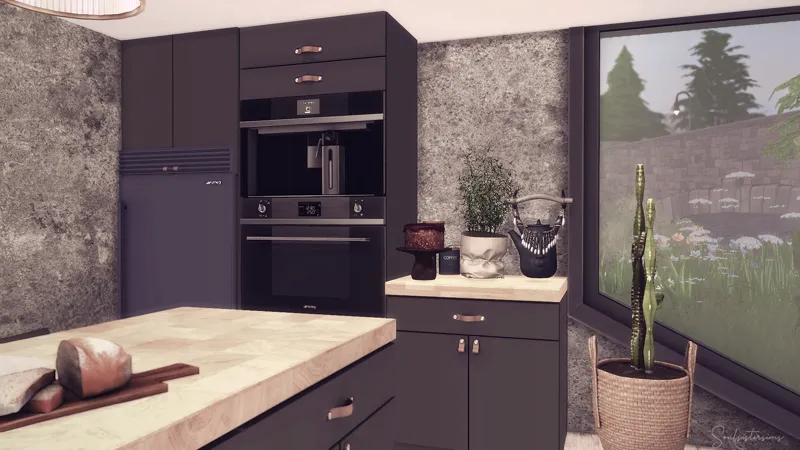
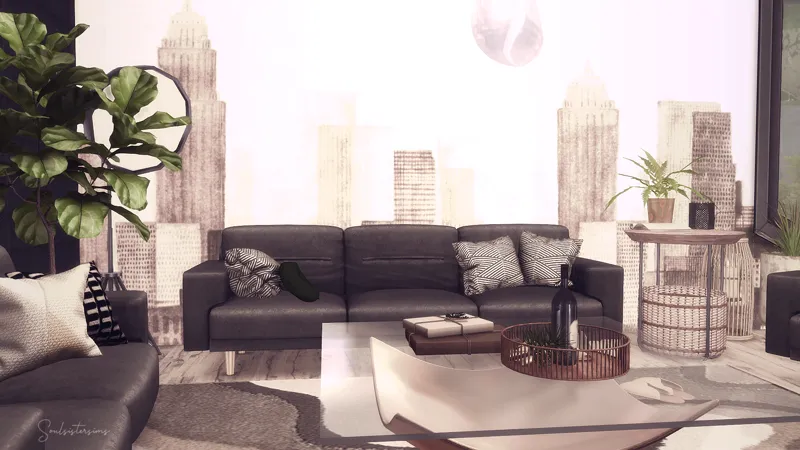
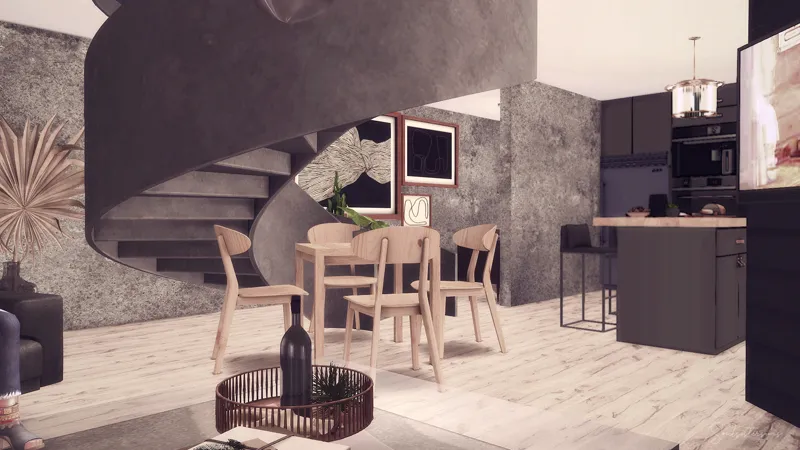
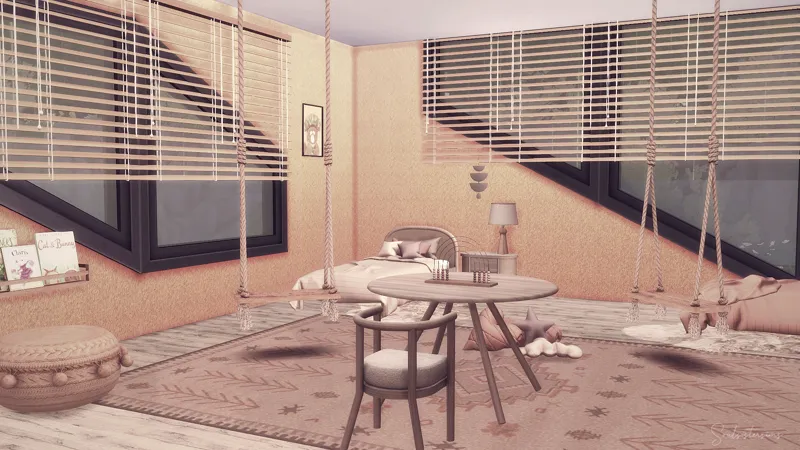
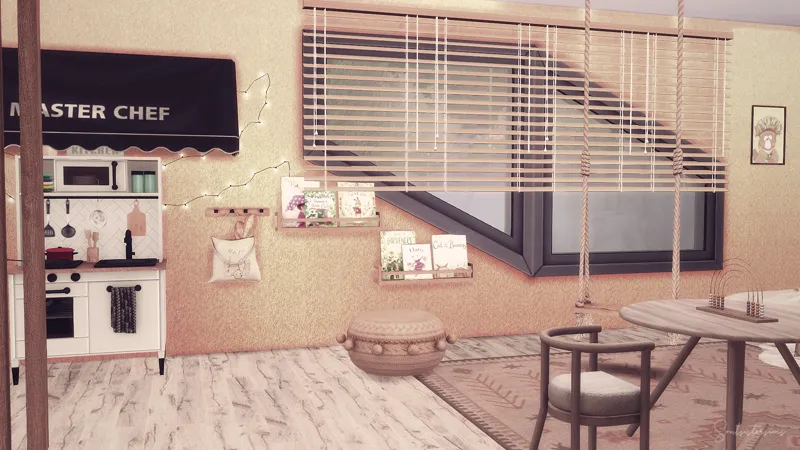
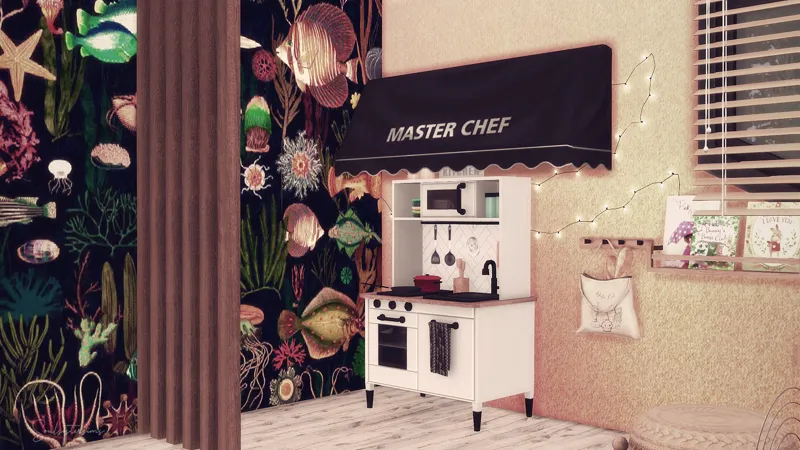
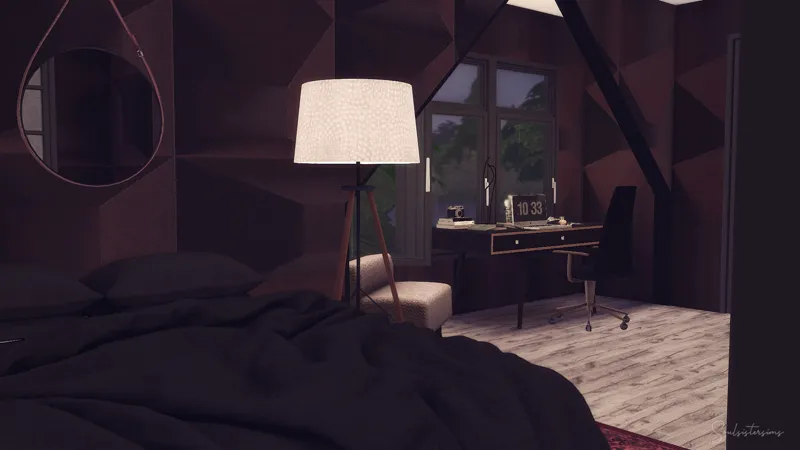
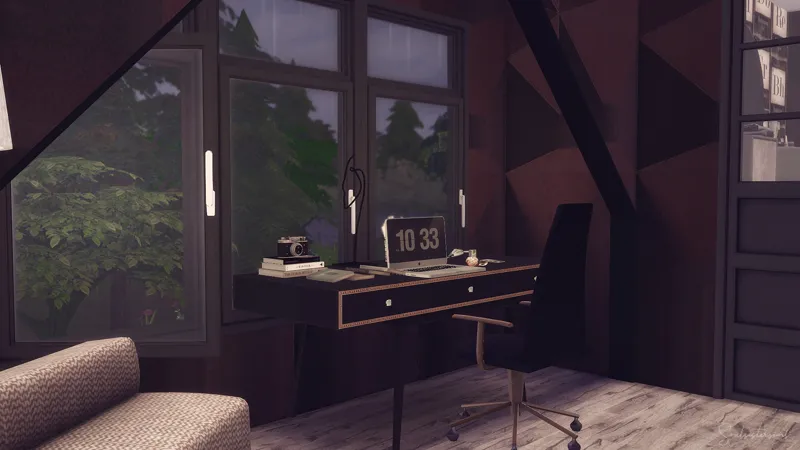
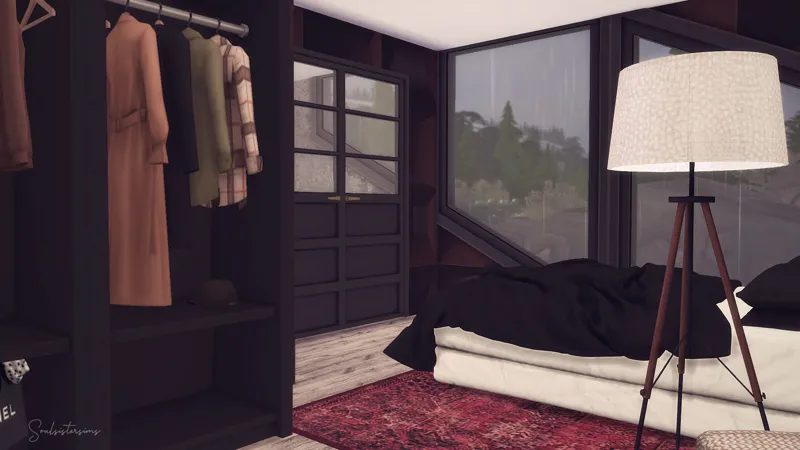
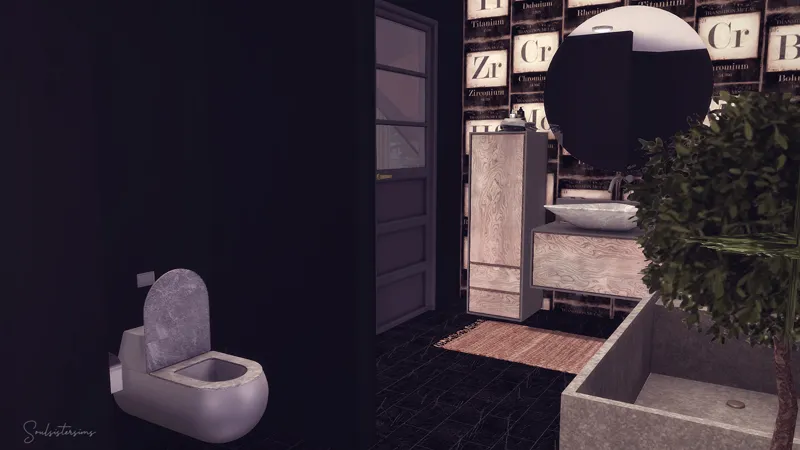
Shape House
________________________
Brindleton Bay
Dachshund´s Creek
65.076
30x20
2 Bed + 1 Bathroom
Reshade: Intramoon - Inclementia
The House may looks kinda different in game because of the reshade!!
________________________
Thanks for your support!
Hugs Tara
Comments (4)
K
Kayla · January 25, 2022
Oh this is fire!!!
S
Sugi · January 24, 2022
I tried adding it to a lot but it didn't appear 🤔 Do you know if there's anything I could do so that this doesn't happen?
S
Soulsistersims · January 24, 2022
You must choose a lot with the same size or bigger and activate the costum content in the gallery it should show up than. Before you place it don't forget to type the bb.moveobjects cheat . If all this not help please for a possible solution in the net
J
Jude · January 21, 2022
Wow! Luxury in a small Lot. I LOVE it! Thank you!!!