
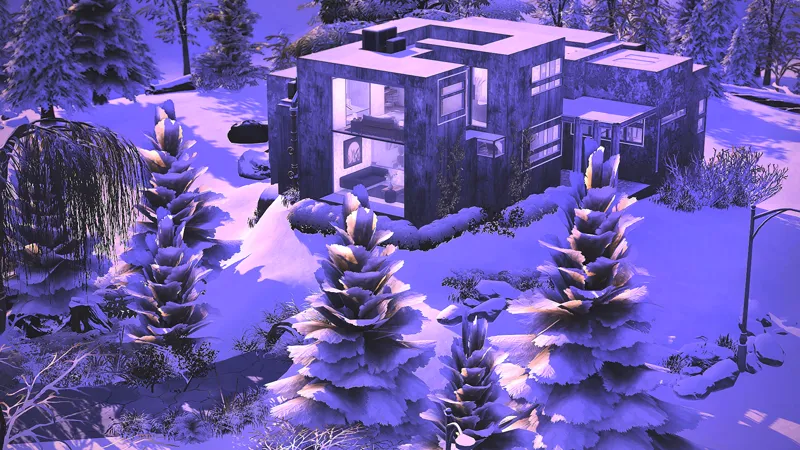
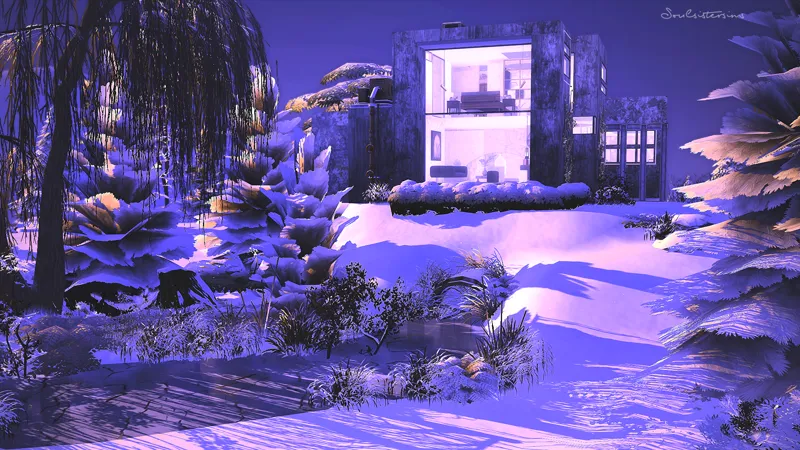
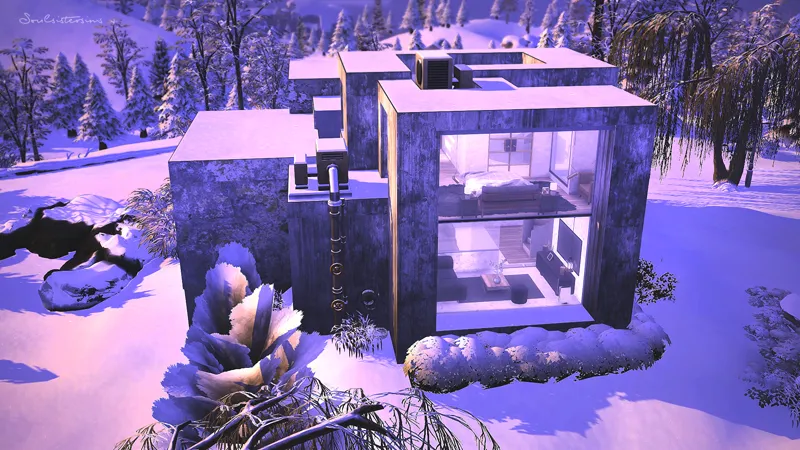
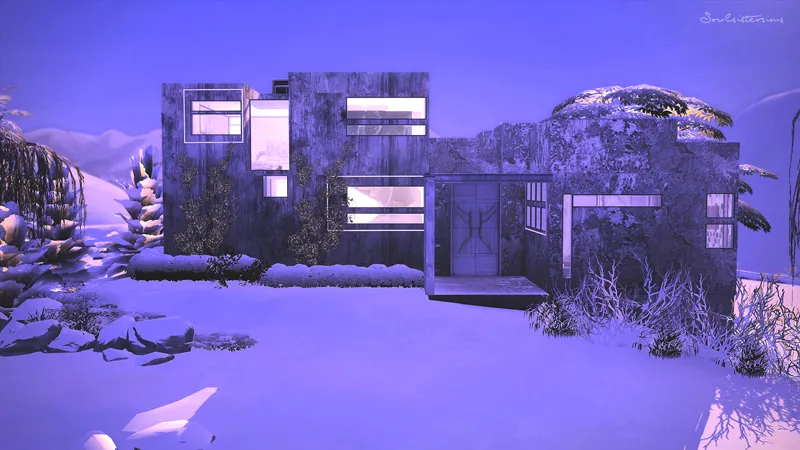
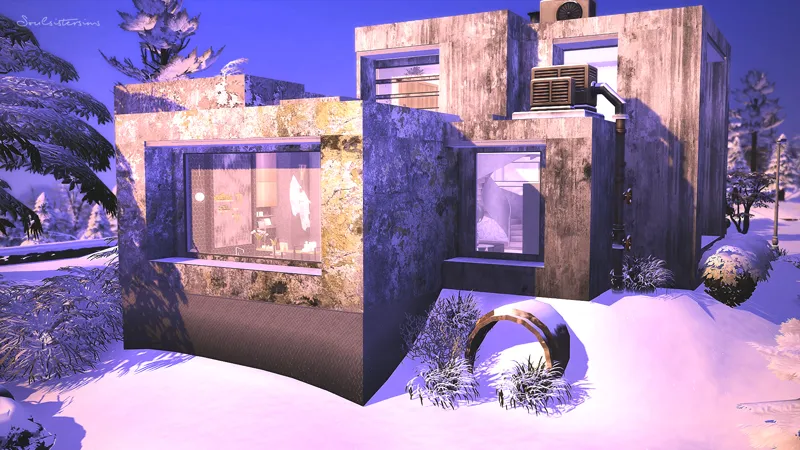
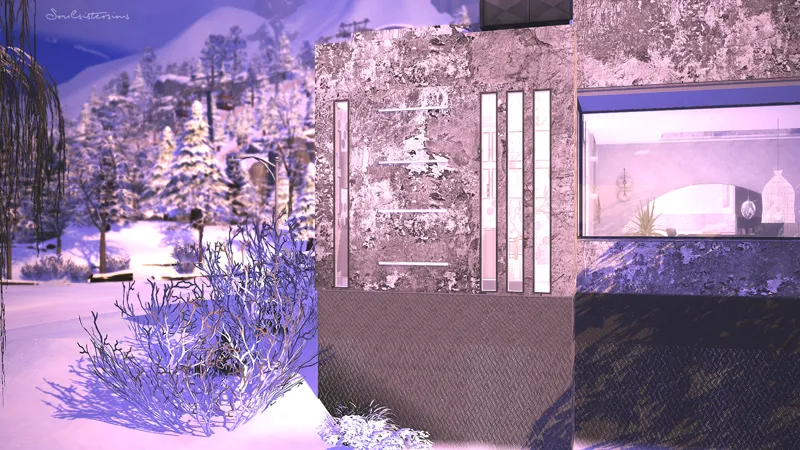
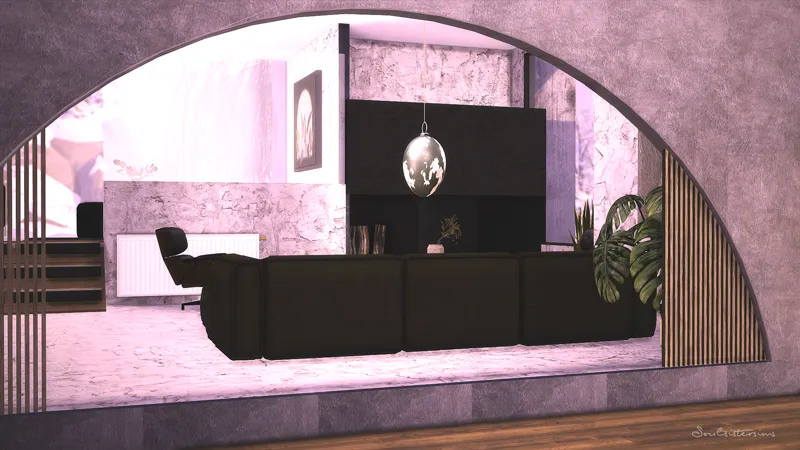
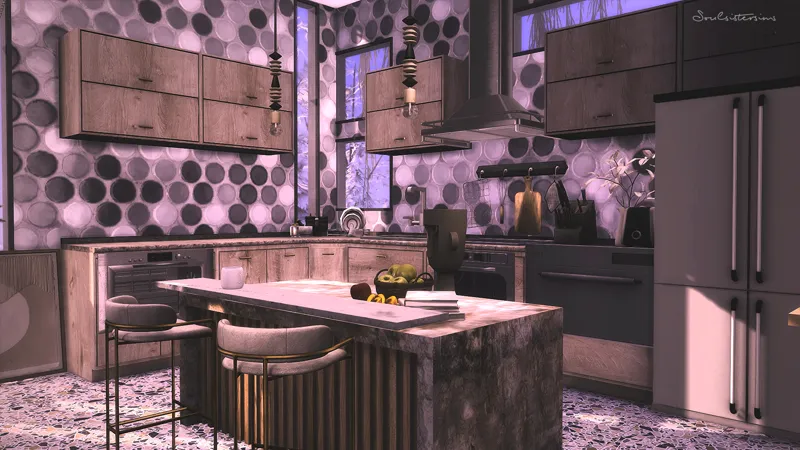
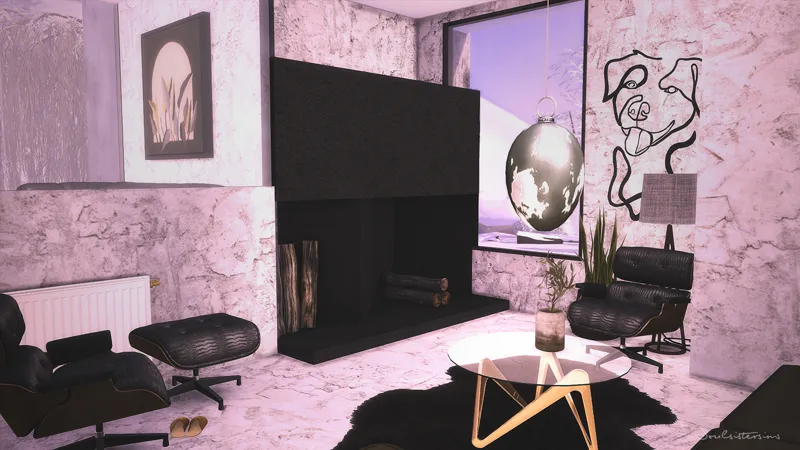
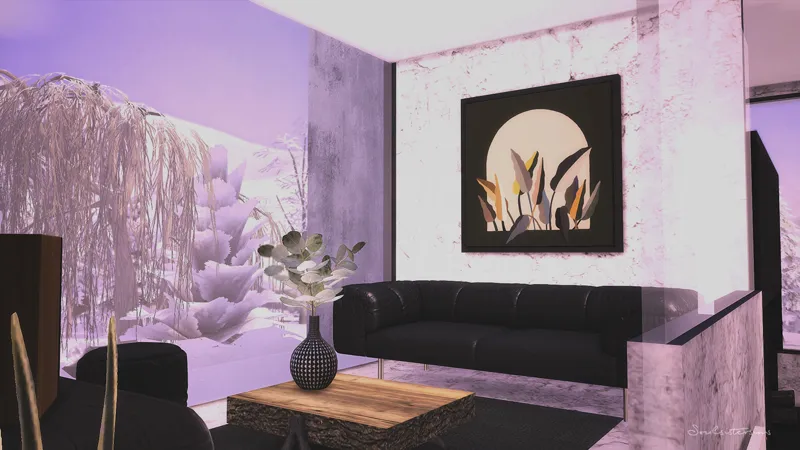
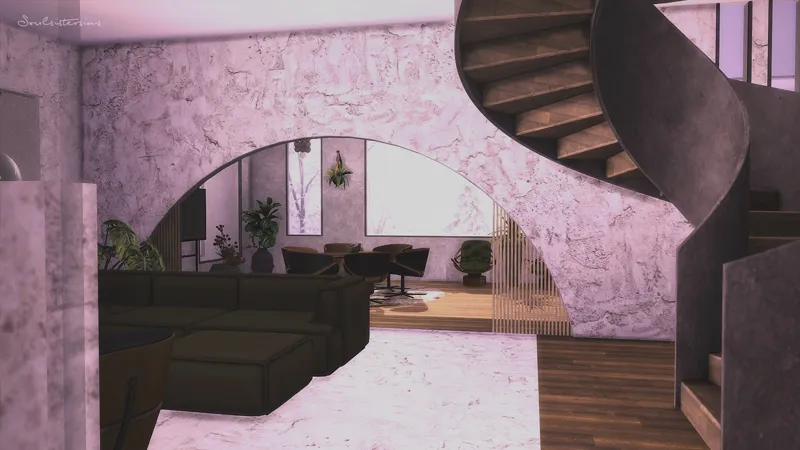
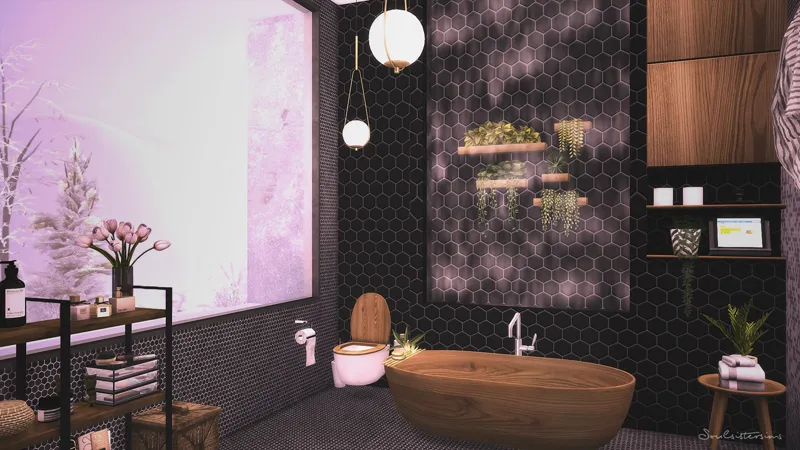

Harry´s Mount
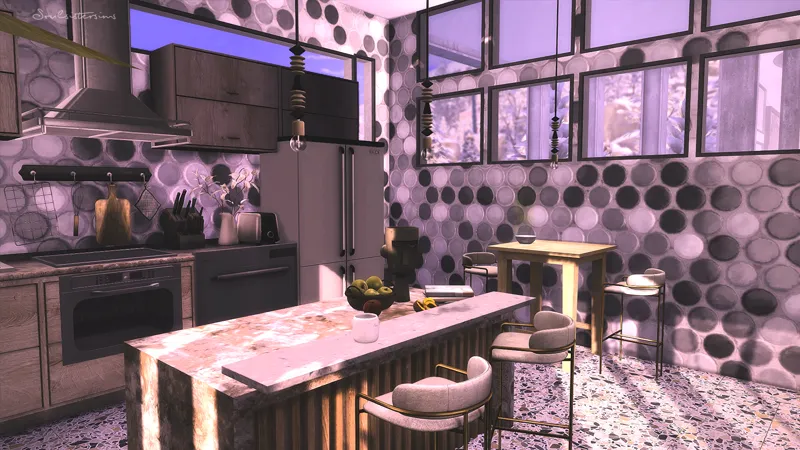
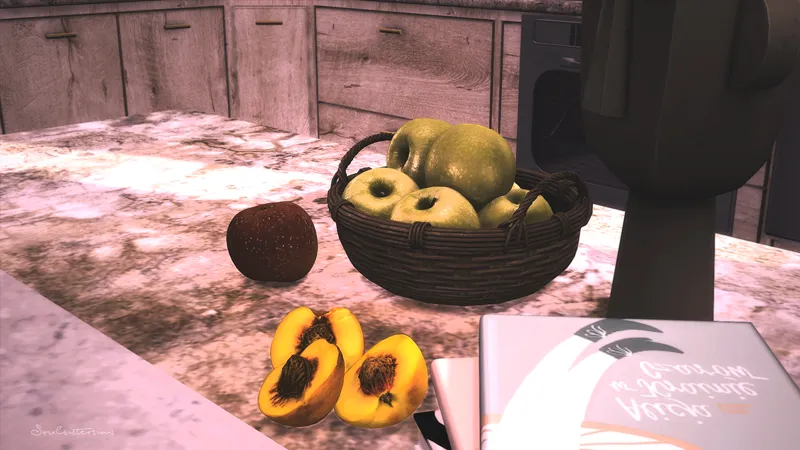
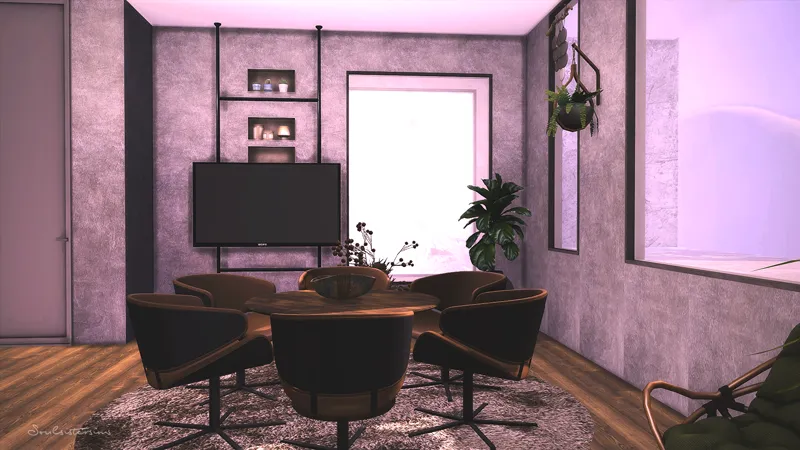
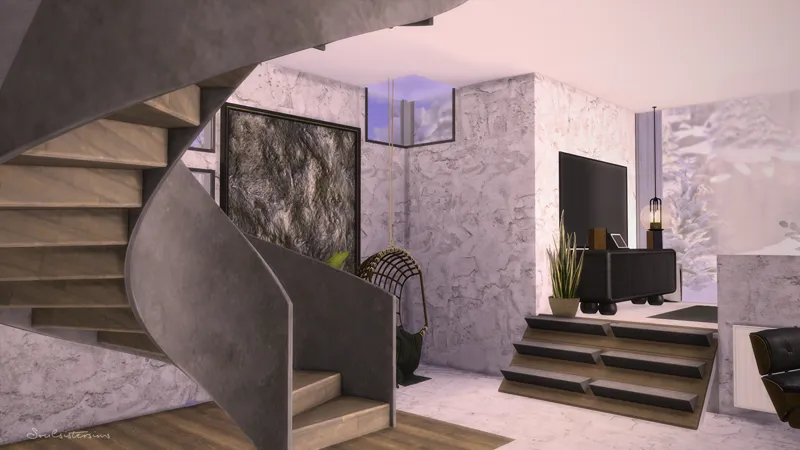
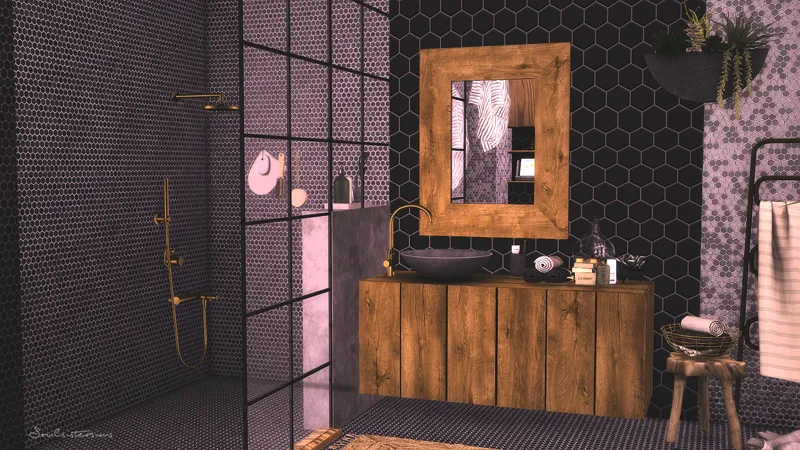
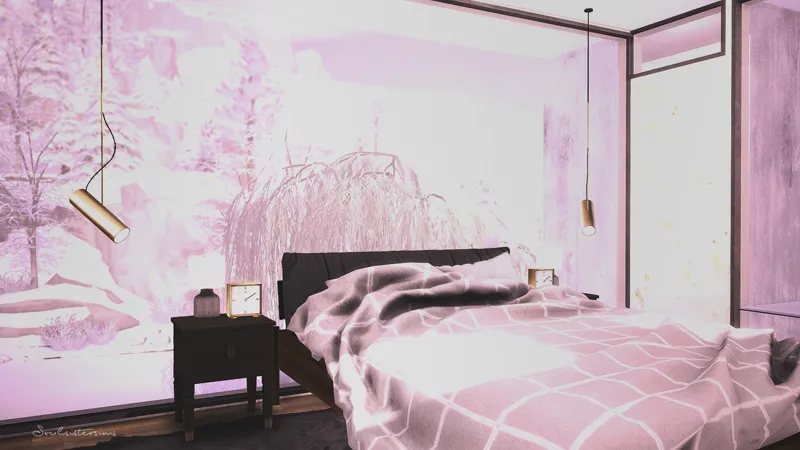
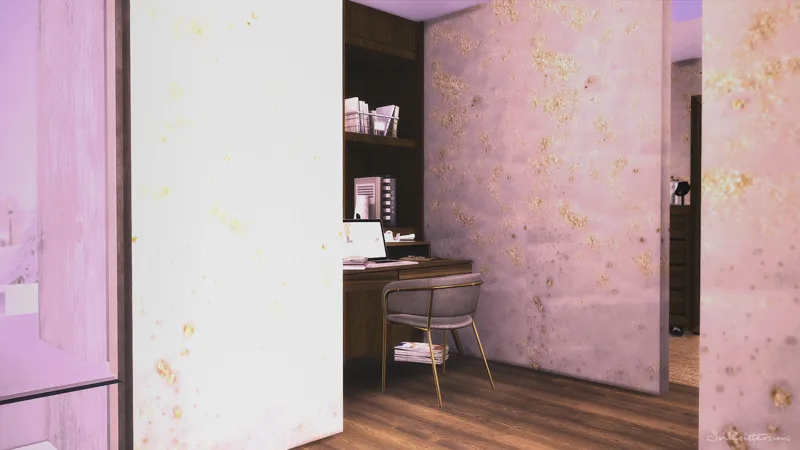
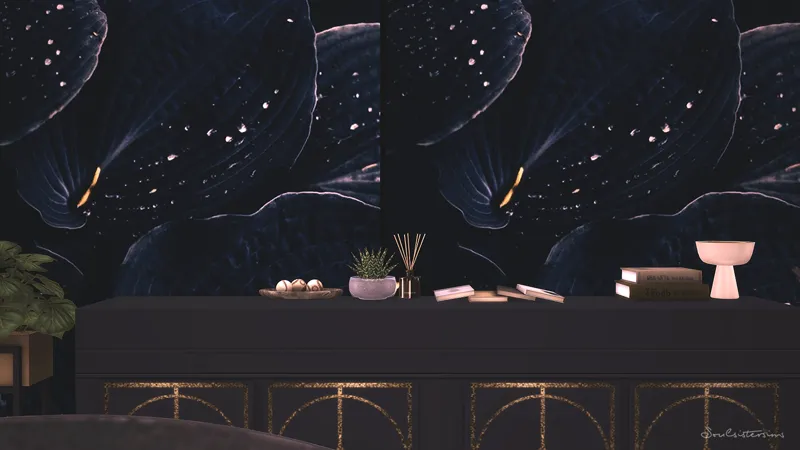
Since in my area the first snow has fallen has inspired me to a winter house. Not the trationelle house but what modern.
_____________________________________________________
Packs i used
____________________________________________________
Mt.Komorebi | Kiyomatsu Point
92.389
50x50
1 Bedroom + 1 Bathroom
Reshade i used : Memories of an old Past
The colors on the pictures or in the Speedbuild can be different because I used Reshade.
_____________________________________________________
Download the Mods Folder (You’ll need Ravasheen’s Uplifting Elevator mod for the Spiral Stairs to be functional- should be incl.)
I have not updated the game. You can avoid an automatic update if you start your game in "offline" mode.
Thank you so much for your support. If you have any questions, let me know.
Much love, Tara
_____________________________________________________
How to use Tray Files:
1. Download & unzip the .zip file below
2. Copy the files contained within this folder into the Tray Folder (C:\Users\*YourUsername*\Documents\Electronic Arts\The Sims 4\Tray)
3. Launch your game
4. Load the lot you wish to place the build in
5. Enable bb.moveobjects
6. Open the in game library
7. Check "enable custom content" in the advanced section located on the left hand side at the bottom of the filter options
8. Locate the build and place
Comments (1)
Love it! I always love a modern home! Thank you!