
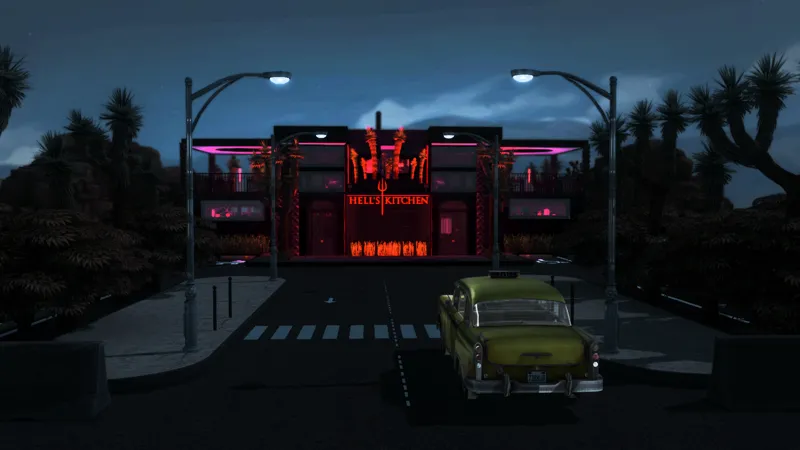
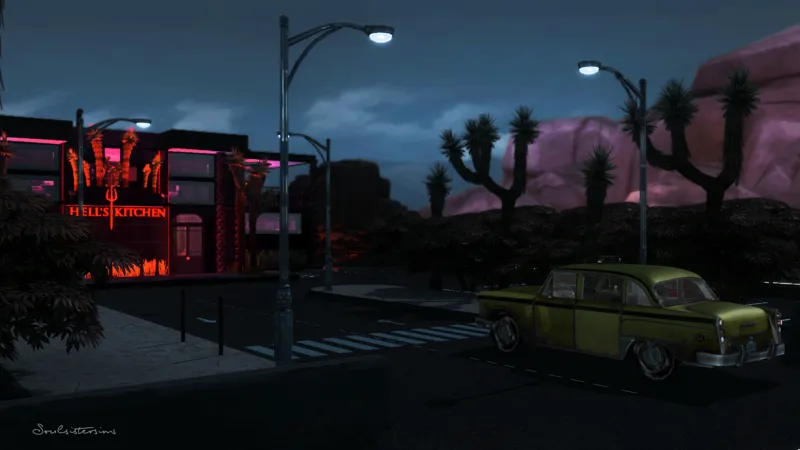
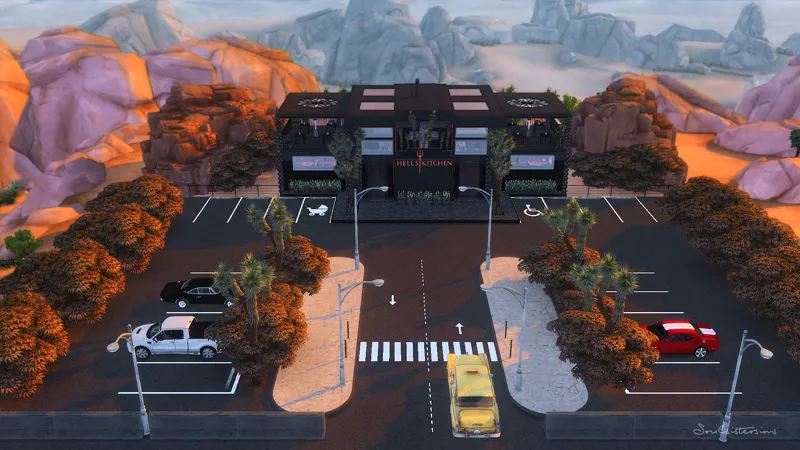
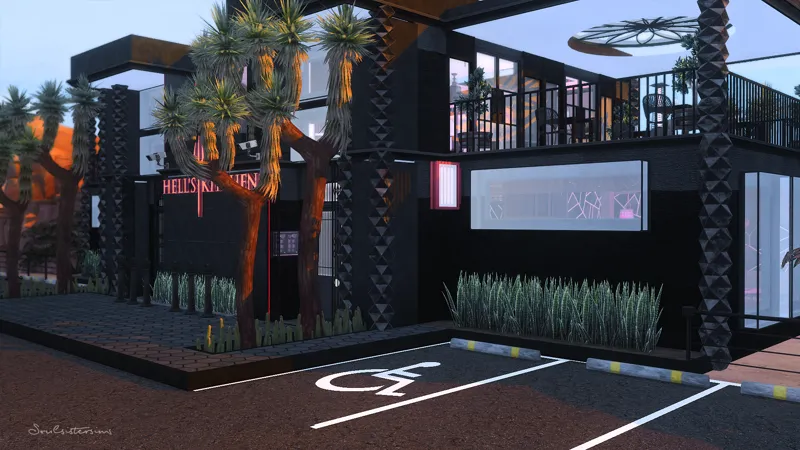
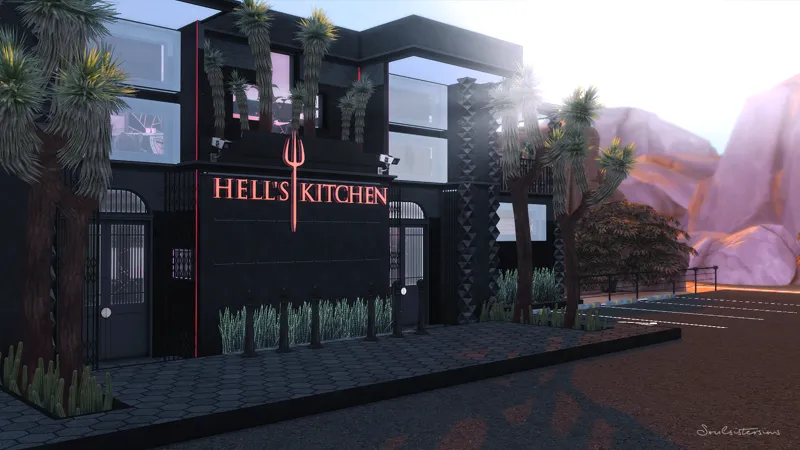
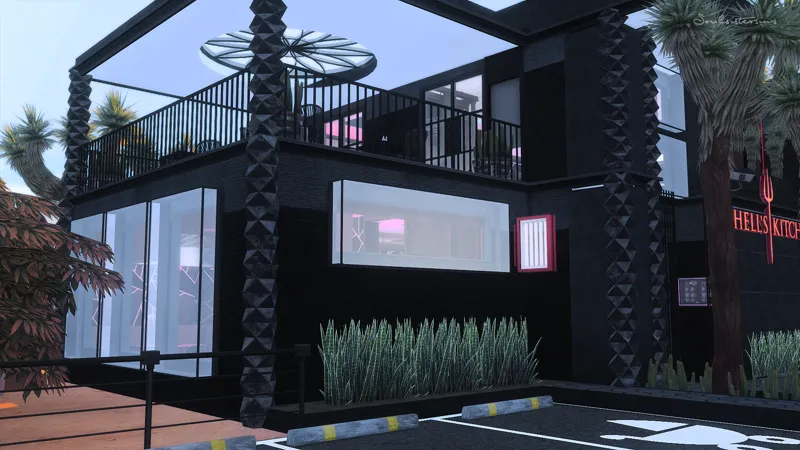
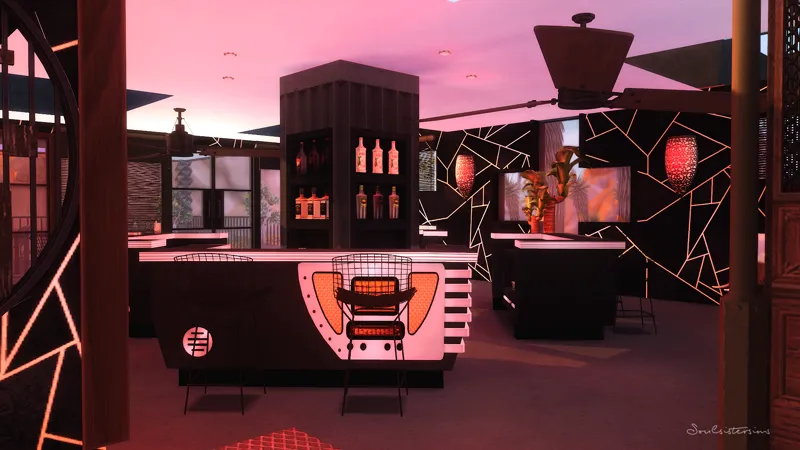
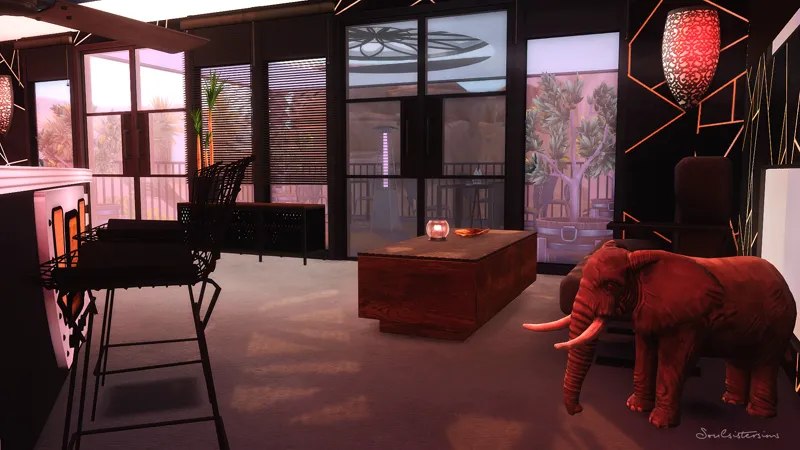
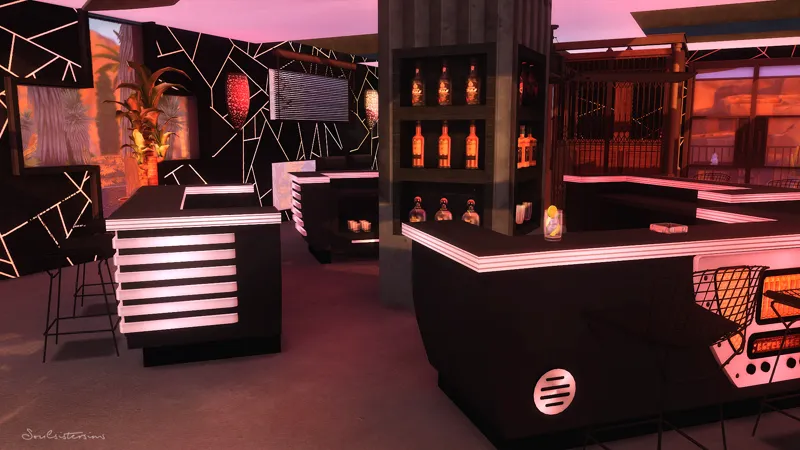
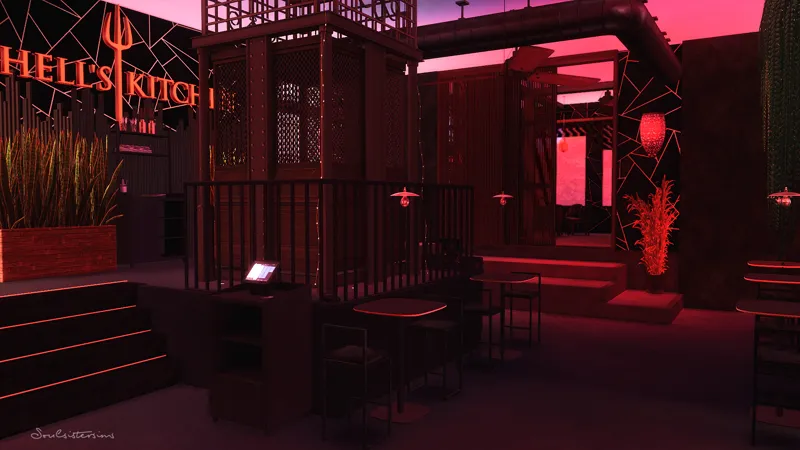
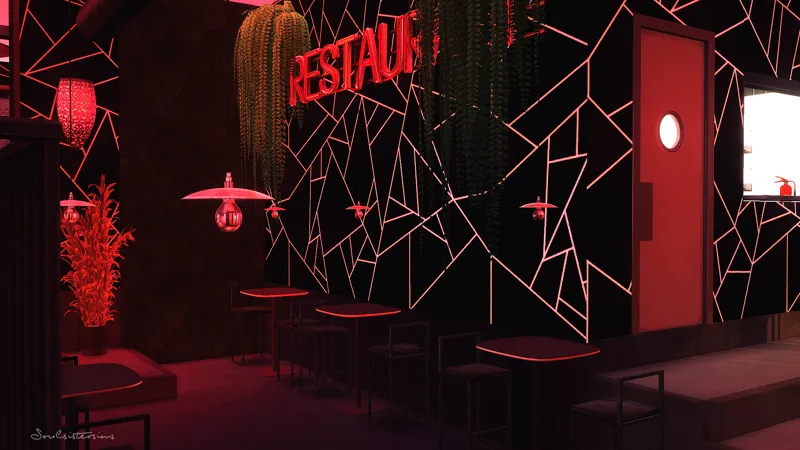
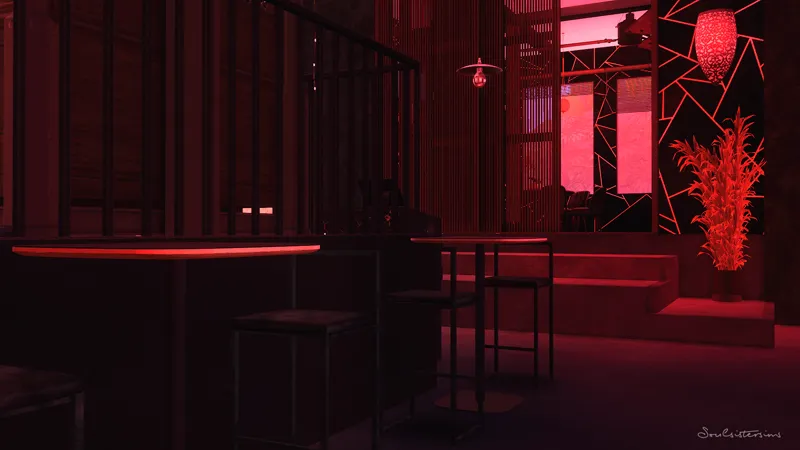
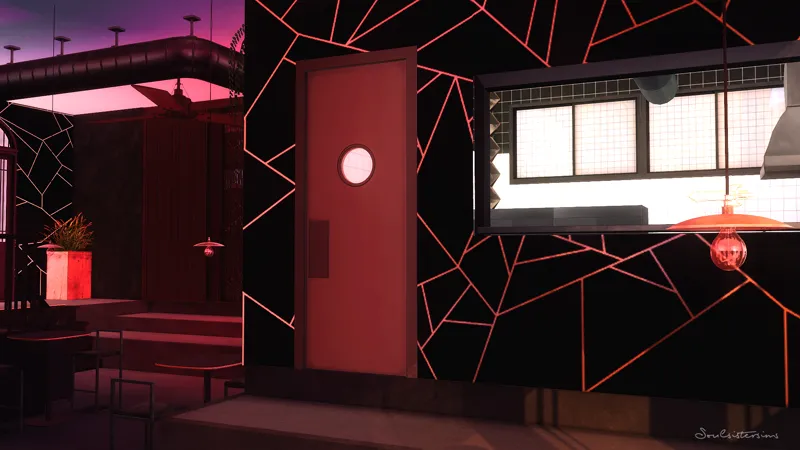
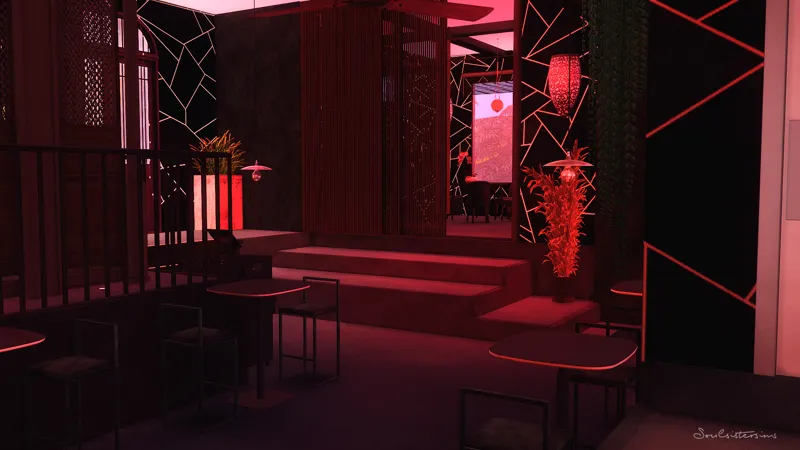
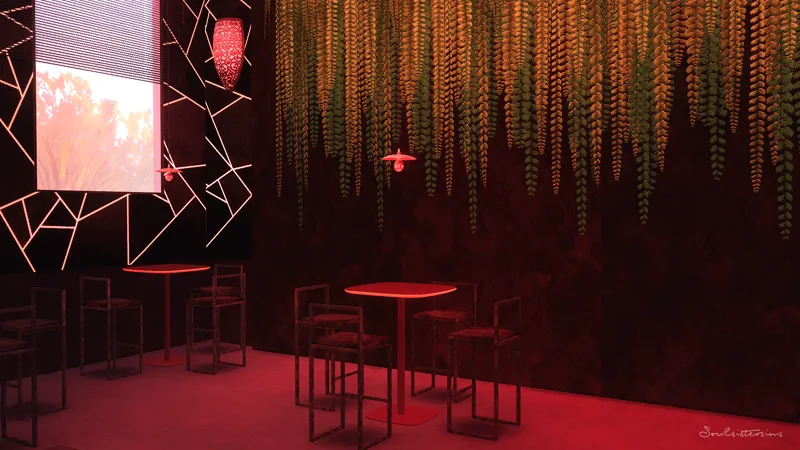
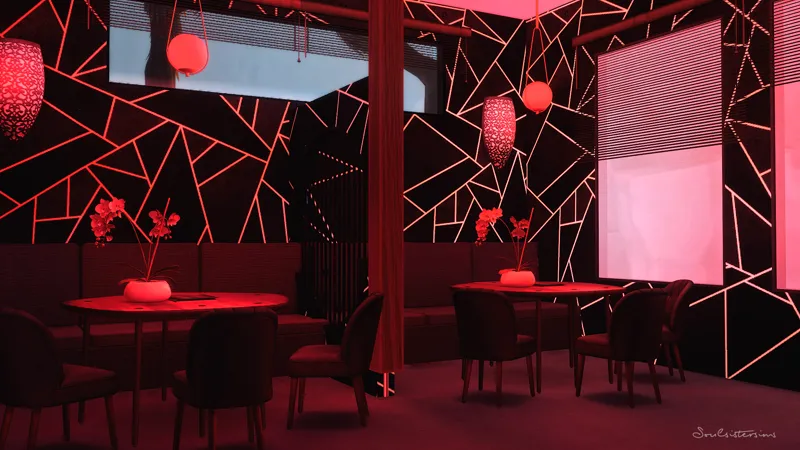
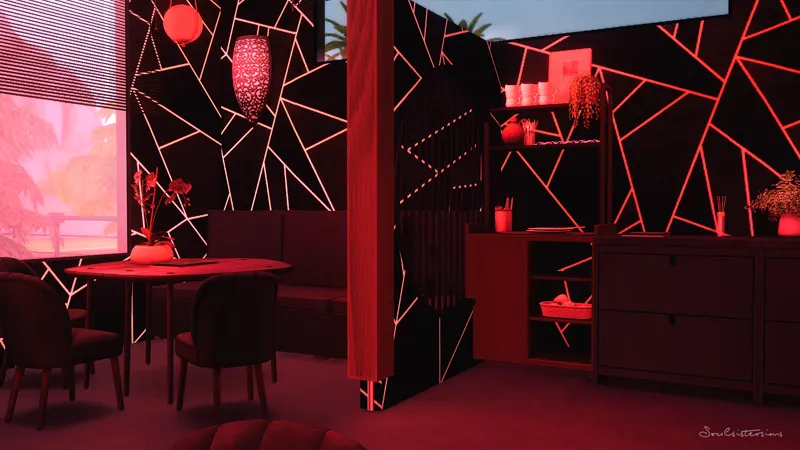
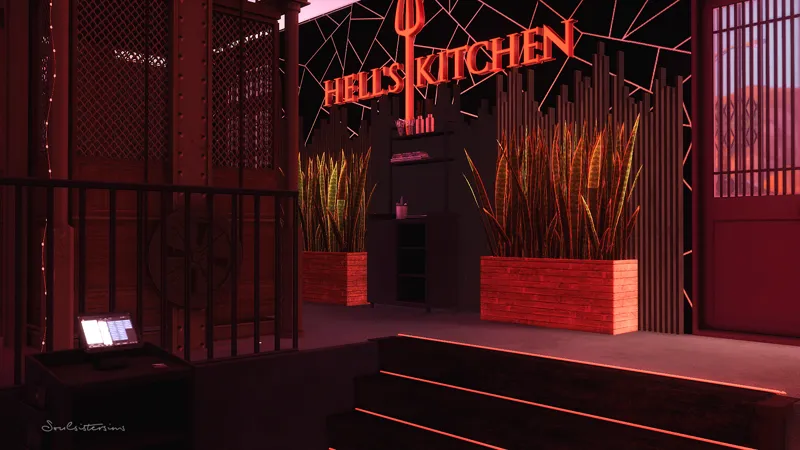
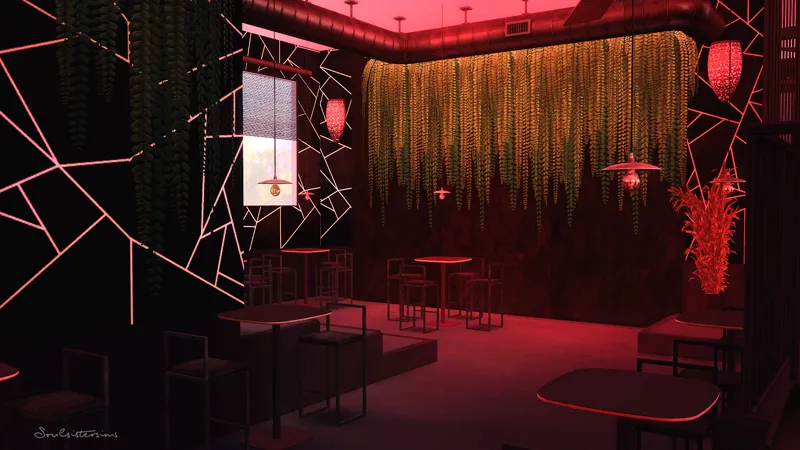
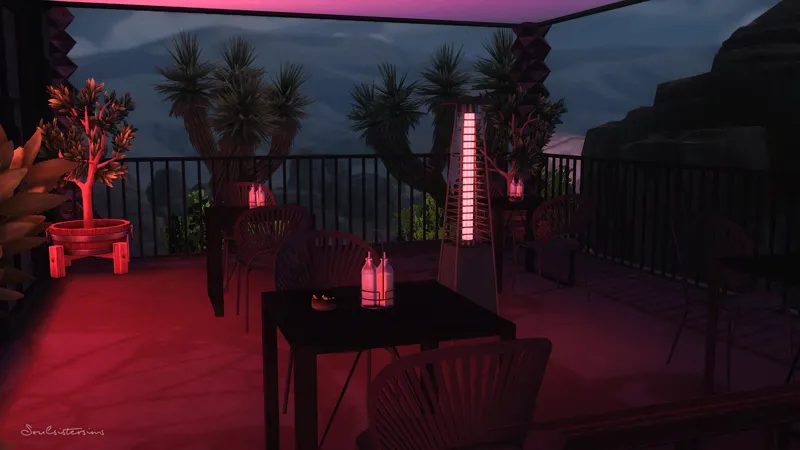
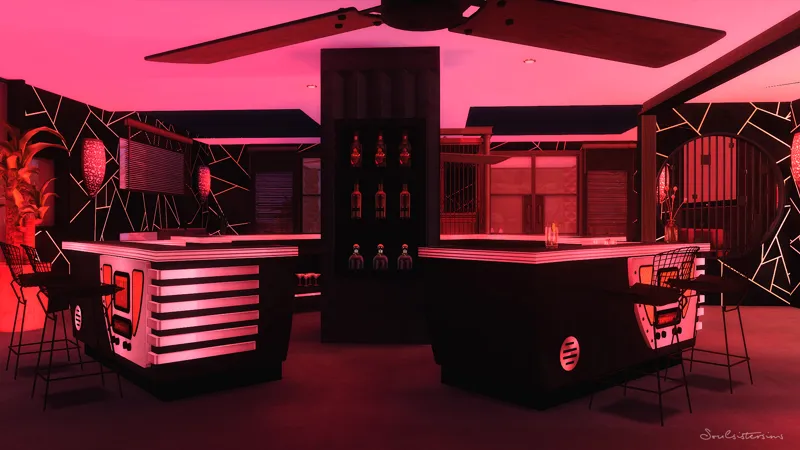
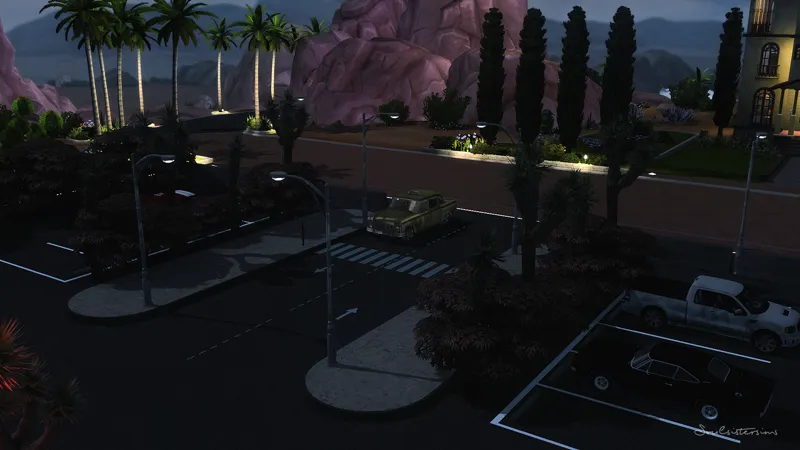
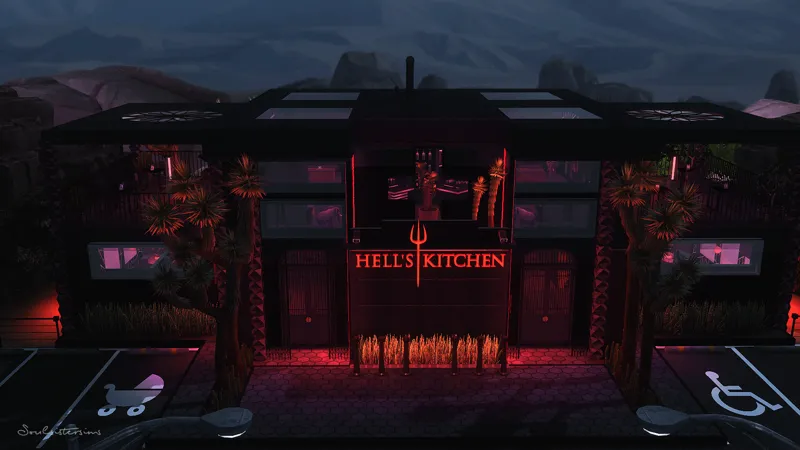
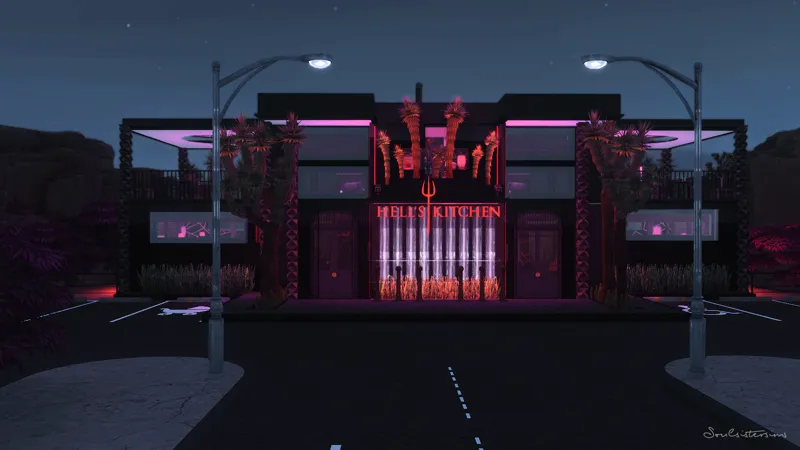
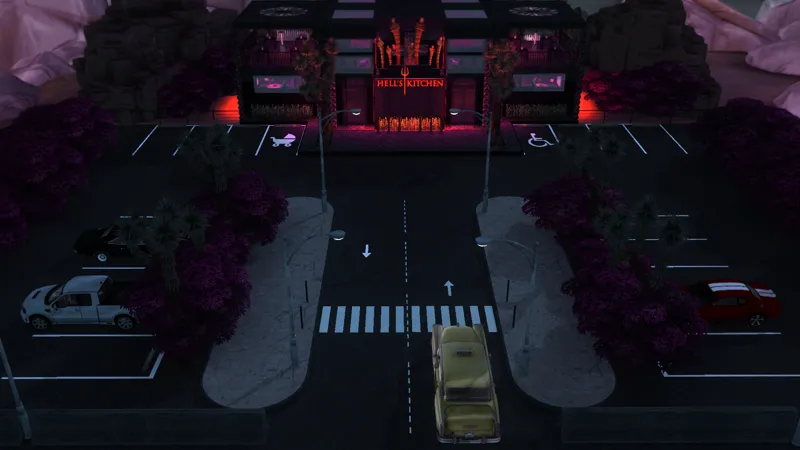
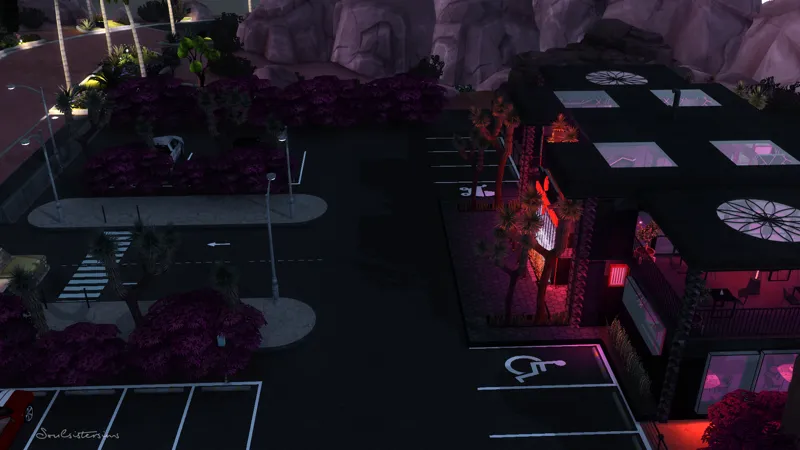
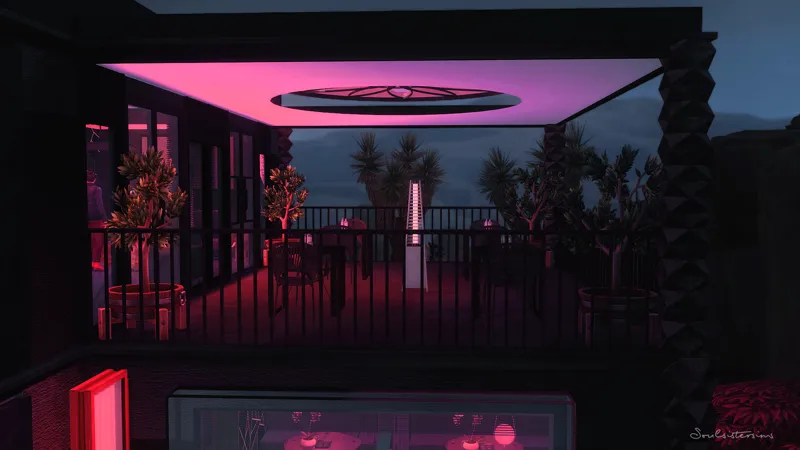

Hell´s Kitchen (Restaurant)
The food in this restaurant is as spicy as hell...laugh.
_____________________________________________________
Packs i used
____________________________________________________
Oasis Springs | Affluista Mansion
Restaurant
166.026
50x50
My game is fully updated. I have not noticed any problems with my CC/Mods so far. If you have any questions please send me a message.
Reshade i used : LIVID- Charly Pancakes
The colors on the pictures or in the Speedbuild can be different because I used Reshade.
_____________________________________________________
Thank you so much for your support. If you have any questions, let me know.
Much love, Tara
_____________________________________________________
How to use Tray Files:
1. Download & unzip the .zip file below
2. Copy the files contained within this folder into the Tray Folder (C:\Users\*YourUsername*\Documents\Electronic Arts\The Sims 4\Tray)
3. Launch your game
4. Load the lot you wish to place the build in
5. Enable bb.moveobjects
6. Open the in game library
7. Check "enable custom content" in the advanced section located on the left hand side at the bottom of the filter options
8. Locate the build and place
Comments (3)
Gorgeous build!
love your works!
I guess the Landgraab's are just going to have to move! :)