
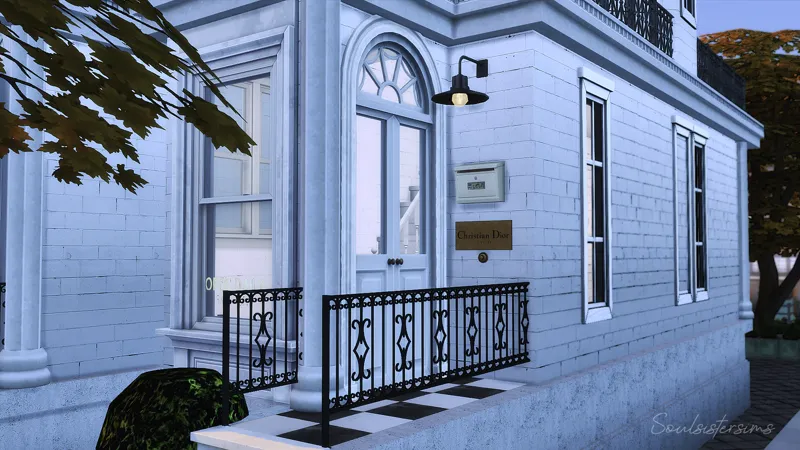
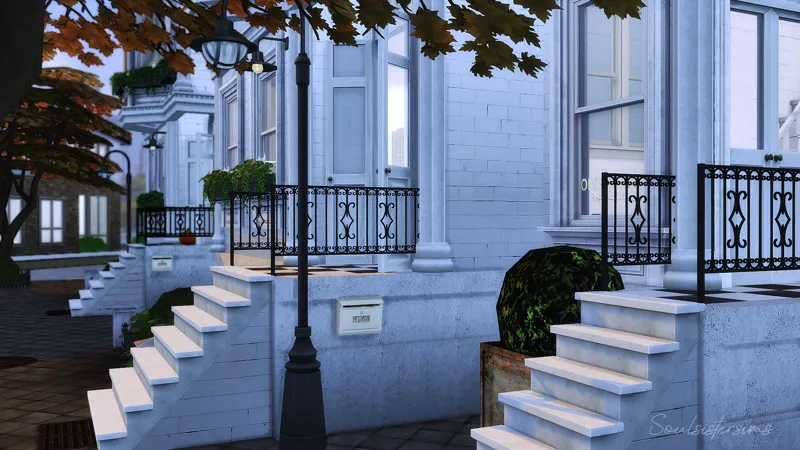
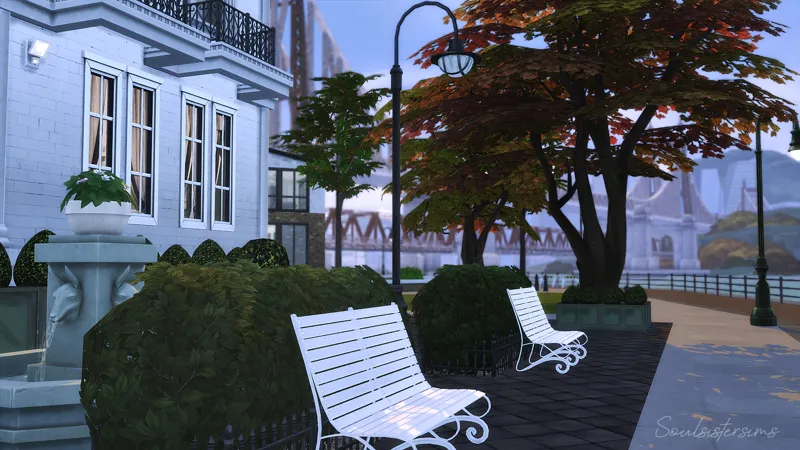
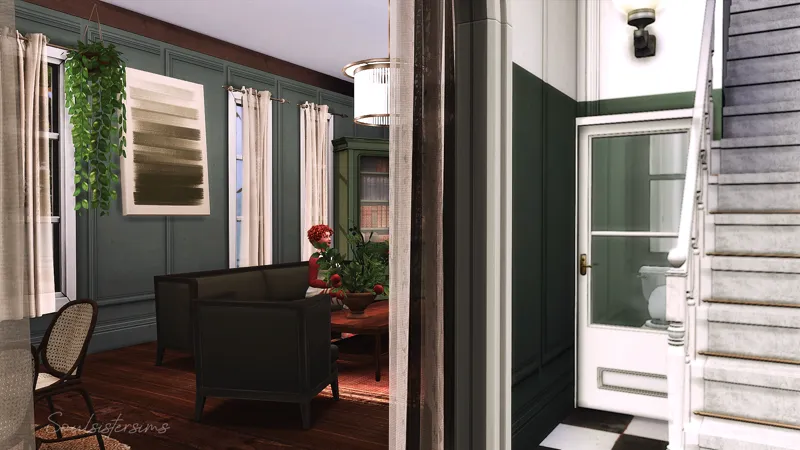
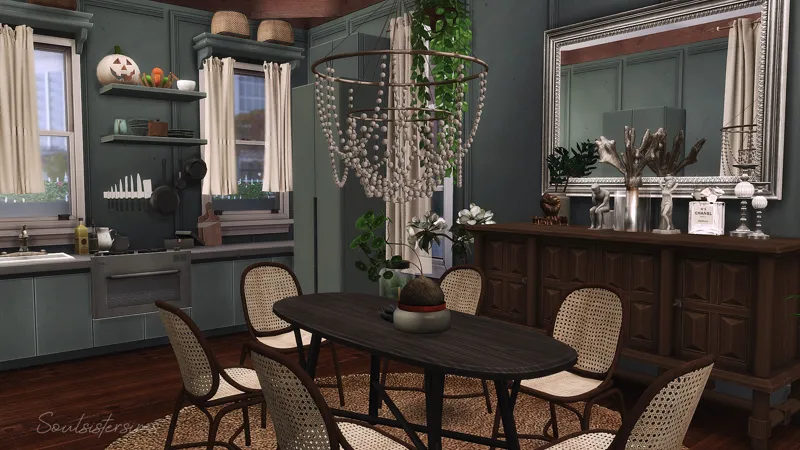
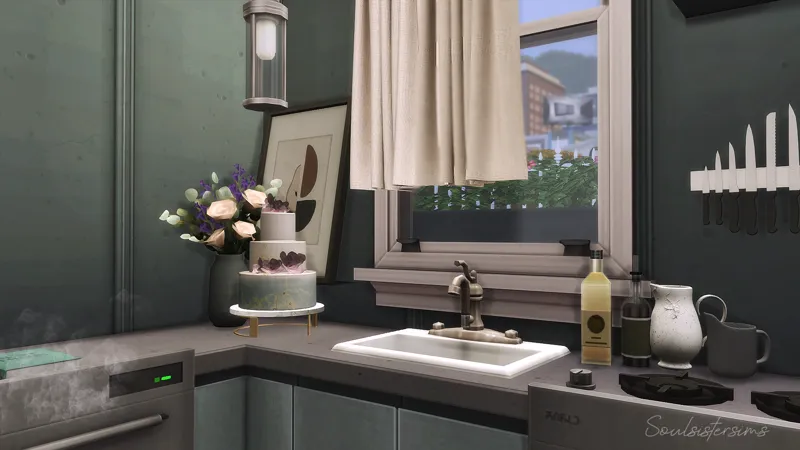
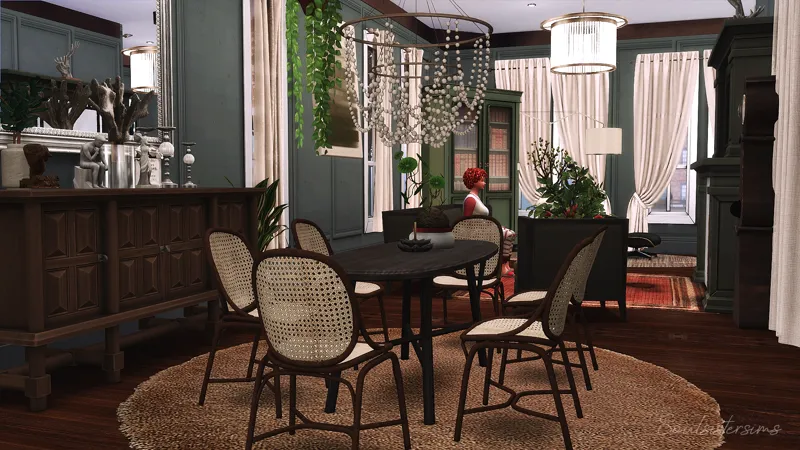
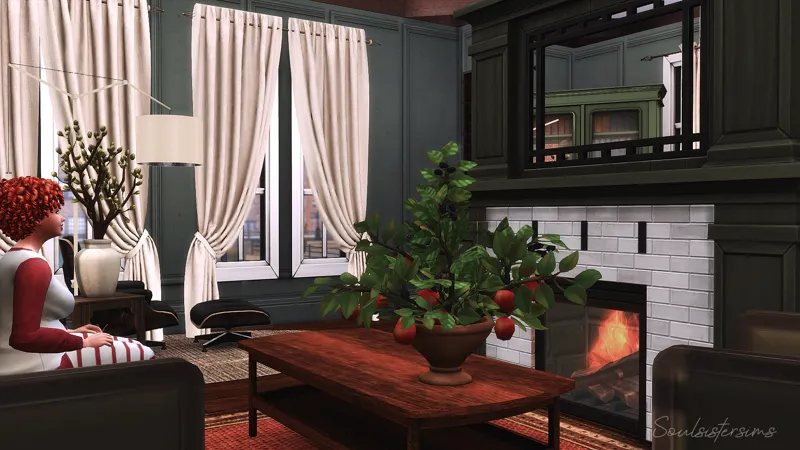
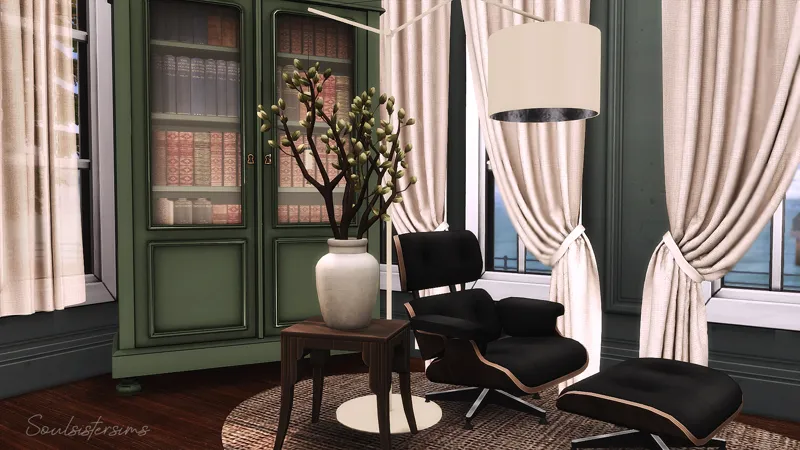
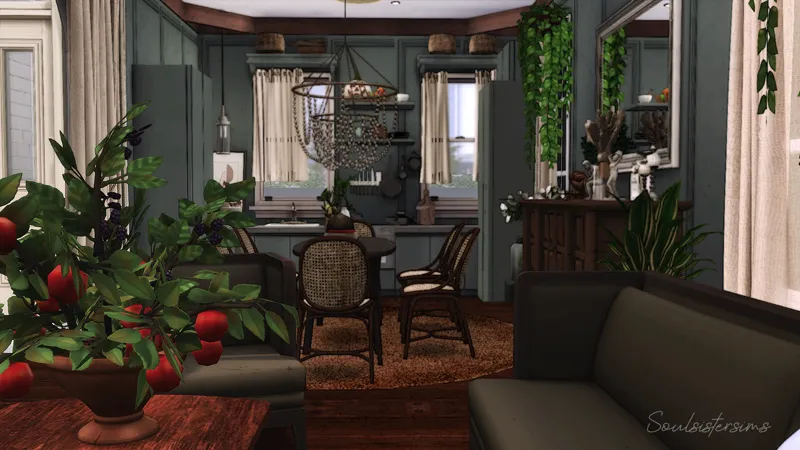
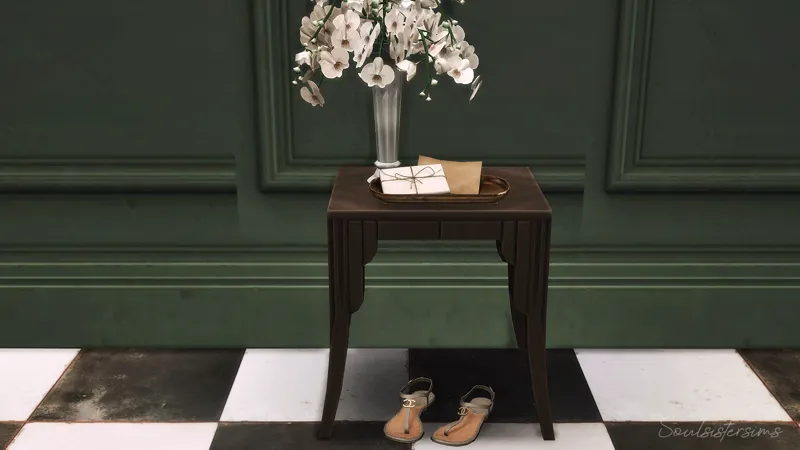
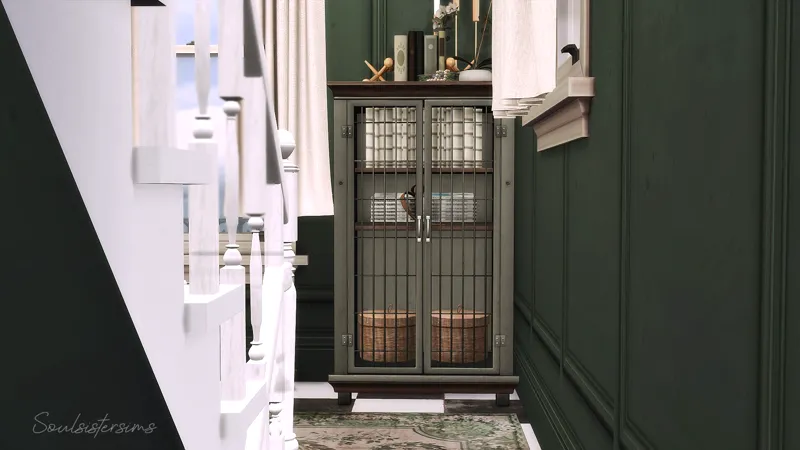
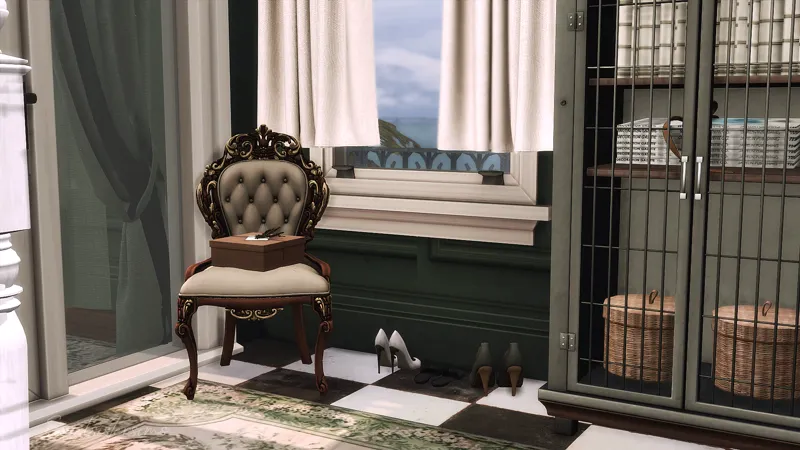
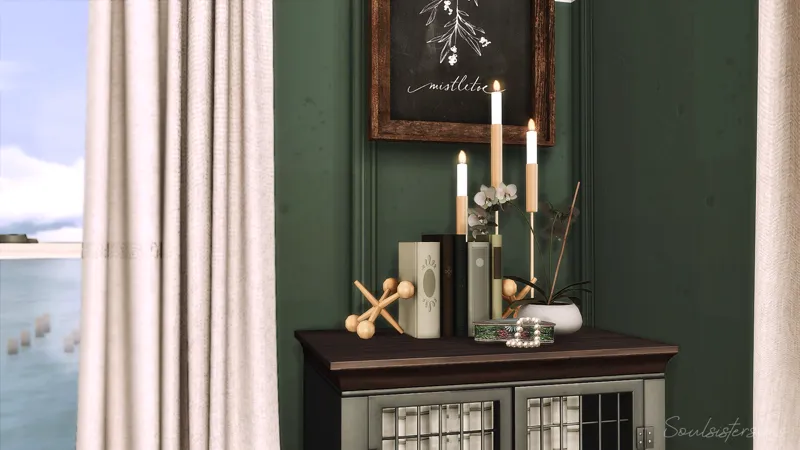
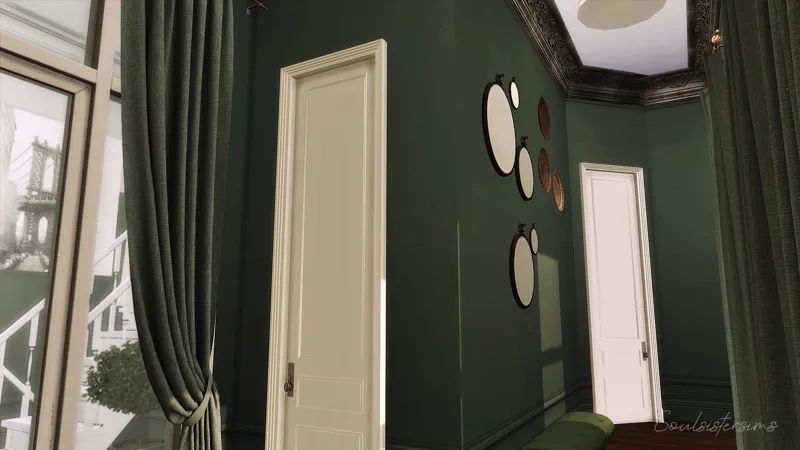
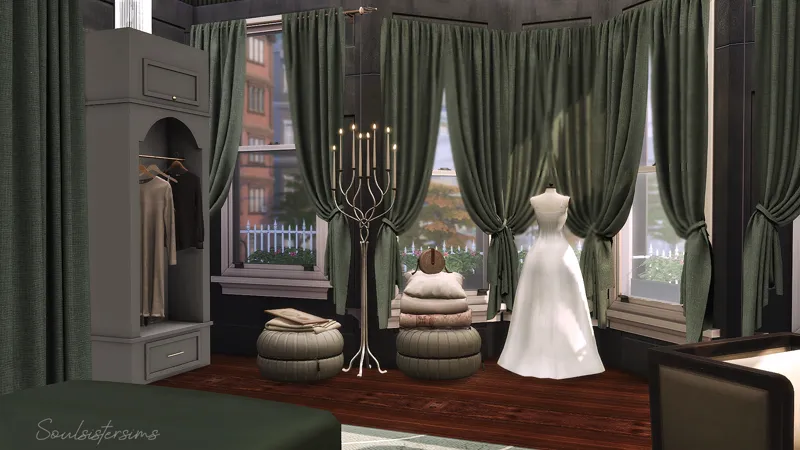
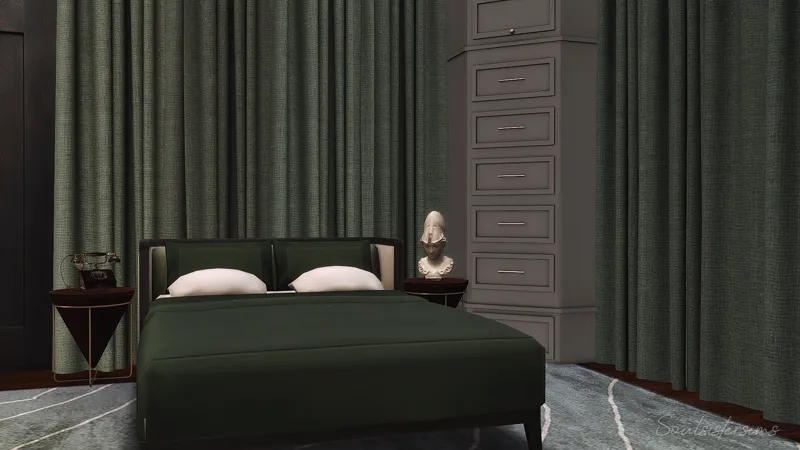
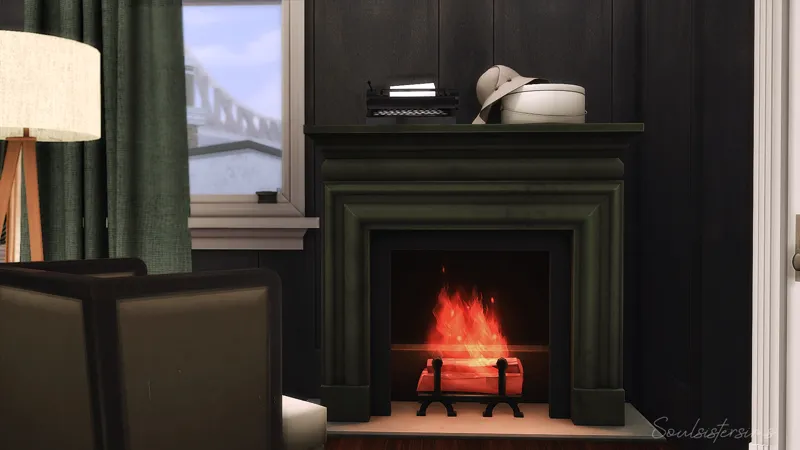
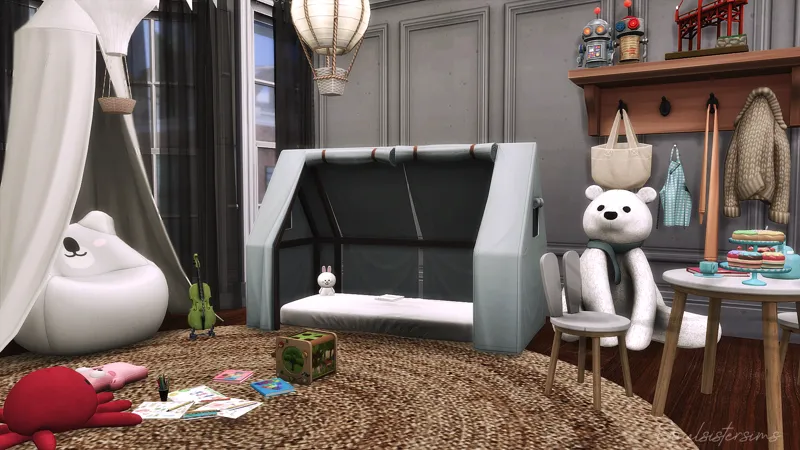
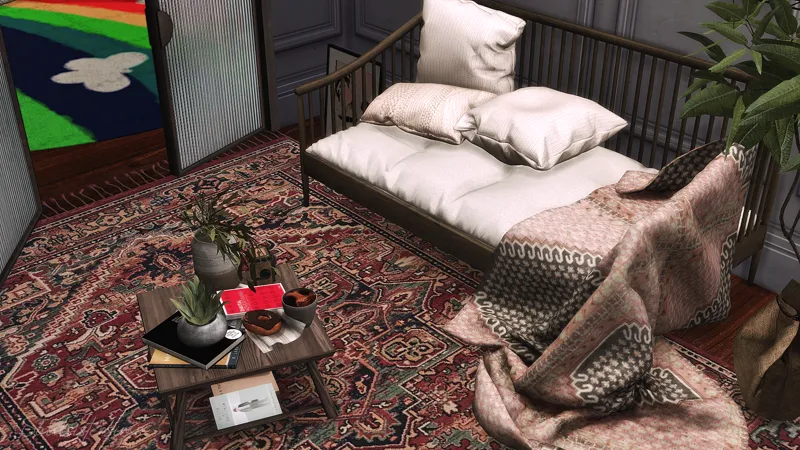
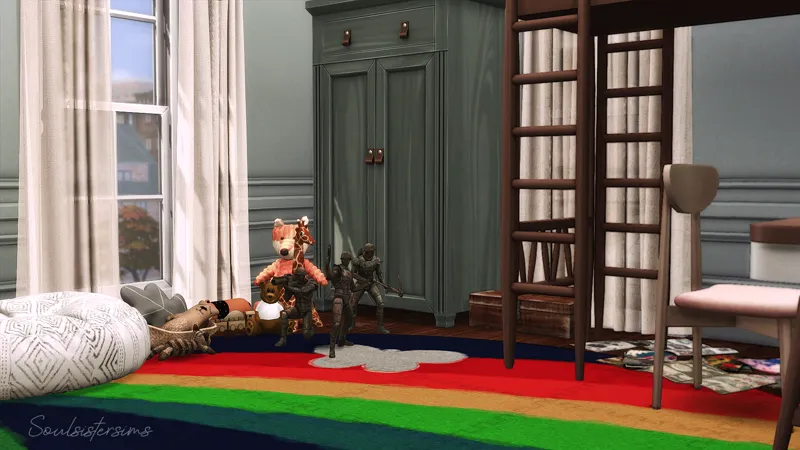
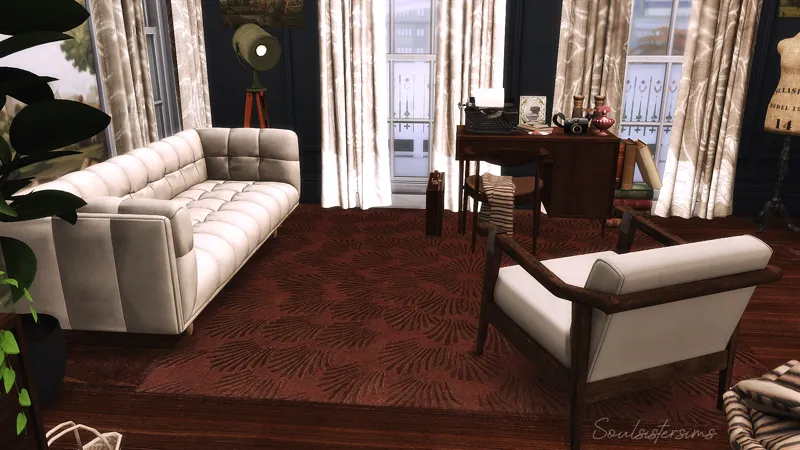
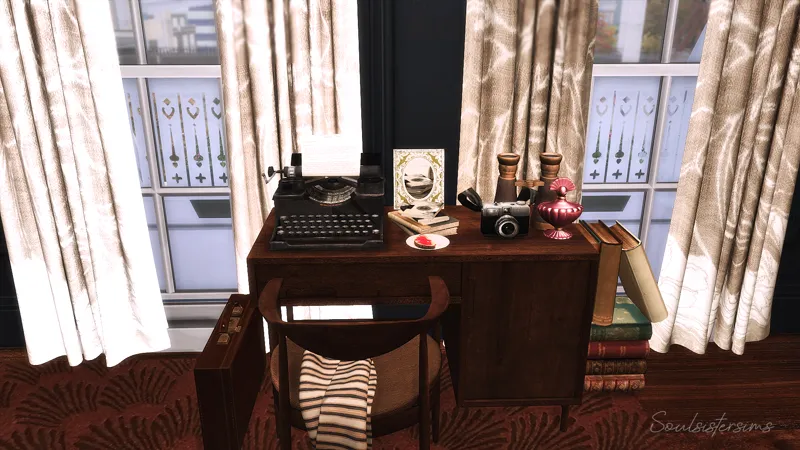
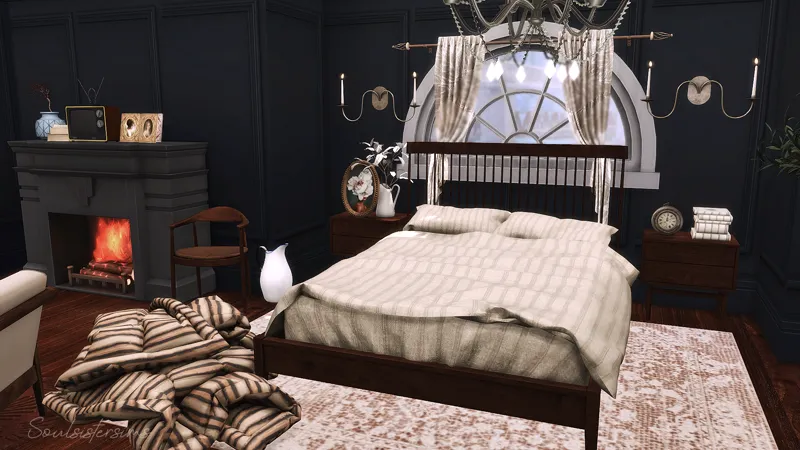
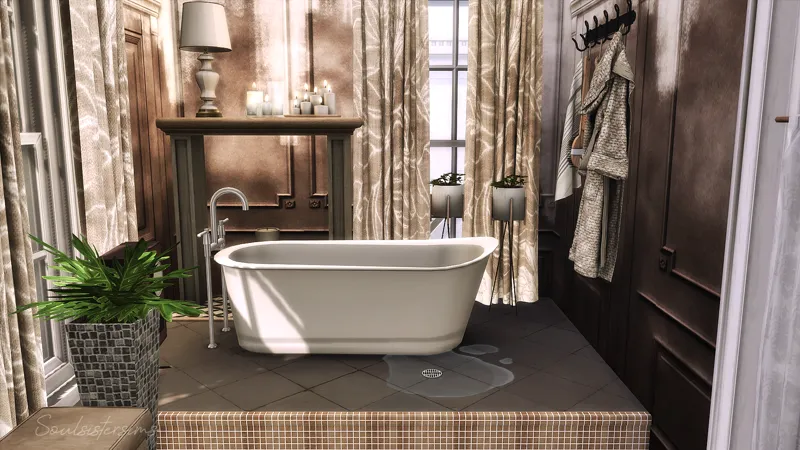



Westside Townhouse
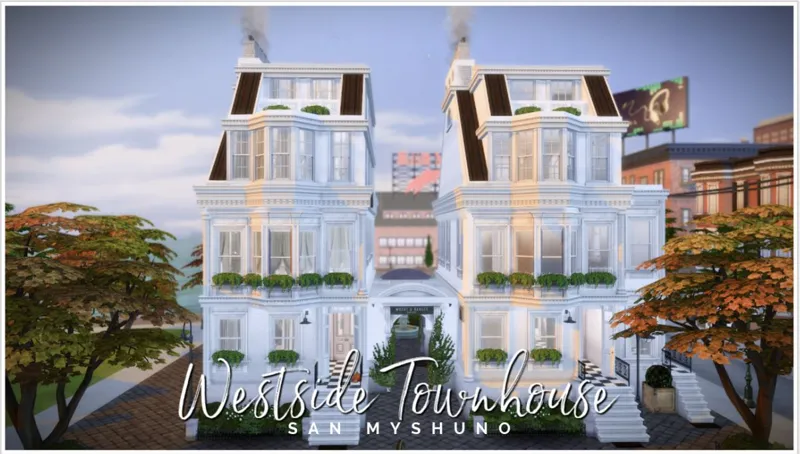
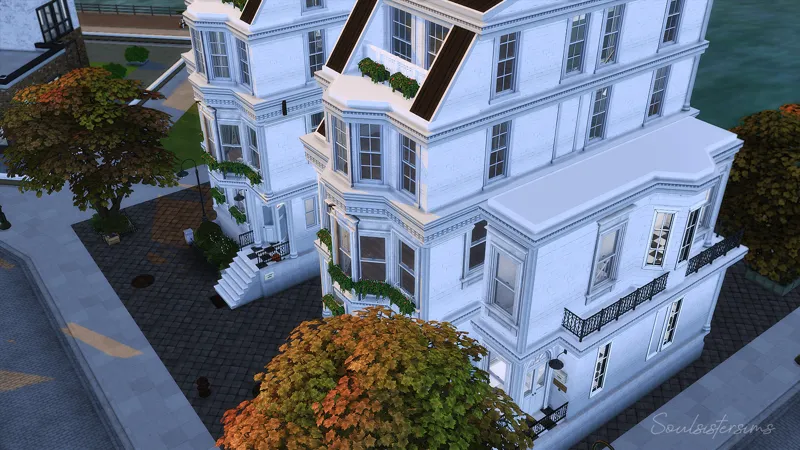
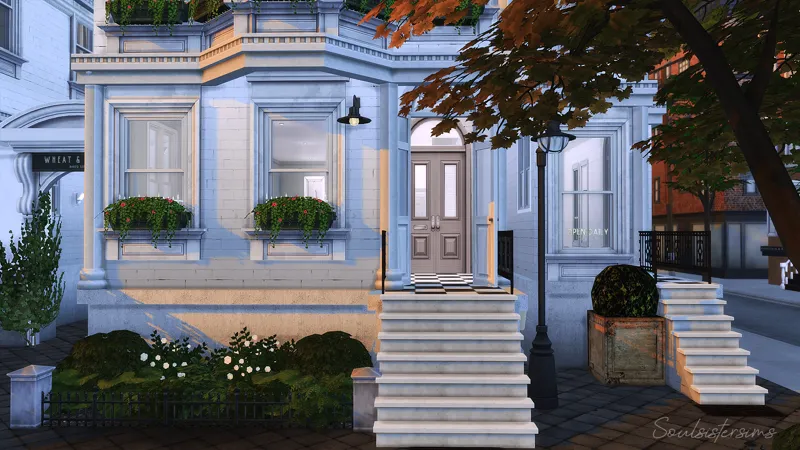
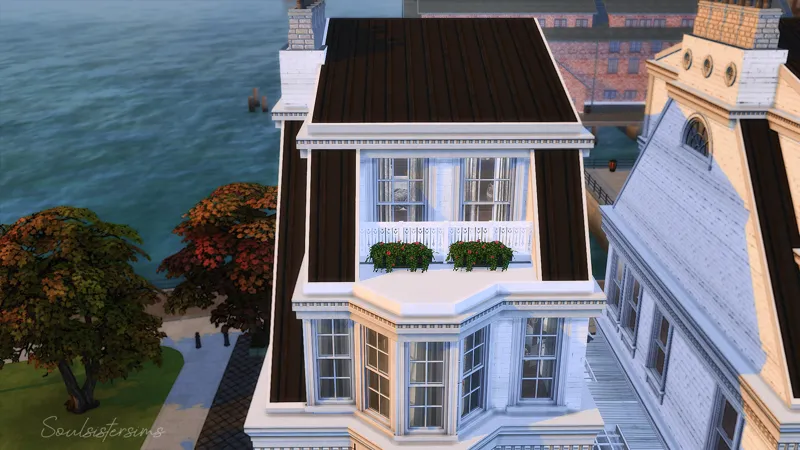
These are 2 exact same townhouses but only the left one is fully furnished. With the other and the mini townhouse on the far right you can do whatever you want.
I left it unfurnished to reduce the height of the gigabytes, which I did not necessarily succeed...laugh.
I also saved the unfurnished version if that interests you more.
Packs i used (furnished)
Packs i used (unfurnished)
San Myshuno | Waterside Warble
276.743
30x30
2 Bedrooms + 1 Kids Room + 1 Kids Play Room + 2 Bathrooms
Reshade i use : Tranquility Preset
Download the Mods Folder:
Thank you so much for your support.
If you have any questions, let me know.
Much love, Tara
How to use Tray Files:
1. Download & unzip the .zip file below
2. Copy the files contained within this folder into the Tray Folder (C:\Users\*YourUsername*\Documents\Electronic Arts\The Sims 4\Tray)
3. Launch your game
4. Load the lot you wish to place the build in
5. Enable bb.moveobjects
6. Open the in game library
7. Check "enable custom content" in the advanced section located on the left hand side at the bottom of the filter options
8. Locate the build and place
Comments (2)
my sims wont eat and i keep getting an animation error while living on this lot. Any thoughts on how to fix it?
Im sorry for your problems.The house is from 2021 and since then a lot has changed in the game due to the numerous updates and new packs. You can try deleting the house, patching the mods with S4Studio and then adding it back into your game. Or just replace the stove or whatever the interaction reports as an error. Unfortunately I can't say more about it :(