
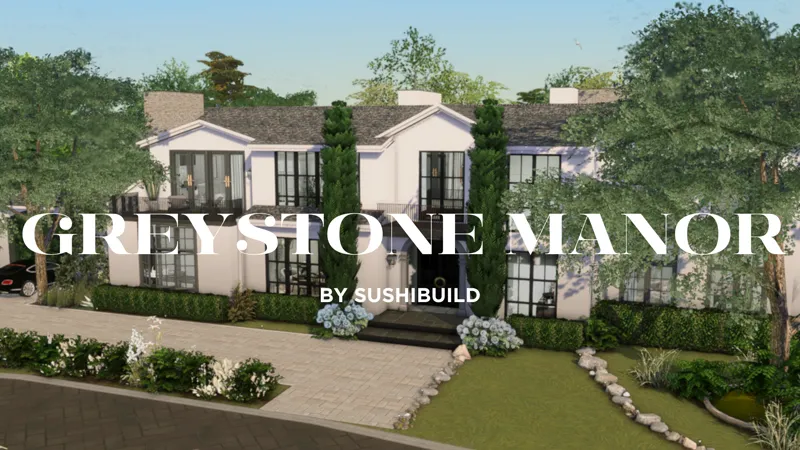






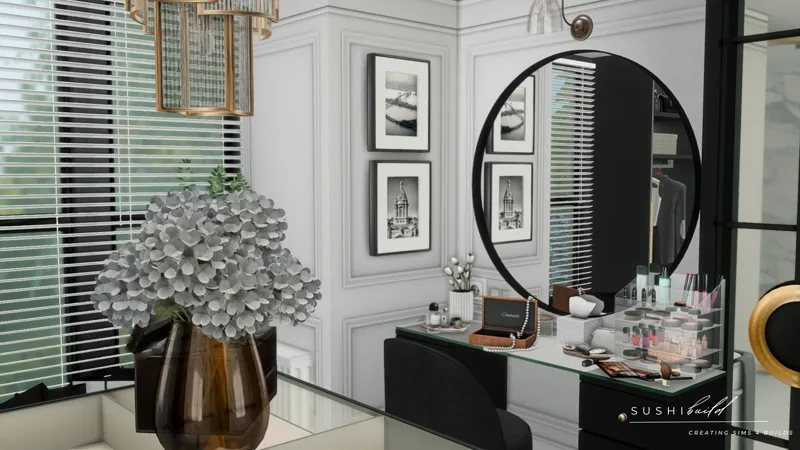
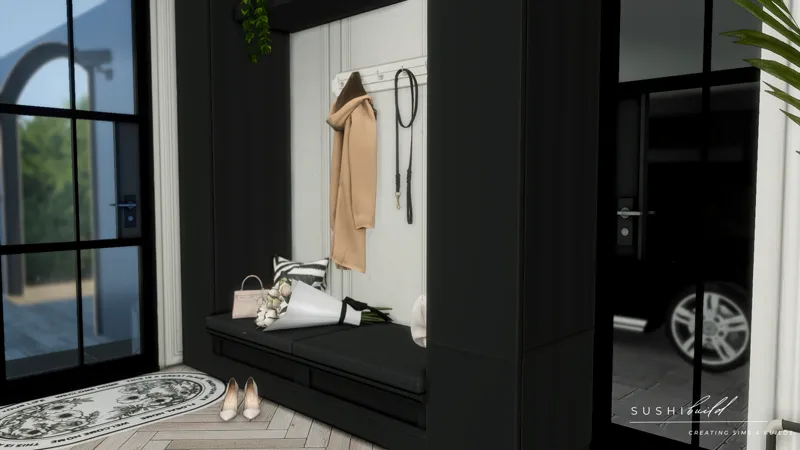


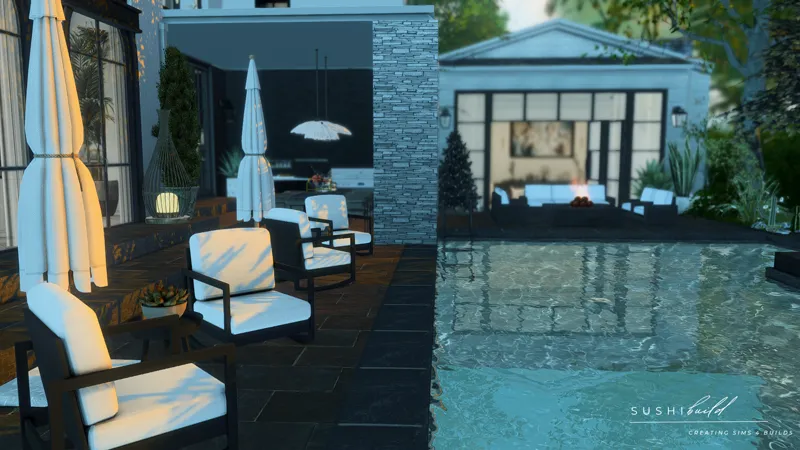
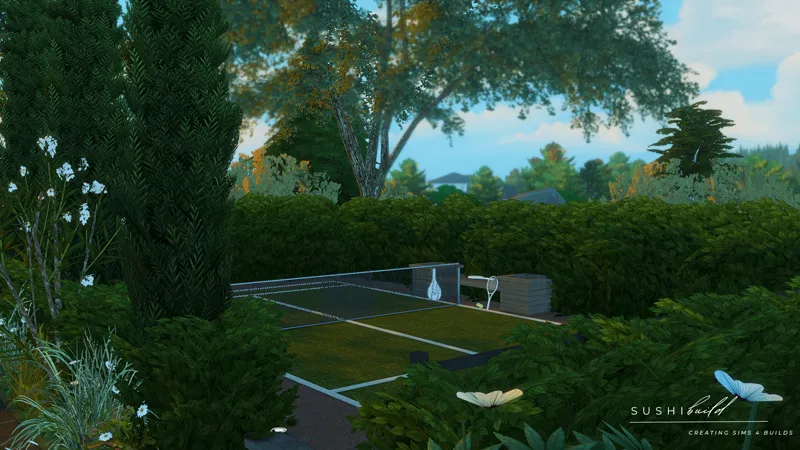

December Exclusive Build - Greystone Manor
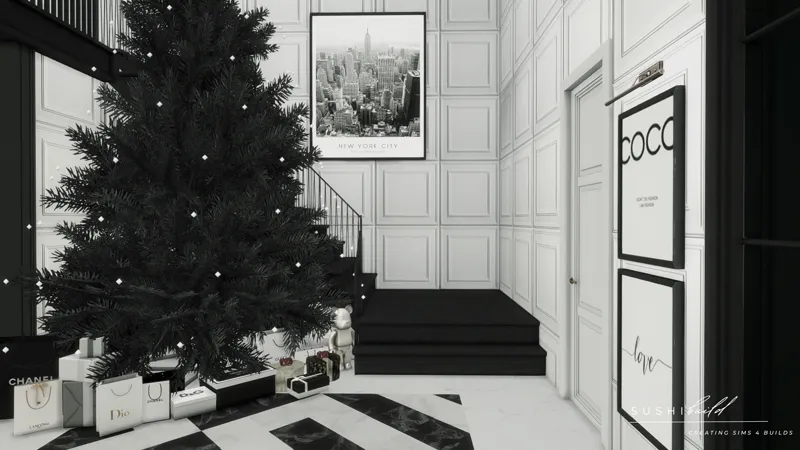
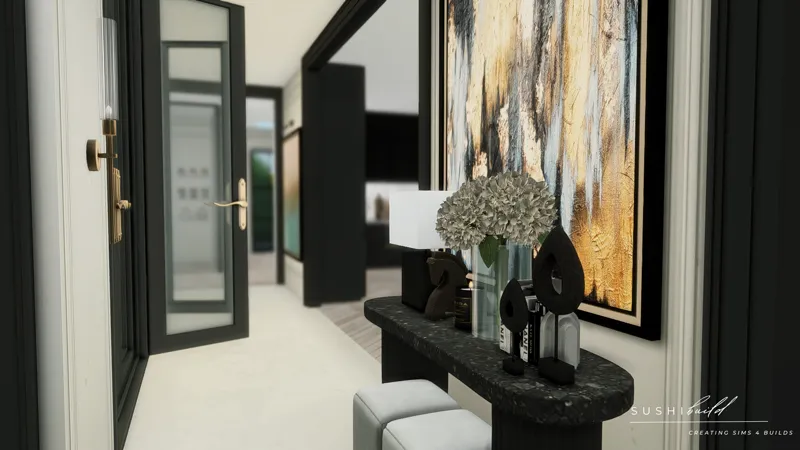
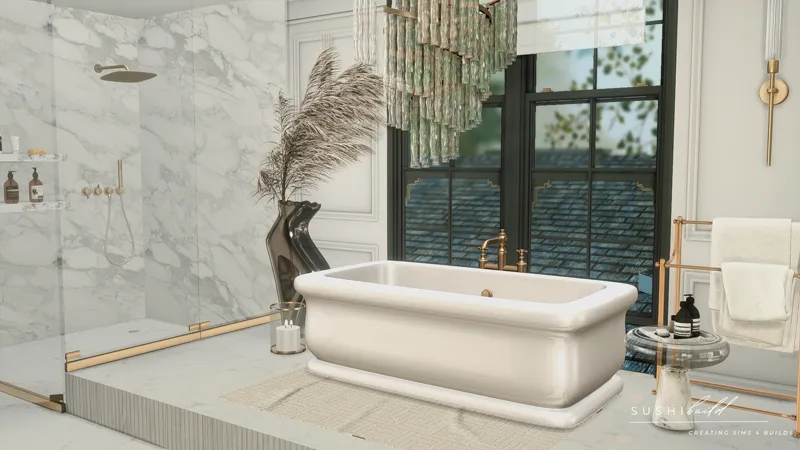
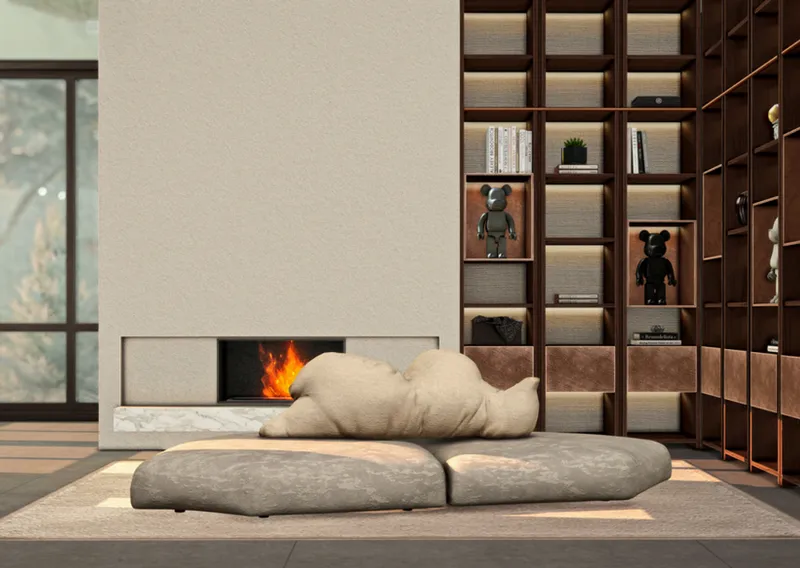
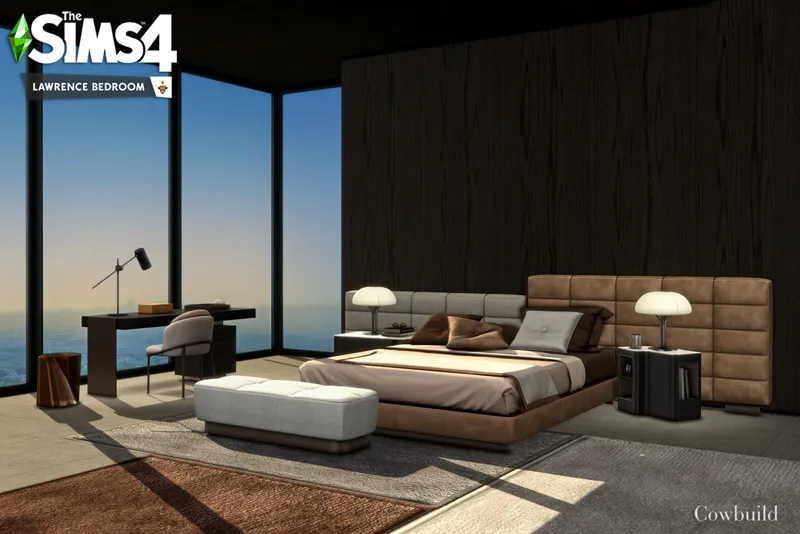
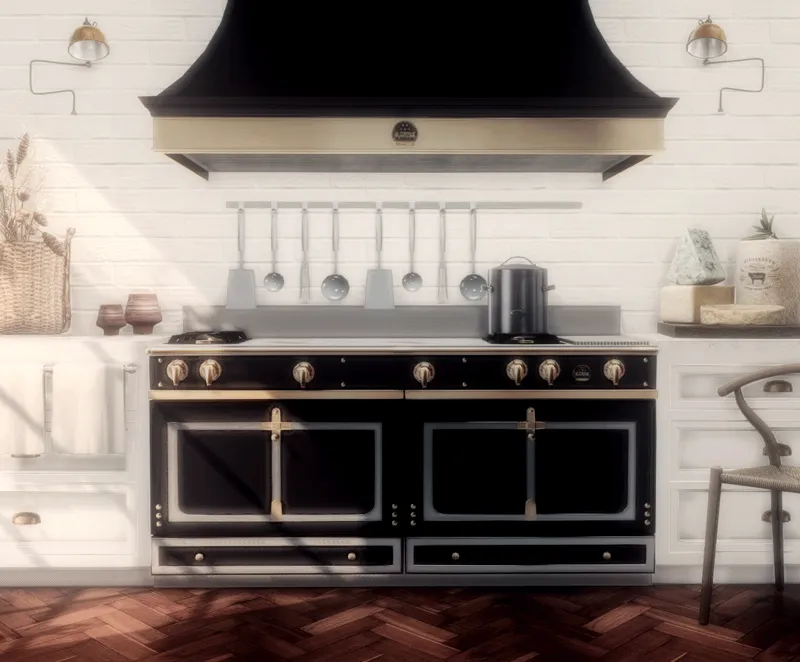
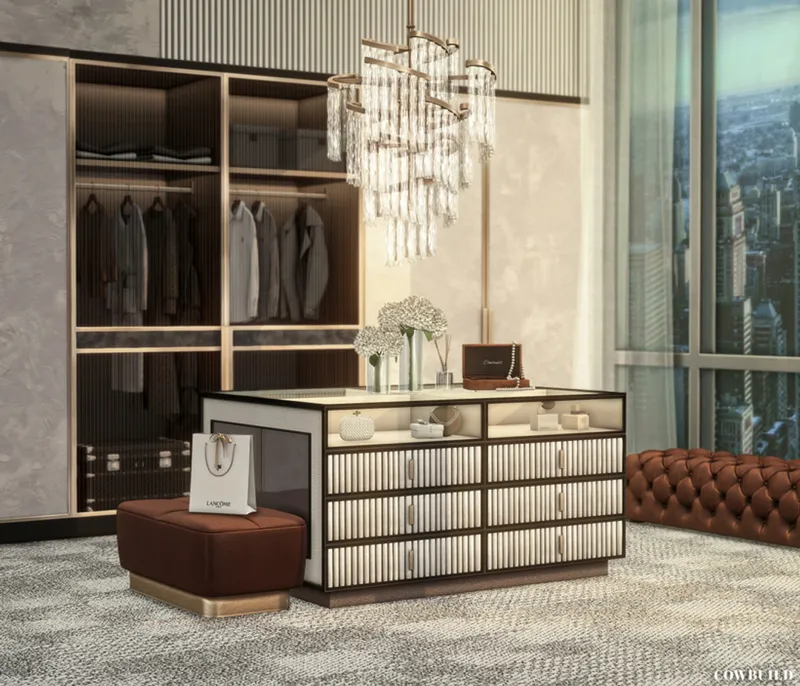
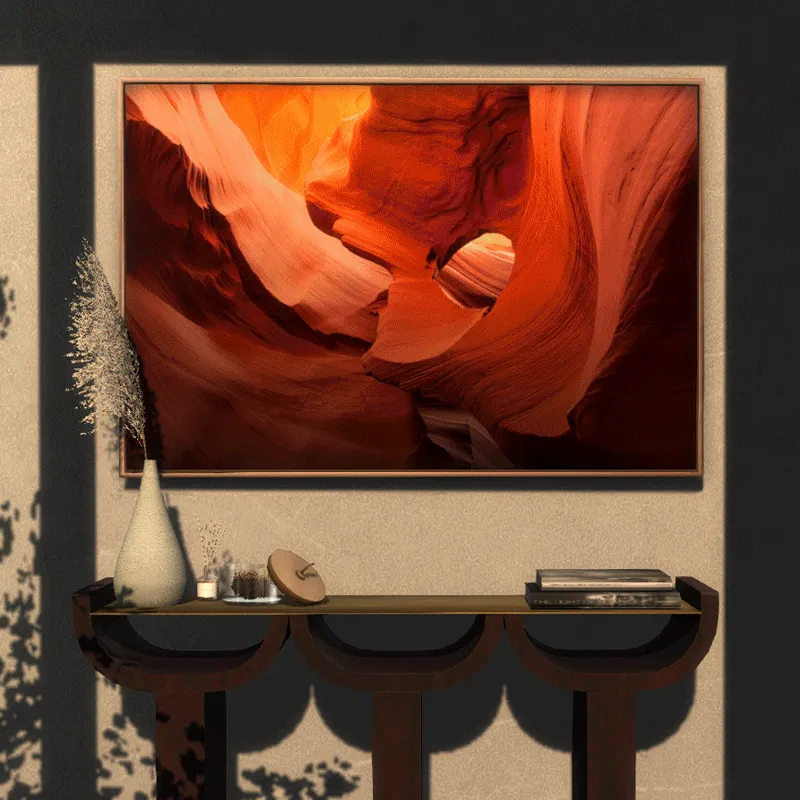
This is a modern classic luxury home, beautifully designed in black, white, and accented with gold. It features spacious areas, with the highlight being a Christmas tree placed in the open two-story staircase hall, perfectly ready for the upcoming holiday season. The home offers a variety of amenities, including a swimming pool, tennis court, guest house, barbecue area, outdoor dining table, bar area, and so much more. Celebrate the holidays and everyday living in unparalleled luxury!✨
Home Tour HERE
40 x 40 Lot in Brindleton Bay
Fully Furnished
4 Bedrooms (Master bedroom - Walk-in closet- Master bathroom , 1 kids room , 1 Teenager room , 1 Guest room ) & 4 Bathrooms
Guest House
2 Living Room , Dining room , Breakfast Area, Home office , Home Gym , Laundry room
Outdoor Pool , Outdoor Cooking, Living spaces Butler’s room and 2 Car Garage
Tennis court only deco
Packs used: Discover University, Get Together, Vampires and Laundry Day.
Don’t worry if you’re missing a few of these packs — while some items or CC might not appear, your Sims will still be able to live comfortably and enjoy the home as usual
Required pack: Laundry Day is required for the washing machine
✅ Tested with the newest patch— fully functional! ✅
❗PLEASE READ ALL THE DETAIL❗
This house has 2 versions. You will receive both versions.
The first version is exactly as shown in the pictures.
The second version keeps the main structure of the house unchanged but removes some unusable decorative items to reduce the chances of game crashes. This version is designed for players with laptops or those with lower-spec computers.
Grab the tray files HERE
Or become a member to receive this build by subscribing to the Salmon Roll Tier or the All You Can Eat Tier. you'll receive a download link in your private message box.
I’m usually on standby and ready at all times. Once you subscribe, you’ll receive the download link in your private message inbox within 5 minutes. If you wait longer than that, it means I wasn’t actively on standby. I’ll make sure to get back to you as fast as possible.
Your support is deeply appreciated, Thank you so much!♡
Download CC 20/05/2025
Required Free CC : Light X X X X BearBrick X Rug X Hood X Closet X Photo X Deco X X X X X
• For members who have successfully renewed their subscription for this month, I have already sent the download link for this house to your private messages.
• Existing members who have not yet reached their billing cycle for this month will receive the download link once their renewal for this month is completed.
Just a quick note:
If you're ever unsure about what’s included in each membership tier, you can always check the details on the membership page — or feel free to reach out anytime, I’m happy to help!💛 once the download link has been sent, we're not able to make any changes, so please make sure everything looks good beforehand.
This build is thoroughly playtested before release, but if you ever run into any issues, please don’t hesitate to reach out. I’ll do my best to help resolve them!
If you're new to CC or if you've never downloaded a house with CC before, don't worry! I have a step-by-step guide to help you install it and I'm happy to help you anytime if you encounter any issues with the house installation.
*Do not re-upload my builds and claim them as your own. Do not use my builds as a base to create another and upload them*
♡A huge thanks to the talented creators whose amazing CC transformed this house into a stunning space!♡
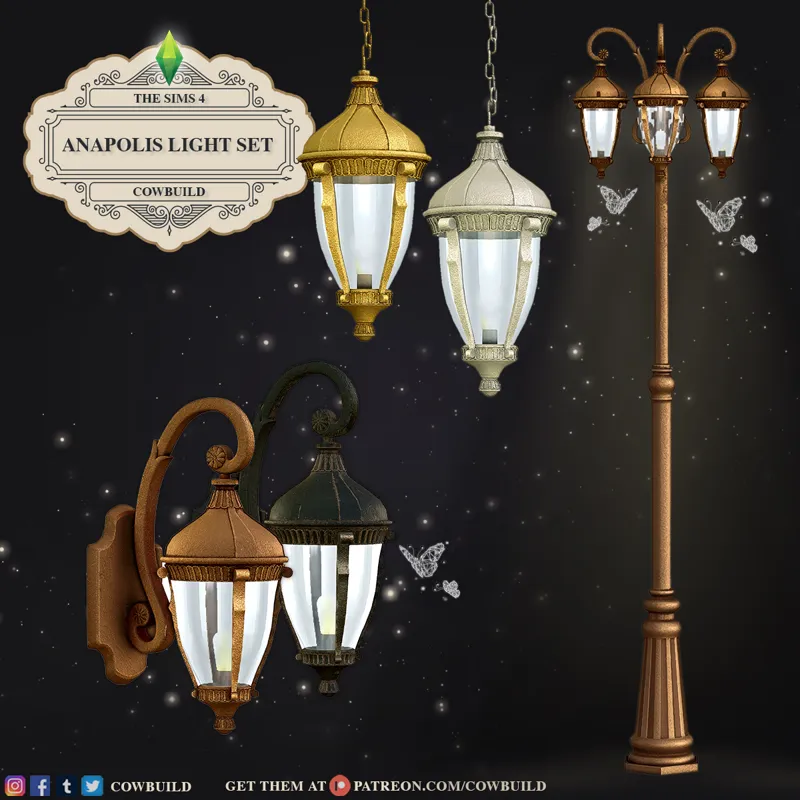
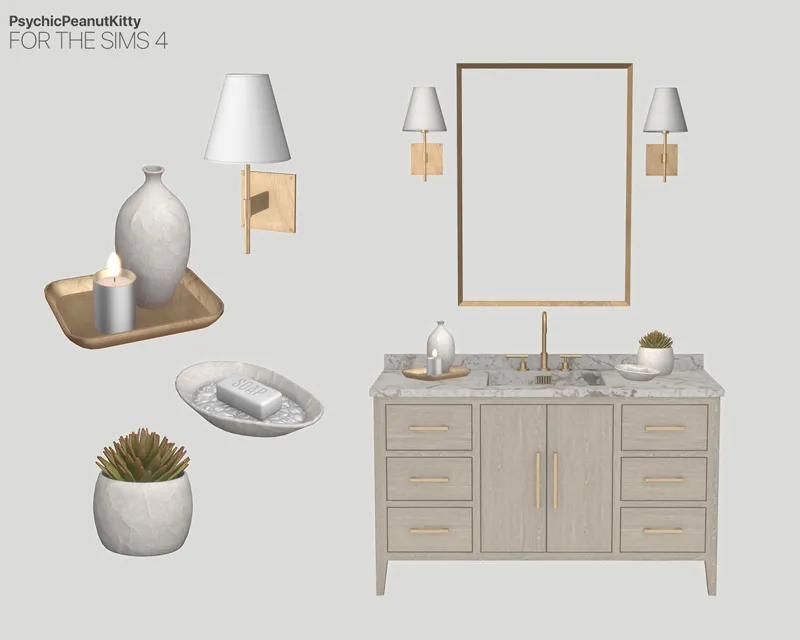
CC Credits : Mxims , Novvvas , sundays , PsychicPeanutkitty , Anye-pinkbox , cowbuild , Leo-sims , simspirationbuild , peacemaker , sanoysims , simmerkate , winner9, Hydra and many many more
Terms of use // TOU By using my Build/Design, downloading, or otherwise accessing SUSHIBUILD, you acknowledge that you have read, understood, and agree to these Terms of Use.


Comments (92)
hi the cc download link isn't working can you send it in direct message or one here please
hi the cc download link wasnt working can you send it through direct message
Hi love! 🤍 Thank you so much for letting me know, and I’m so sorry you’re having trouble with the Greystone Manor CC download. I’ve just uploaded the CC files again and sent you a new WeTransfer link in a private message. Hopefully this one works smoothly for you! If you’re using Safari and it still doesn’t start downloading, you can also try opening the link in Google Chrome, as WeTransfer can sometimes have issues with Safari, especially with larger files. Thank you so much for your patience and for becoming a member so you could reach out to me! 🥺🤍
is this still functional? just want to know before purchasing
Hi love 🤍 As far as I've checked on my end after the latest update, this house is still working normally and should be fully functional in-game
So pretty may I have this one thank you
Hi! Cream De Ville. Thank you so much for your support. I’ve sent the download link to your private message — I hope you’ll love it!🤍🤍
this is beautiful but 8gb is insaneeee
why doesn't the cc appear when I place the house ?
Hi! Lama Alharthi Thank you so much for your support 🤍 May I kindly ask if you’ve already installed the CC you downloaded into your game’s Mods folder, and enabled CC in your game settings yet? If you’d like a step-by-step guide on how to install the house, feel free to let me know anytime—I’m happy to help!
Hi.I just download the Graystone Maner and all the cc but when i put it in my game the house is empty and instead of windows i have this question marks.Please help
Thank you so much for the info, love! It sounds like the issue might be that some of the missing CC are from a different version than the one used for this build. When you placed the CC into your Mods folder, did a message pop up saying there were duplicate files? If it did, make sure to click “Replace” instead of “Skip” — that helps ensure everything matches exactly with the versions saved in the Tray files for this home. If you don’t mind, try reinstalling the CC again just to be sure 🥰 If the issue still happens, feel free to let me know anytime so I can help you further! 💖
Hello i purchase your stunning build can i get the link lease and thank you
Hi! Angela London💕 Thank you so, so much for your support — it truly means the world to me! Once your purchase is complete, you can download the home right from the shop page of that build. Just head over to the shop, open the page for the home, scroll down, and click “View Files.” You’ll then see the button to download the Tray files — it should look just like in the picture! Here’s the link for the example image: https://imgur.com/a/mkSWva3 If you need any help at all, please don’t hesitate to reach out. I’m always happy to assist! ✨🤍
Hey its not letting me download the cc 20/05/2025 link for some reason, can you send me the link please.
Hi! Ashka💕 I’m so sorry for the late reply, and thank you so much for letting me know! Could you share a bit more about the issue you’re seeing with WeTransfer? I just checked the download link for Greystone Manor CC (20/05/2025) on my side, and it’s still working perfectly. If you’re using Google Chrome, sometimes it helps to try another browser, like Microsoft Edge. Also, if the page looks like this: https://i.postimg.cc/JhDtFL9J/1.png , you’ll just need to accept or decline cookies first—then the download button should appear. If you’ve tried all of the above and still can’t access the download, no worries! You can use the backup link simply copy and paste this link directly into your browser. https://drive.usercontent.google.com/download?id=1LLFbPlMHOZiYsgp8262nav8wlBh3-Is4&export=download (These backup links are hosted on Google Drive, so they might reach their download limit. If possible, please try to use the main links first 🌷) I’m really sorry for any inconvenience, and I truly appreciate your patience and support! 💛
Link please! This is beautiful, i just joined!
Hi! Josie Lynn . Thank you so much for your kind words — I’m really glad you love this build. I’ve sent the download link to your private messages — feel free to check it anytime. Hope you enjoy it!😊
Hello! Can I have the link please? (salmon)
Hi there! 💛 Thank you so much for loving this build — it truly means a lot to me! As a Salmon Tier member for July, you’ve already received the download link for The Elowen in your private inbox. For this month, if you’d like access to any exclusive builds from previous months, you’ll need to upgrade your membership to the Salmon Roll Tier — this allows you to choose one past exclusive build. Or, if you’d love to dive into every exclusive build I’ve ever released, the All You Can Eat Tier gives you full access to all of them. If you’re unsure about anything or have any questions, feel free to reach out anytime! 😊
ı love it <3 link pls
Hi! Açela. Thank you, that means a lot! 💕 I’ve sent the download link to your private messages — feel free to check it anytime. Hope you enjoy the build! 😊
Hi bought the build, moved cc to mods and tray to tray files. the build shows up in my gallery and when i load it in build mode but after i place it and try to back out it gives me a 10 min load screen and i come back to the house not being placed in the world. This is the only build its done this with.
Hi! Thank you so much for your support—it really means a lot 💛I’m so sorry you’re running into this issue. It sounds frustrating, but don’t worry—I’ll help walk you through how to fix it! I haven’t personally experienced the issue where a house disappears after placing it and returning to the map, so I don’t have a direct fix for it—and I truly apologize for that. But I’ll do my very best to help you figure it out. Based on what you’ve described, this issue is usually caused by one of the following: ✅ Checklist to Fix the Issue 1. Clear Your Game Cache Sometimes leftover cache files can cause long loading times or prevent lots from saving properly. How to clear it: • Close the game completely. • Go to: Documents > Electronic Arts > The Sims 4 • Delete these files: localthumbcache.package , Everything inside the cache, cachestr, and onlinethumbnailcache folders (if they exist). • Restart the game and try placing the lot again. 2. Broken or Corrupted CC After placing the house, please check the CC items inside before returning to the map screen. Look out for any CC that appears to be broken—such as items showing up with a rainbow texture or a question mark (?). If you find any, please remove those CC items before going back to the map. Fix: • Temporarily remove the CC folder used for the build. If it works fine, that means some CC items may be causing the issue. •Reintroduce the CC in small batches (using the 50/50 method) to find which one is broken. 3. Too Much CC or System Overload If the lot is very detailed or includes a lot of high-poly CC, it can overload some systems—especially if you have low RAM or an older CPU. Fixes: • Close other background apps before launching the game. • Try placing the lot in a new, empty save file to test. • Try placing the lot again with "Unfurnished", then go back to the map view to see if it still takes a long time to load. If you're able to return to the map and the house is still there, that’s a good sign! You can then try placing the lot again with "Furnished", and remove any unnecessary CC items from the house afterward. • If you're on a laptop, make sure the game is using your dedicated graphics card (not integrated graphics). • Remove some decorative CC items in the build to reduce strain. • Lower your graphics settings temporarily before placing the house: Set Graphics to Medium or Low , Turn off Laptop Mode if it’s enabled 4. Script Mod Conflict If you're using other mods (especially script/gameplay mods), they may be outdated—especially if there was a patch update in the past few days. Some mods need to be updated to be compatible with the newest patch. Fix: • Move your entire Mods folder out of the game folder temporarily, leaving just the Tray files. • Try placing the lot again. • If it works, slowly re-add the CC used for the build—but avoid putting back outdated gameplay mods until they’re updated. If it’s still not working, feel free to send me a bit more info: - Are you on Mac or PC? - Are there any mods you’re using along with the CC? I’ll be happy to help you troubleshoot further💛
how do i buy this build ?
Hi! Erin. Thank you so much for loving this build 🥰 You can grab the tray files for Greystone Manor directly from the shop page. Or for quicker access, you can simply copy and paste this link: https://www.patreon.com/sushibuild/shop/greystone-manor-40x40-tray-flies-789564?utm_medium=clipboard_copy&utm_source=copyLink&utm_campaign=productshare_creator&utm_content=join_link It’ll take you straight to the shop page for this house. Thank you again for your support! 🤍
Thank you. Beautiful house and pairs perfectly with my sims and their storyline 😍
Aww, thank you so much! I'm so happy to hear that it fits your Sims and their story 🥰 That means a lot!
Hello, I downloaded and paid for this house yesterday but struggling to load it in my game with all of the CC I'm just getting the house empty but have followed the steps. please could you help me :)
Hi! Chole. Thank you so much for your support and for purchasing the house — it truly means a lot to me. It looks like there might be a small issue with the CC installation. I’ve sent the installation guide to you in a direct message, so feel free to take a look whenever you have a moment. If you need anything or have any questions, I’m just a message away!😊
can I have the tray file please
Hi Shelby Campos! Subscribing to the Salmon Roll tier grants you a download link for the Tray files, delivered straight to your private message inbox. Alternatively, you can purchase the Tray files from the shop. Once your purchase is processed, you'll instantly gain access to the download link. Thank you for your support!💗
Hi^^ I just subscribed, can I have the tray files for this house please?
Hi Sofia! By subscribing to the Salmon Roll tier, you'll receive a download link for the Tray files directly in your private message inbox. Alternatively, you can purchase the Tray files directly from the shop. Once your subscription or purchase is complete, you'll have immediate access to the download link. Thank you for your support!💗
hi, i bought a house but i only have a tray folder, where can i download сс content?
Hi! Zhansaya Maikenova. I truly appreciate your support! You can find and download the CC right from the main information page of the house. Hope you love it!
Hi! So I paid for this build, I downloaded all of the cc plus the tray files but every time I try to put it in game, it has over 150 items missing...
Hi! Tramon. First of all, thank you so much for your support! I’m really sorry you’re running into this issue. The total CC used in this house is around 9GB. If you tried to download it and encountered this situation, as shown in the image https://imgur.com/a/JNwkrNa , it’s likely that Google Drive split the files into four sections, which may have caused some CC to go missing. To fix this, I’ve compiled all the files into a single ZIP to ensure nothing gets separated. You can download the updated ZIP file here: https://drive.usercontent.google.com/download?id=1syRY3ViN4C_NdI9IewsDTteP4OPn5zK9&export=download I truly appreciate your patience, and I’m so sorry for any trouble this may have caused. If you need any help, don’t hesitate to reach out—I’m happy to assist!
Hello! Can I get the download link please? :)
Hi Kaylie! By subscribing to the Salmon Roll tier, you'll receive a download link for the Tray files directly in your private message inbox. Alternatively, you can purchase the Tray files directly from the shop. Once your subscription or purchase is complete, you'll have immediate access to the download link. Thank you for your support!😊
Hello i just subscribed to your page and i wanted to know can i request the file for this build please
Hi! Tiffany. Thank you so much for your support. If you’d like to get this house, you can either join the Salmon Roll tier or simply purchase it directly from the shop😊
good evening I just joined the tier and am looking to request the tray folder for this amazing build
Hi! Jlipz Da Don, Thank you so much for your kind words and for subscribing! Kindly check your private message inbox, and you'll find the message I sent. 🥰
Hello I couldn't find the house on the gallery how can I place that?
Hello, Paola! Thank you so much for your purchase! Your support truly means the world to me. 💗 To install your new house, please follow these steps: 1. Extract the Files - Double-click the .zip file you downloaded. - Inside, you’ll find the Tray files and Mods folders. 2. Move Files to the Correct Folders - Place .tray files in: 📂 Documents > Electronic Arts > The Sims 4 > Tray - Place .package files in: 📂 Documents > Electronic Arts > The Sims 4 > Mods 3. Enable Mods in the Game - Open The Sims 4 and go to Game Options > Other. - Enable Custom Content & Mods and Script Mods, then restart the game. 4. Load the House Before placing the house, go to the lot where you want it to be. This can help reduce the chances of the game crashing. - Open the cheat console (Ctrl + Shift + C), type bb.moveobjects on, and press Enter. - Open the Gallery in Build Mode and check the "Include Custom Content" box. Your house should appear there. If you’ve followed these steps but still don’t see the house, the files may not have been installed correctly. Feel free to send me a private message—I’ll be happy to guide you step by step! 😊
ive sent a private dm would appreciate if you could get back to me
Hi! Lewis. I’ve already replied to your message. Please let me know if you didn’t receive it or if there’s anything else I can help with!
Hi! Im having trouble finding the link for the Greystone Manor to my sims!
Hi! Jocelin Cruz Hernandez. Once you’ve completed your purchase in the shop, click on the house, scroll down, and select “View Files.” You’ll then see the button to download the Tray files. If you need any help, feel free to ask—I’m happy to assist!💗
Hey! I just subscribed, could I possibly have the tray files?
Hi! Kareen, Thank you so much for subscribing. kindly check your private message inbox, and you'll find the message I sent.🤍
can you send me the tray files please?
Hello, Adriely! By subscribing to the Salmon Roll tier, you'll receive a download link for the Tray files directly in your private message inbox. Alternatively, you can purchase the Tray files directly from the shop. Once your subscription or purchase is complete, you'll have immediate access to the download link. Thank you for your support!😊
can i have the tray files please
nevermind found the buy shop
could you send me the tray files
Hi! Kiana. I already sent you the download link. Please check your inbox and you will find the download link there.💖
All the cc files are corrupt, not allowing me to start my game.
Hello! I’m so sorry you’re dealing with this issue. Could you let me know exactly what the error says? If the game isn’t starting, does it mention the name of the CC that might be causing the problem? You could try removing that specific piece of CC and then deleting the localthumbcache.package file, which you’ll find in Documents > Electronic Arts > The Sims 4. After that, open the EA app or stream, right-click on The Sims 4, and select Repair Game. Once you’ve done that, give the game another try—hopefully, that will solve it! Let me know how it goes, and I’m here to help if you need anything else.
could you please message me the link <3
Hi! Frida, This build is exclusive for Salmon Tier / Salmon roll tier. You will receive Greystone Manor. As soon as you subscribe, I will send the download link to you via direct message immediately.💗
Hello, I paid for the Salmon Tier. Can I have the link Please.
Hi! SimsIsMyHappyPlace, Thank you so much for subscribing. kindly check your private message inbox, and you'll find the message I sent.🤍
I downloaded the cc files and everything. just to let you know my sims were playing just fine then it started to give me an error basically saying the cc in the file is broken.
Hello! Paradise. Sorry to hear that you’re encountering issues. Could you let me know which CC is broken? If you can describe what it shows or how it’s not working, I’ll be able to help you more accurately.
I just purchased the salmon roll tier!
Hi! heaven allen. Thank you so much for subscribing. I already sent you the download link. Please check your inbox and you will find the download link there.💖
Hi, I purchased the tray files and downloaded the cc. Where do I find the house in the game?
Hello! Lydia. Thank you so much for your purchase. Your support means a lot to me💗 Once the files are properly installed: 1. Open your game and enter Build/Buy Mode. 2. Turn on custom content in the Gallery. You will find the house there. For house placement, I recommend going to the area where you want to place the house first, then placing the house. This method can help reduce the chances of the game crashing. If you’ve followed these steps but still don’t see the house in your Gallery, it’s possible that the files weren’t installed correctly. Please send me a private message, and I will guide you step-by-step on how to install the house files.
hi ca i have the link please
Hi! Eriny, This build is exclusive for Salmon Tier / Salmon roll tier. You will receive Greystone Manor. As soon as you subscribe, I will send the download link to you via direct message immediately.💗
Ok I will subscribe now and can I have the other link as well for the other house please
Hello! Stacey. As a Salmon Tier member, you’ll receive the exclusive December build, Greystone Manor. If you’re looking for other beautiful homes like The Pinehurst Estate (the exclusive November build), you can upgrade to the Salmon Roll Tier to access them.🥰
Good evening may i get the link as well please
Hello! Nicale. The download link for the home you selected has been sent to you. Please kindly check your private messages. Thank you!💖
could you please message me the link <3
Hi! Makala, Thank you so much for subscribing. I already sent you the download link. Please check your inbox and you will find the download link there.💖
Hi, I didn't receive the link. Thanks!
Hi! icherelyn, kindly check your private message inbox, and you'll find the message I sent.🤍
In love with the design of this house. Everything is perfect!!!! You’re amazing.
So happy you love it. Thank you so much!
link plis
Hi! Cassio, kindly check your private message inbox, and you'll find the message I sent.🤍
The moment I saw it, I hit subscribe instantly! I can’t wait to see this house in my game.
I’m so excited for you to see it in your game! Thanks for subscribing!🥰
So so so so so excited <3
Your excitement just made my day!🤍
Your designs have always been absolutely stunning!!!😍😍😍
Thank you! Your feedback always makes my work feel so much more rewarding. I’m really happy you like it!
Why do you charge for other cc that isn’t yours and is free?
Hello, you’ve misunderstood. I don’t charge for the CC. I charge for the tray files. Tray files include the house design layout and furniture arrangement for this home. You can download the CC for free by clicking the download link in the post😊