
JayESims x Jaye Hinson Presents: Ancestor Check-In - OCCULT MOD - MODS FOR ALL PROGRAM
✅ UPDATED & COMPATIBLE
This mod is currently up to date and compatible with the latest Sims 4 patch: PC 1.126.78.1020 / Mac 1.126.78.1220, released August 6, 2026.
Last Compatibility Check: August 9, 2026
Please make sure your game is fully updated and that any required dependencies are also using their latest versions.
As always, delete older versions of the mod before installing an updated file and remove localthumbcache.package after replacing mods.
If you experience an issue, please test with only this mod and its required dependencies installed before reporting it.
The first occult-style mod in the JayESims Media Collection is officially here.
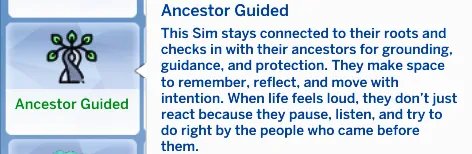
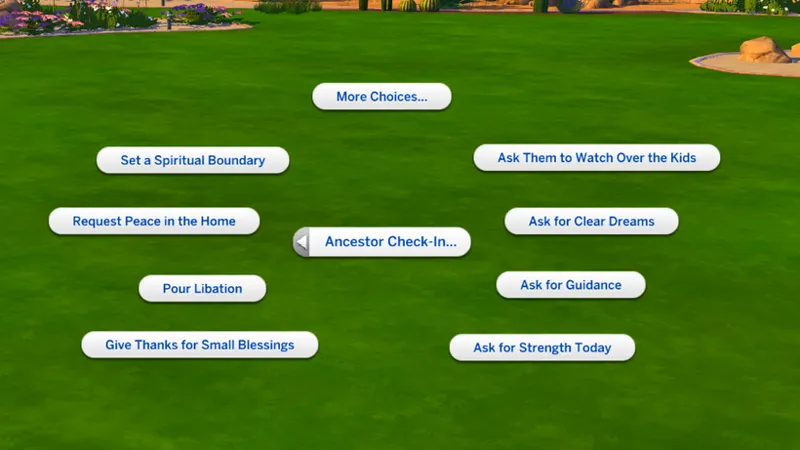
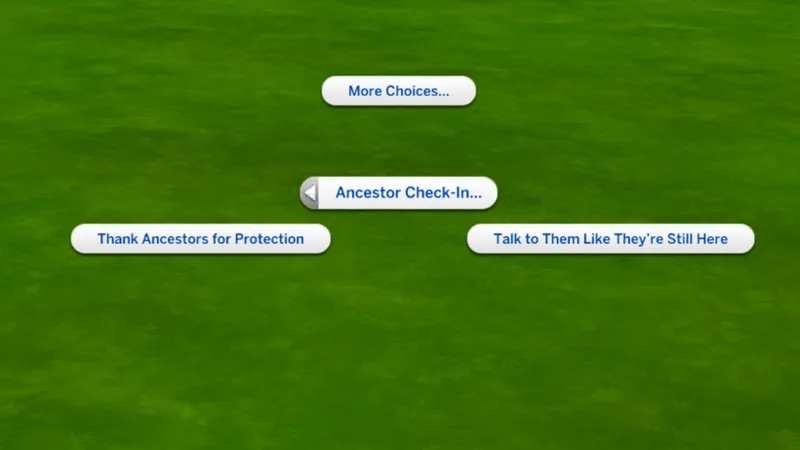
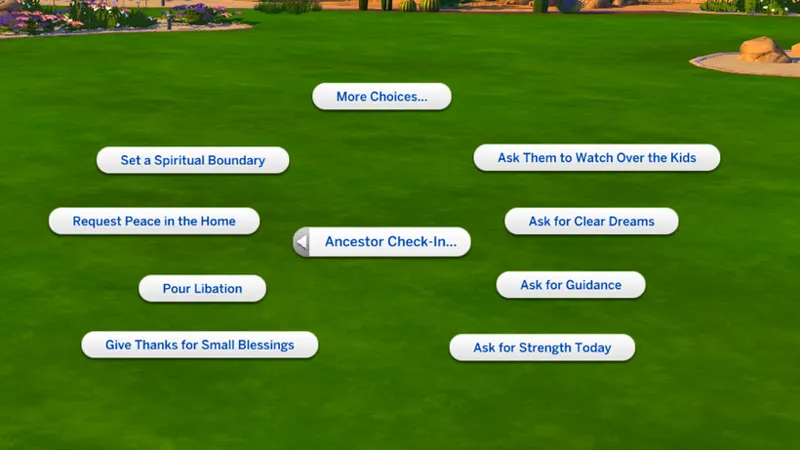
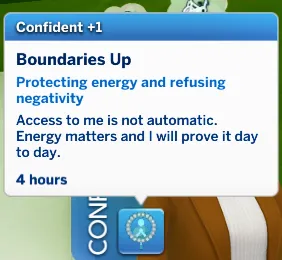
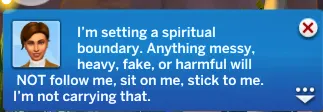
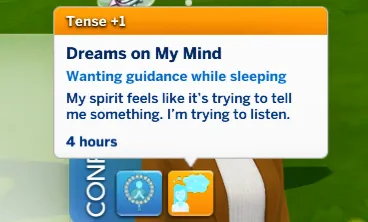
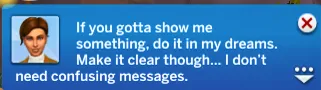
Ancestor Check-In is for Sims who stay connected to their roots, their people, and the energy around them. This trait brings in grounding, protection, guidance, spiritual boundaries, dreams, gratitude, and that feeling of needing to pause and check in with the ones who came before you.
This is not a big flashy magic mod. This is more personal. More spiritual. More intentional.
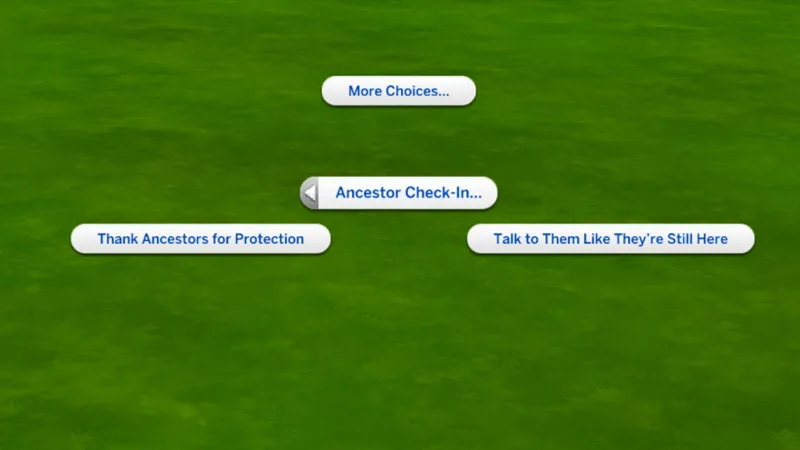
MUST CLICK ON SIM FOR ACTIONS TO SHOW AND SIM MUST HAVE TRAIT.
Included:
This mod is for Sims who don’t just move through life randomly. They listen. They feel. They ask for signs. They protect their peace. And when life gets loud, they check in spiritually before reacting.
Now available for the Mod Haus Family.
CONNECT WITH JAYESIMS X Jaye Hinson
Stay connected outside Patreon.
Baby Lab Name Generator - JayESims Baby Name Lab | Baby Name Generator, Birth Certificates & Sims Storytelling Tool
https://discord.gg/NVXhzzXhaK Discord
Blog For Tips, CC Finds And How-To JayESims Mod Hub
CurseForge - JayESims's Profile - Member List - CurseForge
Tumblr - @jayexsims on Tumblr
Jaye Hinson Instagram - : https://www.instagram.com/jayehinson
TikTok: @Jay4Sims
FaceBook Mod Haus Group: Click Here
Pinterest: SimsJaye
Twitter/X: Click Here
YouTube: Click Here
JAYESIMS Instagram: Click Here
Twitch: Click Here
Spotify - Click here for MOD HAUS SPOTIFY PLAYLIST
SUPPORT ME.
make TikToks. debunk the rumors. troubleshoot and help those who have trouble. buy commissions. even pay for one month then cancel. it all helps. every single bit of support tells me it’s worth it to keep going.
🧩 If the XML Injector is not installed, certain interactions, buffs, and trait features will not appear or work as intended.
📥 You can download the XML Injector here (by Scumbumbo/Triplis):
https://scumbumbomods.com/xml-injector
Place it directly in your Mods folder (no more than one subfolder deep).
⚠️ Important Installation Rule
Each mod comes in two versions:
User‑Directed Version
Autonomous Version
You must choose ONE version only.
Do NOT place both versions in your Mods folder at the same time.
Having both installed will cause conflicts, missing interactions, or unexpected behavior.
AUTO Version
“Auto” means the actions happen autonomously (without you controlling it).
Just like how Sims have a mind of their own.
So yes, you will usually NOT see pie menus for mods/files that you downloaded that say AUTO. That’s normal.
User Directed Version
“User Directed” means the actions are in your control.
Mods/files that say User Directed should show pie menus because you’re the one choosing the interactions.